
Why Is a Laptop Mobile Cart So Useful in the Office Environment? The Complete Use-Case Guide
Table of Contents
- What Makes a Laptop Mobile Cart Different from a Fixed Workstation?
- What Are the Ergonomic Benefits of Working at a Mobile Laptop Cart?
- Where Are Laptop Mobile Carts Most Useful? Six Office Environments
- What Should You Look for When Choosing a Laptop Mobile Cart?
- AFC Industries Laptop Cart Configurations
| QUICK ANSWER A laptop mobile cart is a mobile rolling workstation platform that holds a laptop computer, display, and accessories, allowing the user to take a complete working setup anywhere in an office without cable runs or fixed infrastructure. AFC Industries’ laptop carts are used in open-plan offices, training rooms, conference spaces, healthcare facilities, and hot-desk environments. Key advantages are untethered mobility, height adjustability for ergonomic use, reduced dependence on fixed cable infrastructure, and the ability to support multiple users across a shared environment without dedicated fixed workstations. |
Modern offices don’t work the way office furniture was designed for. Fixed desks with cable drops assume that every employee works in the same place every day, that presentations happen at fixed screens, that training rooms have a fixed front, and that a clinician’s workstation stays in one room while care is delivered in another. None of those assumptions hold across the range of environments that contemporary organisations actually operate in.
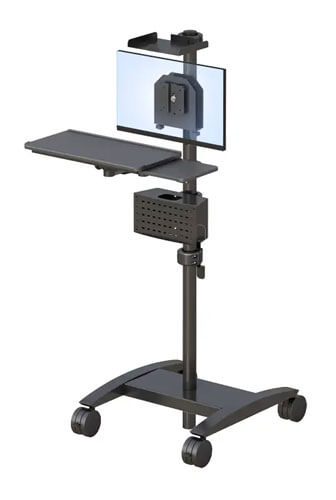
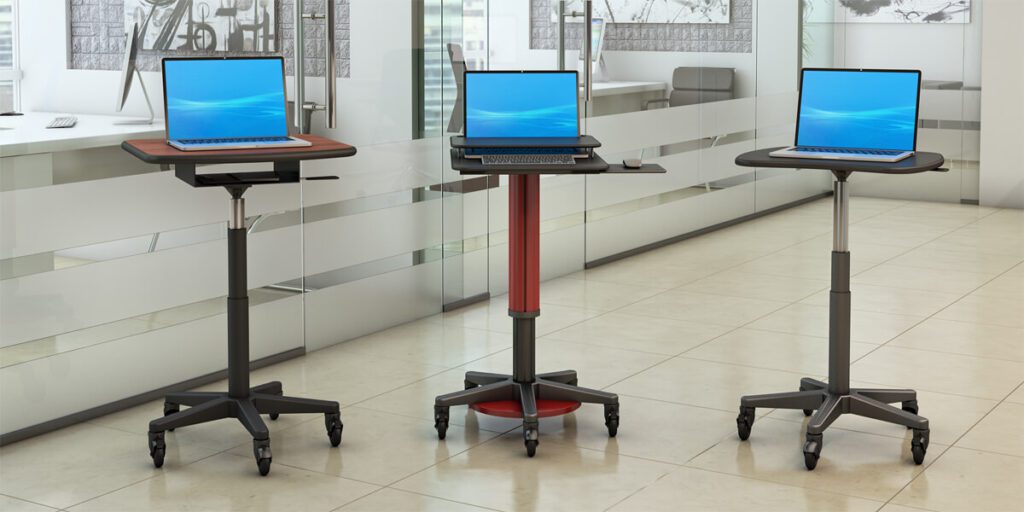
A laptop mobile cart is the direct answer to that gap. It is a rolling workstation platform — stable, height-adjustable, with integrated cable management and in some configurations a battery power supply — that moves the complete computing setup to wherever the work is happening. The person carries the work to the place. Or, more precisely, the cart does.
This article covers exactly why laptop mobile carts are so consistently useful across office environments: the ergonomic case, the productivity case, the specific environments where they are most impactful, and what to look for when choosing one. The audience is anyone making workstation decisions for a shared or multi-use office environment — office managers, facilities directors, corporate IT buyers, and anyone who has ever tried to run a meeting from a laptop balanced on a colleague’s desk.
What Makes a Laptop Mobile Cart Different from a Fixed Workstation?
The functional difference is simple and the implications are significant. A fixed workstation has one location, one height, and one cable run. It serves one user optimally and everyone else at a compromise. A laptop mobile cart has no fixed location, adjustable height, and cable management designed for movement. It can serve any user in any room at any time.
The modern office has three infrastructure problems that fixed workstations cannot solve. First, the space utilisation problem: meeting rooms, training areas, reception zones, and collaboration spaces all require computing access that is present intermittently rather than permanently. Installing fixed workstations in every such space is expensive and inefficient. A fleet of mobile carts covers all of them.
Second, the hybrid work flexibility problem: hot-desking and activity-based working mean that different people use the same physical space on different days for different tasks. A fixed workstation configured for one person’s height and working pattern is wrong for everyone else. A height-adjustable mobile cart reconfigures in seconds.
Third, the presentation and training mobility problem: presenters who need to move through a space — trainers covering a classroom, executives presenting to a board, clinicians walking a ward — need their computing platform to move with them. Fixed projector connections and cable drops anchor the presenter to one position. A laptop cart removes that constraint entirely.
See the full AFC Industries computer carts range for an overview of configurations suited to different office mobility requirements.
What Are the Ergonomic Benefits of Working at a Mobile Laptop Cart?
Working from a laptop on a desk surface — without a height-adjustable platform — is one of the most ergonomically compromised computing setups in a modern office. The laptop screen is too low, forcing sustained neck flexion. The keyboard is too close to the screen, meaning the user either looks down at the screen or types with arms extended. OSHA’s ergonomic workstation guidelines identify low display position as one of the primary contributors to neck and upper back musculoskeletal disorders in office workers.
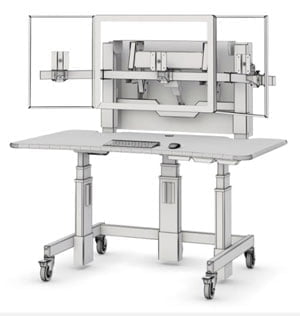
A laptop mobile cart with height-adjustable platform addresses both problems: the platform raises the laptop and screen to a working height matched to the user’s standing or seated elbow position, and an adjustable tray or shelf separates keyboard and screen where the configuration requires it. The result is a setup that satisfies the same ergonomic geometry that a properly configured fixed workstation would provide — but anywhere in the building.
For environments where the cart is used across multiple shifts or by multiple users — common in healthcare, education, and large-footprint corporate environments — height adjustability with preset or quick-release mechanisms makes reconfiguration between users practical rather than something that never gets done.
NIOSH guidance on reducing computer workstation-related musculoskeletal disorders covers the specific display height and keyboard position requirements that correctly specified mobile laptop carts address.
Where Are Laptop Mobile Carts Most Useful? Six Office Environments
The productivity gain from a laptop mobile cart depends heavily on the environment. The table below maps the six most common use cases, the specific need each represents, and the right cart configuration for each context. Most buyers who read this section will recognise their own situation in one or two of these rows.
| Environment | The Need | Right Cart Configuration |
|---|---|---|
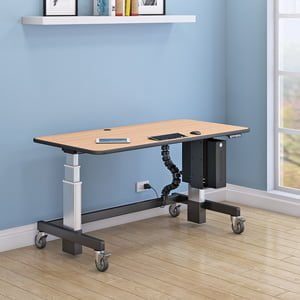
| Open-plan office | Present information during standing meetings, brainstorms, or anywhere on the floor without booking a meeting room | IntelliCart Desk or SmartCart Desk: stable platform, cable management, easily repositioned between desks |
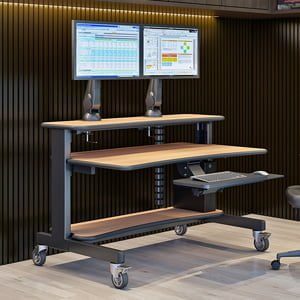
| Training rooms | Deliver training from a mobile station that moves with the trainer rather than requiring every attendee to face a fixed position | OmniBus Multi Level Desk: space for trainer’s reference materials alongside laptop and display |
| Conference rooms | Present from a mobile cart positioned for the room layout rather than constrained by fixed cable drops | Laptop Carts with height-adjustable platform to suit different room setups |
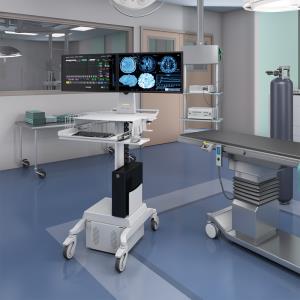
| Healthcare settings | Bedside documentation, medication round support, patient education | Battery Power Carts with UPS for room-to-room mobility without wall power dependency |
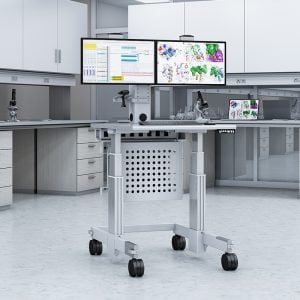
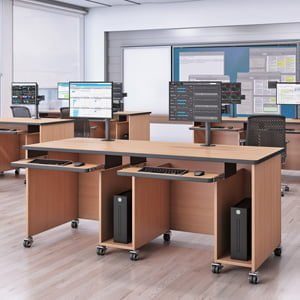
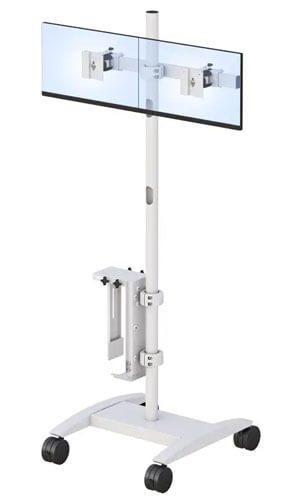
| Flexible/hot-desk environments | Provide a temporary full workstation setup for any employee at any desk without fixed equipment | Mobile Monitor Stand combined with laptop cart for a complete mobile desktop experience |
| Security and reception | Mobile monitoring station that can be repositioned for events, access control changes, or lobby configuration updates | Pole Cart or Utility Cart with cable management and stable footprint |
Two environments deserve additional context:
- Healthcare: Laptop carts in clinical environments need more than mobility. They need battery power for room-to-room use without wall outlets, surfaces compatible with hospital disinfection protocols, and cable management that doesn’t interfere with clinical workflows. AFC Industries’ Battery Power Carts are designed specifically for clinical environments where power availability and infection control are both specifications.
- Hot-desk and hybrid offices: A mobile laptop cart in a hot-desk environment is not a supplement to the desk — it is the desk. Employees who rotate through the space need a complete working platform that arrives with them and leaves with them. The Mobile Monitor Stand combined with a laptop cart gives hot-desk users a full dual-screen setup that doesn’t require any fixed installation.
What Should You Look for When Choosing a Laptop Mobile Cart?
Not all mobile laptop carts perform equally well in all environments. Five specification decisions determine whether a cart works well in practice or ends up parked in a corner:
| FIVE SPECIFICATION DECISIONS FOR A LAPTOP MOBILE CART
1. Platform height range and adjustment mechanism. The platform must reach both the seated and standing working heights of the users who will use it. For a multi-user environment, verify the range covers the full height distribution of your team. A quick-release or one-touch adjustment is more likely to actually be used than a manual crank that requires effort. 2. Weight capacity and platform stability. A laptop is light; a laptop plus a docking station, external monitor, and accessories is not. Verify the cart’s weight capacity against your actual equipment load. Equally important: stability at full height under load. A cart that wobbles when someone types undermines the productivity benefit immediately. 3. Cable management. The most consistently underspecified aspect of mobile cart selection. A cart whose cables catch on furniture, trail on the floor, or require disconnection before the cart can be moved is not truly mobile — it just has wheels. Internal cable routing that flexes with height adjustment is the correct specification for a genuinely mobile cart. 4. Battery power option for untethered use. For environments without convenient wall power — large open floors, clinical environments, outdoor areas, event spaces — a cart with integrated battery power removes the single biggest constraint on mobility. The AFC Industries Battery Power Carts are the correct choice for environments where cable-free operation is required. 5. Wheel type for your floor surface. Standard castor wheels work on smooth floors. Carpet requires larger, softer wheels with more surface contact for stable rolling. Raised floor tiles require wheels rated for the load and gap dimensions. Hard clinical floors require specific rubber compounds that don’t mark the surface or create a slip hazard when wet. Specify from your actual floor, not a generic ‘suitable for most environments’ claim. |
AFC Industries Laptop Cart Configurations
AFC Industries supplies laptop and computer cart configurations across a range of use cases, platform sizes, and environment-specific requirements. The core options for office laptop mobility:
- Laptop Carts — AFC Industries’ dedicated laptop cart range, designed for office and multi-use environments with height adjustability, integrated cable management, and stable rolling platforms.
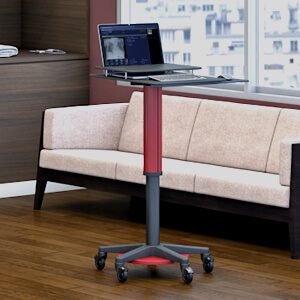
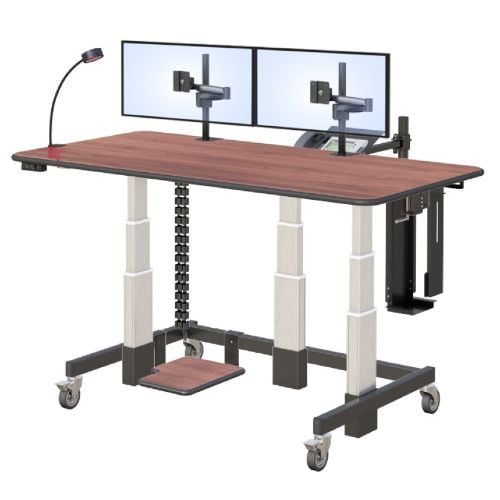
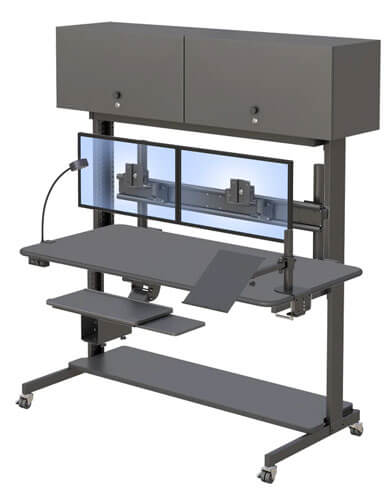
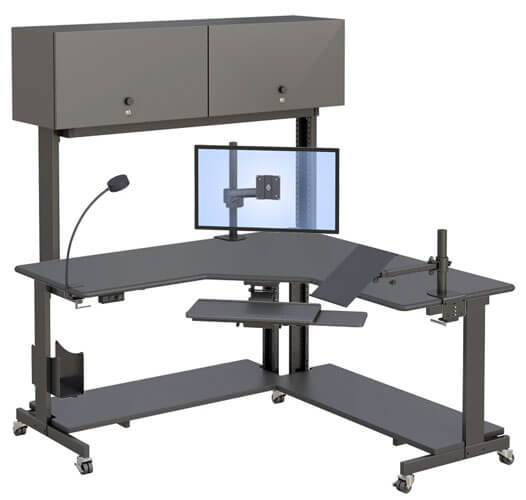
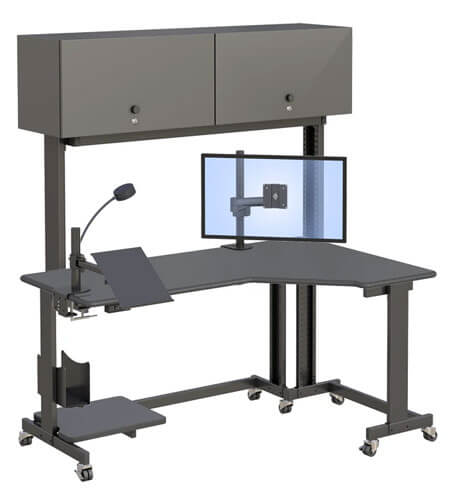
- IntelliCart Desk — a full-featured mobile desk with integrated task light and storage, suited to environments where the cart needs to function as a complete primary workstation rather than just a laptop platform.
- SmartCart Desk — a compact, lighter-weight option for office mobility where footprint and maneuverability matter more than storage capacity.
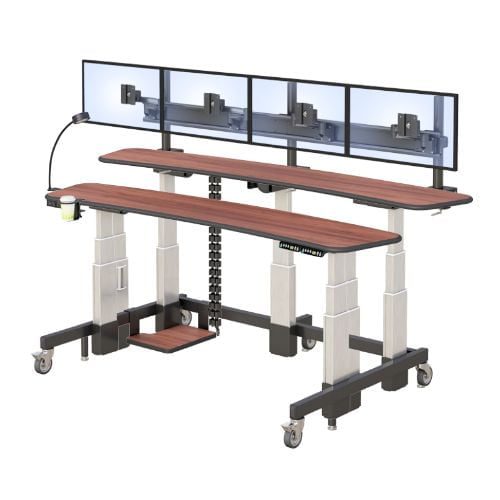
- OmniBus Multi Level Desk — a multi-level mobile platform suited to training environments and presentations where the presenter needs reference materials and a display simultaneously.
- Battery Power Carts — for environments where wall power is unavailable or inconvenient: clinical floors, large open-plan spaces, event environments.
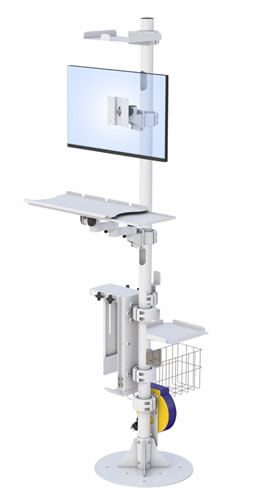
- Pole Cart — a compact pole-mount mobile platform for lightweight laptop or tablet use where full desktop infrastructure is more than the task requires.
Use the AFC Industries Single Tier Configurator or Dual Tier Configurator to specify a mobile workstation from your exact dimensions and requirements. For questions about which configuration fits your environment, call AFC Industries at 1-800-663-3412 or contact us online.
Summary
A laptop mobile cart solves a specific, practical problem: modern offices need computing access in more places than fixed infrastructure can reach, and they need it to be ergonomically correct and quickly reconfigured for different users. The use cases range from open-plan presentation mobility to clinical bedside documentation, and the right configuration depends on the specific environment — height range, weight capacity, cable management, battery option, and floor surface compatibility all matter.
Browse AFC Industries’ full laptop and computer cart range, explore the all computer carts overview, or contact AFC Industries to discuss which configuration fits your team’s working pattern.