


Dual-Tier Desk vs Single-Tier: What’s the Actual Ergonomic Difference and Which Do You Need?
When you’re setting up or upgrading a workstation, the choice between a dual-tier and single-tier desk looks like a minor detail. It’s not. It’s one of the most consequential ergonomic decisions in a desk setup — and it’s one most people make without realising they’ve made it.
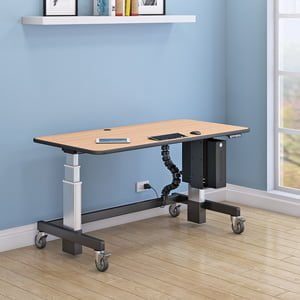
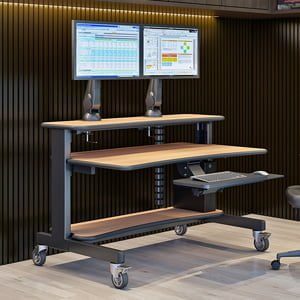
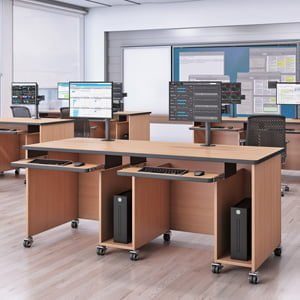
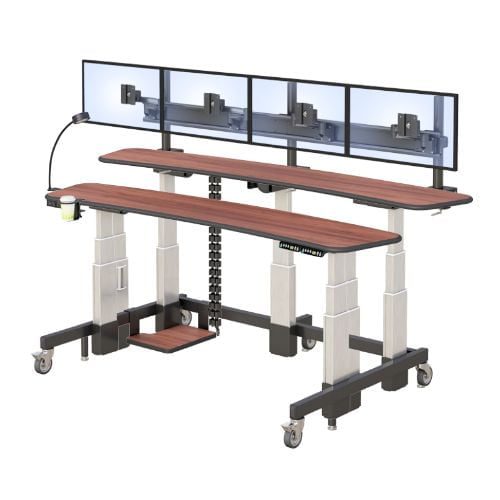
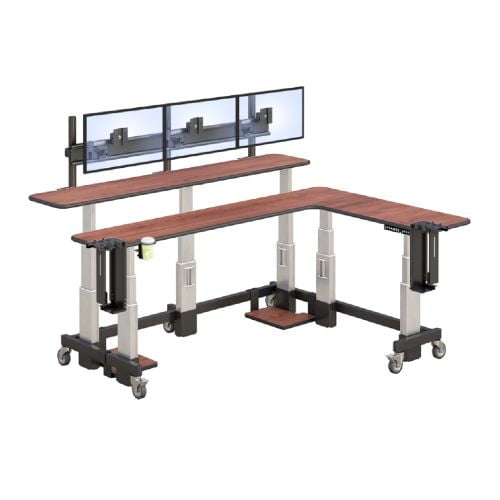
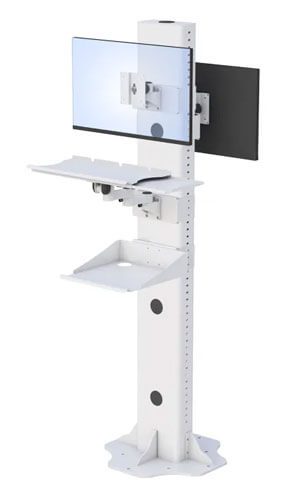
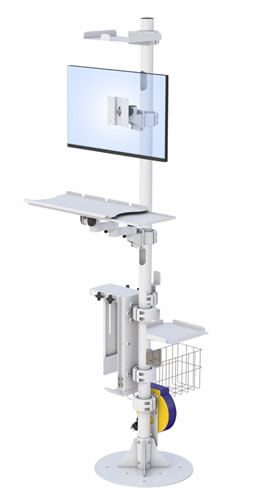
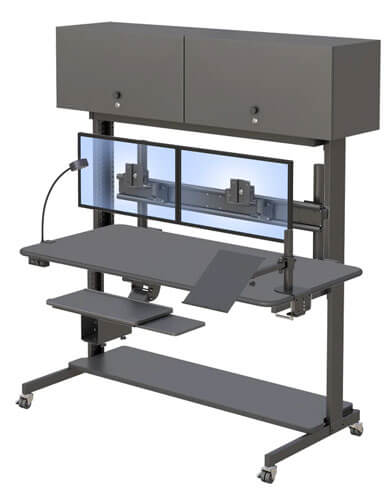
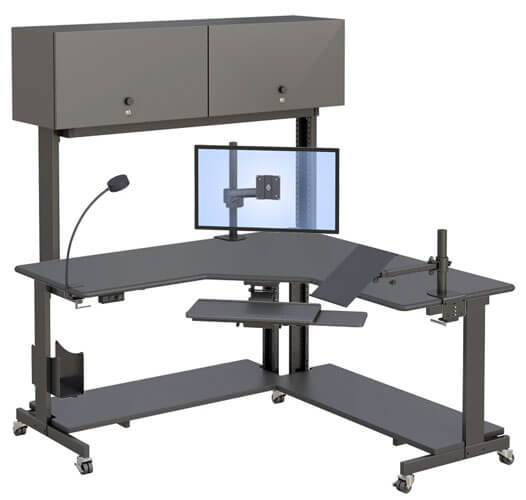
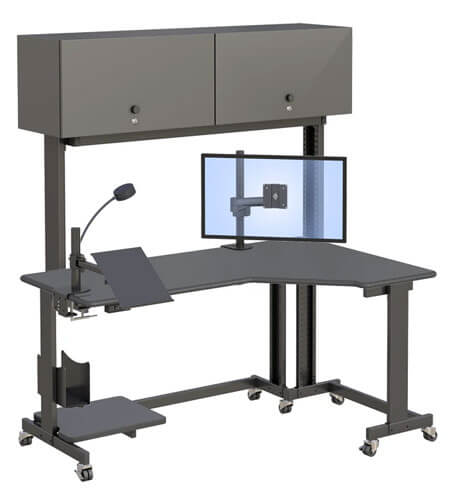
A single-tier desk has one work surface. Your keyboard and your monitor both sit on it. A dual-tier desk has two — a lower surface for the keyboard and a raised surface or adjustable tier for the monitor. That separation sounds like a comfort preference. What it actually does is solve a specific ergonomic problem that a single-tier desk cannot: the conflict between where your keyboard needs to be for healthy wrists and where your monitor needs to be for a healthy neck.
On a single-tier desk, you can set the surface at elbow height for your keyboard or you can raise a monitor to eye level, but you cannot do both at once. The monitor on a desk surface is too low for anyone sitting or standing at a correctly set working height. Every hour you spend looking down at a monitor positioned too low is an hour of neck flexion accumulating into the tension that becomes the signature end-of-day complaint for most desk workers.
This article explains the ergonomic mechanism clearly, makes the honest comparison between dual-tier and single-tier configurations, and gives you a direct decision guide for which one is right for your specific situation. The answer isn’t always dual-tier — but when it is, it matters more than most ergonomic purchases do.
| Quick Answer — A dual-tier desk places the monitor at an independently adjustable height above the keyboard surface, allowing both to be optimised simultaneously: keyboard at elbow height for neutral wrist posture, monitor at eye level for neutral neck posture. A single-tier desk cannot achieve both at once — the monitor on a flat desk surface is almost always too low, creating sustained neck flexion that accumulates as upper back and neck tension across a working session. Dual-tier is the right choice for full-day keyboard-and-screen workers; single-tier is adequate for lighter screen reference work. See AFC Industries dual-tier and height-adjustable workstations for configurations covering both setups. |
What Is the Actual Ergonomic Difference Between a Dual-Tier and Single-Tier Desk?
To understand why the tier configuration matters, you need to understand the geometry of a correctly configured workstation. There are two independent height requirements in any desk setup — and they point in different directions.
The first is keyboard height. Correct keyboard height places your forearms roughly parallel to the floor when your hands rest on the keys, with your wrists neutral rather than bent up or down. For most people seated with their chair correctly set, this puts the keyboard at roughly 65–75cm from the floor. For standing, it puts the keyboard at roughly 95–115cm. The desk surface should be at this height.
The second is monitor height. Correct monitor height places the top of the screen at or just below your eye level when you’re sitting or standing upright in your normal working posture. For most seated adults, this puts the top of the monitor at approximately 95–115cm from the floor — substantially higher than the keyboard surface height. The difference is typically 20–40cm depending on monitor size and individual proportions.
A single-tier desk gives you one surface at one height. Set it at keyboard height: the monitor’s top edge is at about 75–80cm, well below eye level. You spend the day looking slightly downward, your head tilted forward, your neck flexed. Set it higher to raise the monitor: your keyboard is now too high, your wrists bent upward, your shoulders elevated. Both options create the sustained postural load that the ergonomics research links to upper back, neck, and wrist complaints.
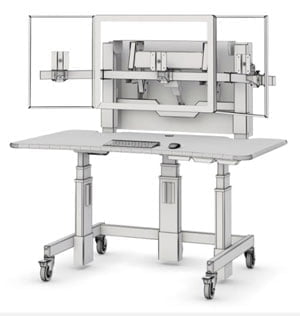
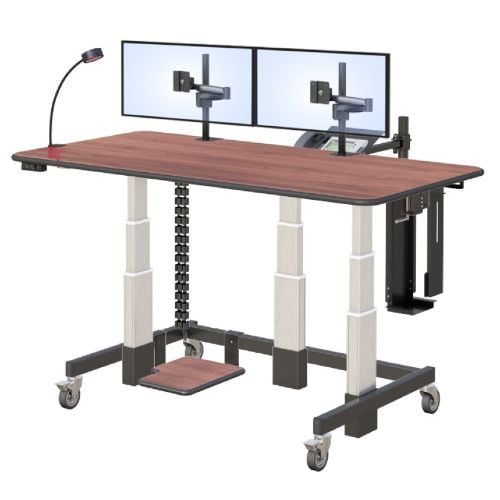
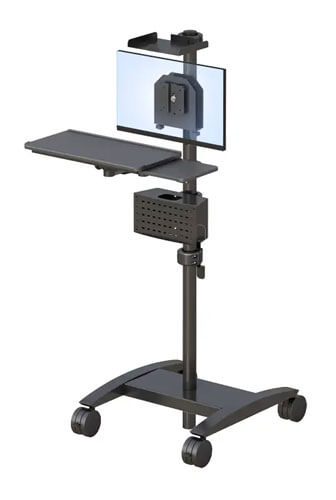
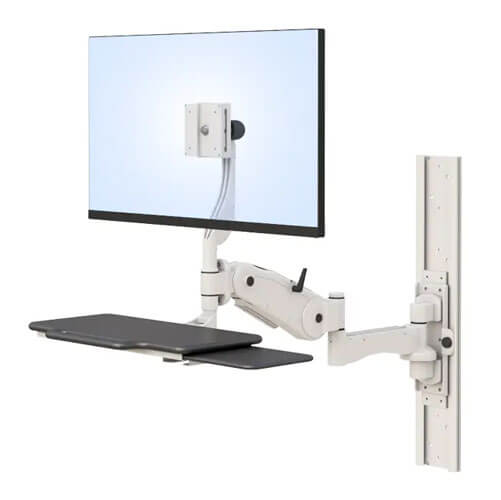
A dual-tier desk resolves this conflict by separating the two height requirements. The lower tier — or the main desk surface — sits at keyboard height. The upper tier, monitor arm, or raised platform sits the monitor at eye level. Both positions are correct simultaneously. The neck stays neutral. The wrists stay neutral. The postural load that a single-tier compromise generates over a working day is largely eliminated.
OSHA’s ergonomic workstation guidelines specify both requirements independently and are explicit that monitor height and keyboard height cannot be resolved by a single work surface for most users. NIOSH guidance on computer workstation ergonomics identifies low monitor position as one of the primary contributors to neck and upper back musculoskeletal disorders in office workers.
Who Benefits Most from a Dual-Tier Desk Configuration?
The ergonomic benefit of dual-tier is most pronounced for people who spend the majority of their working day doing both — keyboard-heavy tasks and continuous screen reference simultaneously. This describes a specific profile of knowledge worker that the research identifies most clearly.
Writers, analysts, programmers, and data workers fit this profile precisely. Their work involves continuous keyboard input with equally continuous screen reference — they’re not alternating between keyboard and screen, they’re using both simultaneously. For this workflow, the keyboard-to-monitor height conflict is present for every minute of the working day, not intermittently.
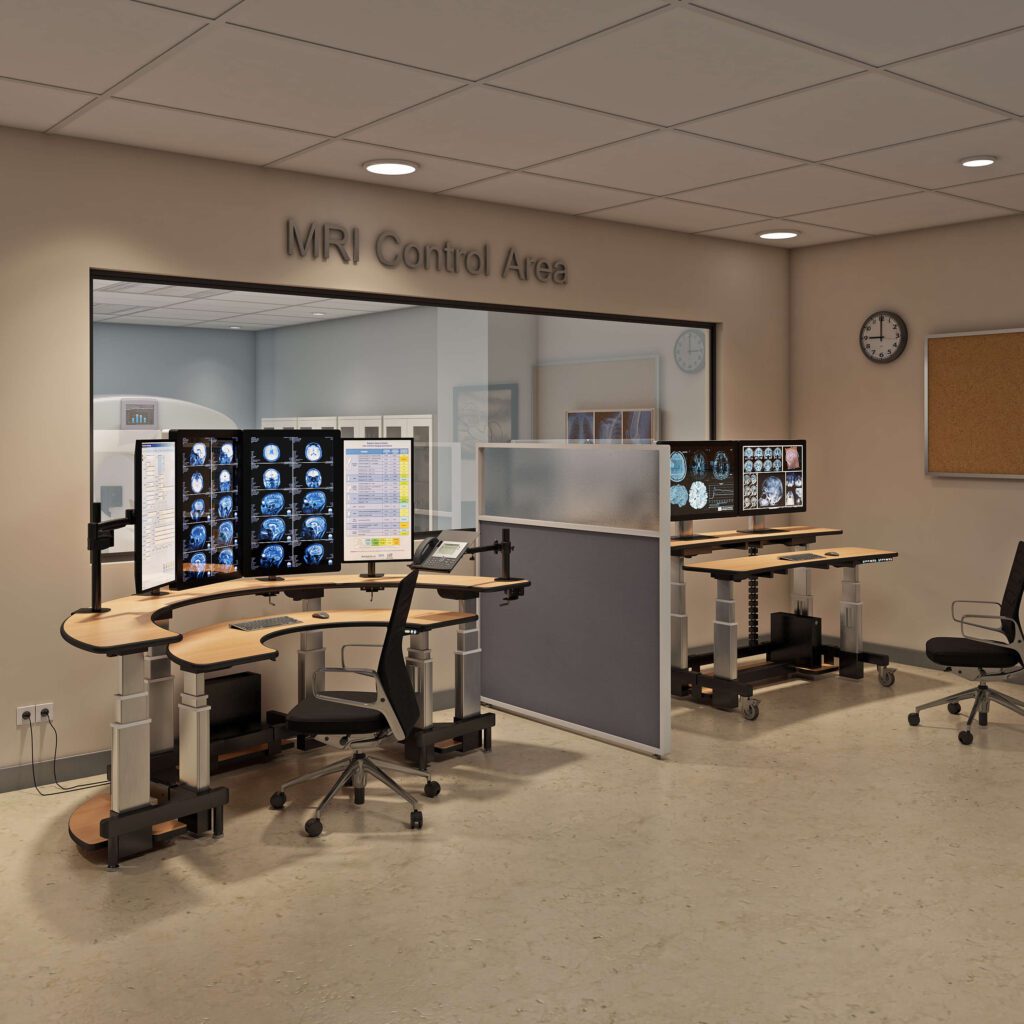
PACS radiologists and diagnostic imaging analysts are another clear beneficiary group, as covered in Blogs 5, 6, and 7 of this series. Multi-monitor diagnostic reading at a fixed station places exactly the keyboard-to-screen conflict that dual-tier resolves, with the additional complexity that the monitors are heavier and more numerous than a standard office setup.
People experiencing neck, upper shoulder, or wrist symptoms from desk work are the group most likely to notice the difference most quickly. If your afternoon neck tension has a clear connection to the hours spent at your desk, the monitor height is the first thing to check — and a dual-tier configuration or monitor arm is the most direct intervention.
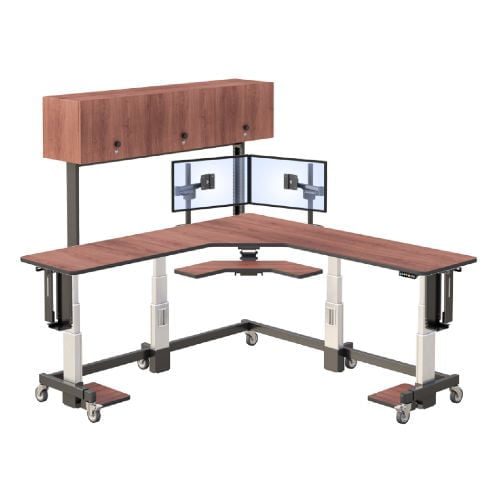
For workstation configurations that combine dual-tier screen positioning with full height adjustability for sit-stand use, the Whitestone Workstation and Deluxe Ergo Tier from AFC Industries are worth reviewing. Both separate monitor and keyboard height positioning across the full seated-to-standing adjustment range.
When Is a Single-Tier Desk the Better Choice?
The honest answer is: for a lot of people and a lot of workflows, a single-tier desk with a monitor arm is the right choice, and for some workflows a single-tier desk without a monitor arm is perfectly adequate.
The decision should follow from the workflow, not from a general ergonomic preference for one configuration over the other. Here is the comparison that matters.
| Factor | Single-Tier Desk | Dual-Tier Desk (or Desk + Monitor Arm) |
| Monitor and keyboard on same surface | Yes — both at one height; one compromises the other | No — monitor elevated independently; keyboard at elbow height regardless of screen position |
| Monitor height | Fixed to desk surface height; typically too low for most users in a seated position | Independent of keyboard height; set at eye level for the specific user regardless of desk height |
| Keyboard height | Same as monitor — if desk is raised for screen, keyboard is too high; if lowered for keyboard, screen is too low | At desk surface height, which is set to elbow height; wrists neutral |
| Neck posture | Forward flexion if monitor on desk surface; degree worsens as session extends and fatigue increases | Neutral — top of screen at or just below eye level; neck maintains natural alignment |
| Ergonomic benefit of height adjustment | Partial — raising and lowering the desk changes both positions simultaneously; can’t independently optimise each | Full — desk height optimises keyboard position; monitor arm optimises screen position; both independently configurable |
| Best suited to | Light screen reference work; lower-budget setups; document reading where keyboard use is secondary | Heavy keyboard use with continuous screen reference; coding, writing, data analysis, PACS reading, content production |
| Cost | Lower — single surface; no monitor arm required | Higher — dual-tier surface or separate monitor arm required; worth the cost for full-day keyboard-and-screen workers |
A few situations where single-tier is genuinely the right answer:
- Light screen reference work. If you spend most of your day on the phone, in meetings, or doing tasks where screen reference is occasional rather than continuous, the keyboard-to-monitor height conflict is present for a small fraction of your time. A single-tier desk with a monitor riser is perfectly adequate.
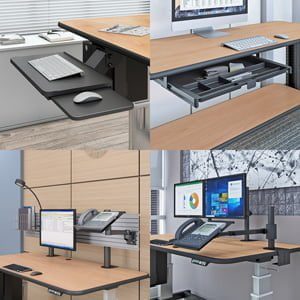
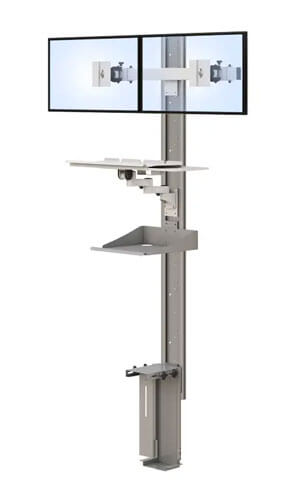
- Very limited desk space. A dual-tier surface adds both height and depth. In a small home office or a compact desk footprint, the space requirements of a true dual-tier setup may be impractical. A monitor arm on a single-tier desk achieves the same independent height optimisation in a smaller footprint.
- Budget-constrained setups. A single-tier desk with a quality monitor arm costs less than a full dual-tier height-adjustable workstation. If the choice is between a single-tier with a monitor arm and a dual-tier without height adjustment, the single-tier-plus-arm often delivers more of the ergonomic benefit for less.
- Primarily standing desk use. Some sit-stand users rarely sit and use their desk primarily in standing position. For standing-only use on a height-adjustable desk, a monitor arm on a single-tier surface typically provides sufficient independent positioning without the additional complexity of a dual-tier frame.
How Do You Decide Which Configuration Is Right for Your Workspace?
The decision is not complicated once you’ve identified your actual workflow and current symptoms. The table below maps six common situations to a direct recommendation with the reasoning behind it.
| Your Situation | Recommendation | Why |
| I do mostly screen reading with light keyboard use | Single-tier is fine | A monitor riser or arm on a single-tier desk gets your screen to the right height. You don’t need dual-tier. |
| I type heavily all day and reference the screen constantly | Dual-tier or desk + monitor arm | The keyboard-to-screen height conflict is real for you. A dual-tier surface or adding a monitor arm to your current desk solves it cleanly. |
| I get neck or upper shoulder tension by mid-afternoon | Likely need dual-tier or monitor arm | Your screen is almost certainly too low. This is the posture problem dual-tier directly addresses. Check your current monitor height first. |
| I have a standing desk but my screen feels wrong at standing height | Add a monitor arm | Your keyboard height is correct at standing position. Your screen height is not. A monitor arm adjusts the screen independently without changing the desk height. |
| I share a workstation with colleagues of different heights | Height-adjustable dual-tier | Both the keyboard height and screen height need to change between users. Dual-tier with height adjustment and presets is the complete solution. |
| My desk space is very limited | Single-tier may be better | Dual-tier adds depth and height. Measure your available space carefully. A monitor arm on a single-tier desk is more space-efficient than a full dual-tier surface. |
One practical step worth taking before making any purchase: sit at your current desk in your normal working posture and note where the top of your monitor sits relative to your eyes. If it’s below eye level — which it is for the majority of people with monitors sitting flat on a desk surface — you have identified the source of most of your neck and upper back discomfort. Adding a monitor arm to your current desk, or switching to a dual-tier surface, directly addresses it.
AFC Industries’ height-adjustable standing desks include single-tier and dual-tier configurations. The Deluxe Ergo Tier specifically addresses the keyboard-to-monitor height problem for full-day keyboard-and-screen workers. If you’re unsure which configuration fits your workflow and space, contact the AFC Industries team to discuss your setup and the options that address your specific ergonomic situation.
The Decision in One Paragraph
If you spend most of your working day with both hands on a keyboard and both eyes on a screen, a dual-tier desk or a single-tier desk with a monitor arm is the ergonomically correct configuration for you. The keyboard-to-monitor height conflict on a single-tier desk is real, cumulative, and directly connected to the neck and upper back symptoms that desk workers accept as normal. They’re not unavoidable — they’re a workstation geometry problem with a specific, accessible solution.
If your work is lighter on keyboard use, your screen reference is intermittent, or your desk space is constrained, a single-tier desk — with the monitor raised on an arm or riser — is adequate. The monitor height matters regardless of configuration. The tier structure is the mechanism for achieving independent monitor and keyboard height, but a monitor arm on a single-tier desk achieves the same result at lower cost and in a smaller footprint.
What almost never works well: a monitor sitting flat on a desk surface with no riser, arm, or tier to raise it. This is the most common setup and the one most directly responsible for the neck and shoulder complaints that characterise desk work. If that’s your current configuration, the single most impactful change you can make to your workstation is to raise the monitor.