
What Are the Ergonomic Advantages of a Wall-Mounted Computer Monitor and Keyboard Tray?
Table of Contents
- What Ergonomic Problems Does a Wall-Mounted Monitor Solve?
- What Does a Keyboard Tray Add to the Ergonomic Setup?
- What Types of Wall Mount Stations Does AFC Industries Offer?
- Where Are Wall-Mounted Workstations Most Valuable?
- What to Look for When Specifying a Wall Mount Setup
| QUICK ANSWER — A wall-mounted computer monitor with a keyboard tray provides three distinct ergonomic advantages over a standard desk setup: (1) it allows the monitor to be set at the correct eye level independently of the desk surface height, eliminating the sustained neck flexion caused by a screen that is too low; (2) a keyboard tray drops the keyboard below the desk surface to achieve neutral wrist position, reducing the wrist extension load that contributes to repetitive strain injuries; (3) removing the monitor and keyboard from the desk surface frees the workspace for documentation, reference materials, and clinical tools. AFC Industries’ wall mounted monitor arms, computer wall mounts, and wall mounted workstations cover the full range of office and clinical wall mount configurations. |
Most workstation ergonomics problems trace back to the same root cause: a single flat surface that holds both the keyboard and the monitor. That surface can be at the right height for the keyboard or at the right height for the monitor, but it usually cannot be both at once. A keyboard at elbow height is roughly 65–75cm from the floor. A monitor at eye level, with its top edge at or just below the user’s sight line, is typically 95–115cm from the floor. The gap between those two correct positions is the source of the posture problems that define sedentary desk work: neck flexion from a screen that’s too low, wrist extension from a keyboard that’s too high.
Wall-mounted monitors and keyboard trays solve this by decoupling the two height requirements entirely. The monitor goes where it needs to be. The keyboard goes where it needs to be. Neither constrains the other. For environments where floor space is limited — clinical corridors, nursing stations, high-traffic reception areas, and compact office workstations — the wall mount also removes hardware from the floor and desk surface entirely, creating a working environment that is both ergonomically correct and physically clear.
This article covers exactly how wall-mounted monitor and keyboard tray setups improve ergonomics, which AFC Industries configurations serve different environments, and where wall-mounted workstations are most valuable.
What Ergonomic Problems Does a Wall-Mounted Monitor Solve?
The primary ergonomic problem a wall-mounted monitor solves is neck posture. OSHA’s ergonomic workstation guidelines specify that the top of the monitor should be at or just below eye level when the user is sitting in their normal working posture. For most adults seated with their chair correctly set, this places the monitor top at approximately 95–115cm from the floor. A monitor sitting on a standard desk surface at keyboard height places the top of the screen at roughly 75–80cm — 10 to 30cm below where it should be.
That gap translates directly into neck flexion: the angle through which the head tilts forward to look at a screen that is too low. Research from the Journal of Occupational and Environmental Medicine has documented that sustained neck flexion in forward-head posture increases the effective weight load on the cervical spine from approximately 5kg (the head’s actual weight) to 27kg at a 45-degree forward tilt. Over an eight-hour workday, that is a cumulative load that explains the upper back and neck tension that most office workers accept as normal.
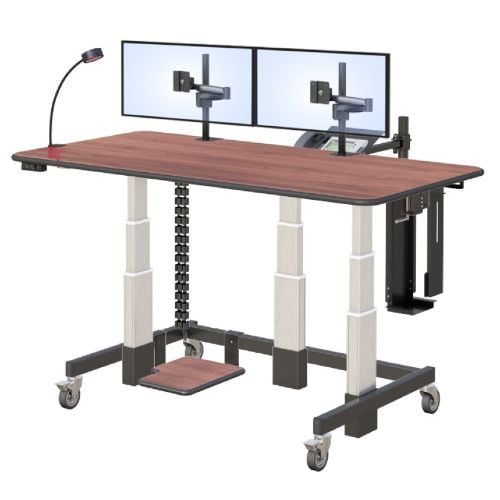
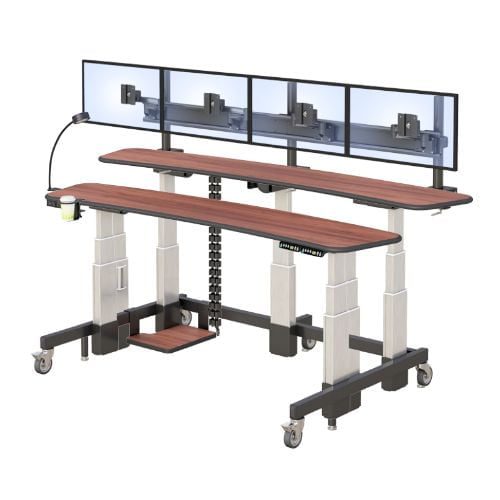
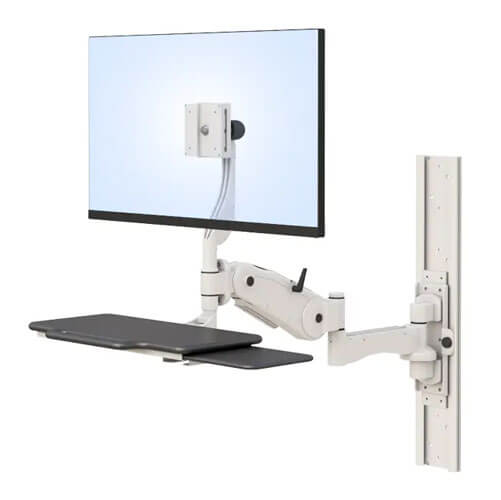
A wall-mounted monitor arm removes this constraint. The arm extends from the wall and positions the display at exactly the correct height and distance for the specific user, independent of the desk surface. Fully articulating arms allow the display to swing, tilt, and extend — so the correct position is achievable for any user regardless of height. And because the arm is wall-mounted rather than desk-mounted, the desk surface is freed for actual work materials.
NIOSH guidance on computer workstation ergonomics covers the specific monitor height, distance, and tilt requirements that correctly specified wall-mounted arms address. For the AFC Industries range of wall-mounted monitor solutions, see all ergonomic mounts.
What Does a Keyboard Tray Add to the Ergonomic Setup?
A monitor at the correct height solves the neck problem. A keyboard on the desk surface can still cause a wrist problem, particularly if the desk surface is too high for the user’s elbow height or if the monitor arm change has altered the desk configuration.
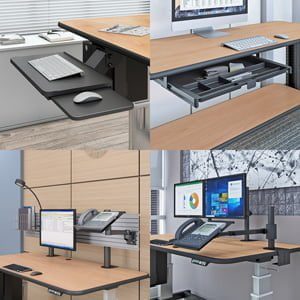
Correct keyboard position requires the forearms to be roughly parallel to the floor with the wrists neutral — not bent upward. For most users seated in a correctly adjusted chair, this places the keyboard at approximately 65–75cm from the floor. A standard desk surface at 72–75cm works for average-height users; it places shorter users with their wrists slightly extended and taller users reaching upward. An under-desk keyboard tray drops the keyboard 5–10cm below the desk surface, creating the correct forearm angle regardless of desk height.
Keyboard trays also typically offer negative tilt — the back of the tray angled slightly downward — which maintains neutral wrist position during typing more effectively than a flat surface. OSHA identifies wrist extension during keyboard use as a primary risk factor for carpal tunnel syndrome and other wrist and forearm repetitive strain injuries in office workers.
The combination of a wall-mounted monitor arm at correct eye level and a keyboard tray at correct elbow height achieves the full ergonomic geometry that prevents the majority of desk-work musculoskeletal disorders — independently of the desk surface height.
What Types of Wall Mount Stations Does AFC Industries Offer?
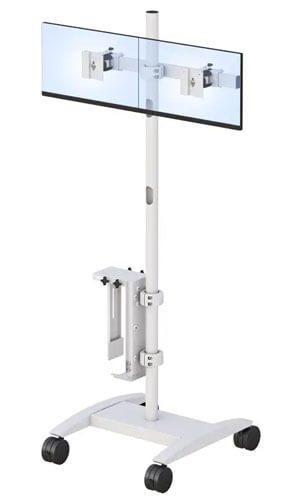
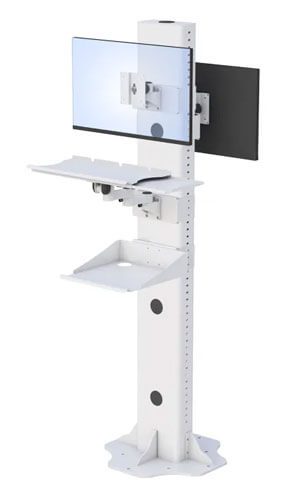
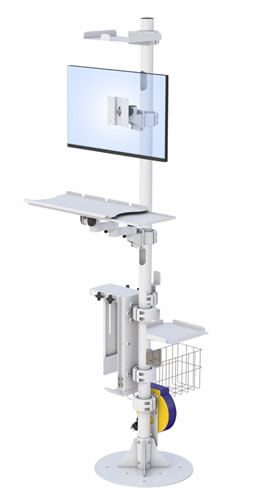
AFC Industries supplies five distinct wall mount configurations covering office, industrial, and clinical applications. The right choice depends on the environment, the adjustability required, and whether a complete workstation or just the monitor mount is needed.
| Mount Type | Adjustability | Best Application + Key Advantage |
|---|---|---|
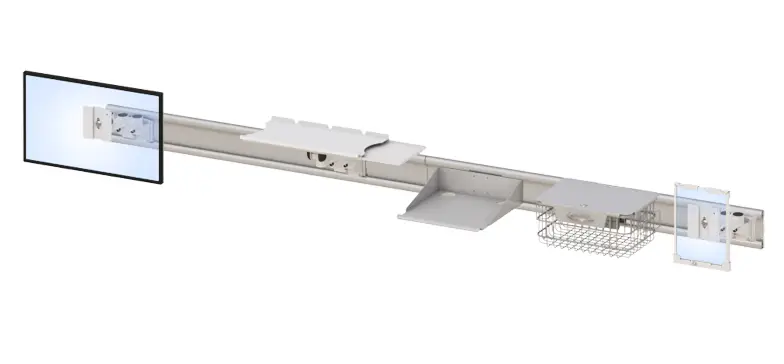
| Wall Mounted Monitor Arm | Swivel, tilt, height, reach — fully articulating | The most flexible wall mount option. Ideal for multi-user environments where each person needs a different position. Eliminates desk surface clutter. Keyboard tray typically added separately. |
| Computer Wall Mount | Holds CPU/mini-PC at the wall; monitor arm separate | Frees the desk surface entirely of computing hardware. Best for kiosk setups, reception, waiting areas, and shared workstations where equipment security matters. |
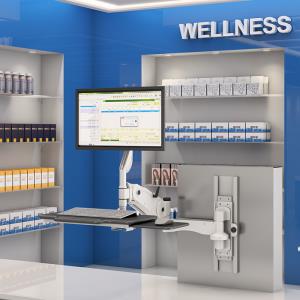
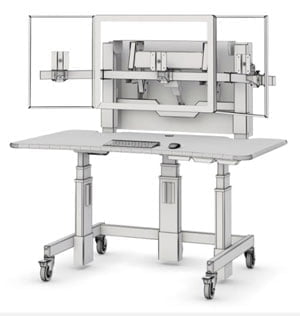
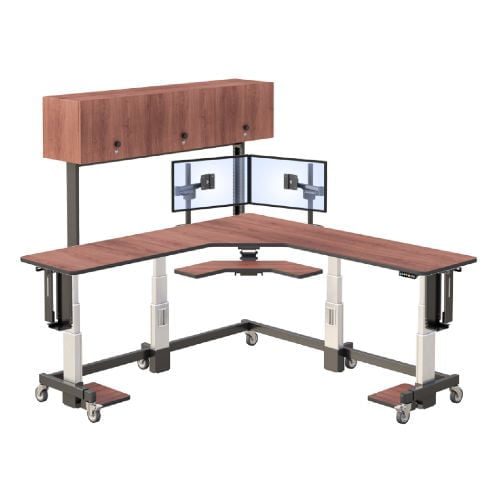
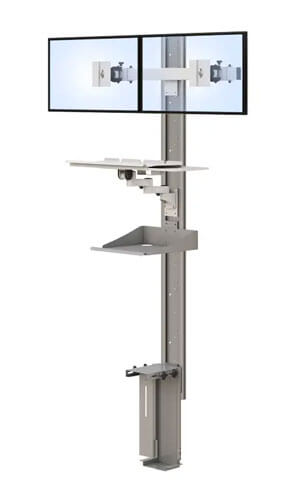
| Wall Mounted Workstation | Integrated monitor arm + keyboard tray folding from wall | Complete workstation in zero floor space. Ideal for high-traffic areas, staff corridors, clinical hallways, reception counters, and anywhere a dedicated desk is impractical. |
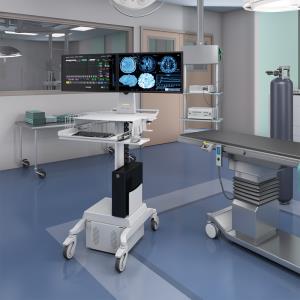
| Ceiling Mounted Monitor Arm | Drops from ceiling; full articulation | For environments where walls are unsuitable or the monitor needs to be visible from multiple positions. Common in operating rooms, labs, and manufacturing floors. |
| Medical Monitor Arm | Wall or mobile mount; cleanable surfaces, clinical-grade | Designed specifically for healthcare environments: antimicrobial surfaces, cable management for medical devices, positioning for clinician working heights in patient rooms. |
See the complete AFC Industries ergonomic mounts range for full specifications. For clinical environments, the Medical Monitor Arm is specifically designed for patient room and clinical corridor use with antimicrobial-compatible surfaces and cable management for medical device integration.
Where Are Wall-Mounted Workstations Most Valuable?
Wall-mounted monitor and keyboard setups are most valuable in environments where floor space is unavailable or where a fixed-position workstation needs to serve multiple users across shifts without physical reconfiguration.
Clinical environments are the clearest case. A nursing station corridor with workstations every 10 metres cannot accommodate desks without blocking the corridor. A wall-mounted workstation with fold-away keyboard tray and adjustable monitor arm provides a complete computing station in the footprint of a wall bracket. Nurses of different heights approaching the same station through a shift can each adjust the arm to their eye level in seconds.
Reception and kiosk environments benefit for similar reasons. A wall-mounted computer workstation with a CPU mount, monitor arm, and keyboard tray creates a professional, clean, space-efficient setup that presents well to visitors and is genuinely more ergonomically correct than a standard reception desk with equipment balanced on its surface.
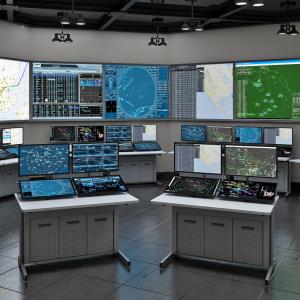
Control rooms and security desks with multiple operators across 24-hour shifts are a strong fit for wall-mounted monitor arms because the same physical position needs to serve different operators at different heights. A fully articulating wall arm that can be repositioned for each operator is more practical than a desk-mounted arm in this context.
Industrial and lab environments benefit from ceiling and wall mounts because the working surfaces need to be kept clear for the actual work. A wall-mounted monitor allows machinists, lab technicians, and quality control inspectors to reference work instructions and data entry interfaces without interrupting the work surface.
For high-traffic clinical and office environments, AFC Industries’ wall mounted workstation and computer wall mounts cover the most common space-constrained installation requirements. For larger clinical environments, see the medical monitor arm configurations.
What to Look for When Specifying a Wall Mount Setup
Five decisions determine whether a wall mount setup performs correctly in practice:
- Wall structure: The mount’s load capacity must be matched to the display weight and the wall’s structural capacity. Drywall on steel stud requires toggle or multi-stud anchoring for heavier mounts. Solid concrete or masonry walls handle significant loads with standard anchor bolts. Verify the rated load capacity of the specific arm against the specific display weight.
- Arm reach and articulation: The arm must reach far enough from the wall to position the monitor at the correct viewing distance (50–70cm from the user’s eyes) at the user’s normal working position. For desks set at an angle to the wall, a longer-reach arm or a fully articulating design is required.
- VESA compatibility: Verify the mount’s VESA pattern (75×75mm or 100×100mm are the most common) matches the monitor’s VESA mounting holes. Most modern monitors are VESA-compatible but confirm before ordering.
- Cable management: A wall mount without cable management produces a trailing cable between the monitor and the wall connection. Look for arms with internal cable channels that conceal signal and power cables along the arm length.
- Keyboard tray integration: For a complete ergonomic setup, the keyboard tray should mount to the wall independently of the monitor arm (or to the desk apron) and offer independent height and tilt adjustment. A tray attached to the desk surface doesn’t fully solve the wrist position problem if the desk is at the wrong height.
Browse AFC Industries’ full wall mount range, including ceiling mounted monitor arms for environments where wall mounting is impractical. For mobile alternatives where wall installation is not an option, see AFC Industries’ desktop monitor arms and floor mount stands. Contact AFC Industries to discuss specification for your specific installation environment.