



Why Are Small Computer Desks Becoming the Default Choice in 2026?
Homes and offices keep getting smaller, and it’s not really slowing down. Studio apartments, shared bedrooms turned into part-time workspaces, and office corners that used to be storage closets have all become normal places to get work done. That shift has quietly changed what people expect from a desk. A few years ago, a small computer desk felt like a compromise, something you settled for because you didn’t have room for anything bigger.
In 2026, it’s often the actual first choice, not the fallback. That’s because the goal has shifted from filling a room with furniture to fitting a real, functional workspace into whatever space is actually available, whether that’s a hallway nook, a corner of a bedroom, or a shared studio. A small desk done right doesn’t mean giving up function. It means being deliberate about what actually needs to be on that surface. This guide covers what makes a small computer desk genuinely work day to day, and how to figure out if one fits your space or if you need something bigger.
What Should You Look for in a Small Computer Desk?
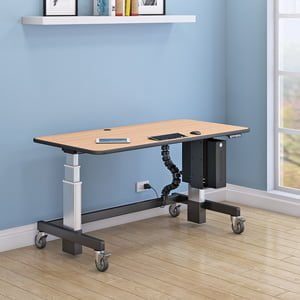
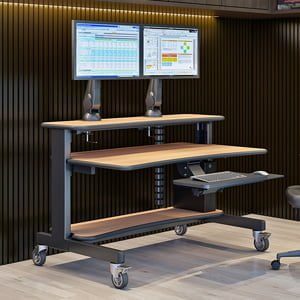
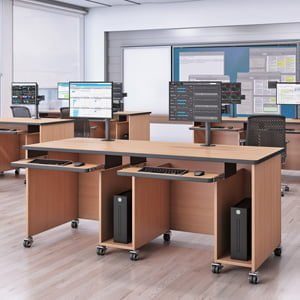
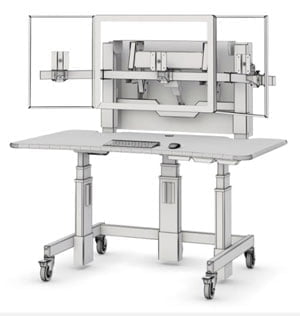
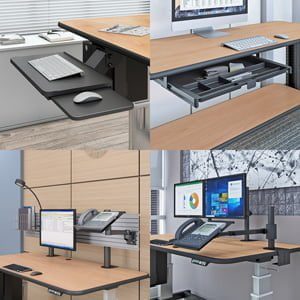
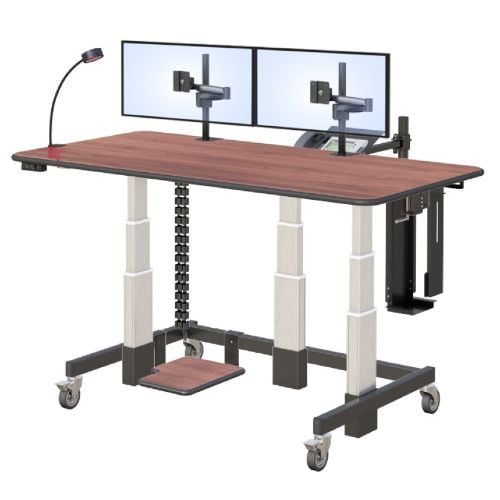
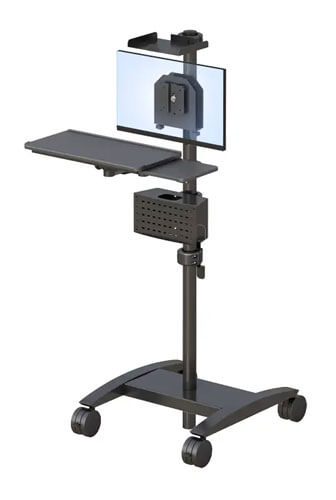
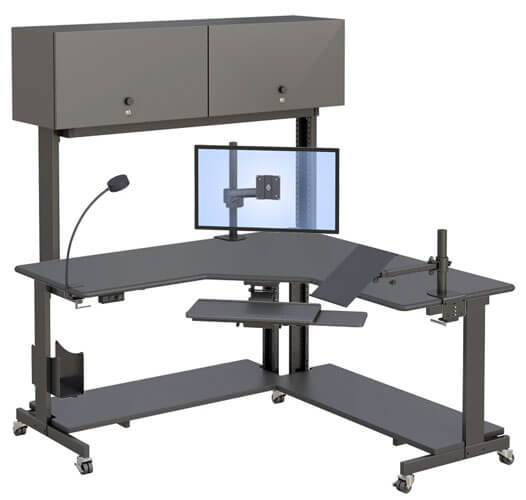
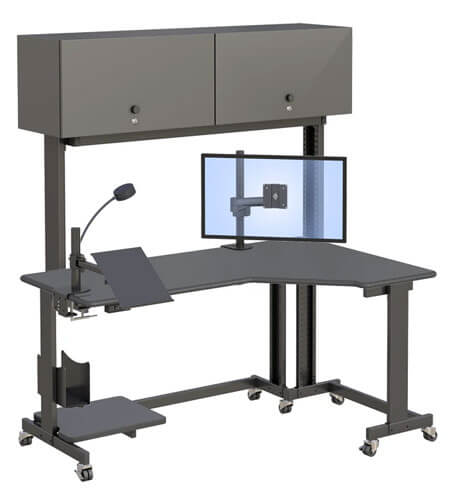
A good small computer desk needs a properly sized monitor mount, a retractable keyboard tray, built-in CPU storage, and casters if it needs to move, since these features make up for the smaller surface area.
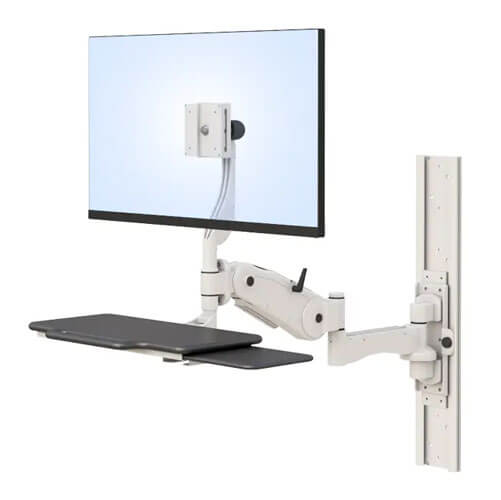
When desk space shrinks, every feature has to work harder. A monitor sitting on a fixed stand takes up valuable desktop real estate that a small desk simply doesn’t have to spare. A clamp-mount monitor arm solves that by holding the screen above the surface instead of on it, using a VESA mount, which is just the standard screw pattern on the back of most monitors that lets them attach directly to an arm rather than sitting on a separate stand.
A retractable keyboard tray matters even more on a small desk than a large one, since sliding the keyboard out of the way when you’re not typing effectively gives the surface back to you for other tasks. Built-in CPU storage, usually a shelf or platform underneath the desk, keeps the tower off the one surface you actually need clear. Casters round it out, letting the whole setup move if the room gets used for something else during the day.
A few things worth checking before you buy:
- Monitor mount type. A clamp or arm-mounted monitor frees up far more usable surface than a fixed stand.
- Keyboard tray. A retractable tray gives the desk two functions in one footprint.
- CPU placement. A bottom shelf or platform keeps the tower off the desktop entirely.
- Casters. Worth having if the space doubles as anything other than a workspace during part of the day.
There’s useful context in current small-space design strategies for home workspaces if you want a deeper look at how people are actually planning smaller work areas right now.
Is a Small Computer Desk Right for Your Space, or Do You Need Something Bigger?
A small computer desk works well for single-monitor setups in tight corners or shared rooms, while multi-monitor or heavy daily-use setups may need a larger surface even in a small space.
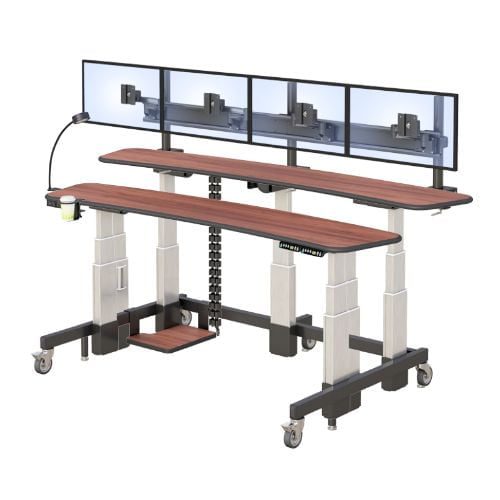
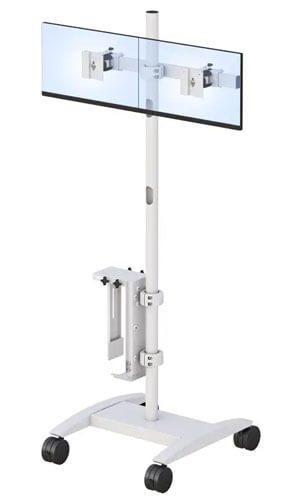
Being honest about your actual daily setup matters more here than the size of the room itself. If your day-to-day work involves one monitor and a laptop, a small desk with a proper monitor arm and retractable keyboard tray can genuinely handle it without feeling cramped. Where it gets trickier is if you regularly run two or three monitors, or spread out physical paperwork alongside your screen.
In that case, a small footprint starts working against you no matter how cleverly it’s designed, and it’s worth considering a slightly larger surface even if the room itself is tight. Neither answer is wrong, it just depends on what actually sits on your desk during a normal workday, not on the size of the space around it.
A quick way to think it through:
- Do you use one monitor, or more than one on a regular basis?
- Does your work involve physical paperwork or materials beyond a keyboard and screen?
- Is the space shared with another activity during part of the day?
If a small desk seems like a fit, it’s worth browsing AFC’s full range of desks and tables to compare sizes against your actual space.
What Does a Well-Planned Small Workspace Actually Look Like?
A well-planned small workspace pairs a compact desk with vertical storage and a properly mounted monitor, so the limited surface area stays clear and usable instead of getting cluttered.
Picture someone working from a studio apartment, where the desk sits along a wall shared with a dining area. Without any planning, that setup turns into a mess fast, papers piling up, a monitor stand eating half the surface, cables tangled underneath. With a bit of intention, the same small footprint works completely differently. Mounting the monitor on an arm frees up the desktop immediately.
A retractable keyboard tray means the surface clears the moment the workday ends, which matters in a room that has to serve more than one purpose. Vertical storage nearby, rather than desk drawers, keeps supplies accessible without eating into the desk’s actual working area. None of this requires more square footage. It just requires being deliberate about where things go.
A few practical steps for setting one up:
- Mount the monitor on an arm instead of leaving it on a fixed stand.
- Use a retractable keyboard tray so the surface clears when you’re not working.
- Keep the CPU off the desktop using a bottom shelf or platform.
- Add vertical storage nearby instead of relying on desk drawers.
- Reassess the setup if your monitor count or daily tasks change.
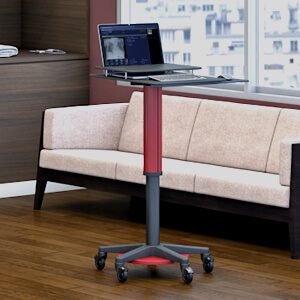
Once you’ve got the basics planned, it’s worth looking at AFC’s rolling and mobile computer cart options if your space needs a setup that can move rather than stay fixed in one spot.
Frequently Asked Questions
Is a small computer desk big enough for daily work?
For single-monitor setups, yes, especially when paired with a monitor arm and retractable keyboard tray. If your work involves multiple screens or spread-out materials, a small desk may start to feel limiting during regular use.
What size desk is considered a small computer desk?
Small computer desks typically range around 24 to 36 inches wide and deep, designed to fit tight corners, shared rooms, or compact home offices. Exact dimensions vary by manufacturer and model.
Can a small desk hold a monitor and a laptop at the same time?
Yes, particularly if the monitor is mounted on an arm rather than sitting on a fixed stand. This frees up enough surface space to fit a laptop alongside the monitor without feeling crowded.
Are small computer desks sturdy enough for regular use?
A well-built small desk with a steel frame and quality casters can handle daily use just as well as a larger desk. Build quality matters more than size when it comes to long-term durability.
What is the best desk for a small home office?
The best option depends on your setup, but generally a compact desk with a mounted monitor arm, retractable keyboard tray, and built-in CPU storage gets the most function out of a limited footprint.