



Adjustable Standing Desks: How to Choose One That Actually Fits Your Day
If you’ve spent the last few months shifting in your chair, rubbing your lower back, or standing up just to feel normal again, you’re not imagining things. Sitting in one position for eight or nine hours a day takes a toll, and it’s a big reason so many people start looking into an adjustable standing desk. The idea is simple. A sit-stand desk, usually powered by an electric lift, lets you move between sitting and standing throughout the day instead of staying locked in one posture. Companies like AFC Industries have built their entire ergonomic workstation line around that idea, using the same lift technology across office desks and clinical reading room furniture. This guide walks through what actually matters when you’re comparing options, so you can pick a desk that fits your space and your day, not just a spec sheet.
What Should You Look for in an Adjustable Standing Desk?
The features that matter most are lift type, height range, weight capacity, how stable the desk feels at full height, and whether it supports proper monitor mounting.
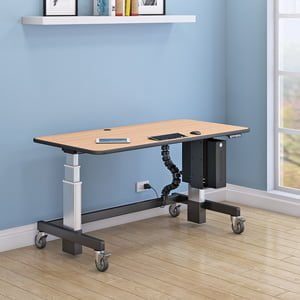
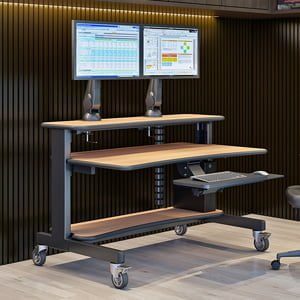
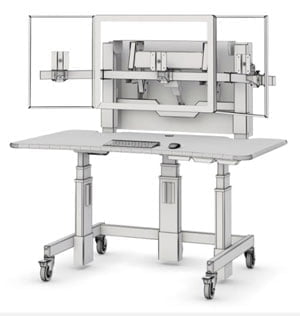
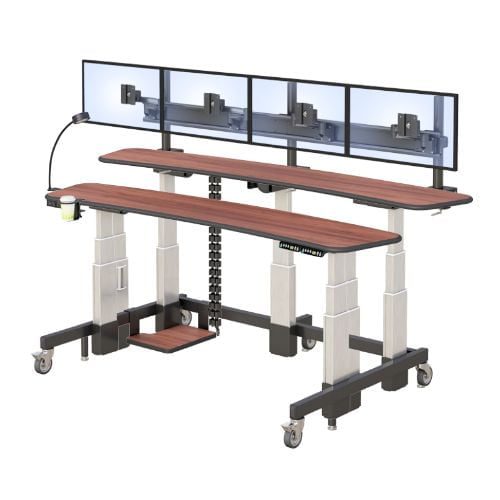
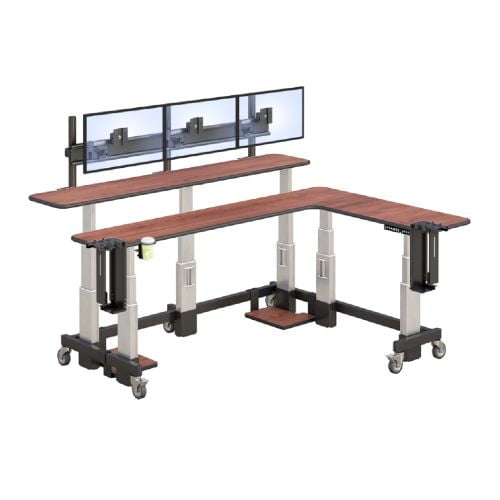
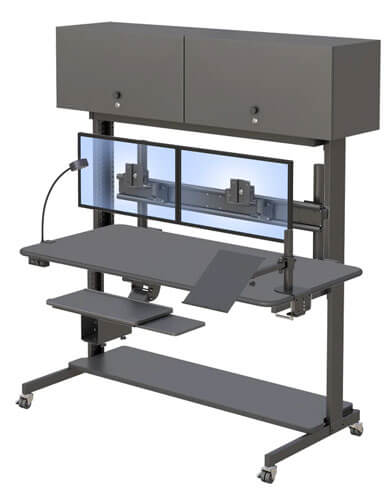
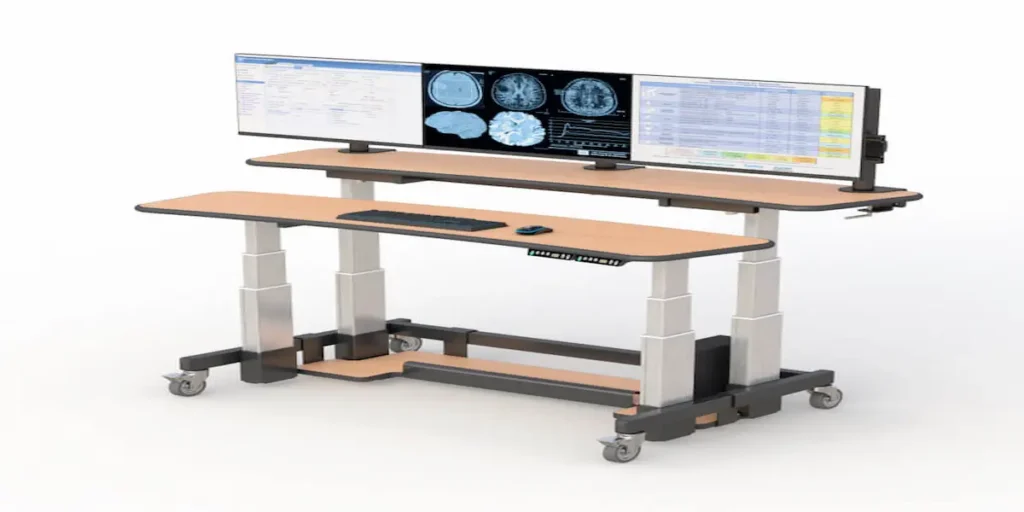
Not every “adjustable” desk is built the same way, and the differences show up fast once you’re using one daily. A manual crank desk will save you money up front, but you’ll feel the difference every time you have to stop and adjust it by hand. An electric lift, on the other hand, lets you change positions with the push of a button, which matters a lot if you’re switching several times a day rather than once. Height range matters too. AFC’s dual-tier work surfaces with independent electric lift adjust from 28 inches to 47 inches, which covers a wide range of user heights without needing a custom order. Weight capacity and base stability are the two specs people skip over and regret later, especially once you add a second or third monitor.
A few things to check before you buy:
- Lift type. Electric lifts are smoother and faster for daily use. Manual cranks work fine if you rarely change position.
- Height range. Look for a range that comfortably covers your seated and standing posture, not just an average.
- Weight capacity. Multiple monitors, a laptop dock, and a monitor arm add up quickly.
- Stability at full height. A desk that wobbles at standing height defeats the purpose. Ask about the base design before buying.
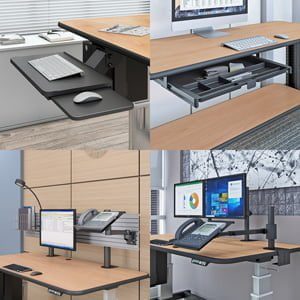
- Monitor mounting. Built-in tracks or arms keep your screens at eye level without extra hardware.
There’s solid ergonomic guidance on sit-stand transitions worth reading if you want the research behind why alternating positions helps, rather than standing all day.
Which Type of Adjustable Standing Desk Is Right for You?
The right desk depends on your workspace, how many monitors you run, and whether you need it for general office work or a more specialized setting like a reading room or lab.
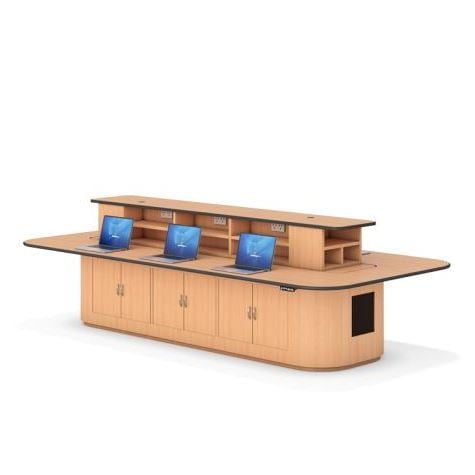
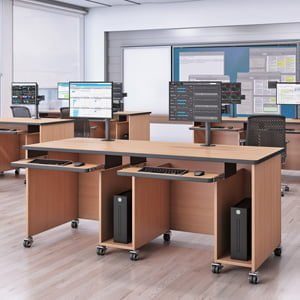
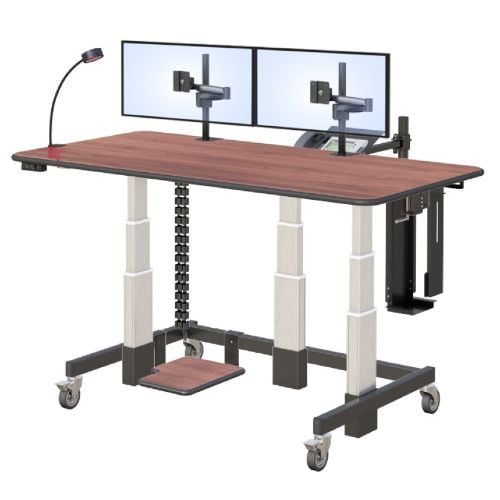
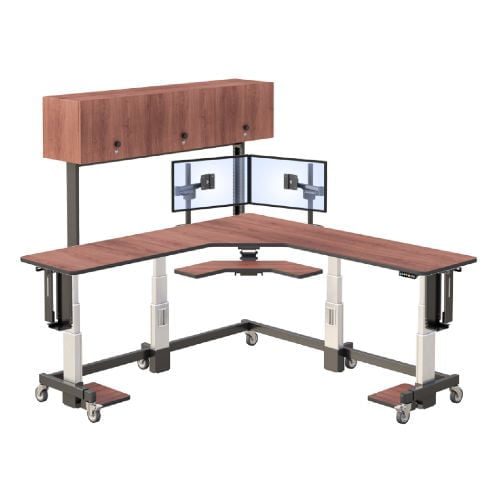
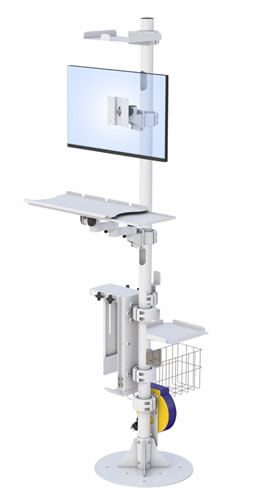
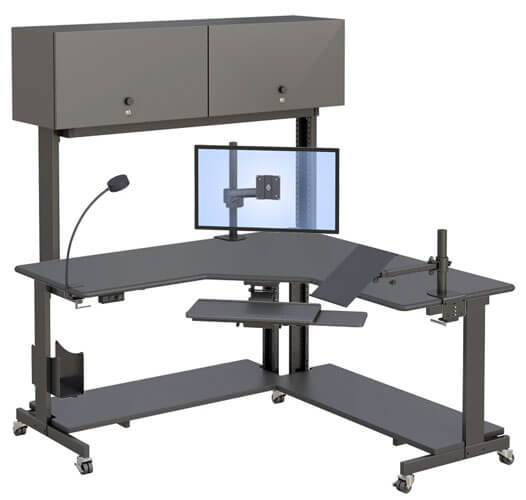
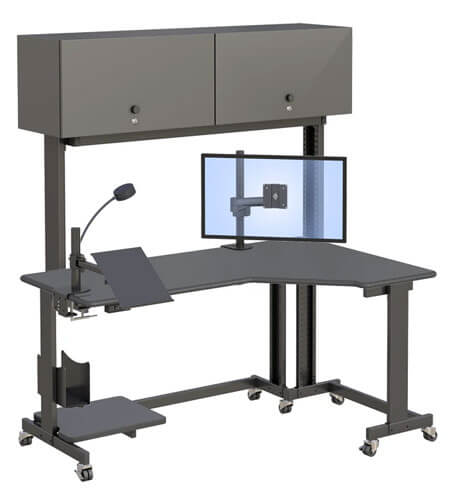
A single-tier desk with one electric lift usually covers a standard home office or single-monitor setup just fine. If you’re running two or three screens, or you share a workstation across shifts, a dual-tier design gives you more usable surface without taking over the room. It’s also worth knowing that the same lift and build quality behind general office desks shows up in more demanding environments. AFC also manufactures radiology and clinical workstation desks built for PACS reading rooms, where clinicians sit through long multi-monitor sessions and need a desk that holds up to daily, heavy use. If a desk is engineered to handle that kind of workload, it’s a reasonable signal that it’ll hold up in a busy office too.
If you’re still deciding, ask yourself three quick questions. How many monitors do you actually use day to day? Is this desk shared by more than one person? And how much floor space can you realistically give it? Answering those honestly usually narrows the choice fast.
How Does an Adjustable Standing Desk Work in a Real Office or Clinical Setting?
In practice, an adjustable desk works best when it’s paired with a simple sit-stand routine, correctly positioned monitors, and a base sturdy enough to hold multiple screens without shifting.
Picture an office admin running three monitors for scheduling, email, and a shared dashboard. Standing all day isn’t realistic, but alternating every hour or two keeps energy up without the afternoon slump that comes from sitting the entire shift. The same logic applies in a radiology reading room, where a technologist might spend long stretches reviewing images across multiple screens. The desk itself doesn’t fix posture on its own. It just makes it possible to change position without disrupting your workflow, which is really the whole point.
If you’re setting one up for the first time, a few simple steps make a real difference:
- Measure your elbow height while seated and while standing, so you know your two target heights.
- Set the seated height first, adjusting until your elbows sit at a relaxed 90 degree angle.
- Position your monitors at eye level, using an arm or mount if the desk supports one.
- Raise the desk to standing height and fine-tune it the same way you did while seated.
- Build a rhythm, alternating every hour or two rather than committing to standing all day right away.
Once you’ve got the basics dialed in, it’s worth browsing AFC’s full standing desk lineup to see how the dual-tier design compares to single-tier and specialty configurations.
Frequently Asked Questions
Are adjustable standing desks worth it?
For most people who sit for long stretches, yes. Alternating between sitting and standing reduces the strain of staying still all day and can ease back and neck discomfort over time. The value depends on actually using the adjustability, not just owning the desk. A desk that stays in one position all day offers little benefit over a fixed height desk.
How long should you stand at a standing desk?
Most ergonomic guidance suggests standing for 15 to 30 minutes at a time, then sitting again, rather than standing for hours straight. The goal is regular movement between positions, not replacing sitting with standing all day. Listen to your body and adjust the rhythm as needed.
Can a standing desk hold two monitors?
Yes, as long as the desk’s weight capacity and surface size support it. Dual-tier desks with built-in monitor tracks, like AFC’s design, are made specifically for multi-monitor setups. Always check the listed weight capacity before mounting more than one screen, since capacity varies significantly between models.
What is the difference between electric and manual standing desks?
Electric desks use a motorized lift you control with a button, making height changes fast and effortless throughout the day. Manual desks use a hand crank, which costs less but takes more time and physical effort. If you plan to switch positions often, electric is worth the added cost.
How much does an adjustable standing desk cost?
Pricing varies widely based on build quality, lift type, and features like monitor mounts or dual-tier surfaces. Manual desks tend to sit at the lower end, while electric and multi-tier models cost more upfront. Higher upfront cost often reflects better stability and longer-term durability, which matters for daily use.