
Why Radiology Workstations Are Critical for Accurate Image Diagnostics
A radiology workstation is not the radiologist’s furniture. It is the diagnostic instrument they use to perform every read. That distinction matters because the decisions most departments make about reading room equipment tend to be made as furniture or IT procurement decisions — focused on cost, compatibility, and vendor relationships — rather than as clinical quality decisions.
The consequence of that framing shows up in the reading room. Monitors that are not DICOM-calibrated rendering grayscale values that differ from the diagnostic standard. Displays at fixed heights set for an average user that no individual radiologist precisely is. Working positions maintained for hours without variation, generating cumulative fatigue in the population most reliant on sustained visual attention to do their job accurately.
This article makes the clinical case for why radiology workstations are a diagnostic quality issue, what the specific mechanisms are through which suboptimal workstation design affects reading accuracy, what the American College of Radiology and related standards bodies say about reading room configuration, and what a correctly specified radiology reading room workstation actually includes. The audience is radiology managers, imaging directors, and anyone making equipment decisions for a diagnostic imaging environment.
| Quick Answer — A radiology workstation directly affects diagnostic accuracy through two primary mechanisms: display quality and physical ergonomics. The American College of Radiology Technical Standard for Digital Radiography specifies minimum luminance of 350 cd/m² and DICOM GSDF calibration for diagnostic displays — standards that consumer monitors do not meet. Physical ergonomics affect accuracy through fatigue accumulation: radiologists in poorly configured, fixed-height reading stations show measurably increased error rates in the later portions of long reading sessions, as documented in research published in the Journal of the American College of Radiology. A properly specified radiology reading room workstation addresses both dimensions simultaneously. |
How Does a Radiology Workstation Directly Affect Diagnostic Accuracy?
Two distinct mechanisms connect workstation design to diagnostic accuracy, and they operate independently — meaning a workstation can fail on either dimension regardless of how well it performs on the other.
The first mechanism is display quality. Radiological diagnosis of subtle findings — a 3mm pulmonary nodule on CT, a microcalcification cluster on mammography, a faint infiltrate on chest X-ray — depends on the accurate rendering of grayscale values across the diagnostic display. The DICOM Grayscale Standard Display Function (GSDF) is an international standard that specifies how displays should render those values so that each perceptible step between black and white is equally visible to the human eye across the full luminance range.
A display calibrated to DICOM GSDF renders the same image the same way every time, allowing radiologists to make reliable density comparisons both within a study and across studies over time. A display that is not calibrated — which includes every standard consumer or commercial monitor — renders grayscale values according to its native gamma curve, which differs from the DICOM standard and varies by display brand, age, and ambient conditions. In practice, this means that subtle density differences that are diagnostically significant may be rendered as less distinct on an uncalibrated display, increasing the likelihood of a miss.
The second mechanism is ergonomic fatigue. Radiologists typically read in sessions of three to eight hours. During those sessions, if the workstation requires sustained static posture — neck flexed forward to look at a monitor positioned too low, lower back unsupported by a fixed-height desk that doesn’t match the reader’s height — physical discomfort accumulates. That discomfort creates a cognitive load that competes with the sustained visual attention required for accurate image interpretation. Research published in the Journal of the American College of Radiology has documented that radiologist error rates increase in the later portions of long reading sessions, with fatigue as a contributing mechanism.
These two mechanisms compound each other. A radiologist reading on an uncalibrated display while managing accumulated physical discomfort after hour three of a session faces a combined deficit that neither problem alone would produce. Addressing both is not optional if the goal is sustained diagnostic accuracy across a full working day.
What Are the Display and Ergonomic Standards That Govern Radiology Workstations?
Several authoritative bodies have published specific standards for radiology reading room workstations. These are not recommendations — they are requirements for facilities seeking and maintaining ACR accreditation.
The American College of Radiology’s Technical Standard for Digital Radiography specifies: minimum display luminance of 350 cd/m² for primary diagnostic workstations; DICOM GSDF calibration with documented calibration records for accreditation evidence; and workstation configuration appropriate to the diagnostic tasks performed. The Society for Imaging Informatics in Medicine (SIIM) publishes complementary technical guidance on PACS workstation performance that includes display resolution, response time, and network throughput specifications.
On the ergonomic dimension, the ACR’s Radiology Ergonomics Resource Guide identifies workstation design as a direct factor in radiologist musculoskeletal health and reading performance. It specifically notes height-adjustable workstations as a best practice for reading rooms where multiple radiologists of different heights share equipment. RSNA’s reading room design guidance includes similar recommendations.
For facilities in accreditation cycles: non-compliant display standards are a documented deficiency in ACR review. A workstation with consumer monitors that cannot achieve the 350 cd/m² luminance standard or that lacks documented DICOM calibration records will not satisfy the Technical Standard requirements. This makes workstation specification a compliance issue as well as a performance one.
What Does a Correctly Specified Radiology Workstation Actually Include?
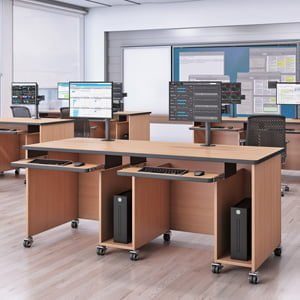
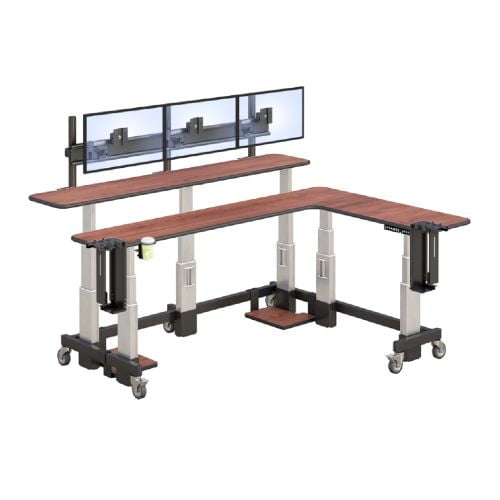
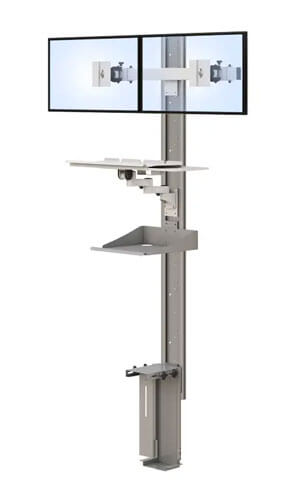
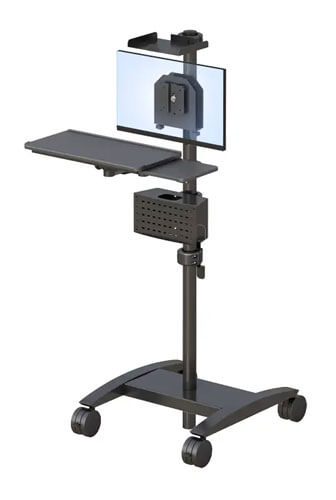
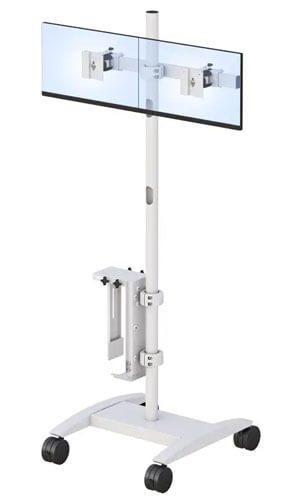
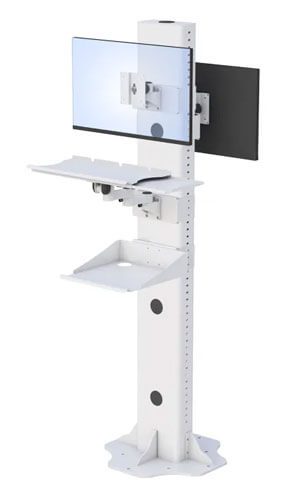
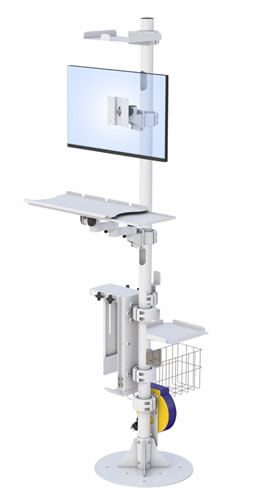
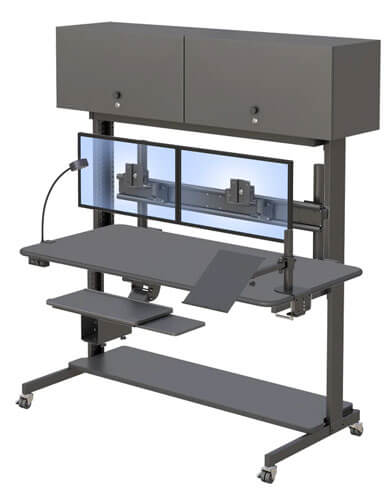
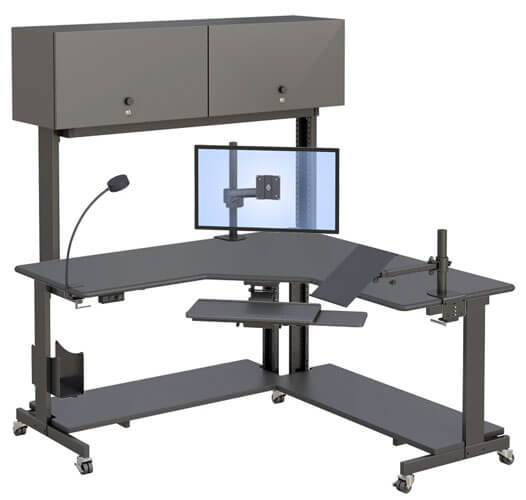
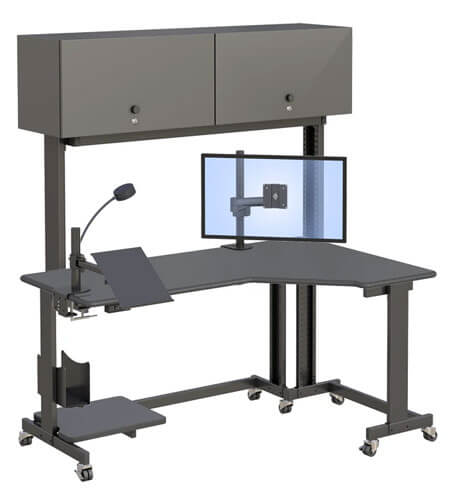
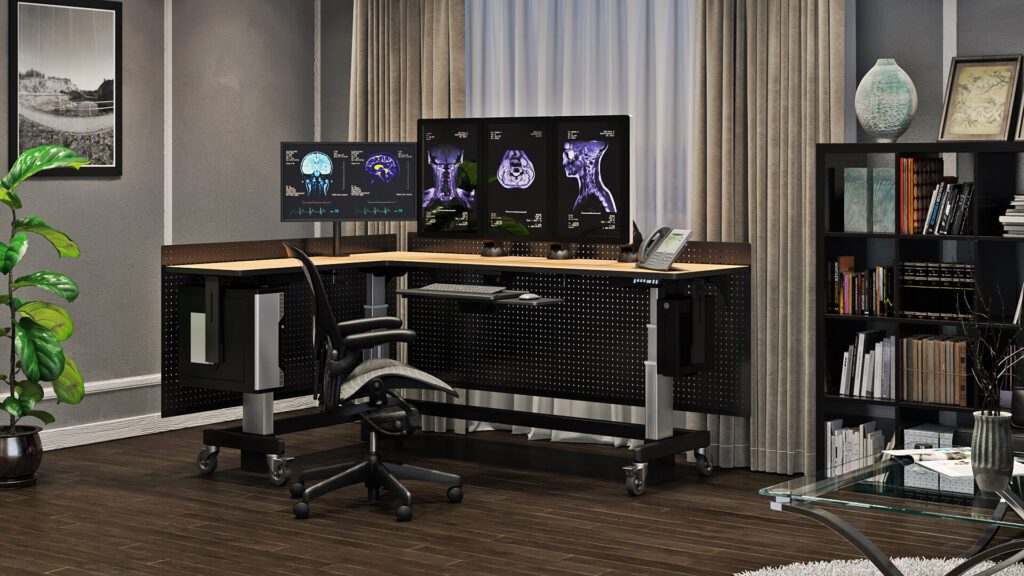
A correctly specified radiology workstation is a system of components that must work together. Each component contributes to either display quality, ergonomic sustainability, or both. Missing or incorrectly specified components in one area affect the performance of the others.
| Component | Clinical/Technical Standard | Why It Matters for Diagnostic Accuracy |
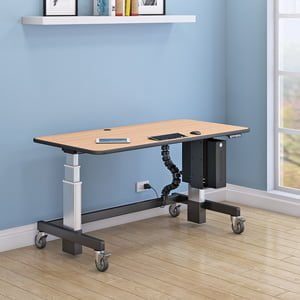
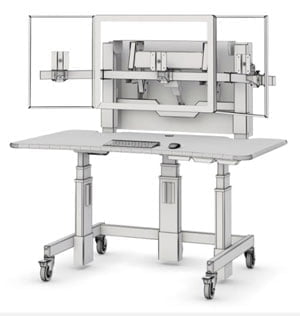
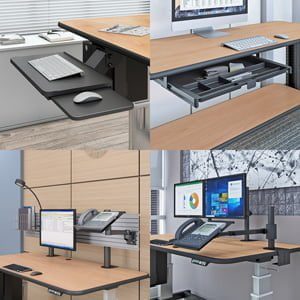
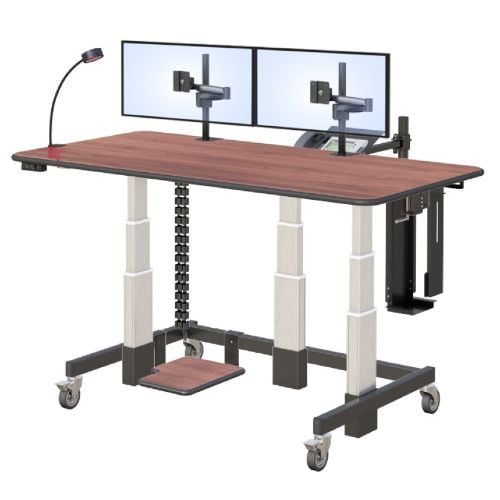
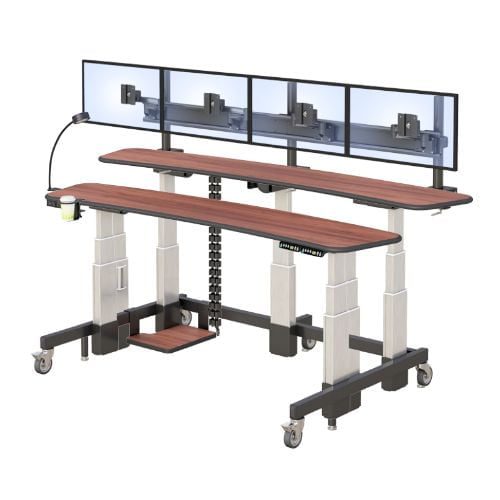
| Height-adjustable base | Seated range: 65–75cm; standing range: 95–115cm | Covers the radiologist’s full height range for both postures. Fixed-height bases do not allow position variation, which is the root cause of cumulative fatigue in multi-hour reading sessions. |
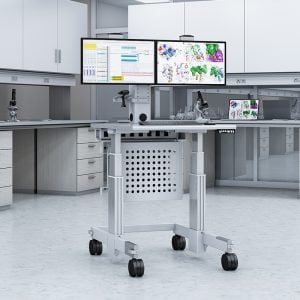
| DICOM-calibrated diagnostic display | 3MP minimum (general radiology); 5MP for mammography; ≥350 cd/m² luminance (ACR standard) | Consumer monitors are not DICOM GSDF calibrated and render grayscale values differently from the diagnostic standard. Subtle density differences relevant to lesion detection may not render correctly on uncalibrated displays. |
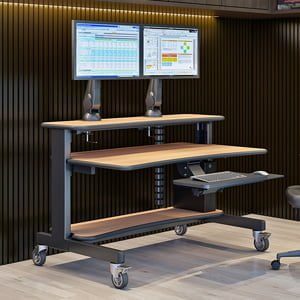
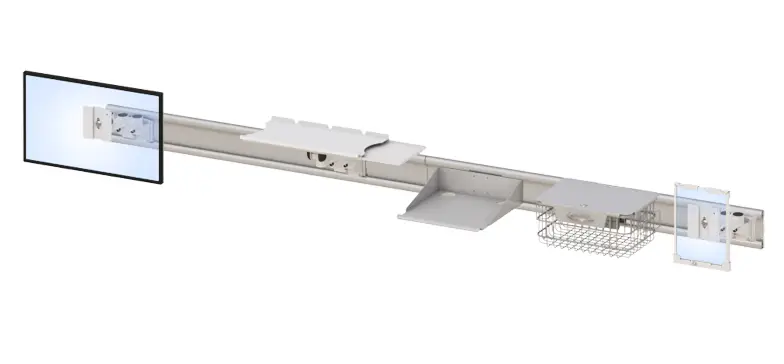
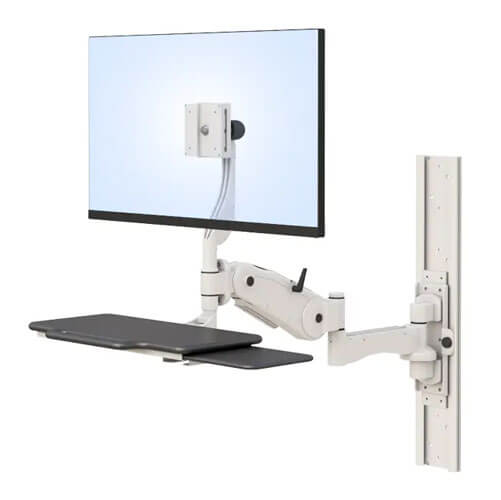
| Adjustable monitor arm | Independently adjustable tilt, height, and reach; rated for diagnostic display weight | Allows each radiologist to position the display at the correct eye level and distance for their specific height and working posture. A fixed arm set for an average-height reader is wrong for every other reader in the department. |
| Cable management | Internal routing; no surface cable loops; cleanable pathway | Multiple diagnostic monitors generate significant cable load. External cables catch on height adjustment mechanisms, discouraging use. Surface cables create contamination risk and make workstation cleaning difficult. |
| Anti-fatigue matting | Contoured surface at standing position | Without anti-fatigue matting, standing is uncomfortable enough after 10–15 minutes that most readers stop using the height adjustment. The mat is what makes intermittent standing actually happen in practice. |
| Ambient lighting control | Controlled indirect lighting; ≤50 lux ambient at display surface (ACR guidance) | Display glare from overhead or window lighting impairs the contrast sensitivity required for lesion detection. Controlled lighting is a reading room specification requirement, not a preference. |
How Should a Radiology Reading Room Be Configured for Optimal Performance?
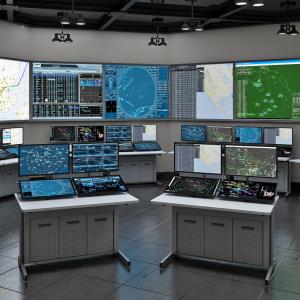
Component specifications matter, but the configuration of the reading room as a whole determines whether those components deliver their potential. Several room-level factors are as important as the workstation hardware.
Lighting is the most frequently underspecified room-level factor. The ACR guidance specifying ambient light at or below 50 lux at the display surface exists because the perceived contrast on a diagnostic display depends not just on the display’s luminance but on the ratio of display luminance to ambient light. A 350 cd/m² display in a bright room with 200 lux ambient light has effectively lower contrast than the same display in a controlled 50 lux environment. Window glare on the display during morning reads is a particularly common problem in reading rooms that weren’t designed with display orientation in mind.
Acoustic environment is the second underspecified factor. Radiology reading is a cognitively demanding sustained-attention task. A noisy reading room — conversations, phone calls, equipment noise — creates an acoustic distraction load that compounds the physical fatigue load already accumulating from workstation setup. Quiet, controlled reading environments consistently correlate with better diagnostic performance in the limited research available on this topic.
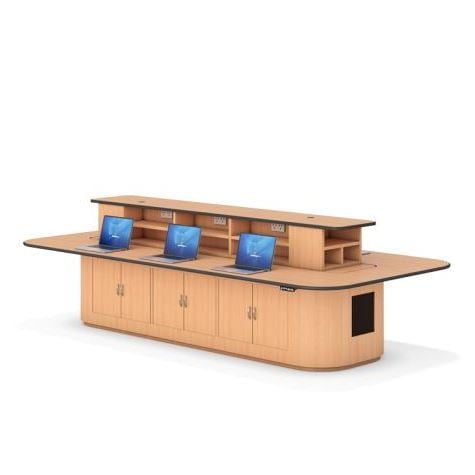
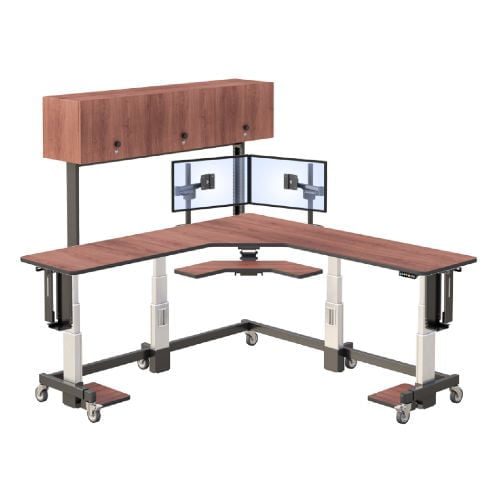
Multi-reader workstation layout matters when departments share reading stations across shifts. If stations are shared, they need to be adjustable enough to be reconfigured quickly for each reader. Height adjustment with memory presets allows a reader to move into a pre-set position within seconds rather than spending the first five minutes of a session trying to approximate a comfortable setup on a fixed-height station.
AFC Industries’ radiology reading room workstations are engineered specifically for the ACR display standards, height adjustment ranges, and stability requirements of diagnostic reading environments. If you’re evaluating a reading room upgrade, the AFC Industries standing desk range also includes configurations suitable for multi-reader radiology environments. Contact AFC Industries to discuss your department’s specific reader population, display requirements, and room configuration.
The Clinical Case in Summary
The workstation is not peripheral to radiology practice. It is the primary interface between the radiologist and the diagnostic data they are responsible for interpreting accurately. Decisions about workstation specification — display calibration, height adjustability, monitor arm flexibility, room lighting — are decisions about diagnostic quality, not about furniture.
The ACR and SIIM standards exist because the effect of suboptimal workstation design on diagnostic accuracy is measurable. So is the effect of physical fatigue on error rates in long reading sessions. Both are addressable through correct workstation specification and reading room configuration.
For radiology managers evaluating their current reading room setup: the starting point is an audit against the ACR Technical Standard — display luminance, calibration documentation, and ambient lighting first, then the ergonomic configuration for the actual reader population. Many departments find that the audit surfaces both immediate low-cost fixes and a clear investment case for higher-cost equipment replacement.