
Why Are Healthcare Professionals Turning Towards Telehealth Remote Communication Workstations for Patient Monitoring?
Table of Contents
- What Is a Telehealth Remote Communication Workstation?
- Clinician Workstation vs Patient-Side Cart: Two Ends of Every Telehealth Encounter
- Why Clinicians Need a Dedicated Workstation, Not a Laptop
- What Does a Correctly Specified Clinician Telehealth Workstation Include?
- AFC Industries Telehealth Workstation Configurations
| QUICK ANSWER —Healthcare professionals are adopting dedicated telehealth remote communication workstations for patient monitoring because ad hoc laptop setups cannot simultaneously support EHR access, high-quality patient video, and the clinical documentation workflow that remote patient monitoring requires. A dedicated clinician telehealth workstation provides: a height-adjustable platform for extended sessions of 4–8 hours; multi-monitor support for simultaneous patient video and electronic health record access; clinical-grade camera and microphone positioned at the correct angles for patient-facing consultation; and stable, secure EHR connectivity for contemporaneous documentation. AFC Industries’ telehealth workstation range includes the Whitestone Workstation and Deluxe Ergo Tier for clinician-side remote consultation environments. |
A telehealth encounter has two physical environments. The first is wherever the patient is: a hospital room, a clinic bay, a community facility, or their home. The second is wherever the clinician is: a hospital telehealth hub, a dedicated consultation room, or increasingly, a home office. Most of the attention in telehealth infrastructure investment goes to the patient side — the cart, the camera, the connection at the bedside. Less attention goes to the clinician side, which is where most telehealth programme quality problems actually originate.
A specialist neurologist conducting video consultations for rural patients from a laptop propped on a kitchen counter is not receiving the clinical information that a correctly configured workstation would give her. The camera is at the wrong angle for professional patient-facing interaction. The audio is picking up background noise that makes clinical communication harder. The EHR is on a separate screen she has to look away from the patient camera to access. The workstation is not height-adjusted for a sustained session. None of these are software problems. They are workstation specification problems.
This article covers what a telehealth remote communication workstation is, how it differs from the patient-side telemedicine cart, why a dedicated workstation outperforms an ad hoc laptop setup, and what the correct specification includes.
What Is a Telehealth Remote Communication Workstation?
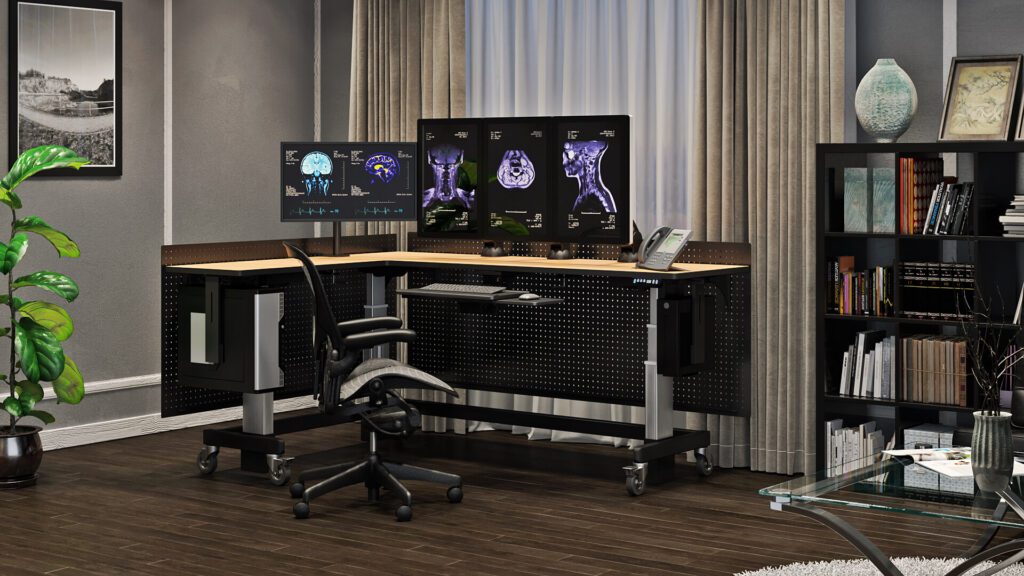
A telehealth remote communication workstation is the clinician’s end of a telehealth encounter. It is a fixed or semi-fixed workstation configured for sustained clinical consultation and remote patient monitoring: height-adjustable for all-day use, multi-monitor for simultaneous patient video and EHR access, equipped with clinical-grade audio and video peripherals, and connected to the healthcare facility’s network with the security and reliability that clinical data requires.
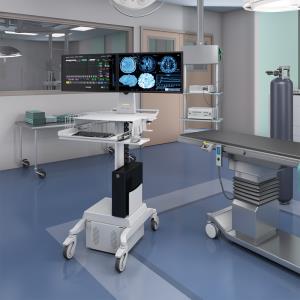
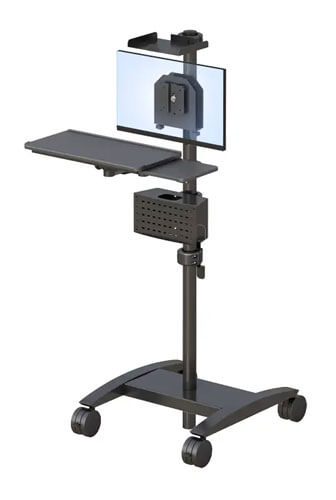
This is distinct from the telemedicine cart at the patient side. The cart is mobile, battery-powered, and designed for the constraints of a clinical environment — disinfection protocol compatibility, one-handed maneuverability in tight spaces, battery for room-to-room mobility. The clinician workstation is stationary or lightly repositionable, designed for sustained multi-session use, and configured for the clinician’s ergonomic and workflow requirements over a full working day.
Both ends of the telehealth encounter need to be correctly specified for the overall consultation quality to be adequate. Most telehealth programmes invest in the patient-side cart and underinvest in the clinician-side workstation, then discover that the clinical communication quality problems they experience originate on the clinician’s end.
Clinician Workstation vs Patient-Side Cart: Two Ends of Every Telehealth Encounter
The table below maps the key differences between a clinician telehealth workstation and a patient-side telemedicine cart across six factors.
| Factor | Clinician Telehealth Workstation | Patient-Side Telemedicine Cart |
|---|---|---|
| Primary user | Clinician providing remote care from a dedicated workstation | Patient receiving care; clinician interacts via the cart’s camera and screen |
| Location | Clinician’s home office, hospital telehealth hub, or dedicated remote consultation room | Patient’s hospital room, clinic bay, community facility, or home |
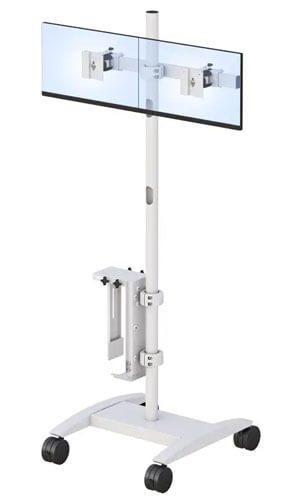
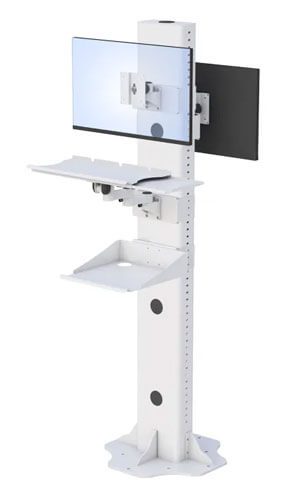
| Workstation type | Height-adjustable desk with multi-monitor support, EHR integration, high-quality audio/video peripherals | Mobile cart with stable camera platform, battery power, compact footprint |
| Key specification | Ergonomic sustained-session configuration; multi-monitor for EHR + patient video simultaneously; professional camera and microphone | Weight, battery, maneuverability, infection control surfaces, camera stability |
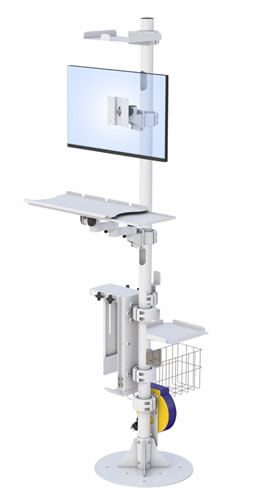
| AFC product examples | Whitestone Workstation, Deluxe Ergo Tier, Single Tier with monitor arms | Telehealth Pole Cart, Point Of Care PC Cart, Battery Power Carts |
| Session duration | Extended — clinician may conduct 4–8 hours of telehealth sessions per day | Single consultation or monitoring event; typically 20–60 minutes per use |
For the patient-side telemedicine cart in detail, see the AFC Industries guide on why healthcare professionals are turning to remote telemedicine carts.
Why Clinicians Need a Dedicated Telehealth Workstation, Not a Laptop
The case for a dedicated telehealth workstation over an ad hoc laptop setup is not about upgrading for its own sake. It is about the specific clinical workflow failures that ad hoc setups produce at scale:
- The camera angle problem. A laptop camera positioned at desk level points at the clinician’s forehead during a video consultation, not at their face. A dedicated workstation with a monitor-height camera peripheral, positioned at the clinician’s eye level, produces the face-to-face visual interaction that builds patient confidence and communicates clinical attentiveness. For mental health consultations, where therapeutic rapport is partly built through visual communication, the difference is clinically significant.
- The simultaneous EHR and video problem. A clinician on a laptop who needs to access the patient’s EHR record during the consultation must look away from the patient camera to access the record on the same screen. From the patient’s perspective, the clinician has turned away and stopped engaging. A two-monitor workstation puts the patient video on one screen and the EHR on the other: the clinician faces the patient throughout while accessing the record simultaneously.
- The audio quality problem. Laptop microphones pick up background noise — keyboard clicks, HVAC systems, household sounds in home offices — that degrades the audio quality of clinical communication. For elderly patients with hearing difficulties, this is a significant barrier. A directional cardioid microphone mounted at the correct distance from the clinician captures voice cleanly and suppresses background noise. This is a clinical communication tool, not a conference call upgrade.
- The extended session fatigue problem. A clinician running 6 hours of telehealth consultations from a laptop at a kitchen table, with the screen at the wrong height and the keyboard at the wrong position, is accumulating the same postural fatigue load documented in office workers by NIOSH and OSHA. The fatigue affects clinical performance in later sessions — the same mechanism documented for radiologist reading errors in the later portions of extended sessions. A height-adjustable workstation with correct monitor positioning eliminates this load.
What Does a Correctly Specified Clinician Telehealth Workstation Include?
| SIX ELEMENTS OF A CORRECTLY SPECIFIED CLINICIAN TELEHEALTH WORKSTATION
1. Height-adjustable platform for extended sessions. The workstation must support correct ergonomic positioning for the clinician’s full working day — seated elbow height for keyboard and documentation, with sit-to-stand capability for session variation. A height-adjustable desk with the clinician’s specific height settings reduces the sustained postural load of 4–8 hours of telehealth sessions. 2. Multi-monitor support: patient video and EHR simultaneously. A minimum of two displays: one for patient-facing video, one for EHR and clinical record access. The monitor arm positioning for both should be independently adjustable so neither display compromises the clinician’s eye level or viewing distance. 3. Camera at eye level, not laptop level. A dedicated webcam or clinical camera on an adjustable arm, positioned at the clinician’s eye level, produces the face-to-face visual engagement that patient-facing consultation requires. Specify camera resolution appropriate to the modality: standard video consultation requires a minimum 1080p at 30fps; dermatology and wound assessments benefit from 4K. 4. Professional directional microphone. A directional cardioid microphone positioned 30–45cm from the clinician’s mouth, or a quality headset for environments with significant background noise, provides the audio clarity that clinical communication requires. Laptop microphones fail this specification in almost every environment. 5. Secure, stable network connection. Telehealth sessions carrying patient data require both bandwidth reliability and HIPAA-compliant network security. Wired ethernet from the workstation to the router is the most reliable connection method for home-based clinicians; if wireless is necessary, specify Wi-Fi 6 at minimum and verify healthcare facility VPN compatibility. 6. Professional background for patient-facing video. The camera frame visible to the patient should present a professional, clinical environment. This is partly a physical workstation organisation question — cable management, clean sightlines — and partly an intentional background setup. A neutral wall behind a correctly configured workstation presents better than a home-cluttered background regardless of virtual background software. |
AFC Industries Telehealth Workstation Configurations
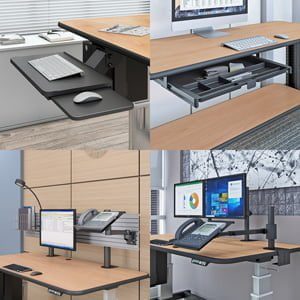
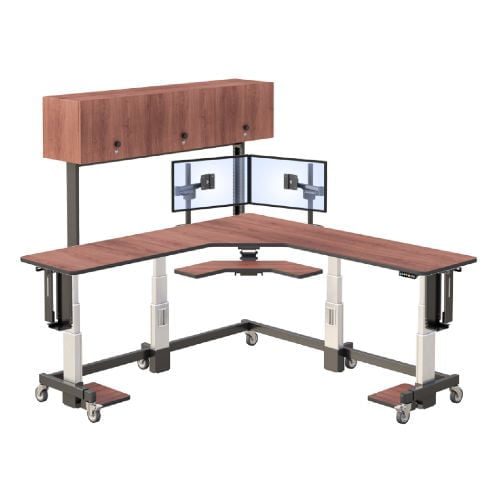
AFC Industries’ workstation range covers clinician-side telehealth configurations from dedicated standing desks with monitor arm integration to multi-monitor ergonomic workstations for sustained-session use:
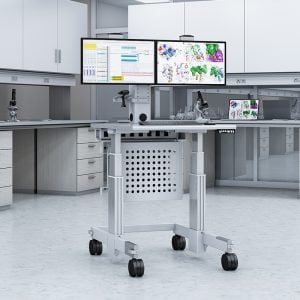
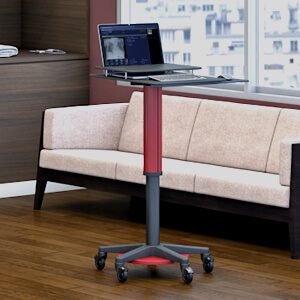
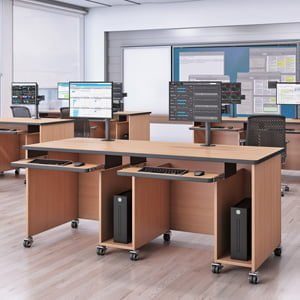
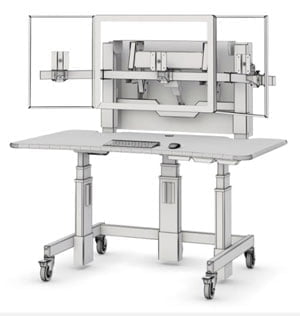
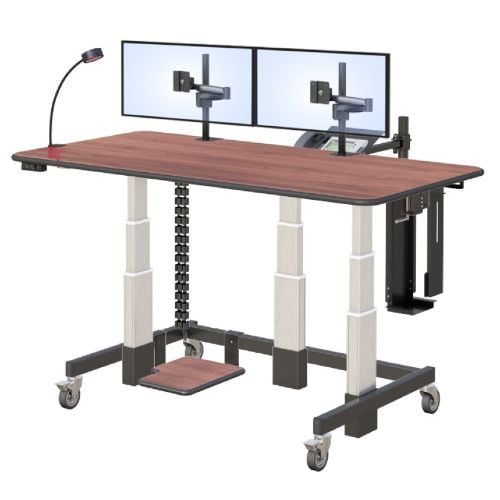
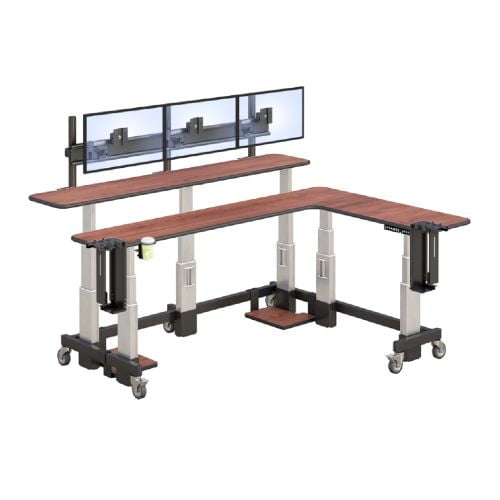
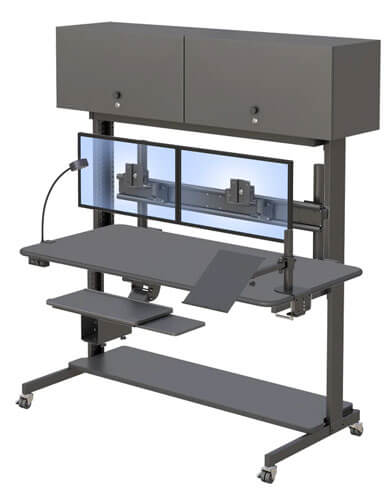
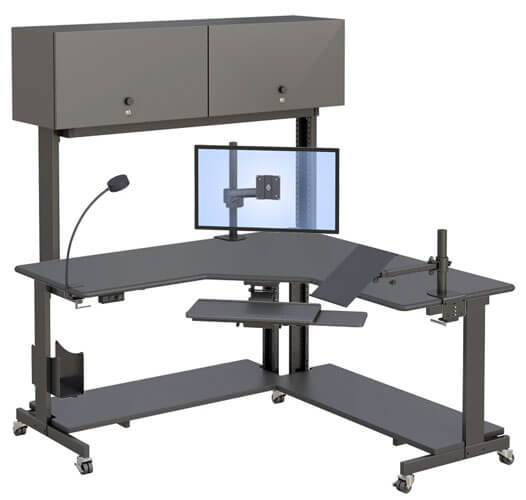
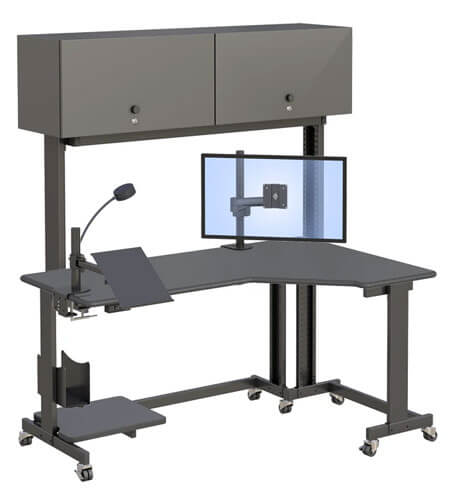
- Whitestone Workstation — Flagship height-adjustable workstation for sustained high-attention work. Full height range covering seated and standing; multi-monitor stability for two or more clinical displays; the specification for a dedicated telehealth hub or full-day remote monitoring workstation.
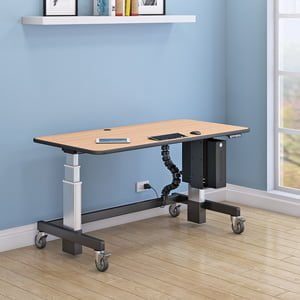
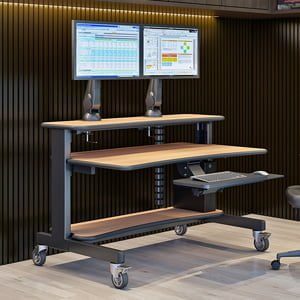
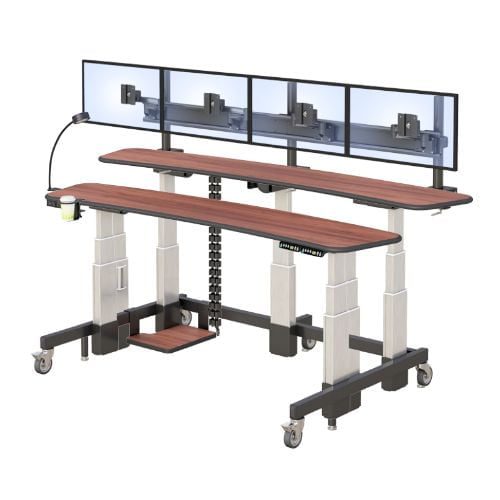
- Deluxe Ergo Tier — Dual-tier height-adjustable workstation with independent keyboard and monitor heights. The configuration for clinicians who need simultaneous keyboard use at elbow height and patient video at eye level throughout a session.
- Ergo Tier — Height-adjustable sit-stand desk for telehealth workstations where the clinician’s primary working position is seated but standing sessions are desirable for patient interaction variation.
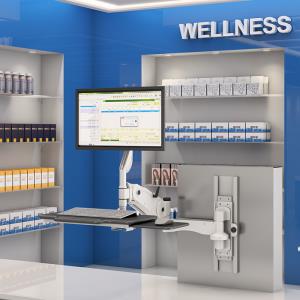
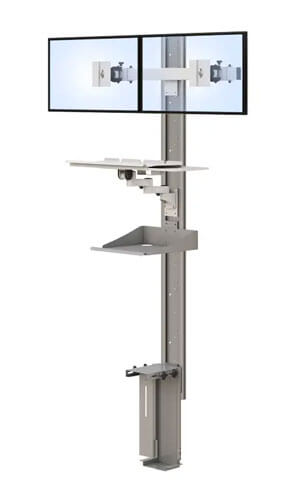
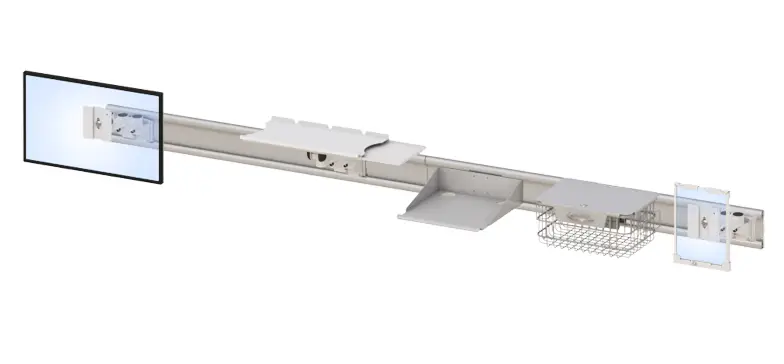
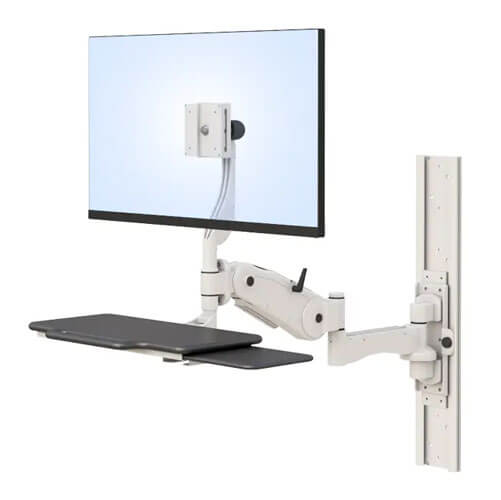
- Wall Mounted Monitor Arms — For telehealth consultation rooms where the camera and patient video display should be wall-mounted to maximise desk surface for documentation and to position the camera at the correct eye level independently of the desk surface height.
Browse the full AFC Industries telehealth range for both clinician-side workstations and patient-side carts. For the patient-side perspective, see why healthcare professionals are turning to remote telemedicine carts. Contact AFC Industries to discuss the telehealth workstation specification for your programme.