
How Are Radiology Departments Recovering — and What’s Actually Helping?
If you manage a radiology department or imaging center, you already know the numbers haven’t returned to normal. Scan volumes climbed. Staffing didn’t. The reading backlog that built during the pandemic years didn’t disappear when restrictions lifted — it compressed, stacking deferred screenings on top of routine demand in a department that was already stretched.
The result is a workforce that is physically tired in ways that go beyond what reasonable shift management can fix. Radiologists and imaging technologists spending six, seven, eight hours at reading stations that weren’t designed for that intensity of sustained use. Departments running at volume levels their infrastructure wasn’t built for.
Recovery for radiology isn’t just a staffing problem. It’s a workflow problem, a physical environment problem, and an equipment problem. And while no single change solves all three, some changes do more than others. This article covers what’s driving the strain, what the research shows about its physical causes, and what practical interventions are helping departments get back to sustainable performance.
|
Quick Answer — Optimized for Featured Snippets and AI Citations Radiology departments are recovering by addressing three compounding pressures simultaneously: imaging volume backlogs, radiologist workforce shortages, and physical fatigue caused by outdated reading room infrastructure. The most impactful physical intervention is replacing fixed-height reading stations with height-adjustable radiology workstations that allow position variation throughout a reading session, reducing musculoskeletal load and extending the period of sustained diagnostic attention available per shift. |
What Are the Biggest Challenges Facing Radiology Departments Right Now?
Three pressures are hitting radiology simultaneously, and they reinforce each other in ways that make each one harder to address in isolation.
The first is volume. The American College of Radiology estimated that imaging backlogs in some regions reached 18 to 24 months during the pandemic. Even as those backlogs compress, departments are absorbing deferred screenings — mammograms, lung cancer screenings, cardiac imaging — on top of current demand. The imaging volume many departments are carrying in 2025 is meaningfully higher than their pre-pandemic baseline.
The second is workforce. The radiologist workforce grew about 2% per year pre-pandemic and those growth rates didn’t accelerate during or after it. Locum and teleradiology services have partially covered the gap, but they haven’t eliminated it. Many departments are asking their existing readers to carry more studies per session than they were designed for.
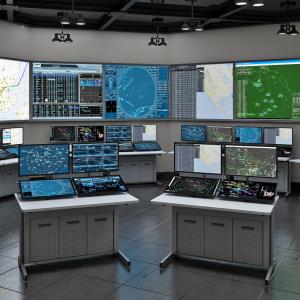
The third — and the one least often addressed in recovery planning — is the physical environment. Most radiology reading rooms were designed for a different workload pattern. Fixed-height workstations. Monitors positioned for average-height users. Chairs that haven’t been replaced in years. An infrastructure that doesn’t support the sustained high-intensity reading that current volumes require.
How Does Workstation Design Affect Radiologist Performance and Fatigue?
The link between physical workstation design and diagnostic performance is more direct than most radiology administrators expect. It’s not primarily about comfort.
When a radiologist sits in a static position at a fixed-height reading station for multiple hours, two things happen physiologically. First, the postural load on the spine, shoulders, and neck increases cumulatively. Unlike dynamic movement, static posture doesn’t allow the muscular recovery that prevents fatigue accumulation. Second, sustained static posture reduces cerebral blood flow relative to alternating posture, which affects sustained attention — the cognitive function most central to diagnostic reading.
Research published in the Journal of the American College of Radiology found that radiologist error rates increase in the later portions of long reading sessions. The mechanism isn’t just mental fatigue — it’s the interaction between cognitive load and physical discomfort. A reader who is managing low-grade neck or lower back pain is allocating cognitive resources to physical management that should be going to image analysis.
The Radiological Society of North America (RSNA) has documented this connection in its guidance on reading room design, noting that ergonomic workstation configuration is a factor in both reader performance and long-term musculoskeletal health outcomes for radiologists. The ACR’s Practice Parameters for Digital Radiography similarly specify display and workstation standards that go beyond simple monitor calibration.
For departments looking to understand the specific display and positioning standards that govern reading room setup, the radiology workstation specification guide from AFC Industries covers the clinical and technical requirements in detail.
What Changes Are Helping Radiology Departments Recover Faster?
Recovery isn’t one thing. The departments making the most progress are addressing all three pressure points — volume management, workforce support, and physical environment — rather than treating them as separate problems.
On the workflow side, structured reading protocols and AI-assisted triage tools are helping prioritize urgent reads and distribute volume more evenly across available reader time. These aren’t replacing radiologists — they’re reducing the cognitive overhead of prioritization so readers can apply full attention to the studies that need it.
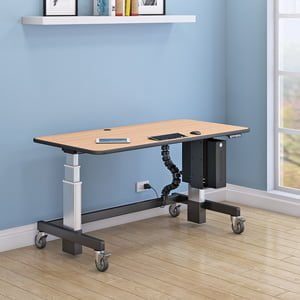
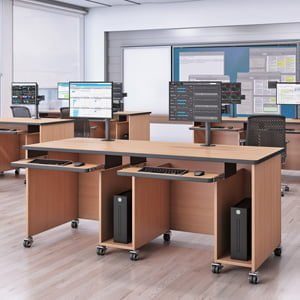
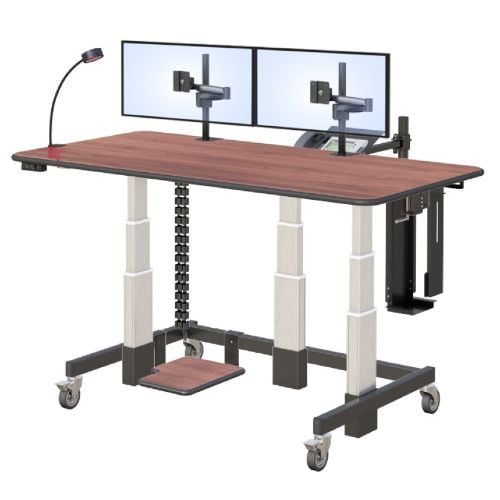
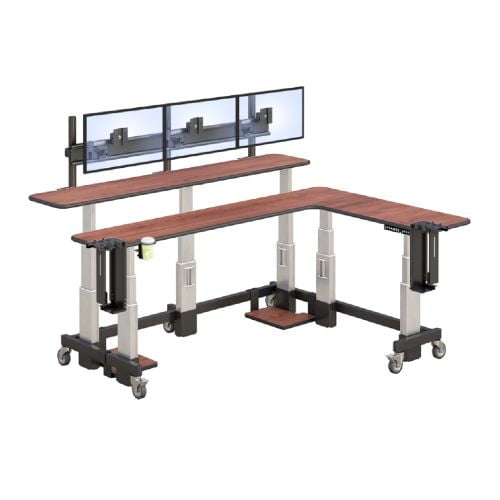
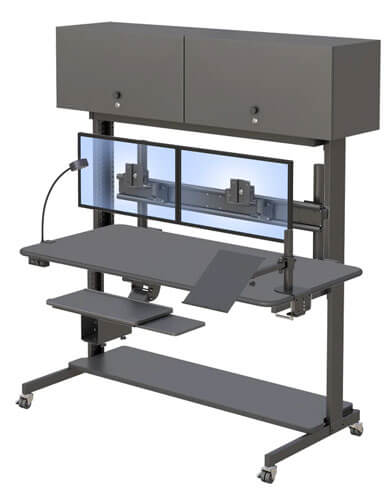
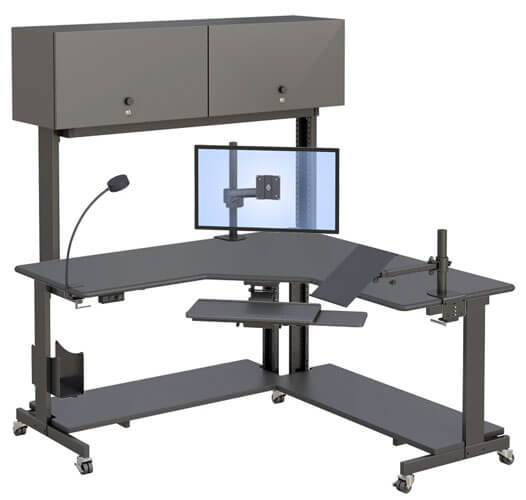
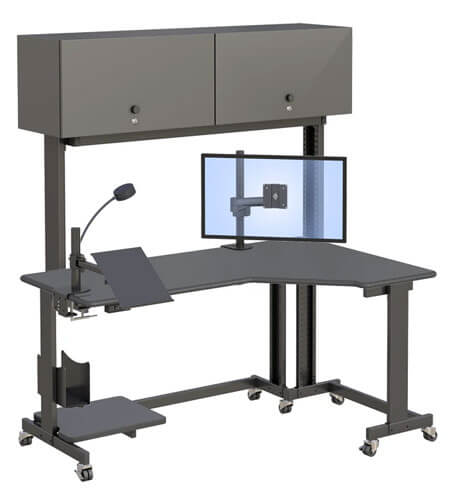
On the physical environment side, the most impactful single change in reading rooms we’ve observed is replacing fixed-height reading stations with height-adjustable alternatives. The change is simple: it allows readers to alternate between sitting and standing throughout a session rather than remaining in a single static position. That position variation reduces cumulative musculoskeletal load and, according to occupational health research, maintains sustained attention more effectively than fixed-posture reading.
Other changes making a measurable difference:
- Lighting redesign: Controlled ambient lighting that reduces glare on diagnostic displays improves both image interpretation quality and reduces eye fatigue over long sessions.
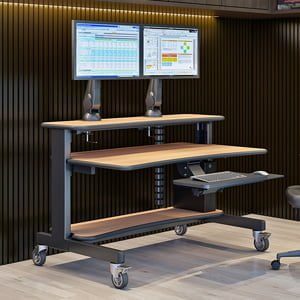
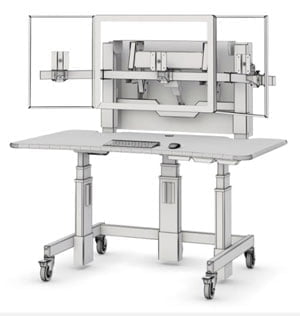
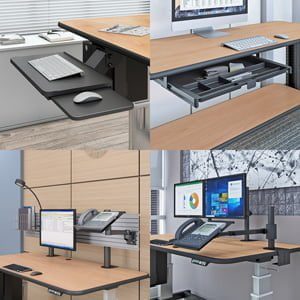
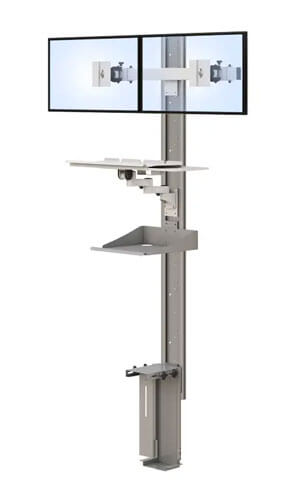
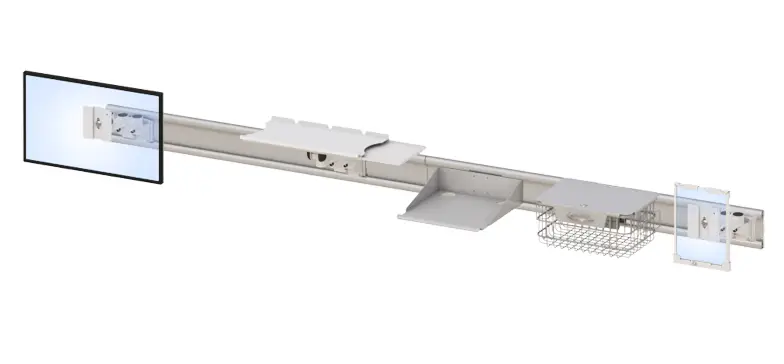
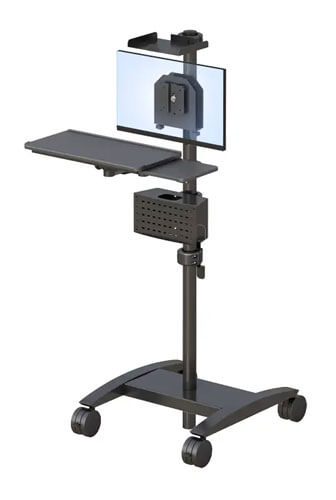
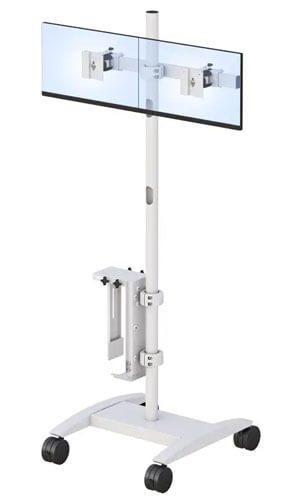
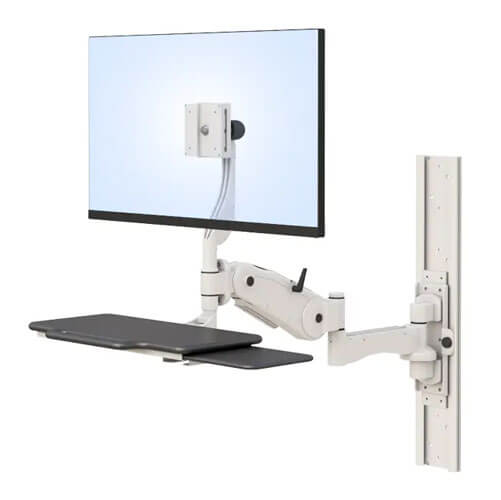
- Monitor arm addition: Adjustable monitor arms allow each reader to position their diagnostic displays at the correct height and distance for their specific eye level and working posture, rather than sharing a fixed position designed for an average that fits no one exactly.
- Anti-fatigue matting at standing positions: Readers who stand intermittently without anti-fatigue support often find standing less comfortable than sitting, defeating the purpose of height adjustability. Matting resolves this quickly.
- Chair replacement: Radiology chairs see intensive use. A chair that was adequate at moderate reading volumes becomes a fatigue factor at higher intensity. Chairs with adjustable lumbar support and appropriate seat depth for extended sessions make a measurable difference to end-of-shift fatigue.
- Workflow buffering: Structured break protocols — not just scheduled breaks but short movement breaks built into the reading workflow — help readers sustain performance over longer sessions by interrupting postural load accumulation.
Which Ergonomic Features Matter Most in a Radiology Reading Room?
Not all ergonomic features deliver equal value in a radiology-specific context. The reading room has requirements that a standard office ergonomics checklist doesn’t fully address.
Height adjustability range is the most important single specification. A workstation whose height range doesn’t cover both the seated elbow height of the shortest reader and the standing elbow height of the tallest doesn’t deliver the benefit. Many standard sit-stand desks have a range optimized for average-height users. Radiology departments have diverse reader populations — the range needs to actually cover everyone.
Monitor arm flexibility is the second critical feature, because DICOM-calibrated diagnostic displays need to be positioned at the correct distance and height for each individual reader. A monitor arm that only adjusts height and not distance, or that doesn’t support the weight of medical-grade diagnostic monitors, doesn’t solve the positioning problem.
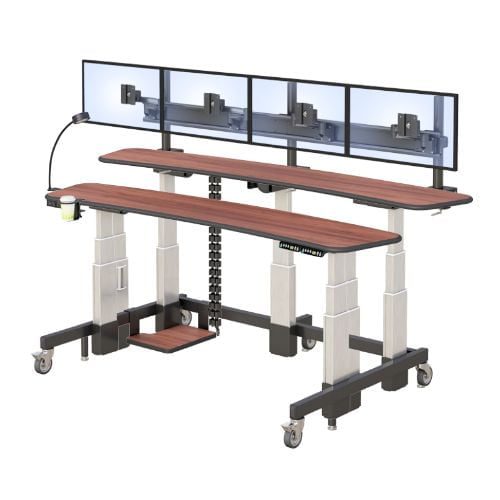
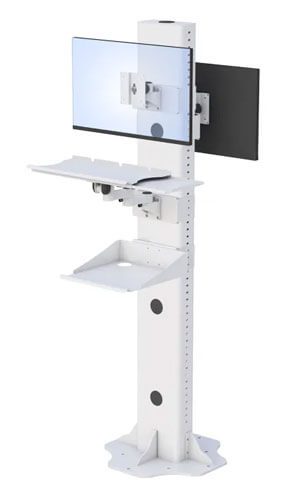
Stability under multi-monitor load matters more in radiology than in general office environments. A standard reading station carries two to four diagnostic-grade monitors, each weighing significantly more than a consumer display. The workstation frame needs to remain stable and vibration-free under that load when adjusted — instability at any monitor position creates both a safety issue and a working environment issue for precision reading.
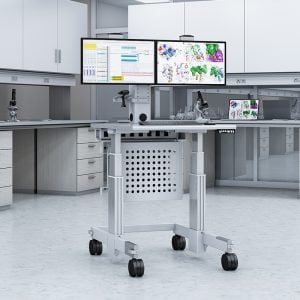
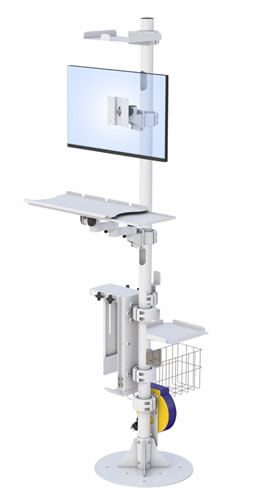
Cable management for multi-monitor setups is consistently underestimated. A reading station with four monitors has a significant cable load. Poor cable management creates both a contamination risk (cables on surfaces that are difficult to clean) and a workflow impediment (cables that catch when the height is adjusted, discouraging adjustment use).
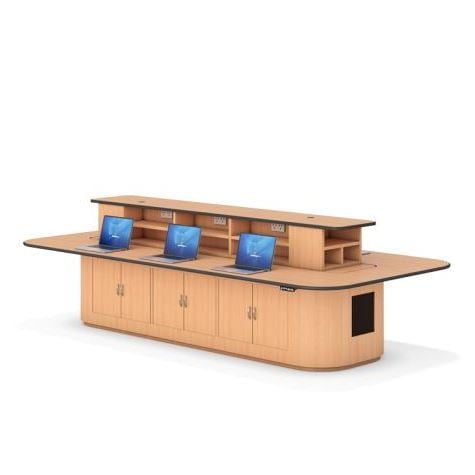
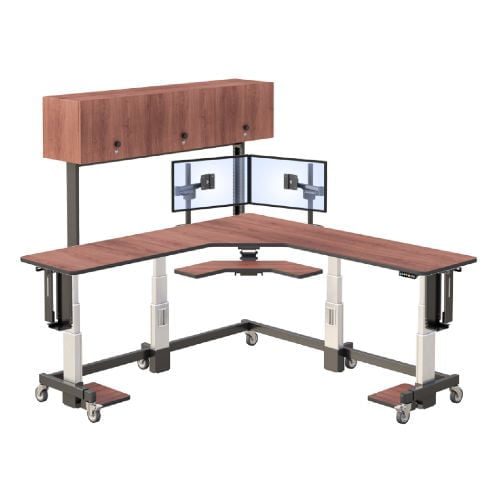
AFC Industries’ radiology reading room workstations are engineered specifically for the height range, load capacity, and stability requirements of diagnostic reading environments. If you’re evaluating options for a reading room upgrade, that’s a useful starting point for understanding what the specification should include.
What Should Radiology Departments Prioritize First?
If you’re managing a radiology department in recovery mode, the right sequence is: workflow efficiency first, then workforce support, then physical environment. But don’t treat the physical environment as optional or deferrable. It’s the dimension most within your direct control and the one that compounds over time in both directions — a poor physical environment makes every hour your readers work harder than it needs to be.
The practical first step on the physical side is a reading room audit: height range of existing workstations, monitor positioning for your specific reader population, chair condition and adjustability, lighting, and cable management. Most departments find that the audit reveals several low-cost interventions alongside the higher-cost equipment replacements — and the low-cost changes often deliver immediate relief.
For departments ready to evaluate height-adjustable radiology workstations or explore AFC Industries’ full range of standing desks and ergonomic reading room solutions, the product range covers options across different reading room configurations and budget levels. Contact the AFC Industries team to discuss your department’s specific requirements.