



Can a Standing Desk Help My Back Pain? Here’s the Honest Answer
Back pain and desk work have a long, miserable relationship. If you’re asking this question, you’re probably sitting somewhere right now that doesn’t feel great — a lower back that tightens up by early afternoon, a neck that’s been quietly protesting for months, or the kind of chronic dull ache that’s become so constant you’ve almost stopped noticing it.
You’ve probably heard that standing desks can help. You may also have seen enough skeptical takes to wonder whether that’s just furniture marketing. Both instincts are reasonable. The honest answer sits somewhere between “standing desks cure back pain” and “they’re just an expensive trend.”
This article gives you the real picture: what the research actually shows, the specific mechanism behind why alternating positions reduces pain, how long you should actually stand, and what else needs to be true for a standing desk to deliver what you’re hoping for. No overselling. Just what’s accurate and useful.
|
Quick Answer — Yes, a standing desk can reduce lower back pain — but not by standing more. A 2018 randomized controlled trial published in BMJ Open found that participants using sit-stand desks reported a 54% reduction in upper back and neck pain after four weeks compared to those using standard desks. The mechanism is position alternation, not standing itself: switching posture interrupts the cumulative static spinal load that causes most sedentary desk pain. A height-adjustable standing desk makes that alternation easy enough to actually happen throughout the day. |
Does a Standing Desk Actually Reduce Lower Back Pain?
The short answer is yes — with an important caveat about what “standing” actually means in this context.
The research on sit-stand desks and back pain has strengthened considerably over the past decade. The most cited study is a 2018 randomized controlled trial in BMJ Open (the Stand More AT Work trial, or SMArT Work) that followed 146 office workers over 12 months. Participants given sit-stand desks reported a 54% reduction in upper back and neck pain after four weeks. By 12 months, they also reported improvements in work performance, mood, and energy levels. These weren’t self-selected enthusiasts — they were randomly assigned.
A 2016 Cochrane systematic review, which pooled findings across multiple studies, found that sit-stand desks showed a favorable effect on lower back pain and standing time. The National Institute for Occupational Safety and Health (NIOSH) has also documented that alternating between sitting and standing during work reduces musculoskeletal discomfort compared to continuous sitting.
The mechanism is worth understanding because it explains both why this works and where it has limits. When you sit in one position for hours, spinal disc pressure builds cumulatively. The muscles supporting your spine in a static position accumulate fatigue without the micro-recovery periods that come with movement. Changing position — even briefly standing, then sitting again, then adjusting slightly — interrupts that accumulation cycle. The discs decompress. The supporting muscles get a recovery interval. The net result over a workday is significantly lower total musculoskeletal load.
What a standing desk cannot do: it cannot fix structural issues like disc herniation or nerve compression. It cannot replace physiotherapy for acute or chronic injury. If your back pain has a specific diagnosed cause, the conversation about whether a standing desk helps belongs with your physiotherapist, not a furniture guide. For the vast majority of desk-related back pain — the kind caused by sustained static posture in a poorly configured workstation — the evidence that alternating positions helps is solid.
How Long Should You Stand vs. Sit to Actually Get the Benefit?
This is where most people who buy a standing desk and don’t get results went wrong. They stood too much, got sore feet and tired legs, decided standing desks were uncomfortable, and pushed the desk back to its lowest position permanently.
The research-supported pattern is not “stand as much as possible.” It’s alternation. Occupational health guidance from the British Journal of Sports Medicine recommends accumulating at least two hours of standing and light activity during working hours, building toward four hours, with regular alternation between sitting and standing. In practice, this typically translates to standing for 20–30 minutes per hour, interspersed with sitting.
Continuous standing carries its own problems: varicose veins, lower limb fatigue, increased cardiovascular load in some populations. The goal is never to replace sitting with standing. It’s to interrupt the static posture cycle by building regular position changes into your working rhythm. A desk with memory presets makes this low-friction enough that the switching actually happens rather than being forgotten.
What Else Do You Need for a Standing Desk to Actually Help Your Back?
A standing desk addresses one variable in a multi-variable problem. If the rest of your workstation is misconfigured — monitor too low, chair wrong for your height, keyboard at the wrong angle — the desk alone won’t deliver the relief you’re hoping for. Think of it as one component of a system that needs to work together.
Here’s what the rest of the system needs:
|
5 Things That Make a Standing Desk Actually Work for Back Pain 1. An anti-fatigue mat for your standing position. Standing on a hard floor — even for 20 minutes — creates its own fatigue in the feet, calves, and lower back. An anti-fatigue mat with a contoured surface encourages subtle micro-movements that keep circulation active. Without one, most people find standing uncomfortable enough that they stop doing it. 2. A monitor at the correct height for both positions. When you raise your desk to standing height, your monitor needs to rise with it. If your monitor sits on a fixed arm or directly on the desk surface, it’ll be too low when standing, forcing your neck into flexion — exactly the kind of strain you’re trying to relieve. An adjustable monitor arm solves this directly. 3. A chair correctly fitted for your sitting height. The sitting periods in a sit-stand rhythm still constitute the majority of your working day. A chair that doesn’t provide lumbar support, or whose armrests are at the wrong height, creates the same cumulative load problem during sitting that the desk is meant to reduce during standing. 4. Memory presets on the desk. This sounds minor. In practice it determines whether people actually use the height adjustment. Research consistently shows that sit-stand desk usage drops sharply when adjustment requires manual effort. Preset heights reduce the barrier to switching from “I should change positions” to “I just pressed a button.” 5. Consistent alternation over at least four weeks. Most back pain relief from sit-stand desks is cumulative over weeks, not immediate. The first week, your standing muscles may actually be a bit sore from the novel load. The BMJ Open SMArT Work study found the significant pain reduction outcomes at four weeks — not four days. |
What Should You Look for in a Standing Desk if Back Pain Is Your Main Reason for Buying?
Not all height-adjustable desks deliver the benefit equally. The desk’s ability to help your back depends on several specific features.
Height range is the most important specification to check before anything else. Your sitting elbow height — the correct desk height for sitting with forearms parallel to the floor — is typically around 65–75cm for most adults. Your standing elbow height is typically 95–115cm. The desk’s adjustment range needs to cover both for your specific height. Many budget sit-stand desks don’t reach the lower end of seated height for shorter users or the upper end of standing height for taller ones.
Motor stability matters for back pain specifically because instability at standing height — the subtle wobble some desks have when adjusted to full height with a monitor load — creates an unconscious muscular tension response. Your body registers the instability and your muscles compensate, which adds to the load you’re trying to reduce. Dual-motor desks are meaningfully more stable than single-motor alternatives under load.
Weight capacity needs to match your actual equipment load. If you have dual monitors, a monitor arm, a laptop, and accessories, the combined weight can approach 40–50 lbs. Check the capacity rating against your actual setup, not the desk surface dimensions.
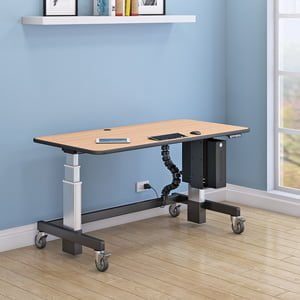
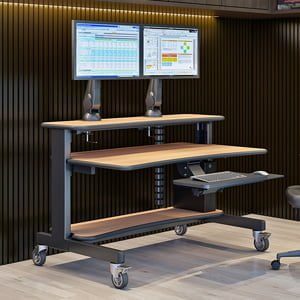
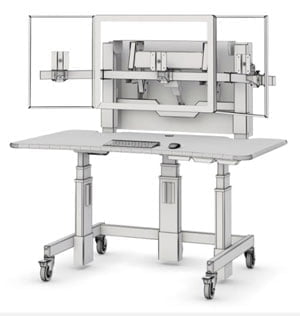
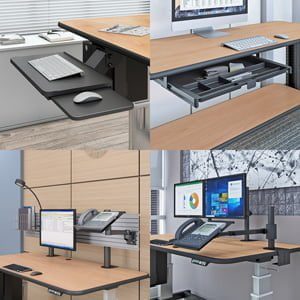
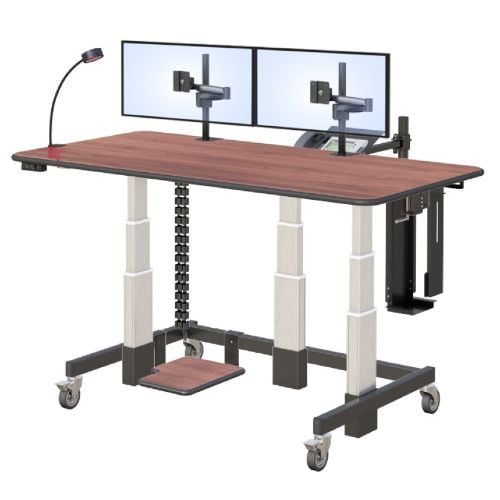
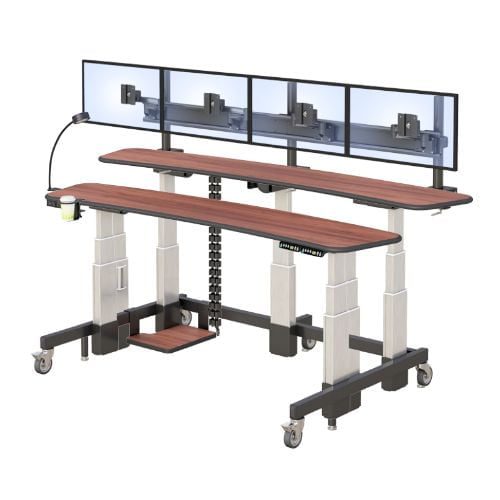
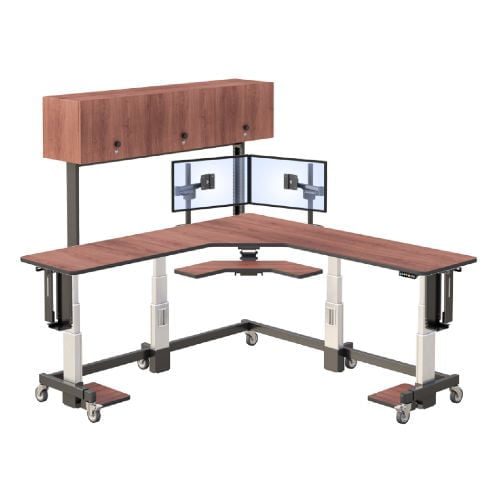
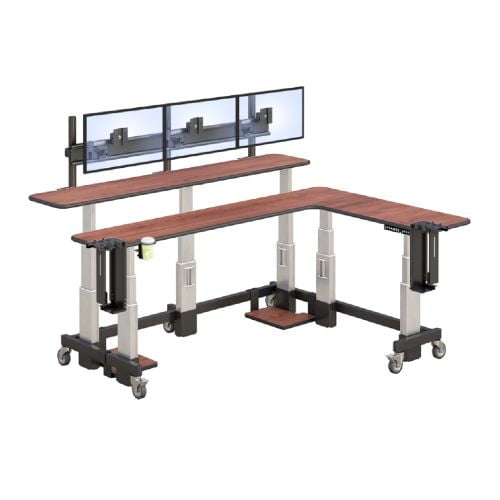
AFC Industries’ height-adjustable standing desks include models across a range of height adjustability spans and motor configurations. The Whitestone Workstation and Deluxe Ergo Tier are both worth looking at if you’re specifically addressing back pain in a full-day desk setup. If you’re not sure which specification fits your height and equipment load, the AFC Industries team can help you match the desk range to your actual measurements.
The Honest Summary
A standing desk can genuinely reduce lower back and neck pain — the research is solid on this. But the mechanism is position alternation, not standing, and a desk by itself is one component of a workstation system that needs to be configured correctly to deliver the result.
If you’re managing chronic or diagnosed back pain, the conversation with a physiotherapist should happen before or alongside any workstation change. If you’re managing the kind of desk-related pain that’s built up from years of sedentary office work in a poorly configured setup, a height-adjustable desk combined with correct monitor height, a fitted chair, and an anti-fatigue mat has a solid evidence base behind it.
The four-week mark is when most people in clinical studies reported meaningful improvement. Give it that time before drawing conclusions. And make sure you’re actually using the adjustment — a standing desk parked at its lowest position is just an expensive desk.