
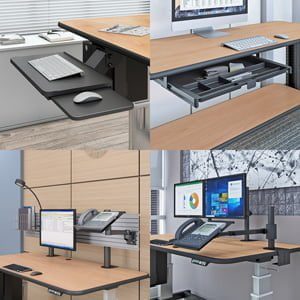
How Are Multi-Level Office Utility PC Carts a Vital Piece of Today’s Office Furniture?
Table of Contents
- What Makes a Multi-Level Cart Different from a Single-Level Cart?
- Where Are Multi-Level Utility PC Carts Most Valuable?
- The Training Room Use Case: Multi-Level in Practice
- What to Look for When Choosing a Multi-Level Office Utility Cart
- AFC Industries Multi-Level Cart Configurations
| QUICK ANSWER — A multi-level office utility PC cart holds a computer, display, and reference materials on separate, simultaneously accessible levels, eliminating the single-surface clutter problem that occurs when different-height equipment and materials compete for the same workspace. Unlike a single-level mobile cart, a multi-level configuration gives the user correct height access to each item type — display at eye level, keyboard at elbow level, reference materials on a lower shelf — without rearranging the cart between tasks. AFC Industries’ OmniBus Multi Level Desk is the flagship multi-level mobile workstation, suited to training rooms, conference spaces, reception environments, and clinical documentation stations. |
A single flat surface is a reasonable workstation when the work involves one thing. When it involves two or three things simultaneously — a laptop and a reference manual, a presentation display and a notes document, a clinical documentation screen and a physical patient record — the single surface becomes an obstacle rather than a workspace. Things get stacked on top of other things. The keyboard gets pushed aside to make room for the reference materials. The display ends up where the documentation should be. None of this is a space problem; it is a surface-configuration problem.
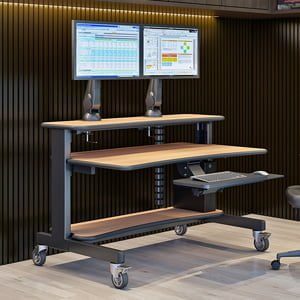
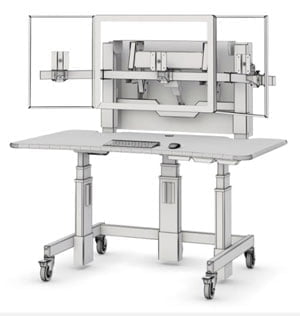
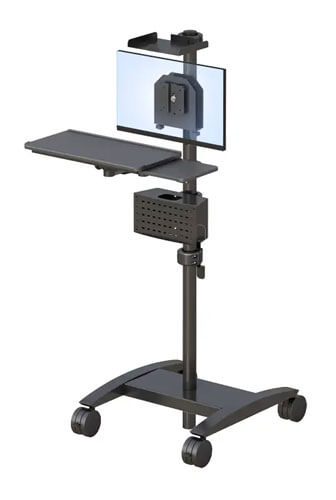
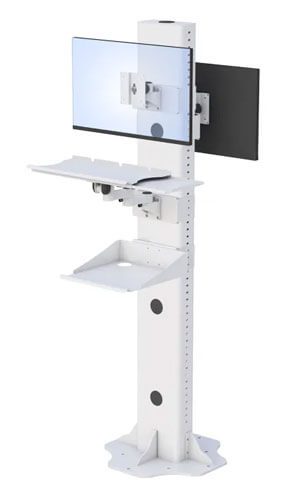
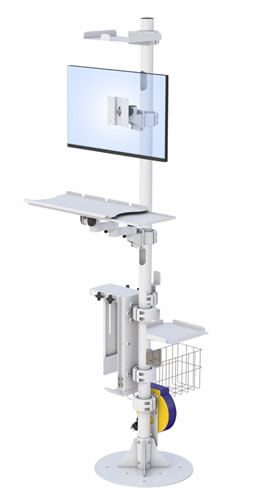
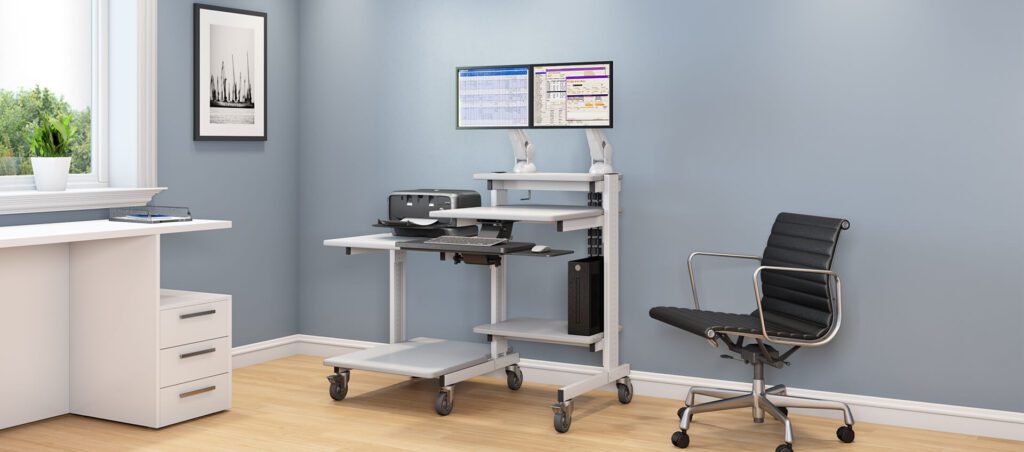
A multi-level office utility PC cart solves this by giving each item its own level at the correct height. The display goes on the upper level at eye height. The keyboard and primary work surface sit at elbow height. Reference materials, equipment, and accessories occupy the lower level, accessible without clearing the upper surfaces. The whole assembly rolls as a single unit to wherever the work is happening.
This article covers why multi-level carts are genuinely essential in the environments that need them, the specific use cases where the multi-level advantage is most pronounced, what to look for when choosing one, and the AFC Industries configurations that address each scenario.
What Makes a Multi-Level Cart Different from a Single-Level Cart?
The difference between a single-level and multi-level cart is not a difference of capacity — it is a difference of simultaneous accessibility. A single-level cart can hold all the same items as a multi-level cart, but only one configuration of them at a time. The laptop goes on the surface; the reference manual has to be propped against it or held; the equipment goes where it can fit. When you need something from the lower space, you have to move something from the upper space to get to it.
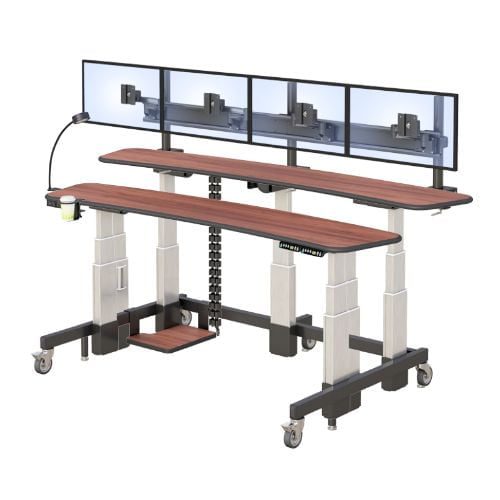
A multi-level cart assigns each item category to a level that is simultaneously accessible at the right height for the task. The display sits at eye level on the upper tier. The keyboard and primary input surface are at elbow level on the main tier. Reference materials, forms, and supplementary equipment occupy the lower tier, reachable in a downward reach rather than an across-and-around reach across a cluttered single surface.
The workflow consequence is significant. A trainer who needs to reference their notes while presenting can do so by glancing down to the lower shelf rather than minimising the presentation. A receptionist who needs to cross-reference a paper form with the screen data can hold the form and use the screen simultaneously rather than putting one down to access the other. A clinical documentation worker who needs a screen and a physical patient record simultaneously has both at the right position without compromise.
The multi-level configuration also solves the cable management problem that single-level carts struggle with: each level’s equipment cables route to the next level through internal channels, rather than draping across the working surface.
For environments where a single-level mobile cart is adequate, see the AFC Industries guide on why laptop mobile carts are so useful in the office environment. For environments needing height adjustment alongside multi-level access, see the advantages of a height-adjustable mobile cart.
Where Are Multi-Level Utility PC Carts Most Valuable?
The multi-level cart delivers its clearest advantage in environments where the user regularly needs to access multiple types of equipment or materials simultaneously. The table below maps six office and clinical environments to their specific multi-level access need and the right AFC configuration.
| Use Case | What the User Actually Needs | Right AFC Configuration |
|---|---|---|
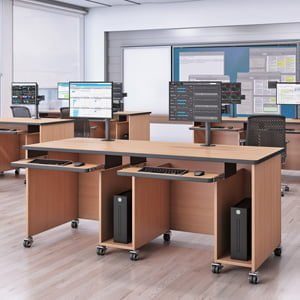
| Training room delivery | Trainer needs laptop + reference materials + supplementary display at the front of the room — all mobile | OmniBus Multi Level Desk: upper level for display, lower for keyboard/reference materials; entire setup wheels to any position in the room |
| Conference room presentations | Presenter needs to move through the room, not be anchored to a fixed AV point | OmniBus with upper display level + lower materials shelf; can be positioned facing any direction in the room |
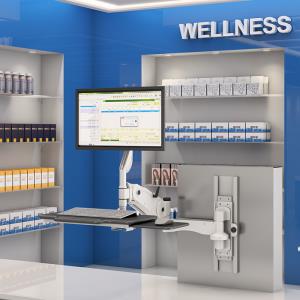
| Reception / check-in | Receptionist needs computer, printer, forms, and reference materials within arm’s reach at a single station | Utility Cart with multi-shelf configuration for organised equipment at a fixed or semi-fixed position |
| Help desk / IT support | Support staff need laptop, reference manuals, test equipment, and tools accessible simultaneously | SmartCart Desk or IntelliCart Desk with accessory shelf; all tools within reach without reaching under a desk |
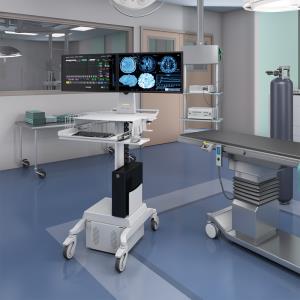
| Clinical documentation station | Clinician needs EHR access + physical documentation space simultaneously at the point of care | IntelliCart Desk for clinical environments: upper tier screen, lower tier documentation surface; mobile to any bay or room |
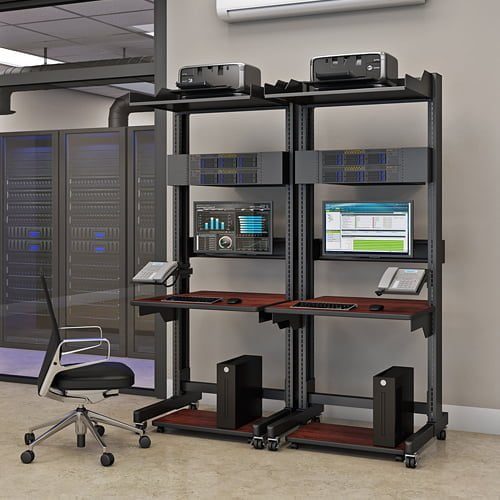
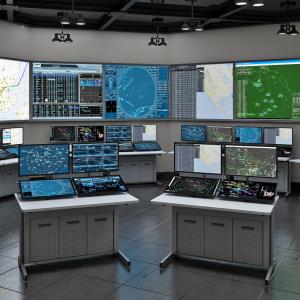
| Security / control room | Operator needs multiple screens, keyboard, logbook, and radio in a compact mobile unit | OmniBus or custom utility cart with multi-level shelving for organised multi-device access |
The Training Room Use Case: Multi-Level in Practice
The training room is the clearest illustration of why a multi-level mobile cart is better than any single-level alternative. A trainer presenting to a group needs: their laptop for the presentation; their notes or printed materials for reference during delivery; the room’s display connected or mirrored; and the flexibility to move anywhere in the room as the session requires.
A single-level laptop cart handles the laptop. The notes go somewhere else — on a nearby table, in the trainer’s hand, or mentally. The trainer is anchored near the laptop because moving away means losing access to their controls.
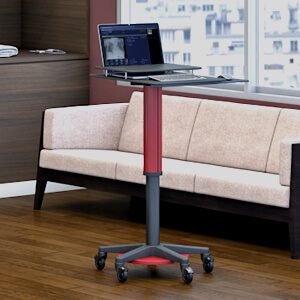
The AFC Industries OmniBus Multi Level Desk puts the laptop at the primary level, the reference materials on the lower shelf, and — if a display is used — on the upper tier. The entire setup moves with the trainer to any position in the room. The trainer never has to choose between facing the audience and accessing their materials. Their hands are free because everything is at the right level on the cart that is rolling beside them.
What to Look for When Choosing a Multi-Level Office Utility Cart
Five specification decisions determine whether a multi-level cart performs correctly in practice:
| MULTI-LEVEL UTILITY CART SPECIFICATION CHECKLIST
1. Level height configuration. The fixed or adjustable height of each tier must match the working requirements: display tier at eye level (typically 95–115cm), main working surface at elbow height (65–75cm for seated, 95–115cm for standing), lower storage tier accessible with a comfortable downward reach. Verify the tier heights against your user population before ordering. 2. Weight capacity per level. Calculate the weight of equipment on each tier independently. A display plus monitor arm on the upper tier may weigh 8–12kg; a laptop plus docking station on the main tier adds another 4–8kg. Verify the manufacturer’s per-tier weight rating, not just the total cart capacity. 3. Stability under asymmetric load. Multi-level carts with equipment at different heights and positions on each level carry an asymmetric load. Test stability by loading the cart to its intended configuration and applying side force at the highest loaded level. A cart that tips or rocks under a realistic load is a safety issue in any shared environment. 4. Cable management between levels. A multi-level cart with external cables connecting display, laptop, and power between tiers quickly becomes a cable hazard. Look for internal cable routing channels that allow cables to pass between levels inside the cart structure, keeping all working surfaces clear. 5. Wheel specification for your floor. Multi-level carts are heavier when fully loaded than single-level alternatives. Verify caster load ratings against the fully loaded cart weight, and specify wheel compound for your floor surface: hard rubber for smooth floors, softer compound for carpet, heavy-duty rated castors for thick pile or transitions. |
AFC Industries Multi-Level Cart Configurations
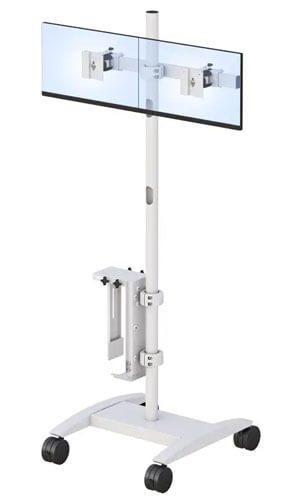
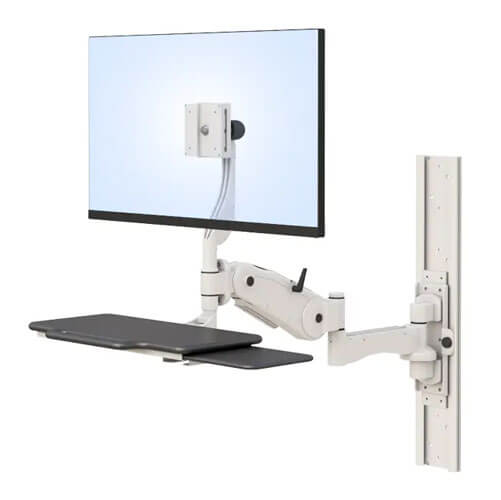
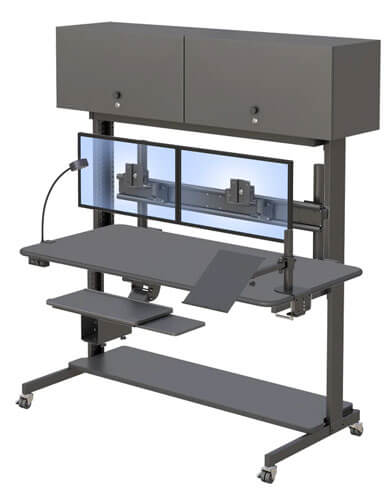
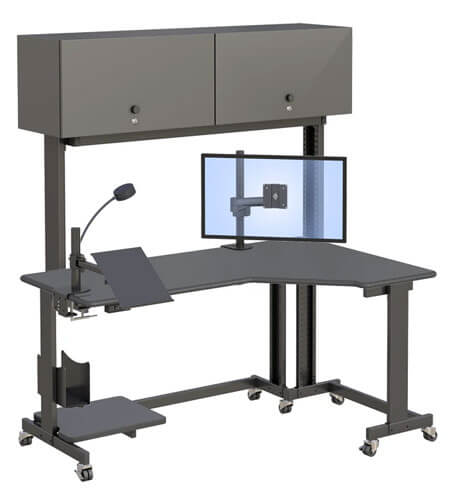
- OmniBus Multi Level Desk — AFC Industries’ flagship multi-level mobile workstation. Multiple working levels for display, keyboard, and reference materials. Suited to training rooms, conference spaces, and multi-material office environments.
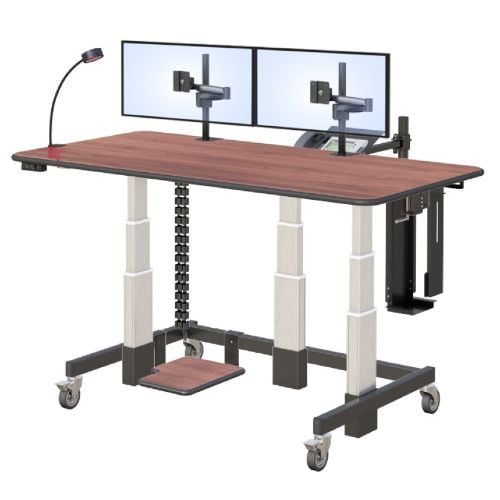
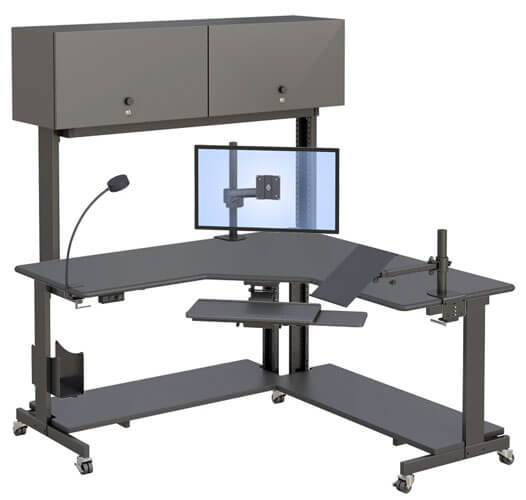
- IntelliCart Desk — Height-adjustable mobile workstation with integrated task light, storage shelf, and accessory support. Suited to clinical documentation environments and office settings where storage and lighting are required alongside the main work surface.
- SmartCart Desk — Compact mobile desk with integrated shelving for lightweight multi-level organisation in hot-desk and training environments where footprint is constrained.
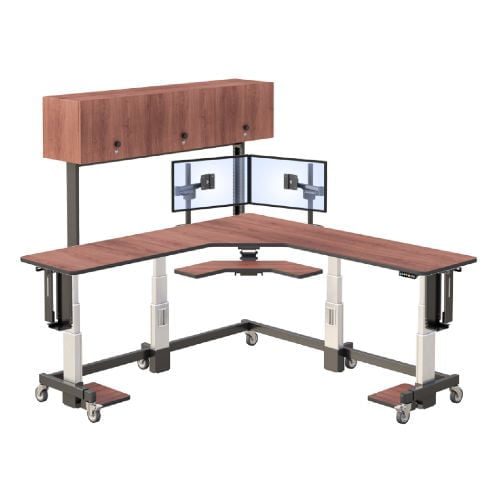
- Utility Cart — General-purpose multi-shelf mobile cart for environments where equipment and materials need organised mobile access without a dedicated workstation configuration.
Browse the full AFC Industries desk and table range including the complete OmniBus Multi Level Desk specification. Contact AFC Industries to discuss which multi-level configuration fits your environment.