





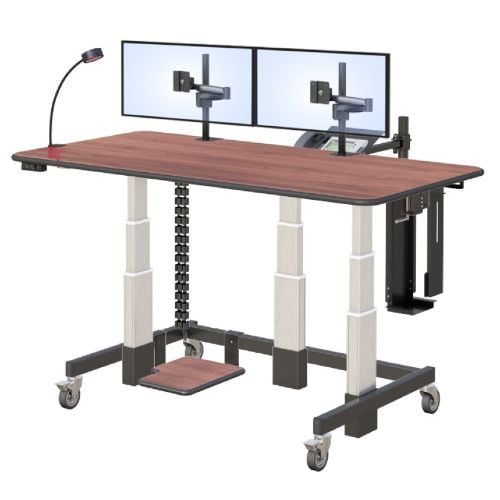
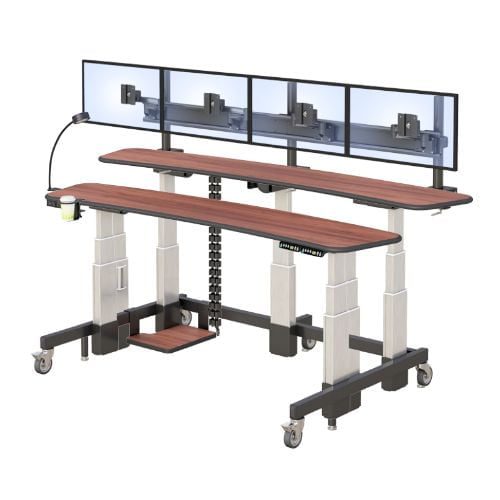
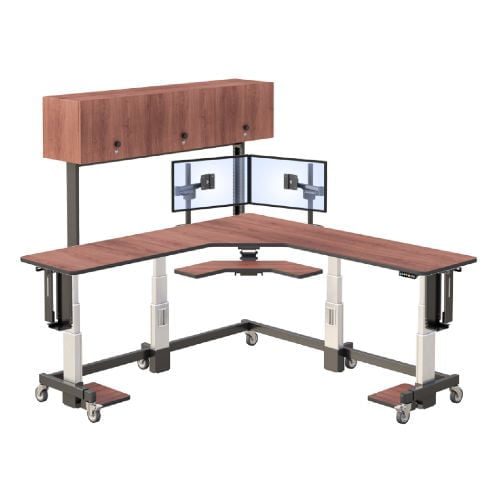
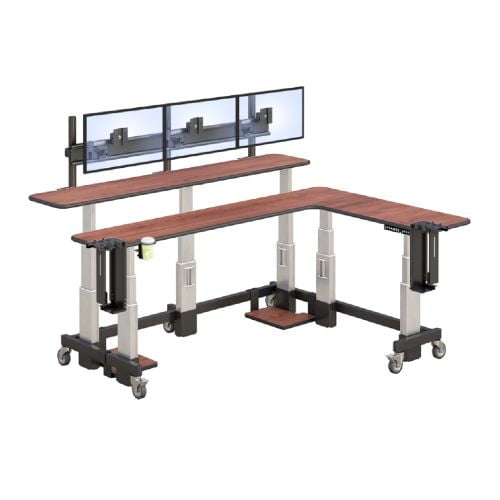
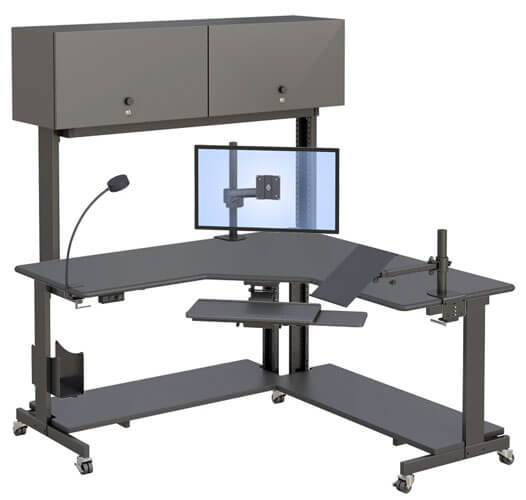
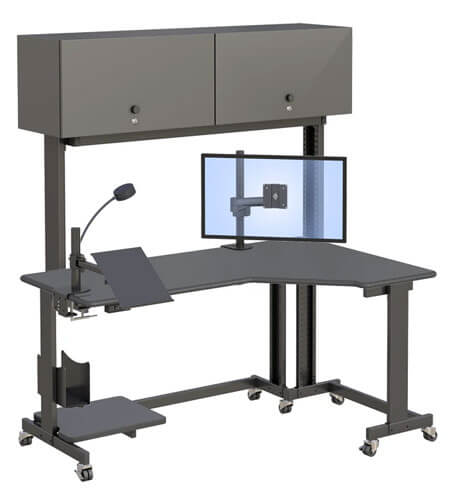
Workplace Ergonomics Manufacturer in New York
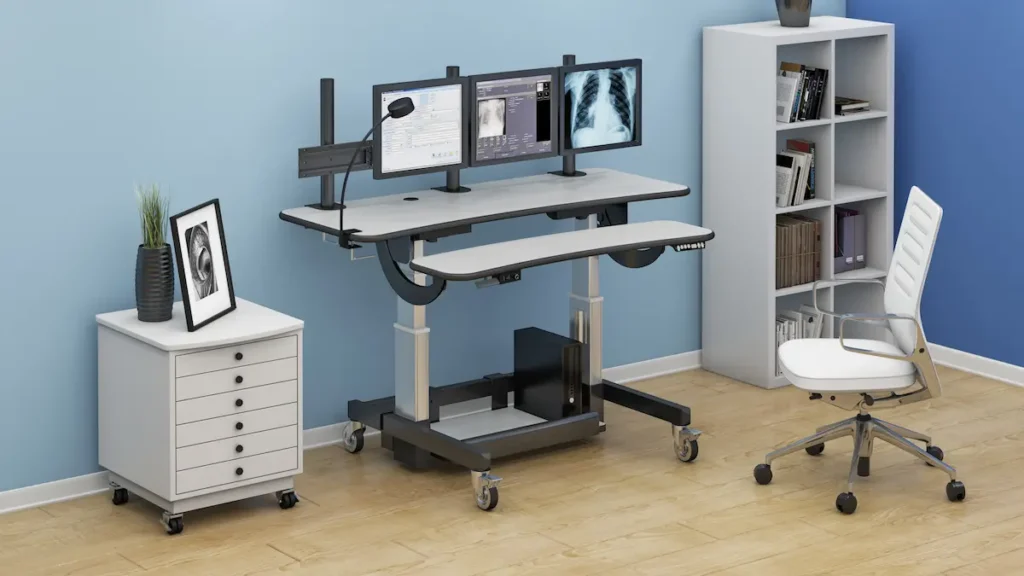
Workplace Ergonomics Manufacturer in New York
Workplace ergonomics is the science of designing work environments that fit human capabilities rather than forcing workers to adapt to poorly designed spaces. This approach directly addresses musculoskeletal disorders, reduces injuries, and helps improve productivity across all industries.
This guide covers ergonomic principles for office environments, manufacturing settings, and computer workstations. Whether you’re an employer, safety manager, HR professional, or facility planner, you’ll find actionable strategies to create safer workspaces.
Here’s the bottom line: proper ergonomics can reduce work-related musculoskeletal disorders by up to 59% and cut workers compensation costs by 40%. These numbers reflect why occupational safety and health administration guidelines emphasize ergonomic solutions.
By reading this guide, you’ll gain:
- A clear understanding of ergonomic principles and risk factors
- Practical knowledge for setting up computer workstations correctly
- Manufacturing-specific ergonomic strategies
- Step-by-step assessment processes for your workplace
- Solutions to common ergonomic challenges
Understanding Workplace Ergonomics
Ergonomics means fitting work to people—not the other way around. When job tasks align with human physical and cognitive capabilities, workers experience less strain and perform better. Unfortunately, poor ergonomics remains a major contributor to occupational health problems in modern workplaces.
Core Ergonomic Principles
Neutral position is the foundation of good posture at work. This means keeping joints in their natural alignment to reduce stress on muscles, tendons, and blood vessels. For instance, forearms parallel to the floor and a relaxed upper back indicate proper positioning.
Additionally, ergonomics connects directly to human performance optimization. Workers who maintain neutral postures throughout the day experience less fatigue and can focus on their work tasks more effectively.
Types of Workplace Ergonomics
There are three main categories to consider:
Physical ergonomics addresses body mechanics, including posture, repetitive motions, and contact stress from tools or surfaces.
Cognitive ergonomics focuses on mental workload, decision-making processes, and how information is presented to workers.
Organizational ergonomics examines work process design, team approach strategies, and how administrative controls support safer practices.
Each type applies differently depending on your work environment. Understanding these distinctions helps you target the right interventions.
Workplace Ergonomics Applications
Now let’s explore how these ergonomic principles translate into specific workplace settings.
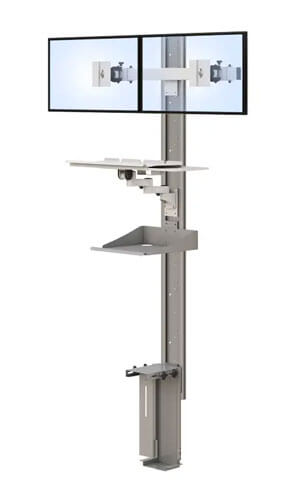
Office and Computer Workstation Ergonomics
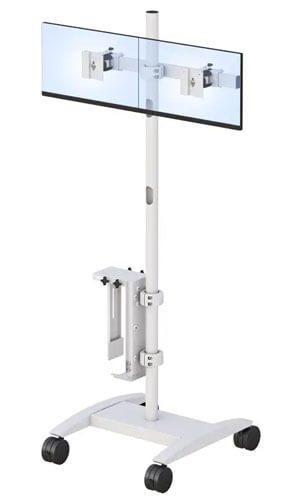
For computer workstations, proper setup prevents carpal tunnel syndrome, vision problems, and upper back pain. Here are the essentials:
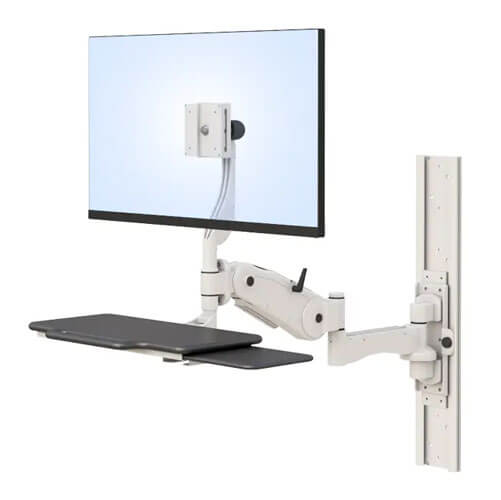
Monitor positioning: Place your computer monitor at arm’s length away. The monitor screen’s top edge should sit at or slightly below eye level. This helps reduce neck strain and eye fatigue. To reduce glare, position task lighting at angles that don’t reflect off the screen.
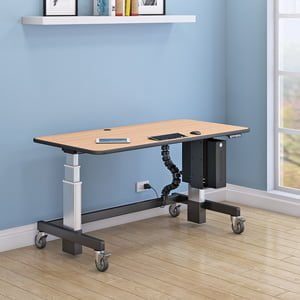
Desk and chair setup: Your desk height should allow forearms parallel to the desk surface when typing. An ergonomic chair with lumbar support, adjustable seat height, and adjustable armrests maintains good posture throughout the day. The seat pan should support your thighs, and the employee’s feet should rest flat on the floor.
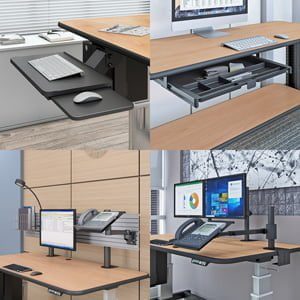
Keyboard and mouse: Position your computer keyboard and mouse on the same surface. A keyboard tray can help achieve correct height. Keep upper arms close to your body, and use wrist rests only during breaks—not while actively typing. An external keyboard may improve positioning for laptop users.
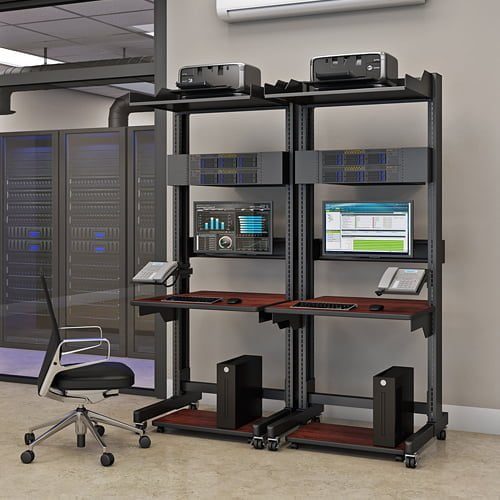
Manufacturing and Industrial Workstation Ergonomics
Manufacturing environments present unique challenges. Proper lifting techniques, workbench configurations, and tool selection all prevent injuries.
Assembly line work often involves repetitive motions and awkward postures. Job rotation strategies help reduce the cumulative effect of these risk factors. An anti-fatigue mat reduces strain for workers who stand for prolonged periods.
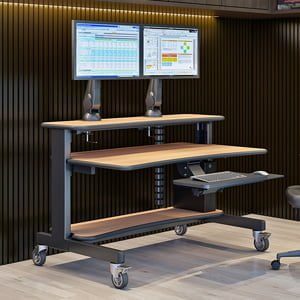
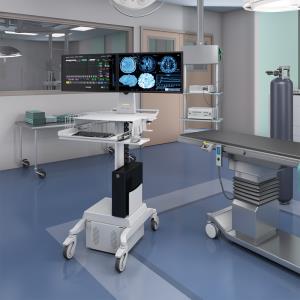
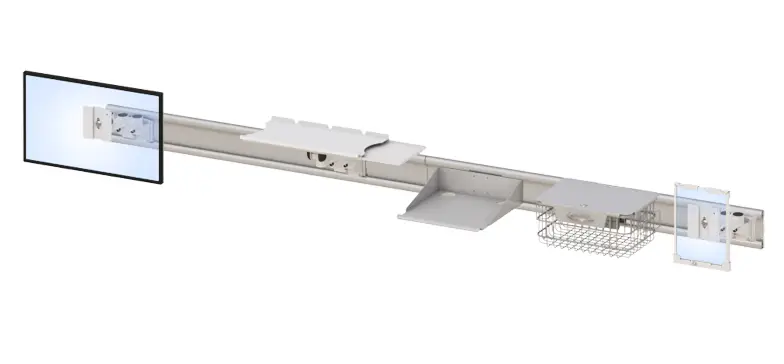
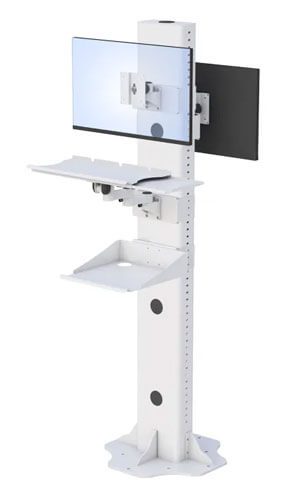
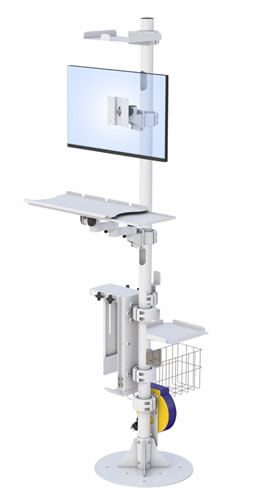
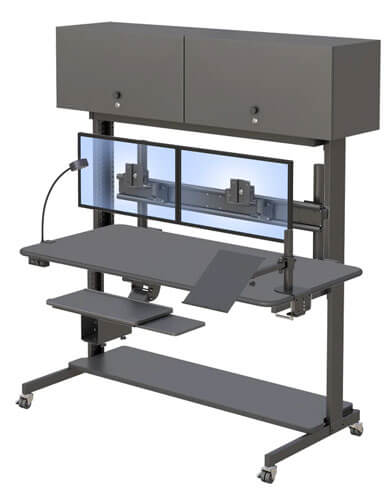
Industrial computer workstations require special attention because workers transition between physical tasks and computer use. These stations should accommodate this movement while maintaining neutral postures.
For more information on industrial solutions and equipment options, specialized manufacturers can provide guidance tailored to your specific work environment.
Specialized Workstation Considerations
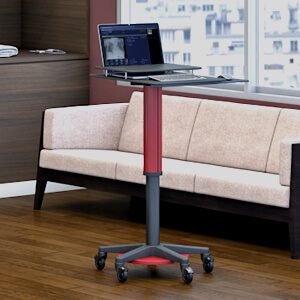
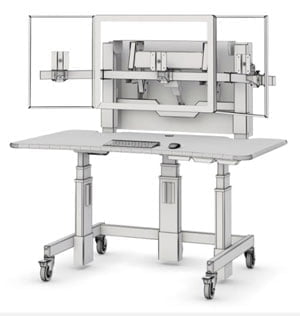
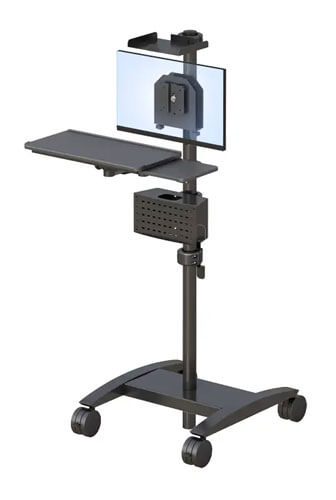
Standing workstations benefit from proper mat cushioning and wear shoes with adequate support. Mobile work environments require portable ergonomic solutions. Shared workspace ergonomics demands adjustable equipment that accommodates different body types.
The key difference between office ergonomics and industrial settings lies in physical demands. However, both environments require systematic process evaluation to identify and address risk factors.
Implementing Workplace Ergonomics Programs
Building on these applications, let’s examine how to develop a comprehensive ergonomics program.
Ergonomic Assessment Process
Ergonomic assessments identify hazards before they cause injury. Here’s a proven systematic process:
- Identify high-risk jobs through labor statistics and injury data analysis. Look for work-related injuries patterns and departments with elevated workers compensation costs.
- Conduct workplace walkthroughs using standardized checklists. Document awkward postures, repetitive motions, and contact stress situations.
- Perform detailed risk assessments using tools like REBA, RULA, or NIOSH methods. These validated approaches quantify risk factors objectively.
- Document findings and prioritize interventions based on risk levels. Focus resources where they’ll prevent injuries most effectively.
The AFC Industries blog offers additional resources on assessment methodologies and implementation strategies.
Ergonomic Risk Factor Analysis
Understanding risk factors helps prioritize your efforts:
| Risk Factor | Examples | Recommended Interventions |
| Repetitive Motions | Data entry, assembly tasks | Job rotation, stretching exercises, microbreaks |
| Forceful Exertion | Heavy lifting, pushing/pulling | Mechanical assists, proper lifting training, task redesign |
| Awkward Postures | Reaching overhead, prolonged bending | Workstation adjustments, adjustable equipment, work surface modifications |
| Contact Stress | Leaning on hard edges, tool pressure | Padding, ergonomic tool design, document holder use |
Focus first on risk factors affecting the most workers or causing the most severe injuries.
Common Workplace Ergonomic Challenges and Solutions
Even well-designed workplaces encounter ergonomic problems. Here’s how to address the most frequent issues.
Musculoskeletal Disorder Prevention
Poor ergonomics leads to musculoskeletal disorders MSDs including carpal tunnel syndrome, tendinitis, and chronic back pain. The solution combines engineering controls (adjustable furniture, ergonomic tools), administrative controls (break schedules, job rotation), and worker training on neutral postures.
Regular stretching exercises throughout the workday reduce strain and maintain flexibility. Encourage workers to take brief movement breaks every 30-45 minutes.
Computer Vision Syndrome and Eye Strain
Long periods of computer work cause eye strain and vision problems. Position the monitor screen at proper distance, adjust ambient lighting, and encourage the 20-20-20 rule: every 20 minutes, look at something 20 feet away for 20 seconds.
Poor Workstation Setup Compliance
Workers often revert to poor posture habits despite proper equipment. Address this through ongoing training, regular ergonomic assessments, and visible management support for the ergonomics program. When workers understand why positioning matters, compliance improves.
Conclusion and Next Steps
Successful workplace ergonomics requires systematic assessment, targeted interventions, and ongoing program management. Good ergonomics benefits both workers and employers through reduced injuries, lower compensation costs, and improved productivity.
Here are your immediate action steps:
- Conduct an initial workplace ergonomic assessment using the guidelines above
- Prioritize high-risk areas based on injury data and assessment findings
- Develop an implementation timeline with measurable goals
- Establish regular review processes to maintain program effectiveness
For guidance on ergonomic equipment and workstation solutions, connecting with specialized manufacturers can accelerate your implementation.
Frequently Asked Questions
How often should ergonomic assessments be conducted?
Annual assessments are standard, though high-risk areas may need quarterly reviews. Additionally, assess whenever new equipment is introduced or injury patterns emerge.
What’s the most cost-effective ergonomic improvement?
Training and awareness programs offer excellent return on investment. Simple adjustments like chair height and mouse placement often prevent injuries without equipment purchases.
Can ergonomics help with existing injuries?
Yes. Proper ergonomic modifications support recovery and prevent reinjury. However, consult healthcare professionals for specific injury management recommendations.
How do I convince management to invest in ergonomics?
Present data on current injury costs, compare with industry benchmarks, and outline projected savings from reduced workers compensation costs and improved productivity.