
Why Does the Factory Floor Still Need a Physical Computer Stand in the Age of Smart Manufacturing?
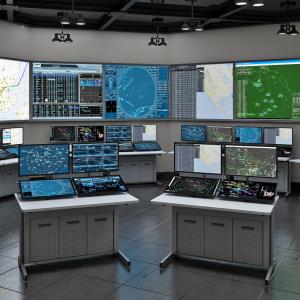
Walk into almost any production facility right now and you’ll see it everywhere. Sensors feeding data back to a dashboard. Automated systems tracking output in real time. Cameras checking for defects faster than a person ever could. It would be easy to assume that as factories get smarter, the people running them need less physical equipment, not more. But that’s not quite what’s happening. As automation takes over more of the repetitive work, the people on the floor are shifting into oversight roles, watching dashboards, catching issues before they become problems, and stepping in when something needs a human judgment call.
That shift means someone still needs a stable, well-built place to stand while they do it. An industrial floor computer stand is that place. It’s not glamorous, and it’s easy to overlook next to the machinery around it, but it’s the physical anchor point where a person actually interacts with everything that’s been automated. This guide covers what actually matters when you’re choosing one, and how to figure out whether floor-mount or wall-mount makes more sense for your space.
What Should You Look for in an Industrial Floor Computer Stand?
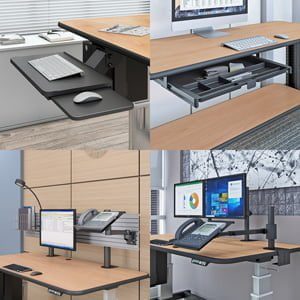
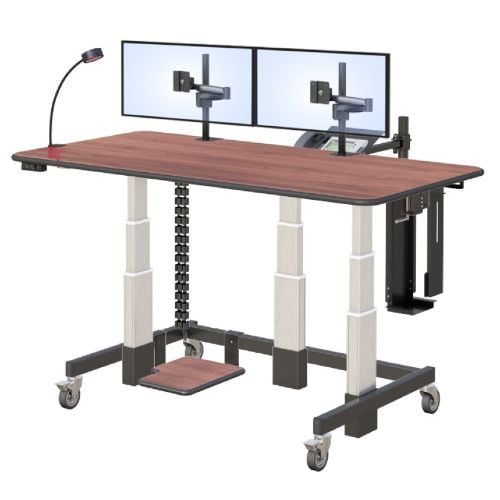
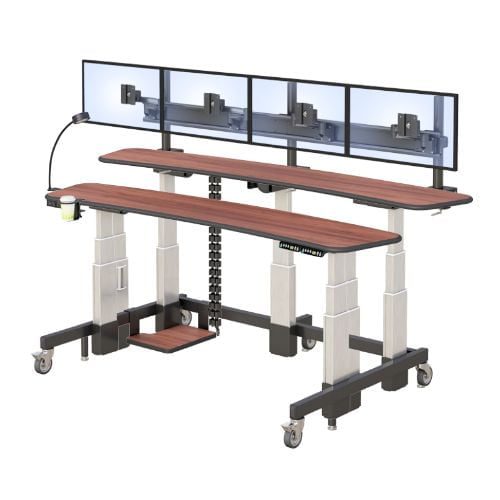
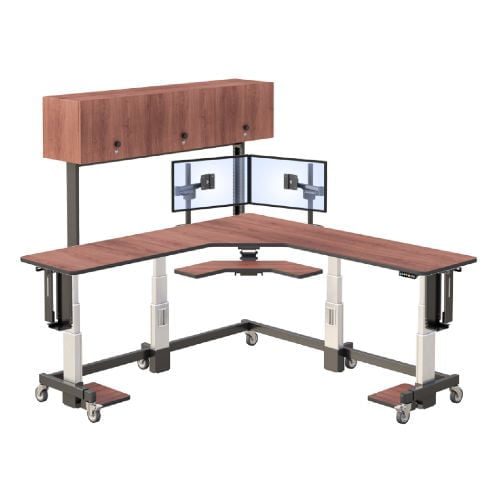
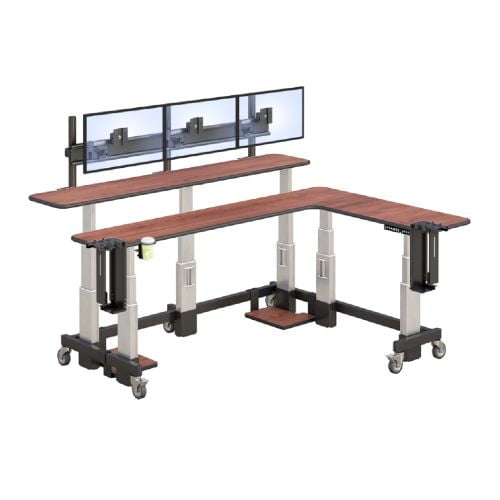
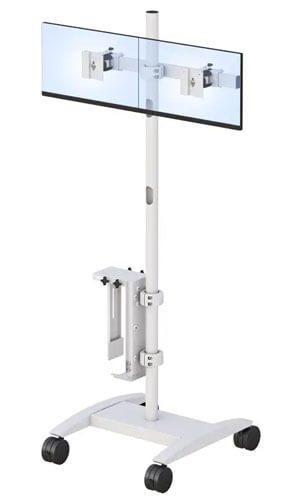
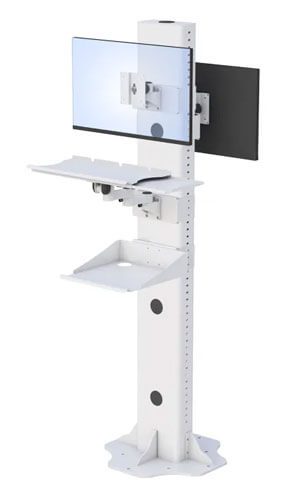
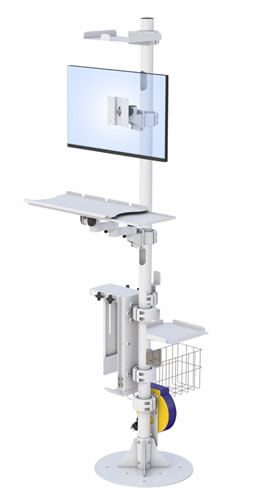
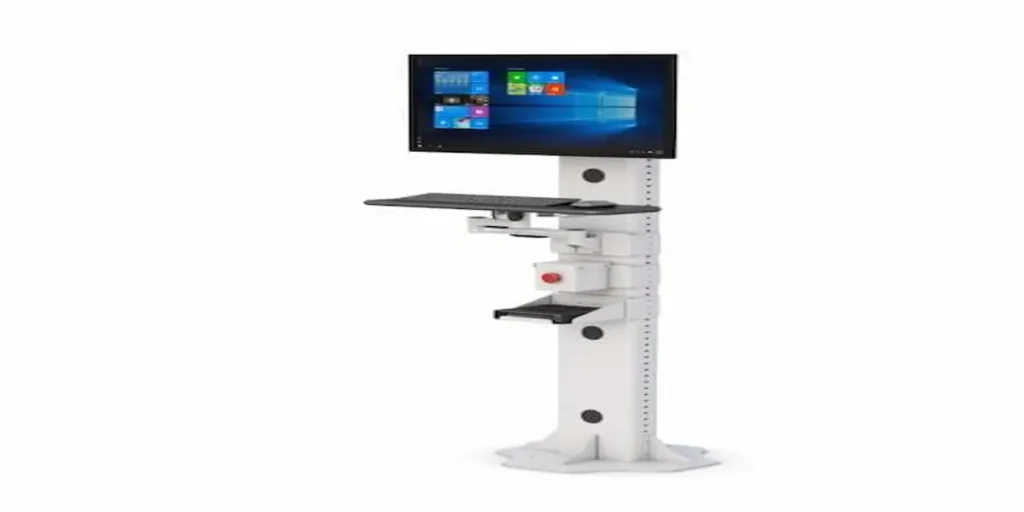
A reliable industrial computer stand needs a stable floor-mounted base, an adjustable monitor arm, a durable keyboard tray, and safety features like an emergency stop switch if it’s positioned near active machinery.
It’s tempting to treat a computer stand as an afterthought, something you grab because it’s available rather than because it’s right for the environment. But on a production floor, the details actually matter. Base stability comes first. A stand that wobbles or shifts near heavy equipment isn’t just annoying, it’s a real safety concern once you’re dealing with vibration or foot traffic. Height adjustment matters just as much, since a single fixed height rarely works for every shift or every person using the station.
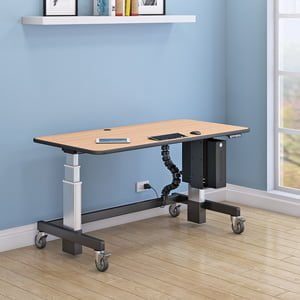
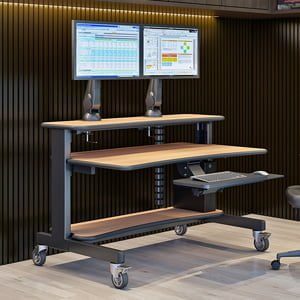
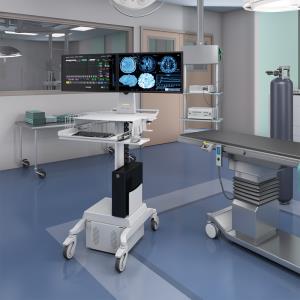
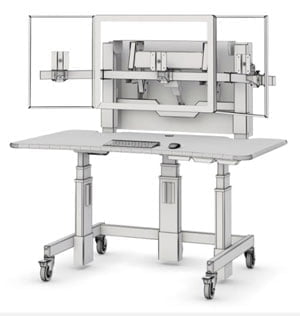
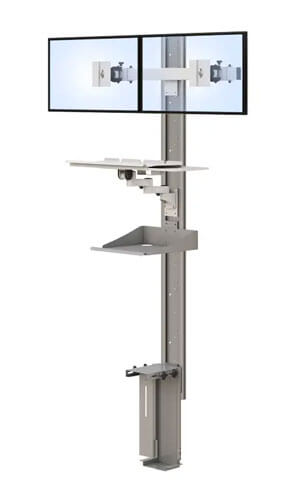
AFC’s floor computer stand, for example, uses a 60 inch height track paired with a monitor arm that lets the screen move to fit the person standing there, not the other way around. An emergency stop switch is a detail that’s easy to underestimate until you actually need one. If a stand sits near active machinery, having a switch built directly into the station means someone can react immediately rather than searching for a separate control panel across the room. Keyboard tray durability rounds out the list. In an industrial setting, a flimsy tray won’t survive daily use the way office furniture might.
A few things worth checking before you buy:
- Base stability. Look for a solid floor-mounted base that won’t shift under vibration or regular foot traffic.
- Height adjustment. A track system that adjusts easily means the station works for more than one shift or operator.
- Emergency stop access. If the stand sits near machinery, a built-in stop switch can matter more than almost any other feature.
- Keyboard tray build quality. Industrial use wears down flimsy hardware fast, so check what it’s actually rated for.
There’s useful context in current research on human machine interface trends if you want to understand why facilities are investing more heavily in these physical monitoring stations right now, not less.
Is a Floor-Mount Stand or a Wall-Mount Stand Right for Your Facility?
The right choice depends on your available floor space, whether the station needs to move, and how close it sits to machinery that vibrates or sees heavy foot traffic.
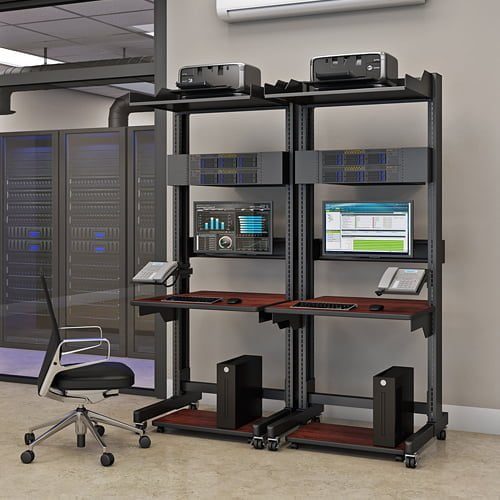
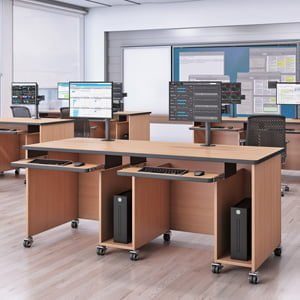
Neither option is automatically better, it really comes down to your layout. A floor-mount stand makes the most sense in open areas between machines where there isn’t a convenient wall nearby, or where the station might need to be repositioned as production needs shift.
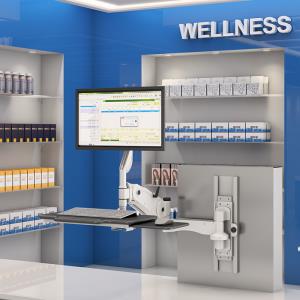
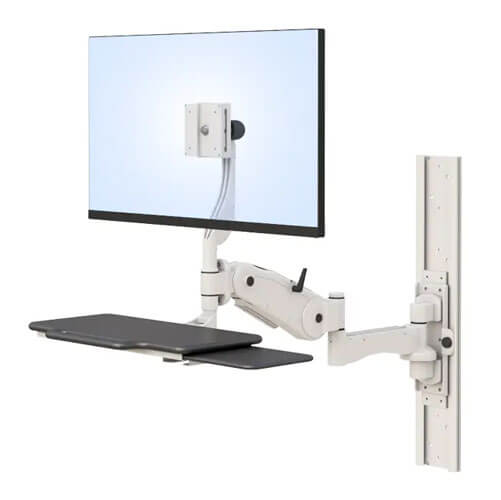
It also tends to handle vibration and heavier equipment loads well, since the base sits directly on the floor rather than relying on wall anchoring. A wall-mount option, on the other hand, saves valuable floor space in tighter production cells, which matters a lot if your facility is already working with a packed layout. If your floor is already crowded with equipment and walkways, wall-mounted setups can keep a monitoring station out of the way without giving up functionality.
A few questions worth asking yourself:
- Is the area around this station tight on floor space, or fairly open?
- Does this station need to move, or will it stay in one fixed spot?
- How much vibration or foot traffic does this specific location see day to day?
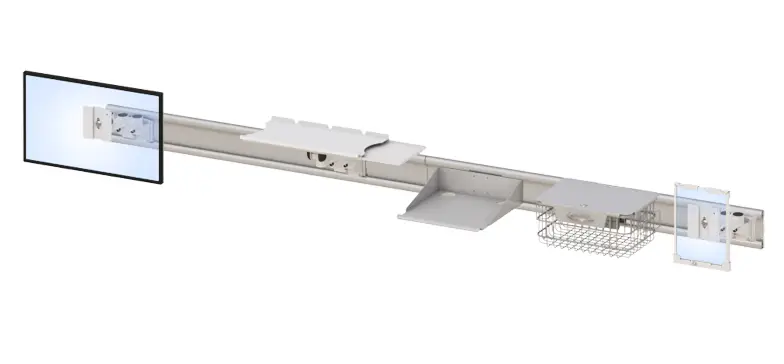
If wall-mounting turns out to be the better fit, it’s worth browsing AFC’s wall-mounted workstation options to compare against a floor-mount setup for your specific space.
How Does a Floor Computer Stand Fit Into a Real Production Line?
In practice, a floor computer stand becomes the physical point where a worker checks a digital dashboard, monitors equipment, or steps in to make an adjustment on a connected production line.
Picture a line operator stationed between two machines, using the stand to keep an eye on a dashboard tracking output and equipment status. Most of the shift, the automated systems handle the work on their own. But when a sensor flags something slightly off, maybe a temperature reading creeping upward or a part count that doesn’t quite match expectations, that’s when the operator steps in, checks the screen, and makes a call. The stand itself doesn’t run the line.
It just gives that person a stable, properly positioned place to do the part of the job that still genuinely needs a human. That’s really the shift happening across manufacturing right now. Machines are handling more of the repetitive execution, while people are moving into roles built around judgment and oversight, and the physical stations they use need to support that shift.
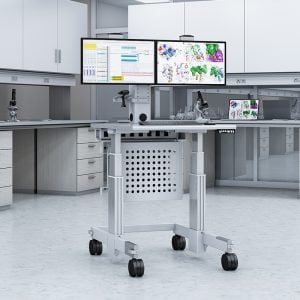
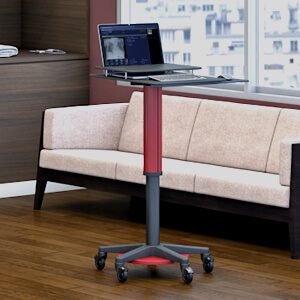
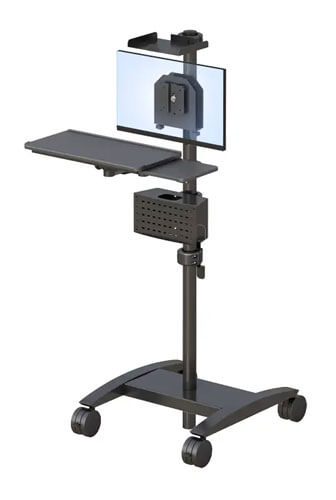
Once you’ve thought through your layout, it’s worth looking at AFC’s full lineup of computer carts and mobile stands to see how a mobile option might fit alongside a fixed floor-mount station in different parts of your facility.
Frequently Asked Questions
What is a floor-mount computer stand used for?
A floor-mount computer stand gives workers in industrial or production settings a stable, height-adjustable place to monitor dashboards, control equipment, or manage tasks near machinery. It’s built to withstand daily use in environments where standard office furniture wouldn’t hold up.
Are industrial computer stands adjustable in height?
Most industrial computer stands include a height-adjustable track, letting the monitor and keyboard position shift to fit different operators or shifts. This matters especially in facilities running multiple shifts with different people using the same station.
Can a computer stand be used safely near production machinery?
Yes, as long as it’s built with industrial use in mind. Features like a stable floor-mounted base and a built-in emergency stop switch make it safer to position a computer stand close to active equipment.
What is the difference between a floor-mount and wall-mount computer stand?
A floor-mount stand sits directly on the floor and works well in open areas or spots that may need repositioning. A wall-mount stand saves floor space and suits tighter production cells where every square foot counts.
Do industrial computer stands come with safety features?
Many do, particularly stands designed for use near active machinery. An emergency stop switch built directly into the station is one of the most valuable safety features, since it lets someone react immediately without searching for a separate control panel.