



Should You Build a Custom Workstation or Buy Off-the-Shelf in 2026?
Office furniture used to be simple. You picked a desk from a catalog, it showed up in a box, and that was that. That’s not really how workstation planning works anymore. Walk through any office redesign conversation happening right now and you’ll hear a different kind of question, not “which desk should we order” but “what does our team actually need this station to do.” Custom and modular builds have moved from a nice-to-have into the default expectation, with facilities teams specifying exact dimensions, wiring paths, and monitor configurations instead of settling for whatever fits close enough.
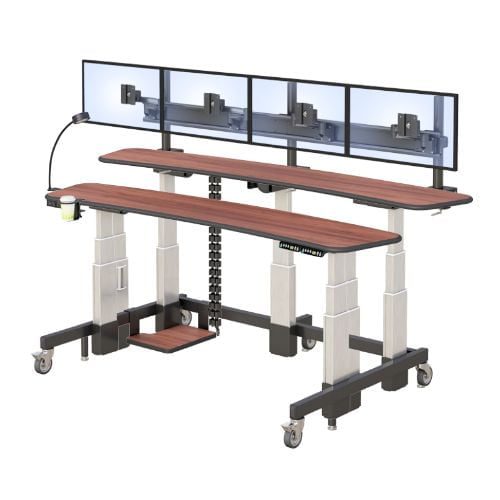
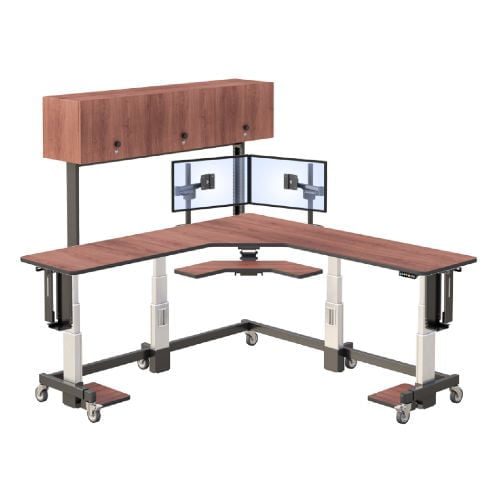
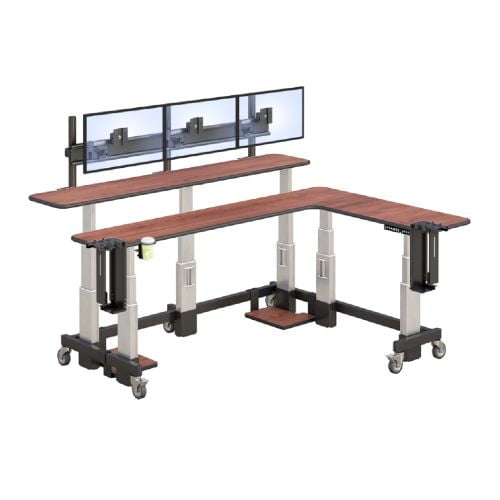
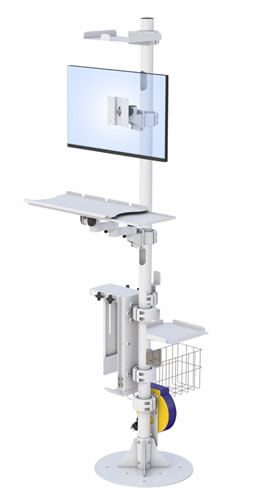
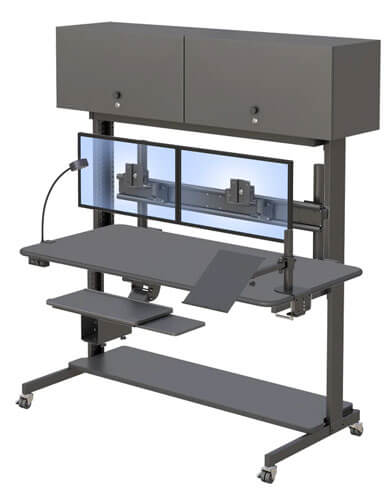
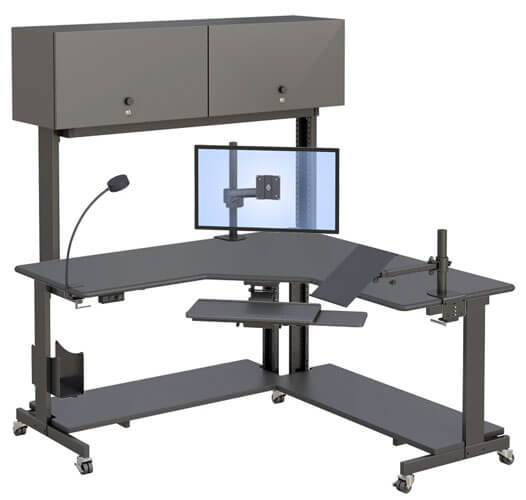
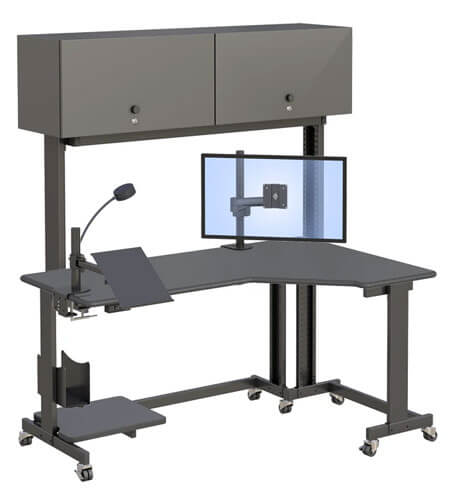
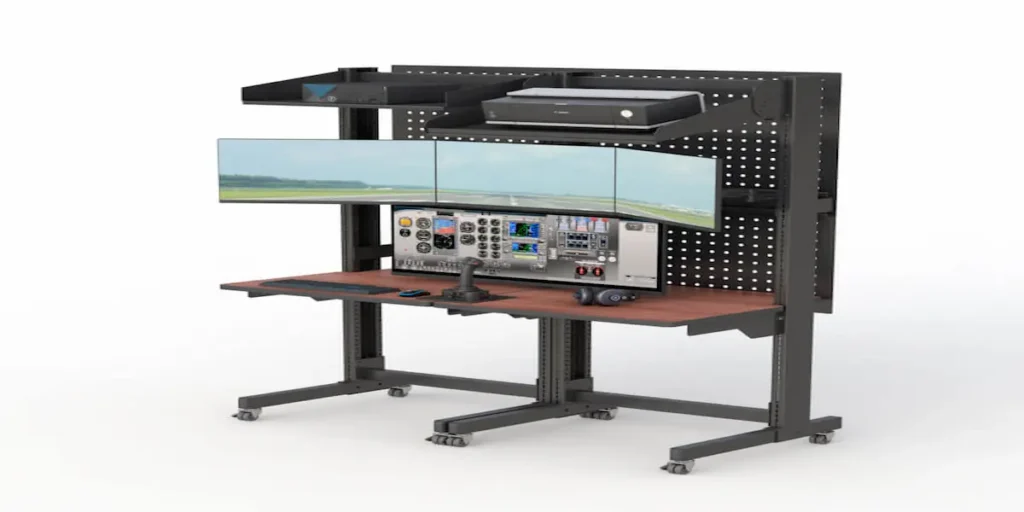
That shift matters because a generic desk that’s almost right creates small daily frictions, a monitor arm that’s slightly too short, a keyboard tray at the wrong height, cables routed in a way that never quite works. A workstation build lets you specify those details up front instead of working around them for years. This guide walks through when a custom build is worth it, what to actually specify, and how a desk like AFC’s dual-level computer workstation illustrates what a built-to-spec approach looks like in practice.
What Should You Actually Specify When Building a Custom Workstation?
A custom workstation build should specify desk width, monitor mounting points, keyboard tray height, cable routing, and CPU placement, since these are the details that generic furniture usually gets wrong.
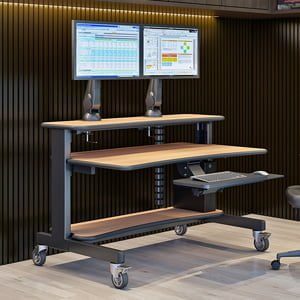
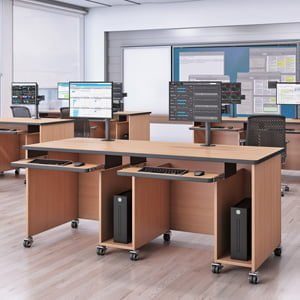
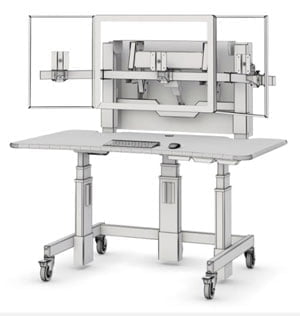
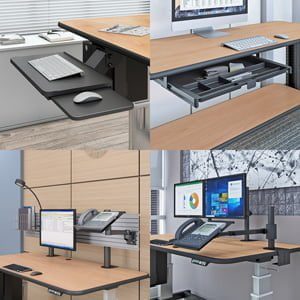
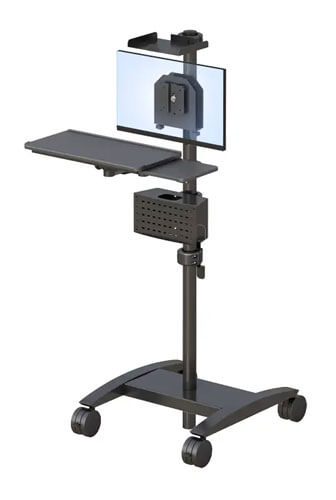
Most of the friction people feel with a desk isn’t about the desk itself, it’s about the handful of details that were never quite matched to how they actually work. Desk width matters more than people expect, especially once you’re accounting for multiple monitors or a keyboard tray. AFC’s ErgoTech desk, for example, ships at 60 inches wide with a built-in triple-monitor display stand and a swing-lift keyboard tray, which is a shelf that raises and lowers so wrists stay level instead of reaching up to a fixed surface.
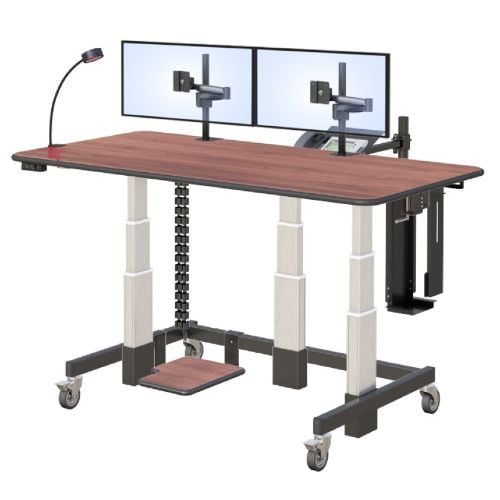
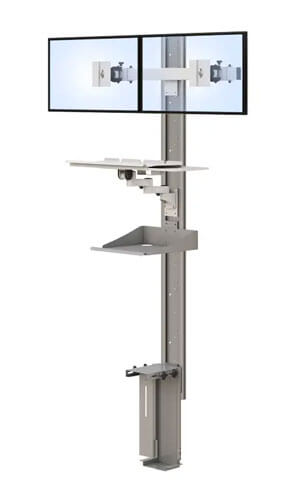
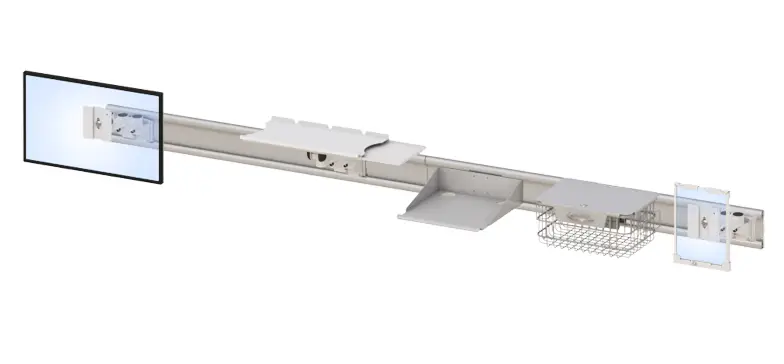
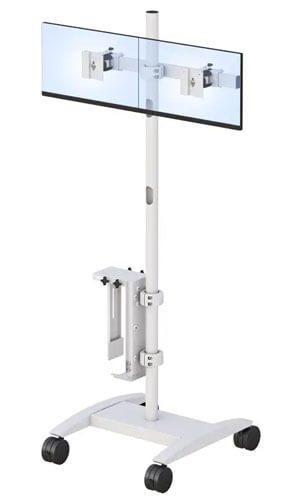
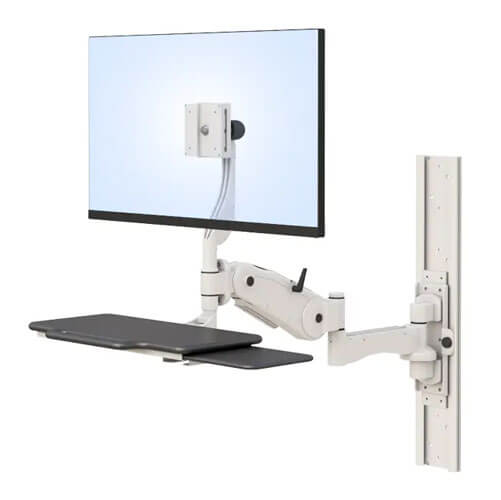
Monitor mounting is another detail worth specifying directly rather than accepting a fixed stand. An articulating arm, which is just a mount that lets a screen swing, tilt, or raise, gives far more flexibility than a stand that’s locked in one position. Cable routing gets overlooked constantly, and a proper cable tray keeps wiring out of the way instead of turning into a tangle under the desk. CPU placement rounds it out. A dedicated CPU cradle keeps the tower off the floor and out from underfoot, which matters more in shared or high-traffic workstations than people usually realize.
A few things worth specifying before you order:
- Desk width and surface layout. Match it to your actual monitor count, not a generic average.
- Monitor arm type. Choose an adjustable arm system over a fixed stand if your setup will ever change.
- Keyboard tray height and range. This affects daily comfort more than almost any other single spec.
- Cable management. Ask for built-in trays or channels rather than adding them later.
- CPU placement. A cradle or shelf keeps the tower secure and out of the way.
There’s helpful context in current research on custom and modular office furniture trends if you want to see why more facilities are specifying builds instead of buying generic setups.
Is a Custom Workstation Build Worth It, or Should You Buy Off-the-Shelf?
A custom build is worth it when your team has specific monitor, mobility, or space requirements that generic furniture doesn’t meet, while off-the-shelf works fine for simple, single-monitor setups without unusual constraints.
This really comes down to how much your setup deviates from a standard desk. If you’re running a single monitor in a typical office layout, an off-the-shelf desk will likely serve you just fine, and there’s no reason to pay more or wait longer for a custom build. But if you’re dealing with multiple monitors, a tight or oddly shaped space, shared workstations across shifts, or specific ergonomic needs, a custom build starts to make a lot more sense.
The reasoning is straightforward. A generic desk is built for an average user in an average space, and the more your situation differs from that average, the more a mismatched desk costs you in daily friction. AFC’s approach of building workstations to specification exists for exactly this reason, since a facility with unusual monitor counts, shared shift usage, or specific space constraints benefits from a desk engineered around those exact needs rather than adapted to fit them after the fact.
A quick way to think it through:
- Does your setup involve more than one monitor, or unusual space constraints? Custom starts to make sense.
- Is this a shared workstation used across shifts or by multiple people? Custom often pays off here too.
- Is your setup fairly standard, single monitor, typical desk space? Off-the-shelf is probably fine.
Browsing AFC’s full range of desks and tables is a good next step once you’ve got a sense of which direction fits your situation.
What Does a Real Custom Workstation Build Look Like?
A well-executed custom workstation build pairs the right desk width and monitor mounts with proper keyboard positioning and cable management, so every piece is specified for the actual person using it, not adjusted for them after the fact.
Picture a facility replacing individual desks with three-monitor stations for a data-heavy team. Rather than ordering off-the-shelf desks and bolting on individual monitor stands afterward, the build starts with a desk width matched to the exact number of screens, keyboard trays specified for the accessories the team already uses, and cable trays built in rather than added later.
The difference shows up daily, not in a dramatic before-and-after, but in the small frictions that simply don’t happen anymore. That’s really the value of building to spec instead of buying generic. It’s not that off-the-shelf furniture is bad, it’s that it’s built for an average case, and a real workstation build accounts for the specific one in front of you.
A few practical steps for planning a build:
- List every monitor, accessory, and piece of hardware the station needs to support.
- Measure the actual space, not just a rough estimate.
- Decide on monitor arm type before finalizing desk width, since the two are connected.
- Specify keyboard tray height and cable routing up front rather than adding them later.
- Confirm CPU placement and any shelving needs before the final order.
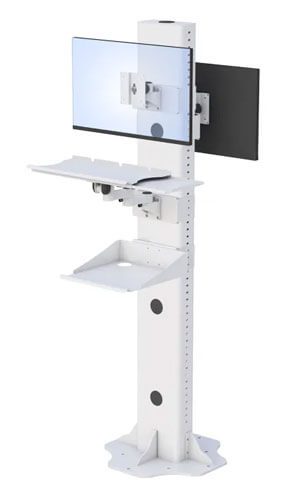
Once you’ve mapped out your requirements, it’s worth reviewing AFC’s IntelliCart dual-level desk configurations to see how a built-to-spec approach can be applied to your specific setup.
Frequently Asked Questions
Is it worth building a custom workstation instead of buying off-the-shelf?
It depends on how much your setup differs from a standard single-monitor desk. Multiple monitors, shared shift use, or tight space constraints usually make a custom build worth the extra planning and cost.
What should you specify when building a custom workstation?
Focus on desk width, monitor arm type, keyboard tray height, cable management, and CPU placement. These are the details that generic furniture most often gets wrong for a specific team or space.
How long does a custom workstation build usually take?
Timelines vary by manufacturer and complexity, but built-to-spec furniture generally takes longer than an off-the-shelf order since it’s manufactured around your exact requirements rather than pulled from existing stock.
Do custom workstations cost significantly more than off-the-shelf desks?
Custom builds typically cost more upfront, but they can reduce long-term costs by avoiding replacements, add-ons, or workarounds needed when generic furniture doesn’t quite fit the space or task.
Can a custom workstation be built for multiple monitors?
Yes, and this is one of the most common reasons teams choose a custom build. Desk width, monitor arm placement, and cable routing can all be specified around the exact number of screens a workstation needs to support.