



What Is Ergonomic Furniture? A Practical Guide for Workspaces
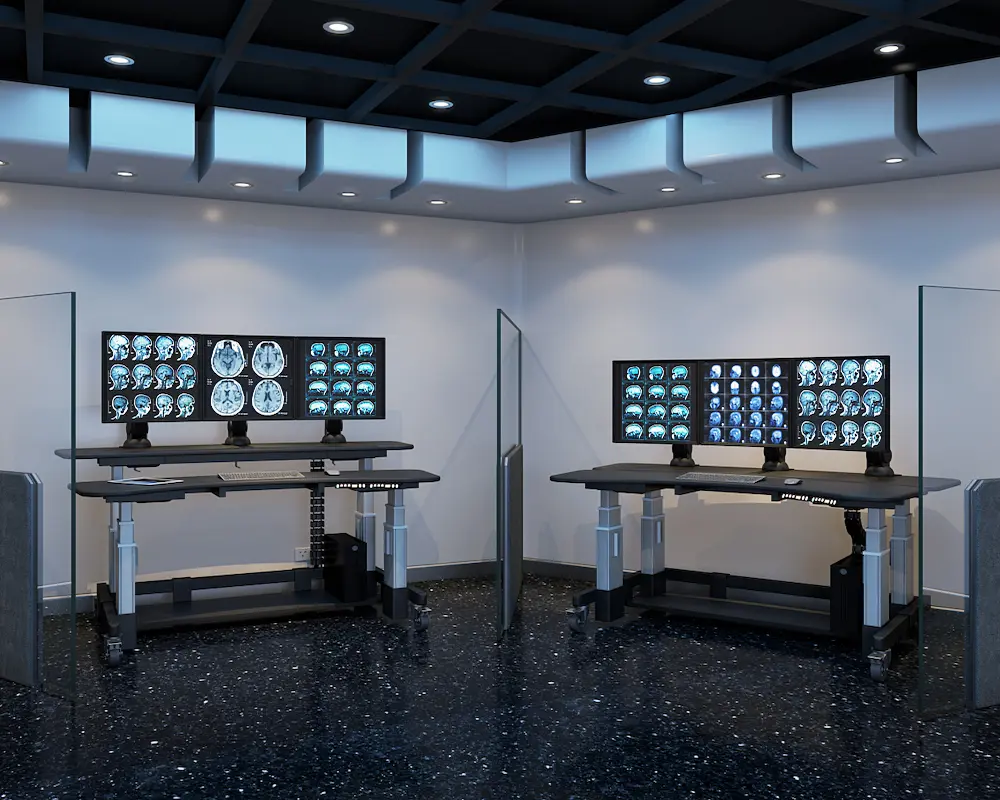
what is ergonomic furniture workstation with adjustable desk and ergonomic chair looks like?
Ergonomic furniture is furniture designed to support the human body’s natural posture and movements during work. Simply put, it reduces strain, improves physical comfort, and supports your long-term health. If you’ve ever ended a workday with neck pain, shoulder pain, or lower back stiffness, poor ergonomics is likely the culprit.
This guide covers office and home workspace furniture, workplace health benefits, and practical selection criteria. Whether you’re an office worker in New York, a remote employee setting up a home office, or an employer seeking healthier work environments, this information applies directly to you.
Here’s why this matters: approximately 86% of office workers spend entire workdays sitting. Without proper support, this leads to musculoskeletal disorders affecting millions annually. Quality ergonomic furniture isn’t a luxury—it’s a practical investment in your well being.
By reading this guide, you’ll gain:
- Clear understanding of ergonomic design principles
- Ability to identify quality ergonomic furniture features
- Knowledge of measurable health and productivity benefits
- Practical steps for selecting and implementing ergonomic solutions
Understanding Ergonomic Design Fundamentals
Ergonomics is the science of fitting workplace furniture to human body mechanics and limitations. Rather than forcing your body to adapt to equipment, ergonomic design adapts equipment to you. This fundamental shift explains why ergonomic office furniture feels different from traditional options immediately.
Core Ergonomic Principles
Three principles define truly ergonomic furniture:
Neutral body positioning maintains your spine’s natural curve. When you sit correctly, your ears, shoulders, and hips align vertically. This natural posture prevents the slumping that causes chronic discomfort over long periods.
Adjustability accommodates different body types and work preferences. Features like adjustable seat height, adjustable armrests, and customizable lumbar support ensure proper fit regardless of your dimensions.
Support for key pressure points targets your lumbar region, neck, and wrists specifically. Ergonomic seating distributes your weight evenly, reducing strain on any single area.
Health Impact of Poor Furniture Design
The consequences of poor ergonomics are significant and measurable. Musculoskeletal disorders affect approximately 1.8 million U.S. workers annually, with direct costs totaling $45 billion nationwide. These aren’t abstract statistics—they represent real people experiencing joint pain, repetitive strain injuries, and work related injuries that could be prevented.
Common symptoms include persistent neck pain, shoulder pain, and eye strain. Over time, these develop into chronic conditions requiring medical intervention. Understanding specific furniture solutions helps prevent these outcomes entirely.
Essential Types of Ergonomic Furniture
Building a productive work environment requires several key furniture categories working together. Each piece serves a specific function in supporting your overall health.
Ergonomic Office Chairs
An ergonomic office chair is the foundation of any healthy workspace. Manufacturers like AFC Industries, innovators in workplace ergonomics focus on essential features such as adjustable seat height to position your feet flat on the floor, proper seat depth for thigh support, and built-in lumbar support that maintains your spine’s natural curve.
The best ergonomic chairs offer adjustable armrests that position your upper body comfortably without raising your shoulders. Material matters too—breathable mesh prevents heat buildup during long periods of sitting, while quality cushioning supports maximum comfort without sagging.
Adjustable Desks and Workstations
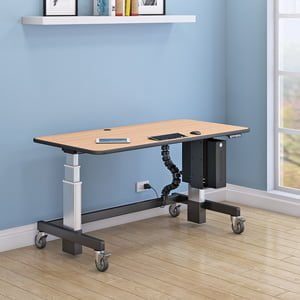
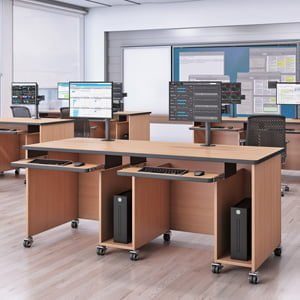
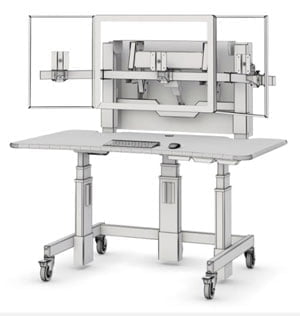
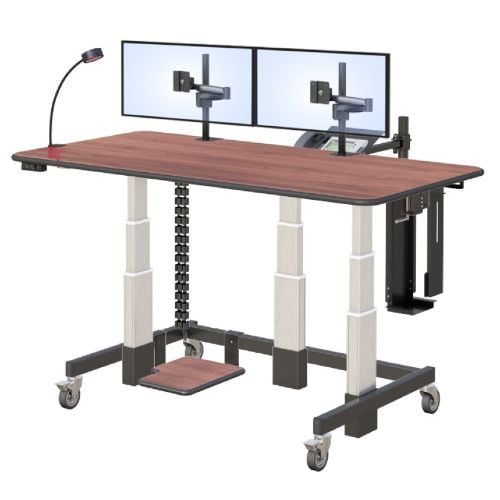
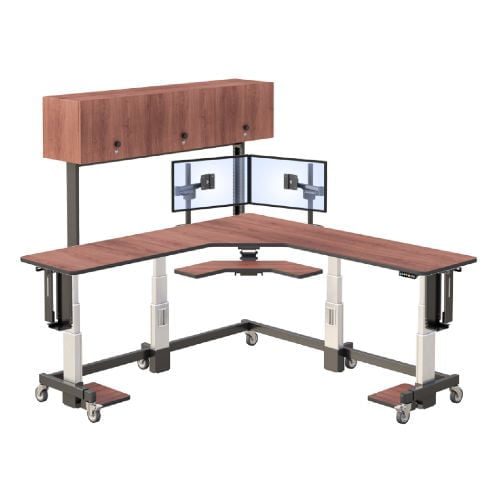
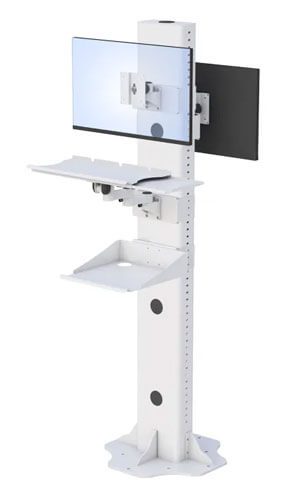
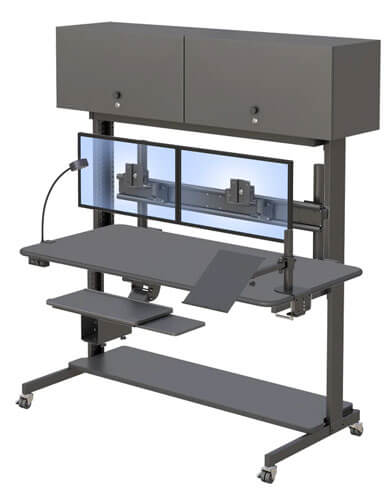
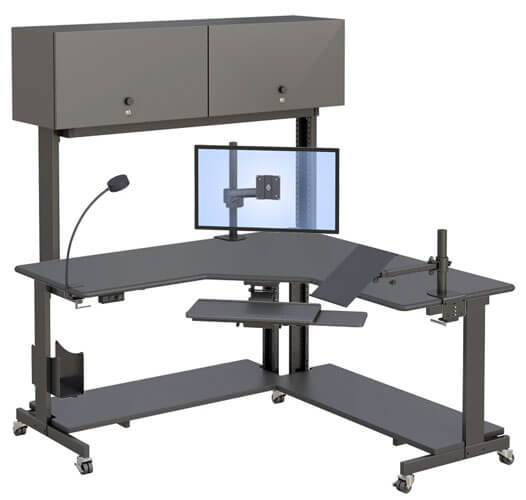
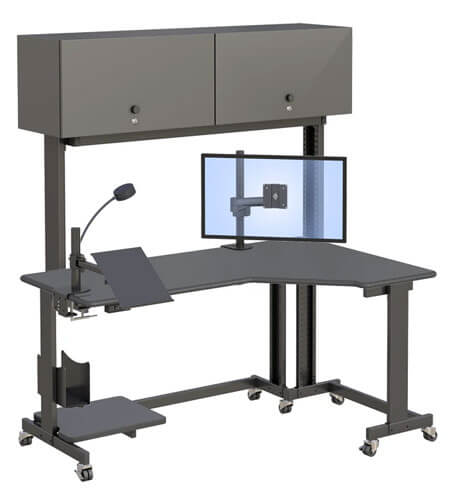
Height adjustable desks, particularly standing desks, address the health risks of prolonged sitting. Comprehensive height adjustable desk systems allow you to alternate between sitting and standing throughout the day, promoting natural movements and improved blood flow.
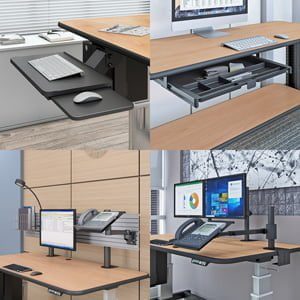
Proper desk height positions your computer keyboard at elbow level when seated. Your display screen equipment should sit at eye level, preventing the forward head tilt that causes neck strain. For workspace organization insights, the AFC Industries blog offers practical guidance on optimizing your setup.
Monitor Arms and Positioning Equipment
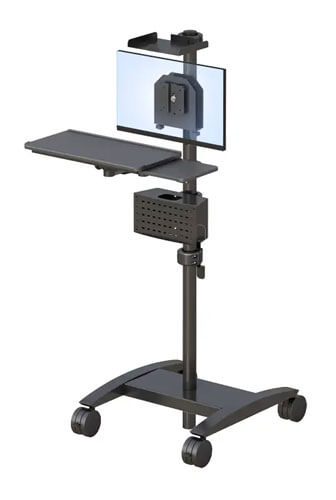
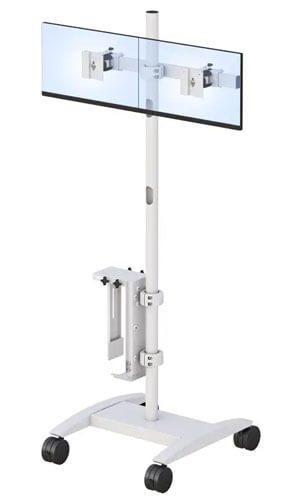
Monitor stands and arms enable precise screen positioning to prevent neck strain and eye strain. Multi-screen setups benefit from five-monitor articulating arm stands that keep displays aligned at approximately arm’s length away, with the top edge at or slightly below eye level.
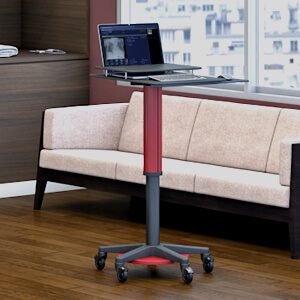
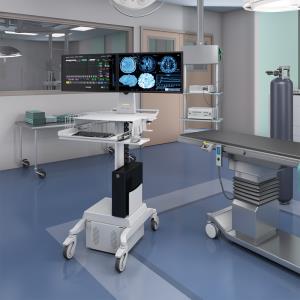
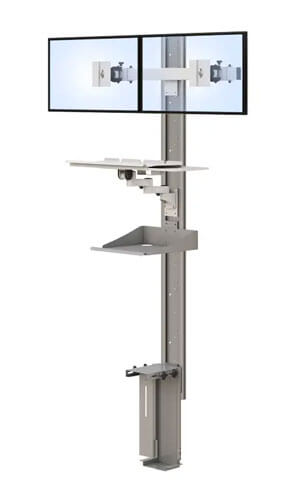
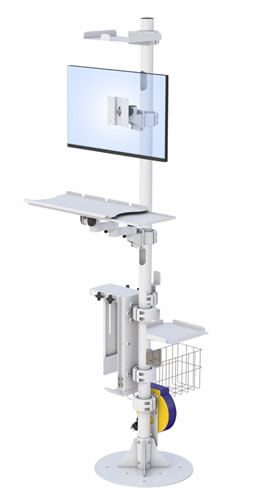
Laptop users particularly benefit from separate stands that raise screens to proper viewing angles. In shared or clinical spaces, adjustable monitor floor stands offer similar ergonomic benefits. Combined with ergonomic keyboards, this equipment creates a complete workstation supporting good posture throughout your workday.
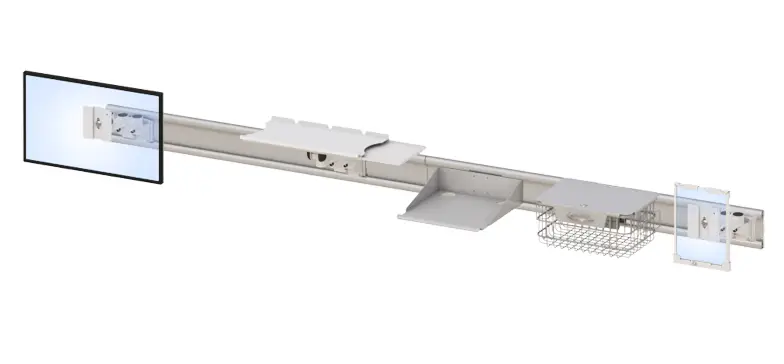
For facilities that need to keep both floor and wall space clear, the overhead suspension systems from Suspending Solutions position screens and equipment from above.
Selecting and Implementing Ergonomic Furniture
Choosing ergonomic furniture requires practical assessment and informed decision-making. The right approach ensures your investment delivers real results.
Assessment and Measurement Process
Start by measuring your body dimensions for proper furniture fit. Note your seated knee height, arm length, and preferred working position. A workspace assessment checklist helps identify current ergonomic gaps causing discomfort.
Testing furniture before purchase remains crucial. Sit in chairs for at least 15 minutes, adjusting all features. Check that the seat pan supports your thighs without pressing behind your knees. Verify lumbar support reaches your lower back’s natural curve, and if you’re considering sit-stand options, evaluate a complete ergonomic stand up desk setup as well.
For professional assessment and equipment options, consider requesting a catalog from specialized providers who understand workplace ergonomic needs.
Ergonomic Furniture Comparison Guide
| Criterion | Traditional Furniture | Ergonomic Furniture |
| Adjustability | Fixed or limited | Multiple adjustment points |
| Health Benefits | Minimal support | Reduces musculoskeletal problems |
| Initial Cost | Lower | Higher |
| Long-term Value | Frequent replacement needed | Durable, reduces health costs |
| Look for certifications like ANSI/BIFMA standards, which verify furniture meets established ergonomic requirements. These standards ensure you’re getting genuinely supportive equipment rather than marketing claims. |
Common Implementation Challenges and Solutions
Transitioning to ergonomic furniture presents practical obstacles. Here’s how to address them effectively.
Budget Constraints
Prioritize essential pieces when funds are limited. Start with an ergonomic office chair—this single change delivers the greatest health impact. Add desk adjustments such as a medical furniture stand up desk or monitor stands as budget allows.
Space Limitations in Home Offices
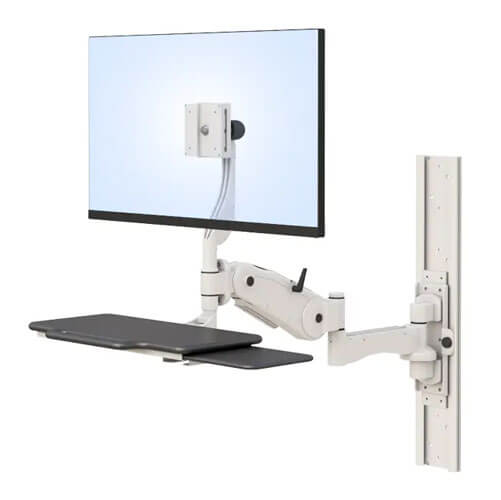
Small New York apartments require creative solutions. Compact standing desks with fold-away options or wall mounted workstations save space while maintaining function. Multi-functional furniture serves multiple purposes without crowding limited areas.
Adjustment Period and Proper Setup
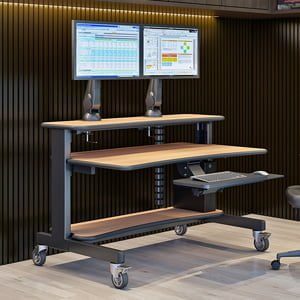
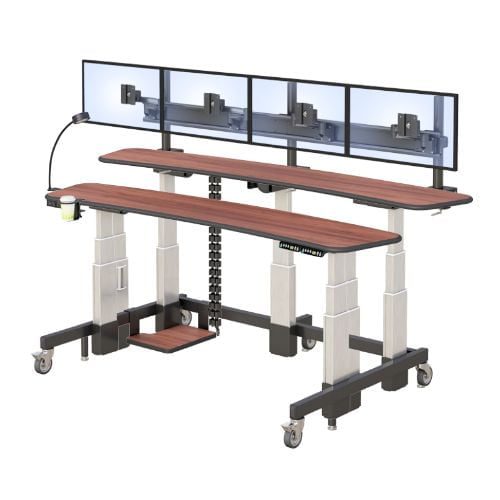
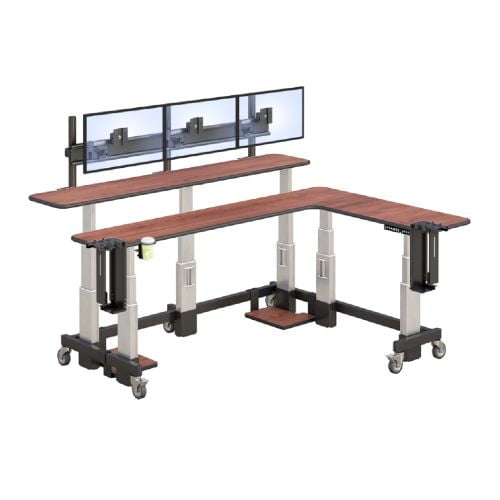
Your body needs time to adapt to ergonomic furniture. Expect 1-2 weeks for muscles accustomed to poor posture to adjust. During this period, make incremental adjustments rather than dramatic changes, especially when transitioning to a dual-tier standing desk or other advanced setups.
Conclusion and Next Steps
Ergonomic furniture represents a practical investment in your long-term health, mental health, and increased productivity. The science is clear: proper support prevents musculoskeletal disorders, reduces discomfort, and creates genuinely productive work environments where employees feel valued.
Take these immediate actions:
- Assess your current workspace for ergonomic gaps
- Prioritize furniture upgrades based on your biggest pain points
- Test options thoroughly before purchasing
- Contact specialists for professional guidance on implementation
Related topics worth exploring include workplace wellness programs, ergonomic accessories like ergonomic keyboards, and ongoing workspace optimization strategies.
Frequently Asked Questions
What is ergonomic furniture and why does it matter? Ergonomic furniture is designed to support the human body’s natural posture and movements. It matters because it prevents musculoskeletal disorders, reduces workplace injuries, and improves productivity. For office workers spending hours at desks daily, this support is essential for maintaining good health.
Where can I buy ergonomic office furniture in New York? Specialized suppliers like AFC Industries offer quality ergonomic furniture suited for various work environments. Look for providers who understand both residential and commercial ergonomic needs, offering assessment services alongside equipment.
Is ergonomic furniture worth the investment? Yes. While initial costs exceed traditional furniture, ergonomic options reduce healthcare expenses, decrease absenteeism, and extend furniture lifespan. Studies show ergonomic interventions reduce musculoskeletal disorders by up to 64%, making this investment financially sound.
What features should I look for in an ergonomic office chair? Essential features include adjustable seat height, lumbar support, adjustable armrests, proper seat depth, and breathable materials. The chair should allow you to sit with feet flat on the floor and knees at approximately 90 degrees.
How do standing desks improve health? Standing desks reduce prolonged sitting risks by encouraging position changes throughout the day. This promotes blood flow, reduces lower back pressure, and supports natural movements that prevent stiffness and discomfort.
Call us at: +1 (800) 663-3412 or E-mail us directly at: afcsales@afcindustries.com