
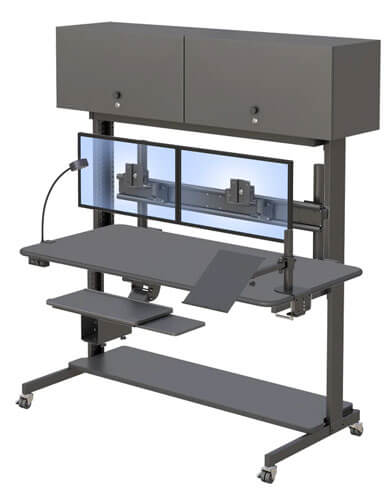
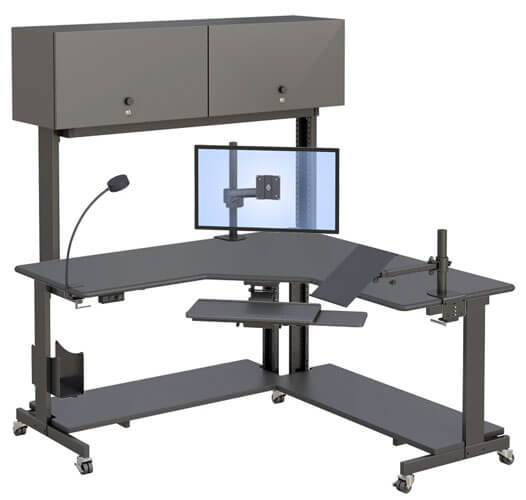
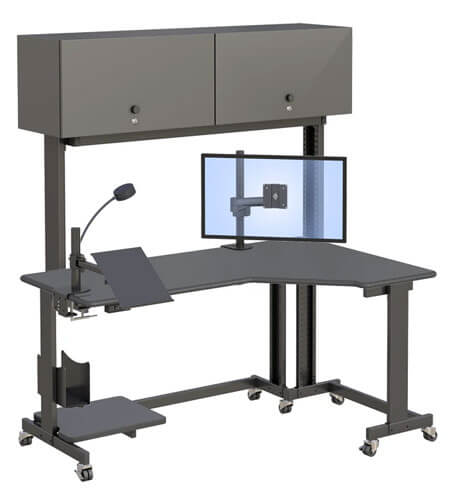
Radiology Workstation Solutions for Imaging Environments
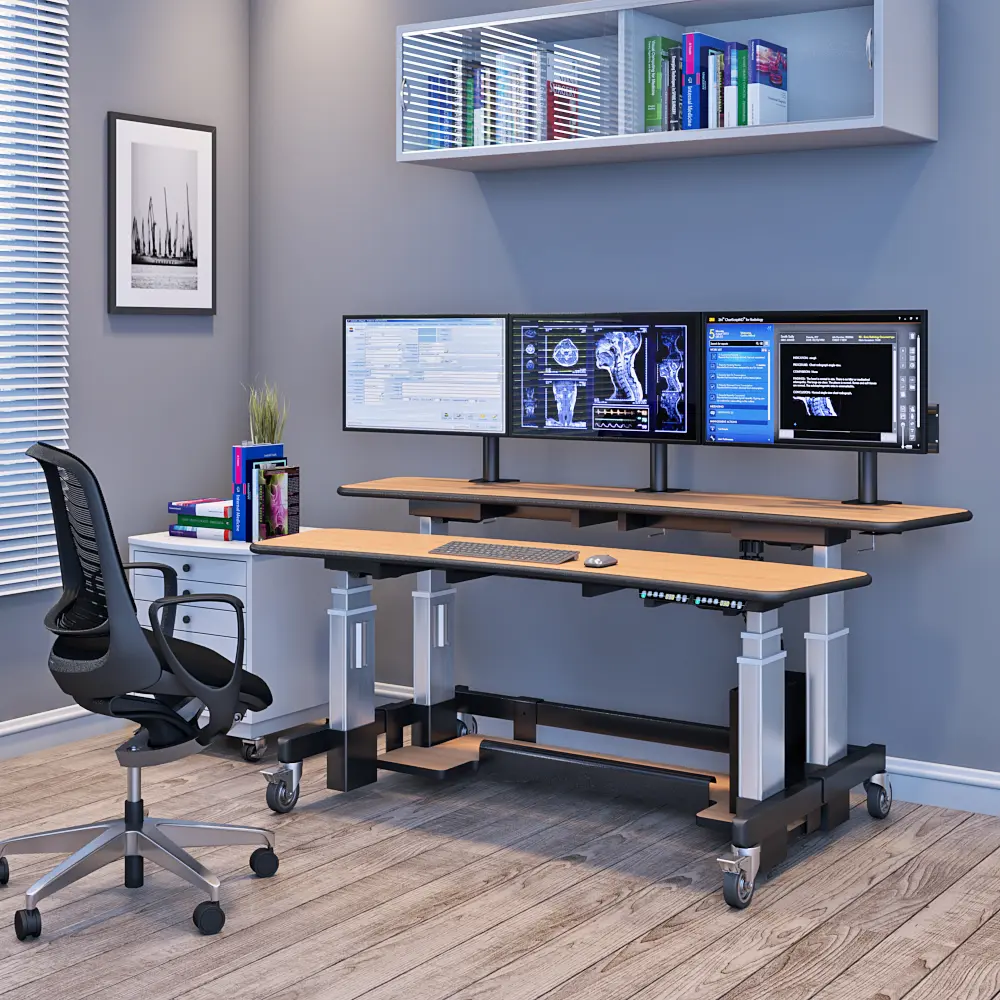
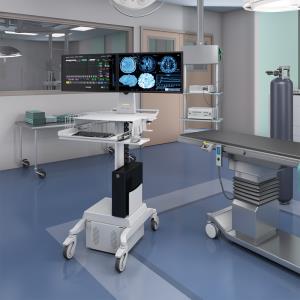
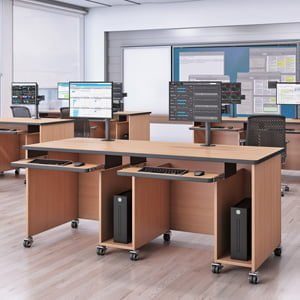
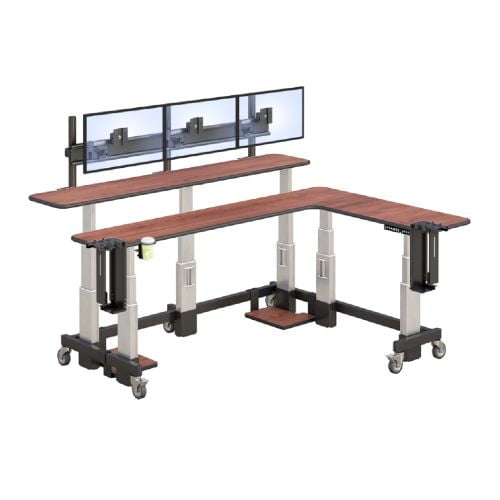
Radiology workstation with multi-monitor PACS imaging setup
A radiology workstation is the central hub where radiologists interpret medical images, make diagnoses, and manage patient data. For New York healthcare facilities handling high imaging volumes, the right workstation setup directly impacts diagnostic accuracy and staff wellbeing.
This guide covers PACS workstations, ergonomic radiology furniture, and equipment considerations for imaging departments. Whether you’re a radiology department manager, imaging center administrator, or healthcare decision-maker, you’ll find practical ideas to optimize your reading room environment.
Here’s the key takeaway: A radiology workstation combines height adjustable desks, calibrated monitors, and ergonomic accessories into an integrated system that supports radiologists during extended diagnostic sessions.
By the end of this article, you’ll understand:
- Essential workstation components and their functionality
- Ergonomic benefits for radiologist health and productivity
- Implementation strategies tailored for New York facilities
- Cost considerations and ROI calculations
- Workflow optimization techniques for 2026 demands
Understanding Radiology Workstation Fundamentals
Radiology workstations are more than simple desks with displays. They’re engineered furniture systems that integrate PACS displays, ergonomic seating, and adjustable surfaces for diagnostic imaging workflows.
In 2026, these workstations have become critical for radiologist health. With typical reading sessions lasting 8-12 hours, the right setup makes a measurable difference in productivity and accuracy.
Core Workstation Components
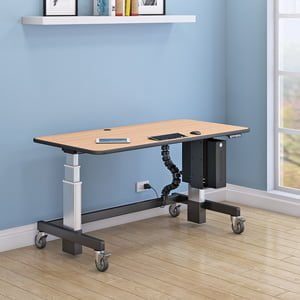
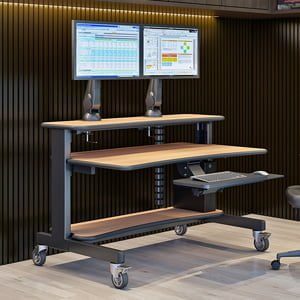
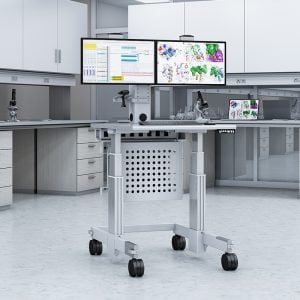
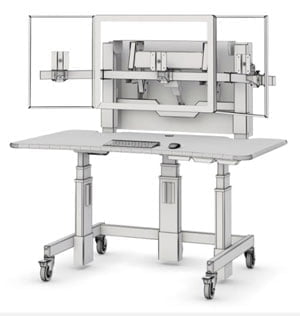
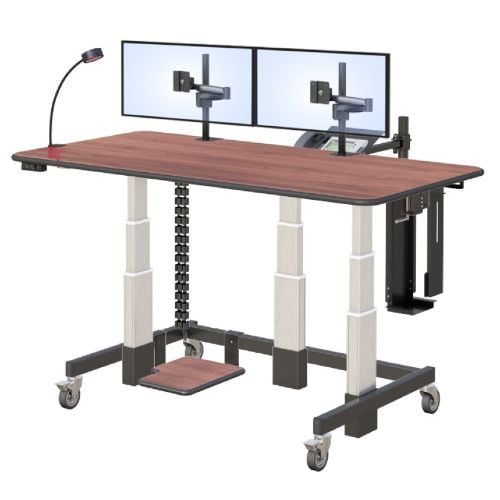
A complete radiology workstation includes several key elements. First, you need adjustable desk surfaces that accommodate both sitting and standing positions. Second, monitor mounting systems must support multiple high-resolution displays as found in dedicated PACS radiology imaging reading stations. Third, cable management solutions keep the workspace organized, reducing clutter that can distract from image interpretation.
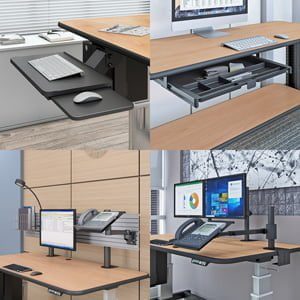
Additionally, a proper mouse tray and keyboard setup prevents repetitive stress injuries. Each component works together to create an environment where radiologists can focus entirely on diagnostic quality.
PACS Integration Requirements
Picture Archiving and Communication Systems require specific furniture considerations. Your radiology desks must position monitors at optimal viewing angles for image manipulation and window settings adjustments.
Moreover, surface adjustability is essential because radiologists frequently switch between CT, MRI, and X-ray exams. Different modalities often demand different viewing configurations. This flexibility directly affects diagnostic accuracy, especially when combined with medical ceiling monitor mounts that free up valuable desk space.
For New York medical facilities, ergonomic radiology furniture must accommodate compact spaces while maintaining full functionality.
Ergonomic Design Considerations for Radiology Environments
Building on workstation fundamentals, let’s examine specific ergonomic requirements. Proper ergonomics isn’t just about comfort—it’s about preventing career-ending injuries.
Height Adjustability and Positioning
Height adjustable workstations allow radiologists to switch between sitting and standing positions throughout their shift. Research shows this simple ability can boost productivity by 20-30% while reducing fatigue.
Monitor height should position the top of displays at or slightly below eye level. Furthermore, keyboard and mouse placement must keep wrists in neutral positions. These details matter enormously over thousands of reading hours.
Repetitive Stress Injury Prevention
Eye strain affects a significant range of radiologists working in poorly designed environments. Proper monitor distance, calibrated displays, and appropriate room lighting all contribute to visual comfort.
Equally important, lumbar support from a quality chair prevents back problems. The right setup protects radiologists from musculoskeletal issues that currently affect 40-60% of imaging professionals.
Multi-Monitor Support Systems
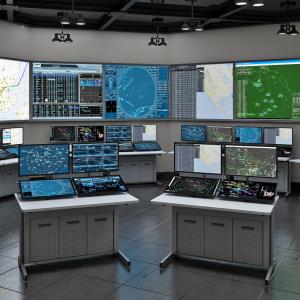
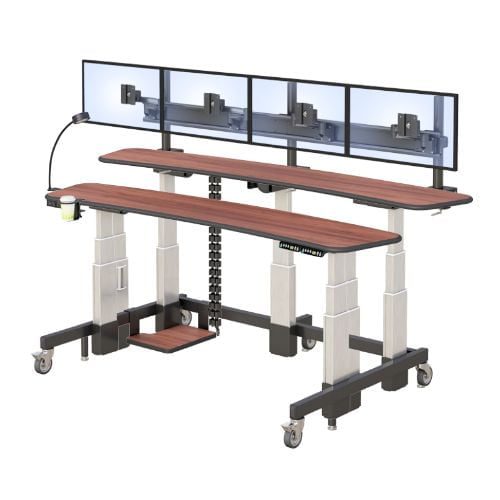
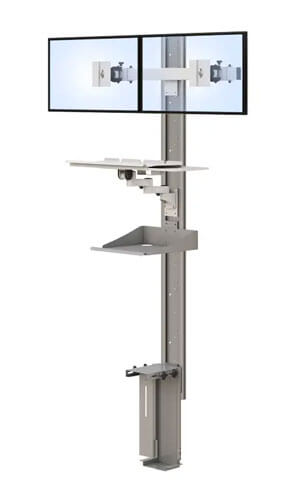
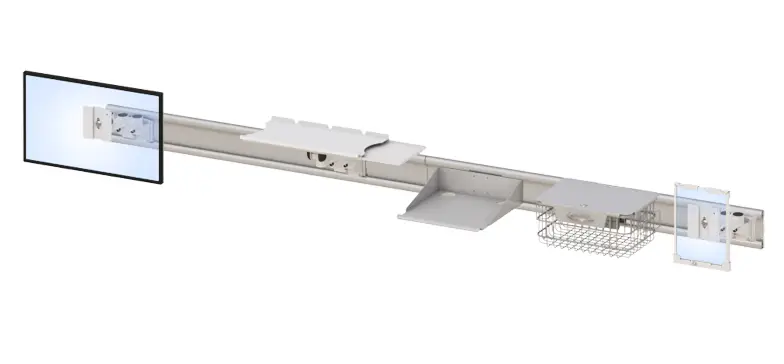
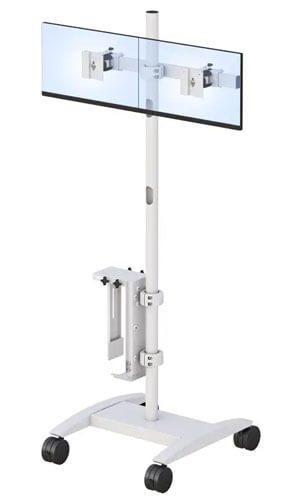
Most diagnostic workflows require 2-8 monitors for viewing current studies alongside priors, often supported by double monitor floor stands, and in some control environments far more using 12-monitor wall mount configurations. Mounting solutions must handle this weight while allowing precise tilt and positioning adjustments, which is where triple monitor wall mount systems and similar configurations become essential.
Key ergonomic benefits include:
- Reduced neck and shoulder strain
- Improved blood flow during long sessions
- Enhanced diagnostic concentration
- Lower risk of repetitive stress injuries
These features represent the important features that set professional ergonomic radiology furniture apart from standard office equipment.
Implementation and Setup Guidelines
With ergonomic principles established, let’s discuss practical deployment in imaging departments. Planning ahead prevents costly mistakes.
Installation Process and Space Planning
Before purchasing new workstations, follow this process:
- Assess current space: Measure your reading room and identify electrical outlet locations
- Evaluate workflow needs: Determine how many users will share each station
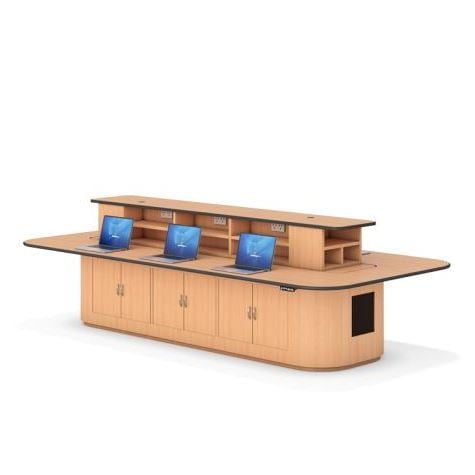
- Plan furniture layouts: Consider traffic flow and collaboration requirements
- Coordinate PACS integration: Ensure IT department involvement from the start
- Schedule training: Prepare staff for workflow changes with dedicated sessions
Workstation Configuration Comparison
| Factor | Single Monitor Setup | Multi-Monitor Setup |
| Space Required | Compact | Moderate to Large |
| Initial Price | Lower | Higher |
| Workflow Efficiency | Limited | Optimized |
| Best For | Review stations | Diagnostic reading |
| Factor | Fixed Height | Height Adjustable |
| Long-term Health | Compromised | Protected |
| Team Flexibility | Low | High |
| ROI Timeline | N/A | 18-24 months |
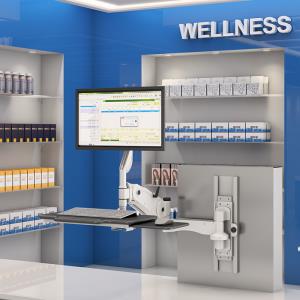
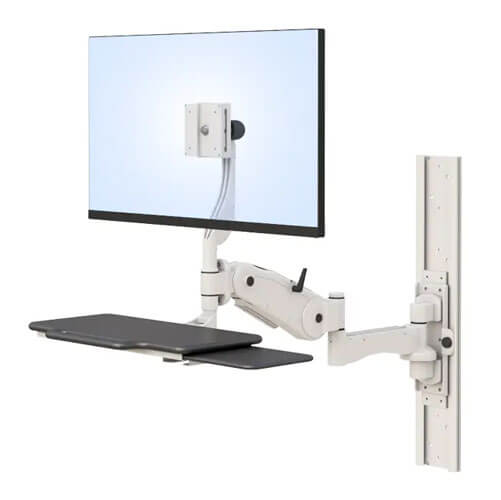
| For New York facilities facing space constraints, ergonomic wall-mounted workstation solutions offer excellent efficiency without sacrificing functionality. Many customers find this approach, especially modern wall-mounted computer stations, delivers the perfect fit for their environment. |
Common Challenges and Solutions
Healthcare facilities across New York frequently encounter specific obstacles during workstation upgrades. Here’s how to address them.
Limited Space in Existing Reading Rooms
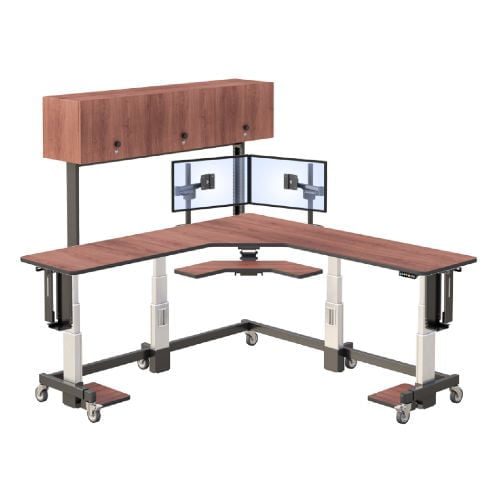
Many Manhattan and Brooklyn imaging centers operate in compact spaces. The solution involves vertical space optimization and lockable wall-mounted workstations that maximize floor area.
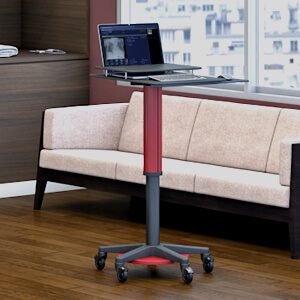
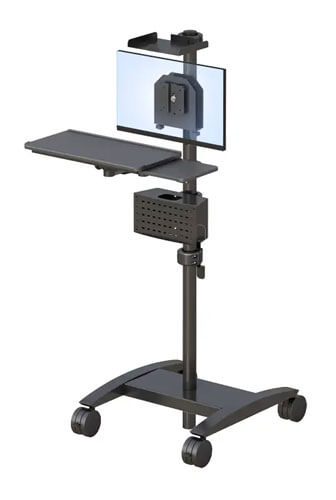
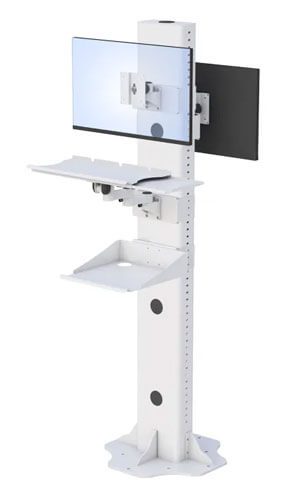
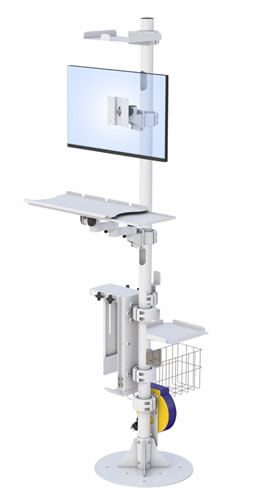
Recently, manufacturers have developed innovative designs such as adjustable computer floor stands specifically for urban healthcare settings. These options, including adjustable monitor floor stands, prove that quality ergonomics don’t require massive square footage.
Budget Constraints and ROI Concerns
Initial investment in ergonomic radiology furniture can seem significant. However, accurate ROI calculations should include reduced sick days, improved diagnostic accuracy, and extended radiologist careers.
Department leaders can request a catalog to review various price points and find solutions matching their budget.
Staff Resistance to Workflow Changes
Change management requires clear communication about benefits. Radiologists who understand how new workstations protect their health typically embrace upgrades enthusiastically.
Dedicated training sessions help users maximize workstation features quickly.
Conclusion and Next Steps
A well-designed radiology workstation directly impacts diagnostic quality and radiologist wellbeing. As imaging volumes continue growing, ergonomic furniture solutions become essential investments.
Take these steps today:
- Assess your current workstation setup against ergonomic best practices
- Document specific pain points affecting radiologist comfort and efficiency
- Contact ergonomic furniture specialists for workspace evaluation
- Plan implementation timeline with minimal workflow disruption
For additional suggestions on optimizing your imaging environment, explore topics like ambient lighting solutions and ongoing ergonomic assessments.
Frequently Asked Questions
What does a radiology workstation cost in 2026?
According to discussions on Reddit’s r/Radiology community, complete ergonomic setups range from $10,000 to $50,000+ depending on monitor quality and adjustability features.
How long does workstation installation typically take?
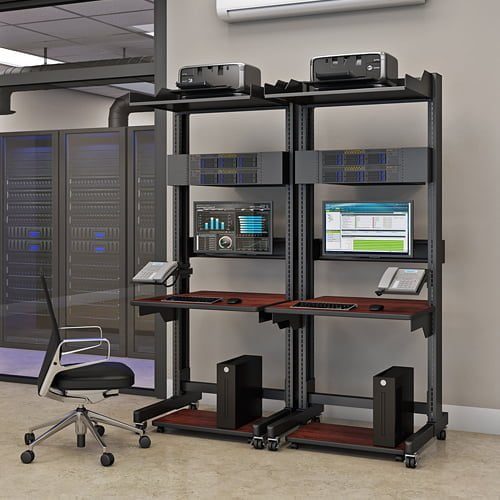
Most installations complete within 1-2 days per station. However, planning and PACS integration may extend the overall process to several weeks, particularly for complex multi-monitor security workstation environments that mirror radiology-style control rooms.
Will ergonomic furniture really improve diagnostic accuracy?
Yes. Quora users frequently note that reduced eye strain and better positioning directly correlate with improved concentration during image review.
What monitor specifications do radiologists need?
Diagnostic workstations require 5-10 megapixel displays capable of rendering subtle grayscale differences in mammography and CT imaging.
Can existing reading rooms accommodate height adjustable desks?
Absolutely. Modern ergonomic radiology furniture comes in various configurations, including compact models designed for space-constrained New York facilities.
How do workstation ergonomics affect radiologist retention?
Healthcare administrators on LinkedIn report that investments in ergonomic environments significantly impact recruitment and retention of experienced radiologists.
Call us at: +1 (800) 663-3412 or E-mail us directly at: afcsales@afcindustries.com