

Why Is On-Premises IT Making a Comeback in 2026, and What Does That Mean for Computer Rack
For most of the last decade, the direction of travel in IT was clear. Move everything to the cloud, scale on demand, let someone else worry about the hardware. That strategy made sense for a long time, but it’s been quietly shifting. Companies running steady, predictable workloads have started running the numbers again, and for a lot of them, the math no longer favors the cloud the way it used to. Egress fees, API costs, and unpredictable bills have pushed some organizations to pull workloads back on-premises, a shift now commonly called cloud repatriation.
Data sovereignty regulations have added another layer to the decision, since where data physically lives has become a real compliance question in a lot of industries, not just a technical preference. None of this means the cloud is going away. Most organizations are landing on a hybrid approach, keeping flexible, bursty workloads in the cloud while moving steady, predictable processing back to dedicated, on-site hardware.
But that shift has a real physical consequence that doesn’t get talked about much. Someone has to manage that hardware in person again, and that means network administrators need a workstation actually built for the job, not a leftover desk with a shelf bolted on.
What Should You Look for in a LAN Administrator Workstation?
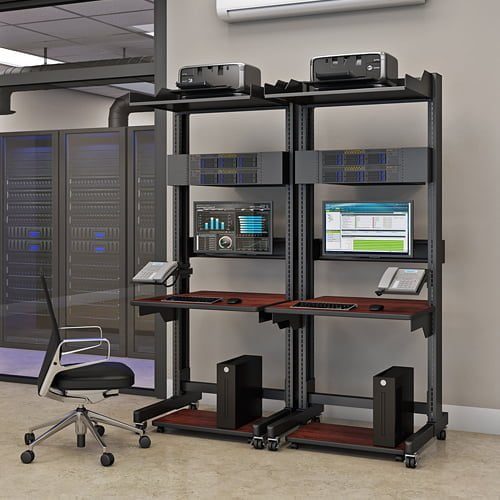
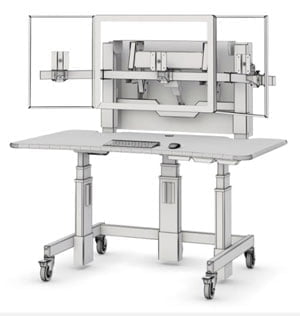
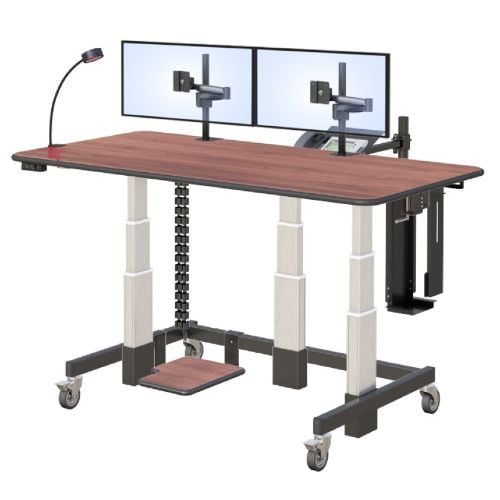
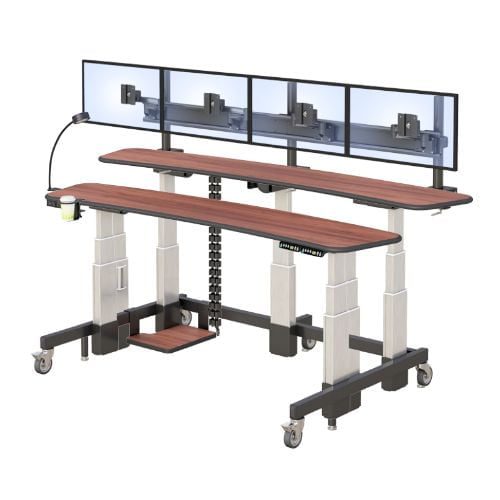
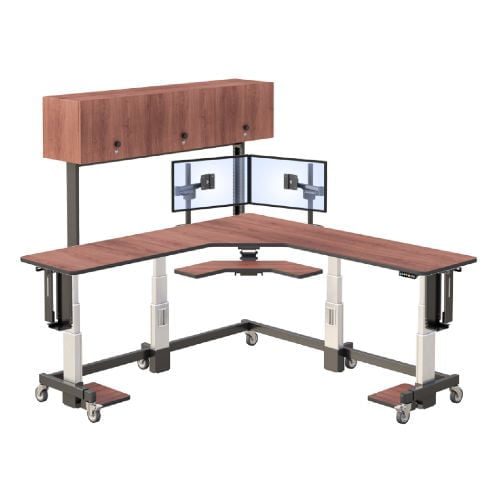
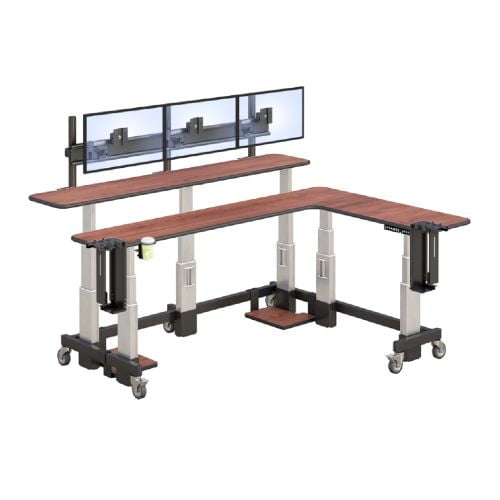
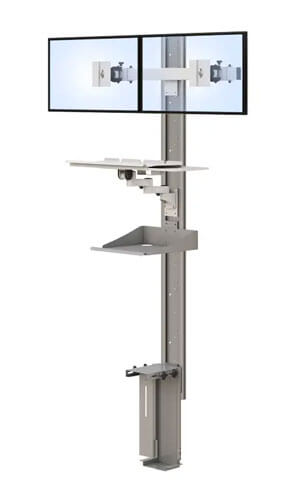
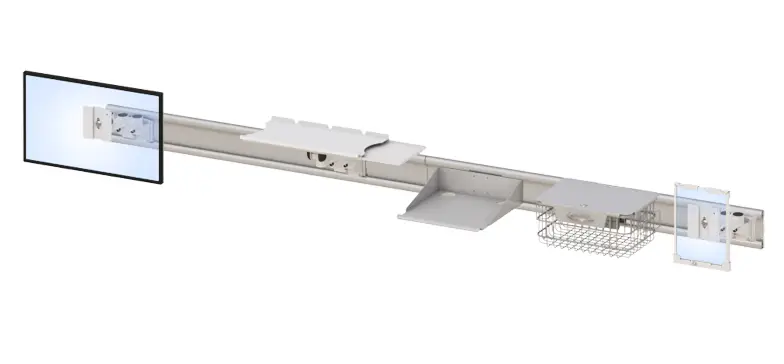
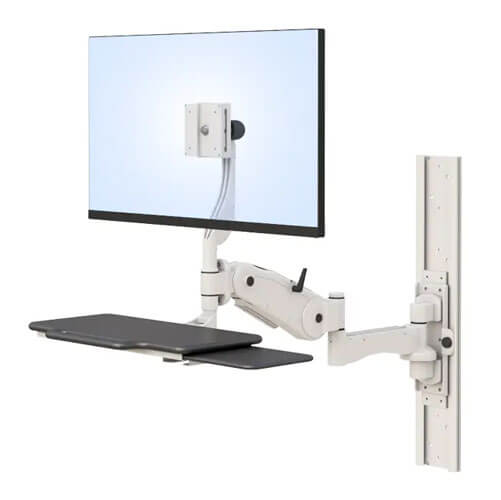
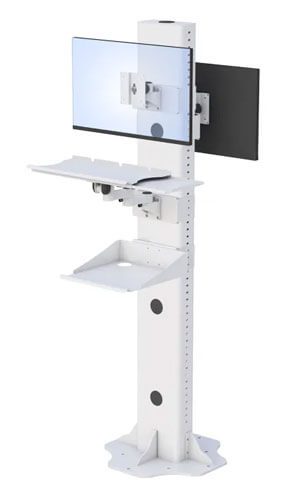
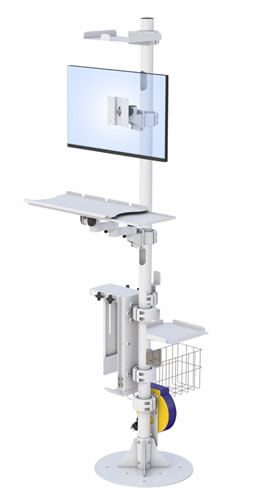
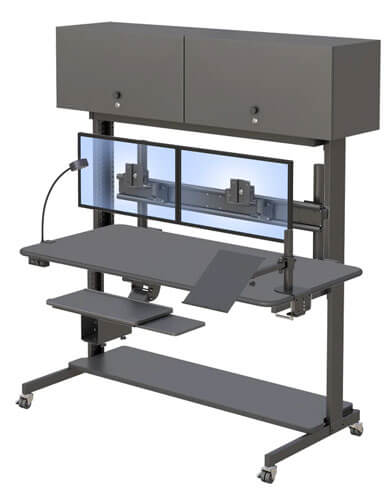
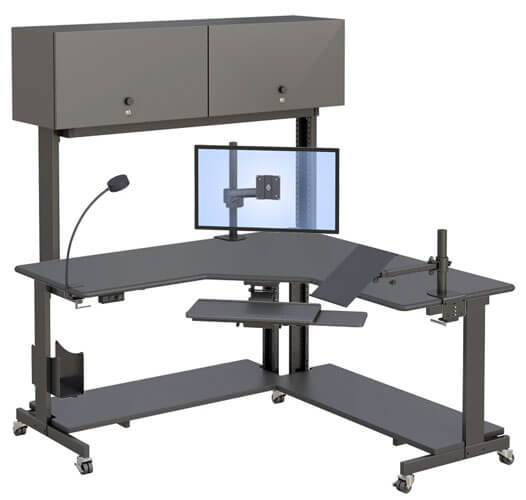
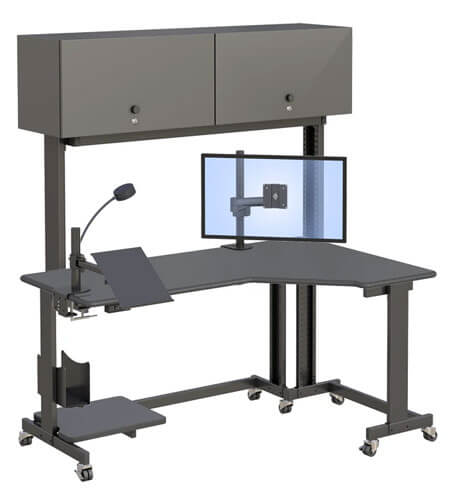
A good LAN administrator workstation needs rack-mount brackets sized for your equipment, dedicated LAN switch holders, proper cable management, and enough surface space to work while monitoring hardware directly.
Each of these matters more once you’re actually managing physical equipment day to day rather than just reading dashboards remotely. Rack-mount brackets, the mounting points sized to hold standard rack equipment securely in place, need to match what you’re actually installing. A workstation with brackets in a single fixed size limits what equipment can go where, while options in multiple sizes give more flexibility as hardware needs change.
Dedicated LAN switch holders matter for a similar reason, since switches left loose or improvised into general shelving tend to end up with tangled cabling and harder troubleshooting down the line. Surface space alongside the rack equipment is easy to underestimate until you’re actually working a support ticket at 2am with a laptop, documentation, and diagnostic tools all competing for the same few square feet. None of these features are dramatic individually, but together they determine whether a workstation actually supports daily hands-on network administration or just looks like it can.
A few things worth checking before you buy:
- Rack-mount bracket sizing. Make sure the available bracket sizes actually match the equipment you’re installing.
- Dedicated switch holders. Purpose-built holders keep network hardware organized and cabling manageable.
- Cable management. Look for a real cable routing plan, not shelving that just happens to have gaps.
- Adjacent work surface. Confirm there’s enough desk space to work while directly monitoring the equipment.
There’s useful context in the 2026 shift back toward on-premises infrastructure if you want a deeper look at why more organizations are bringing workloads back in-house this year.
Is a Rack-Style Workstation Right for Your Setup, or Do You Need Something Simpler?
A rack-style workstation makes sense if you’re managing physical servers, switches, or networking hardware on-site, while a simpler desk setup may be enough if your role is mostly software and remote administration.
It’s worth being honest about the actual scope of your on-premises responsibilities before deciding. If your day-to-day work is mostly remote administration, monitoring dashboards, managing cloud resources, troubleshooting through a VPN, a dedicated rack workstation is probably more infrastructure than you need.
But if your organization’s on-premises footprint is growing as part of the broader shift back from the cloud, and you’re increasingly managing physical switches, servers, or storage on-site, a proper rack workstation stops being a nice-to-have and becomes a genuine operational need. The equipment should match the actual hardware sitting in front of you, not an assumption about what a network administrator’s desk is supposed to look like.
A quick way to think it through:
- Are you physically managing rack-mounted equipment on a regular basis, or mostly working remotely?
- Is your organization’s on-premises hardware footprint growing, staying flat, or shrinking?
- Would a rack workstation solve a real daily friction point, or just sit underused?
Worth browsing AFC’s IT Rack Systems if your on-premises equipment is expanding and a dedicated setup makes sense for your role.
What Does a Well-Equipped Network Admin Workstation Look Like in Daily Use?
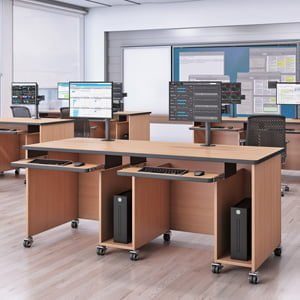
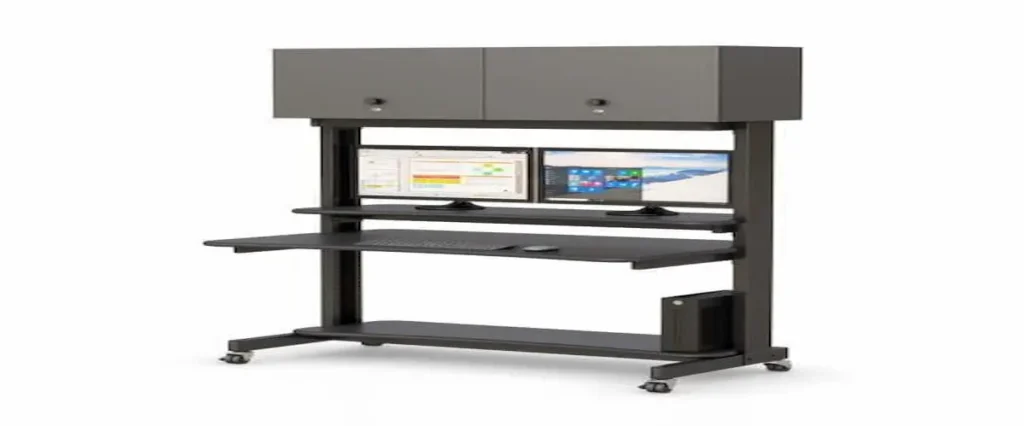
In practice, a well-equipped network admin workstation lets someone monitor hardware, manage cable runs, and work at a desk surface all in one spot, without needing to move between separate equipment areas and a workspace.
Picture a network administrator troubleshooting a switch issue during a busy shift. Without a proper workstation, that often means walking between a server closet or equipment rack and a separate desk, going back and forth to check physical connections while documenting the issue somewhere else entirely.
With rack-mounted equipment, dedicated switch holders, and a desk surface built into the same workstation, the same administrator can trace a cable run, check equipment status, and document the fix without leaving the spot. That’s not a dramatic transformation, it’s a steady reduction in the small friction points that add up across a full shift managing on-premises hardware, exactly the kind of hands-on work that’s becoming more common again as organizations shift workloads back on-site.
Frequently Asked Questions
What is a LAN administrator workstation used for?
A LAN administrator workstation combines rack-mounted equipment space with a desk surface, letting network administrators manage switches, cabling, and hardware while working directly at the same location. It supports hands-on network administration rather than purely remote monitoring.
Do I need a rack-mounted workstation if I only manage a few switches?
Not necessarily. If your on-premises hardware footprint is small and stable, a simpler setup may be sufficient. A dedicated rack workstation becomes more valuable as physical equipment and on-site management responsibilities grow.
What size rack-mount brackets are standard for network equipment?
Rack-mount bracket sizing varies by equipment type, but workstations offering multiple bracket sizes provide more flexibility as hardware needs change over time. It’s worth confirming bracket dimensions match your specific equipment before purchasing.
Can a computer rack workstation be mobile?
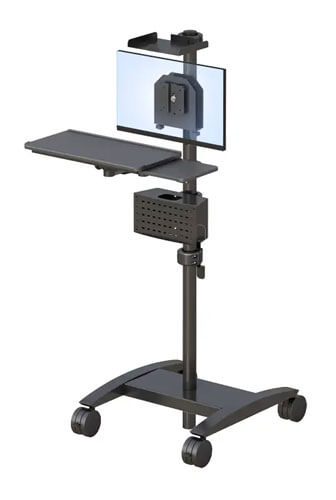
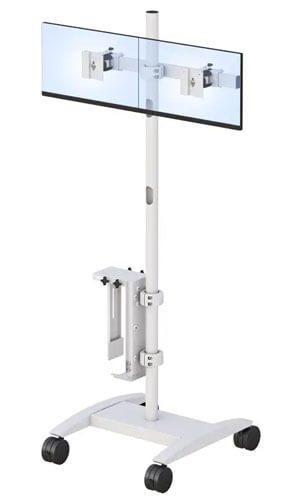
Many rack-style workstations include casters for mobility, though heavier equipment loads may require locking casters for stability during use. Mobility needs depend on whether the workstation stays in one fixed location or needs to move between areas.
Why are companies moving IT infrastructure back on-premises in 2026?
Organizations are increasingly moving workloads back on-premises due to rising cloud costs for steady, predictable workloads, along with growing data sovereignty and compliance requirements. Many are adopting hybrid approaches rather than abandoning the cloud entirely.
{
“@context”: “https://schema.org”,
“@graph”: [
{
“@type”: “Article”,
“@id”: “https://afcindustries.com/blog/on-premises-it-lan-workstation-2026/#article”,
“headline”: “Why Is On-Premises IT Making a Comeback in 2026, and What Does That Mean for Your Setup?”,
“description”: “A practical guide to LAN administrator workstations in 2026, covering what to look for, how to decide if rack-style equipment fits your role, and how on-premises IT infrastructure is shifting.”,
“image”: “[LOGO_URL]”,
“author”: {
“@type”: “Organization”,
“name”: “AFC Industries, Inc.”,
“url”: “https://afcindustries.com”
},
“publisher”: {
“@type”: “Organization”,
“name”: “AFC Industries, Inc.”,
“logo”: {
“@type”: “ImageObject”,
“url”: “[LOGO_URL]”
}
},
“datePublished”: “[PUBLISH_DATE]”,
“dateModified”: “[MODIFIED_DATE]”,
“mainEntityOfPage”: {
“@type”: “WebPage”,
“@id”: “https://afcindustries.com/blog/on-premises-it-lan-workstation-2026/”
}
},
{
“@type”: “FAQPage”,
“@id”: “https://afcindustries.com/blog/on-premises-it-lan-workstation-2026/#faq”,
“mainEntity”: [
{
“@type”: “Question”,
“name”: “What is a LAN administrator workstation used for?”,
“acceptedAnswer”: {
“@type”: “Answer”,
“text”: “A LAN administrator workstation combines rack-mounted equipment space with a desk surface, letting network administrators manage switches, cabling, and hardware while working directly at the same location. It supports hands-on network administration rather than purely remote monitoring.”
}
},
{
“@type”: “Question”,
“name”: “Do I need a rack-mounted workstation if I only manage a few switches?”,
“acceptedAnswer”: {
“@type”: “Answer”,
“text”: “Not necessarily. If your on-premises hardware footprint is small and stable, a simpler setup may be sufficient. A dedicated rack workstation becomes more valuable as physical equipment and on-site management responsibilities grow.”
}
},
{
“@type”: “Question”,
“name”: “What size rack-mount brackets are standard for network equipment?”,
“acceptedAnswer”: {
“@type”: “Answer”,
“text”: “Rack-mount bracket sizing varies by equipment type, but workstations offering multiple bracket sizes provide more flexibility as hardware needs change over time. It is worth confirming bracket dimensions match your specific equipment before purchasing.”
}
},
{
“@type”: “Question”,
“name”: “Can a computer rack workstation be mobile?”,
“acceptedAnswer”: {
“@type”: “Answer”,
“text”: “Many rack-style workstations include casters for mobility, though heavier equipment loads may require locking casters for stability during use. Mobility needs depend on whether the workstation stays in one fixed location or needs to move between areas.”
}
},
{
“@type”: “Question”,
“name”: “Why are companies moving IT infrastructure back on-premises in 2026?”,
“acceptedAnswer”: {
“@type”: “Answer”,
“text”: “Organizations are increasingly moving workloads back on-premises due to rising cloud costs for steady, predictable workloads, along with growing data sovereignty and compliance requirements. Many are adopting hybrid approaches rather than abandoning the cloud entirely.”
}
}
]
},
{
“@type”: “HowTo”,
“@id”: “https://afcindustries.com/blog/on-premises-it-lan-workstation-2026/#howto”,
“name”: “How to Evaluate a LAN Administrator Workstation for Your Needs”,
“step”: [
{
“@type”: “HowToStep”,
“name”: “Check rack-mount bracket sizing”,
“text”: “Confirm the available rack-mount bracket sizes match the equipment you plan to install.”
},
{
“@type”: “HowToStep”,
“name”: “Assess switch holder needs”,
“text”: “Look for dedicated LAN switch holders to keep network hardware organized and cabling manageable.”
},
{
“@type”: “HowToStep”,
“name”: “Review cable management”,
“text”: “Verify the workstation includes a real cable routing plan rather than shelving with incidental gaps.”
},
{
“@type”: “HowToStep”,
“name”: “Confirm work surface space”,
“text”: “Ensure there is enough adjacent desk space to work while directly monitoring equipment.”
},
{
“@type”: “HowToStep”,
“name”: “Match the setup to your footprint”,
“text”: “Evaluate whether your on-premises hardware footprint justifies a dedicated rack workstation or a simpler setup.”
}
]
}
]
}