

Why Are Mobile Computer Carts Becoming Central to Point-of-Care Technology in 2026?
Healthcare has been steadily moving in one direction for the past few years, and that direction is closer to the patient. Acute care that used to require a hospital stay is showing up in living rooms through hospital-at-home programs. Bedside documentation is replacing trips back to a nursing station. Even diagnostics that once meant a scheduled visit to a separate department are increasingly happening right where the patient is.
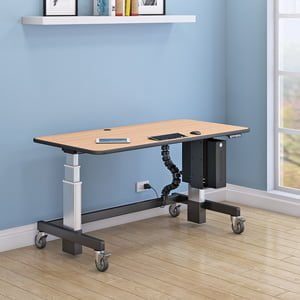
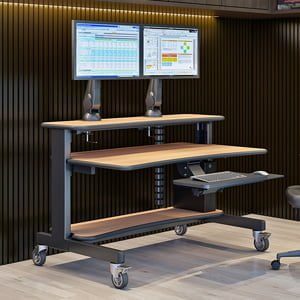
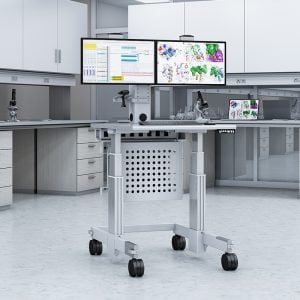
None of that shift works without the right physical equipment to support it, and that’s exactly where a mobile computer cart comes in. A rolling computer cart lets a clinician bring documentation, monitoring, and communication tools directly to the bedside instead of leaving the room every time they need to access a system or update a chart. It sounds like a small detail next to the bigger conversation about hospital-at-home models and remote monitoring, but it’s actually one of the pieces making that entire shift possible day to day.
This guide covers what actually matters in a mobile computer cart, how to figure out which type fits your workflow, and how it plays out in a real point-of-care setting.
What Should You Look for in a Mobile Computer Cart?
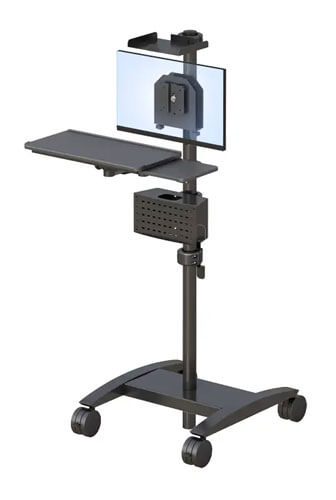
A reliable mobile computer cart needs smooth-rolling casters, a stable battery or power setup, easy-to-clean surfaces, and enough weight capacity for monitors, printers, or scanning equipment without tipping or wobbling.
Every one of these details matters more in a clinical environment than people expect walking in. Caster size affects how the cart handles daily movement across different hospital flooring, and heavier duty six inch casters generally roll more smoothly over thresholds and uneven surfaces than smaller four inch options, which matters over the course of a full shift moving between rooms. Surface material matters just as much, particularly in healthcare, where infection control is a real operational concern rather than a nice-to-have.
An antimicrobial treatment on a cart’s surface means the material is treated to resist bacterial growth between cleanings, which reduces one small but real risk factor in a busy clinical environment. Battery life becomes critical the moment a cart is expected to run through an entire shift without needing a mid-day charge, so it’s worth checking actual runtime rather than a marketing claim. Weight capacity rounds it out, since a cart that’s rated for light use but actually carrying a monitor, printer, and scanning equipment will show stress and instability faster than one built with real margin.
A few things worth checking before you buy:
- Caster size. Six inch heavy duty casters generally handle daily hospital movement better than smaller options.
- Surface material. Look for antimicrobial treatment options if the cart will be used in patient-facing areas.
- Battery runtime. Confirm it actually covers a full shift, not just a marketing estimate.
- Weight capacity. Match it honestly against the equipment you’ll actually be mounting, not just the minimum load.
There’s useful context in how mobile carts support point-of-care documentation if you want a deeper look at the operational role these carts play in day-to-day clinical work.
Which Type of Computer Cart Fits Your Workflow, Laptop, Tablet, or Monitor?
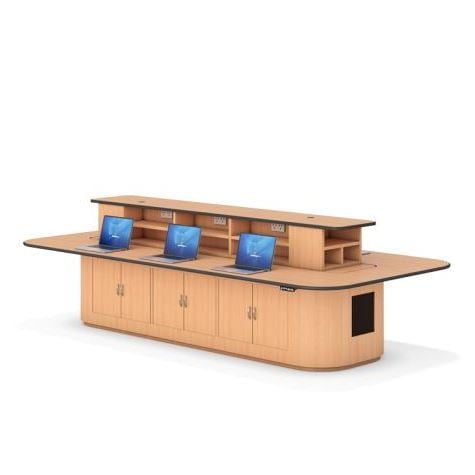
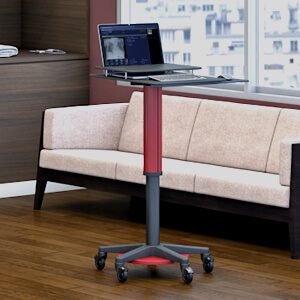
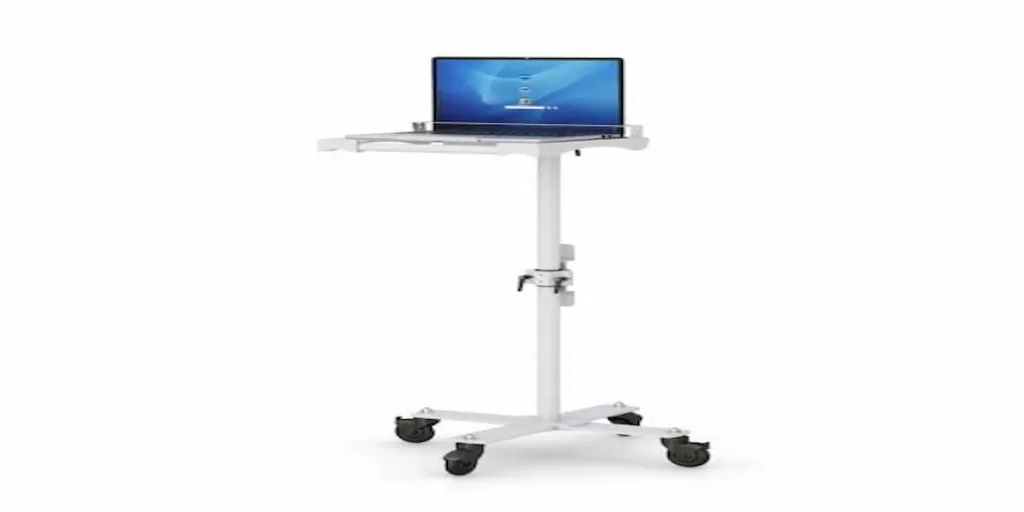
The right cart type depends on the device you’re mounting, a laptop cart suits full documentation work, a tablet cart suits quick bedside check-ins, and a monitor cart suits fixed-station or telemedicine setups.
This decision really comes down to what the clinician is actually doing at each stop. A nurse doing full documentation, medication administration records, detailed charting, tends to need the larger screen and full keyboard that a laptop cart provides. A quick bedside check-in, vitals confirmation, or a brief chart update often works better with a tablet cart, which is lighter, faster to maneuver, and doesn’t require the same setup time.
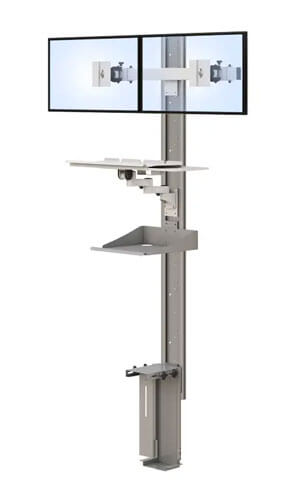
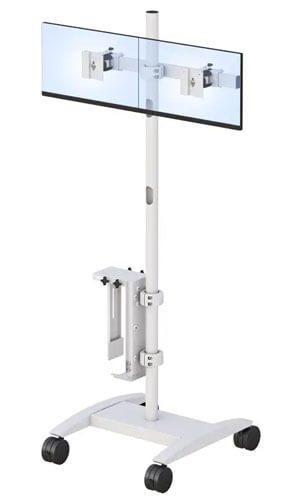
A fixed monitor cart, on the other hand, tends to fit telemedicine and video-based care best, where a stable, larger screen matters more than mobility between rooms. Standardizing an entire department on one cart type when the actual workflows differ significantly usually creates more friction than it solves, so it’s worth mapping the decision to the actual tasks happening at each stop rather than assuming one type covers everyone.
A quick way to think it through:
- Does this role involve detailed documentation, or quick check-ins?
- Is mobility between rooms the priority, or is this more of a fixed station?
- Does the workflow involve video-based care that needs a larger, stable screen?
Worth browsing AFC’s laptop and tablet cart options to compare against your team’s actual daily workflow.
How Does a Mobile Computer Cart Fit Into a Real Point-of-Care Workflow?
In practice, a mobile computer cart lets a clinician document, monitor, and communicate directly at the bedside, reducing the back-and-forth trips to a fixed workstation that slow down care.
Picture a nurse doing rounds across a busy unit. Without a mobile cart, that means walking back to a nursing station after every patient to update records, check orders, or document vitals, adding up to a significant amount of walking and delay across a full shift. With a properly equipped cart, the same nurse documents vitals, updates the chart, and checks for new orders right at the bedside, then moves directly to the next room.
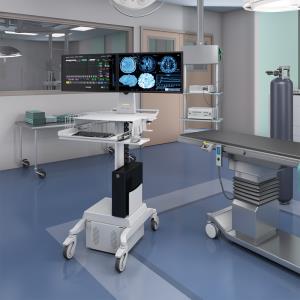
That’s not a dramatic transformation, it’s a steady reduction in friction that adds up across dozens of patients and a full shift. The same logic applies to point-of-care ultrasound or telemedicine consultations, where bringing the equipment to the patient instead of moving the patient to the equipment is often the entire point of the workflow.
Frequently Asked Questions
What is a mobile computer cart used for in healthcare?
A mobile computer cart lets clinicians bring documentation, monitoring, or communication tools directly to the patient’s bedside instead of returning to a fixed workstation. This supports faster, more efficient point-of-care workflows across busy clinical environments.
Are computer carts on wheels sturdy enough for daily hospital use?
A well-built mobile cart with a stable base, quality casters, and proper weight capacity can handle daily hospital use reliably. Build quality and caster size matter more than most buyers initially expect for long-term durability.
What is the difference between a laptop cart and a tablet cart?
A laptop cart suits detailed documentation work with a full keyboard and larger screen, while a tablet cart is lighter and faster for quick bedside check-ins. The right choice depends on the specific clinical task at each stop.
Do mobile computer carts need battery power?
Many mobile carts include battery power to support a full shift without needing to plug in between uses. It’s worth confirming actual runtime rather than relying on a general marketing estimate before choosing a cart.
Can a rolling computer cart support monitoring equipment?
Yes, provided the cart has sufficient weight capacity and a stable base designed for that load. Carts built specifically for monitoring or clinical equipment typically include reinforced mounts and higher weight ratings than general-purpose carts.