

What Should You Know Before Choosing a Cleanroom Laptop Workstation?
Walk through most cleanroom floors and you’ll spot the same problem: someone’s laptop propped on the edge of a stainless shelf that was never built to hold it. It works, until it doesn’t. A dropped device, a strained neck from looking down at a low screen, or a keyboard that slides every time the cart gets bumped.
None of that is a compliance issue on paper, but it slows people down and it’s exactly the kind of thing a cleanroom laptop workstation is meant to fix.
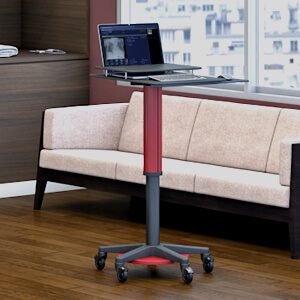
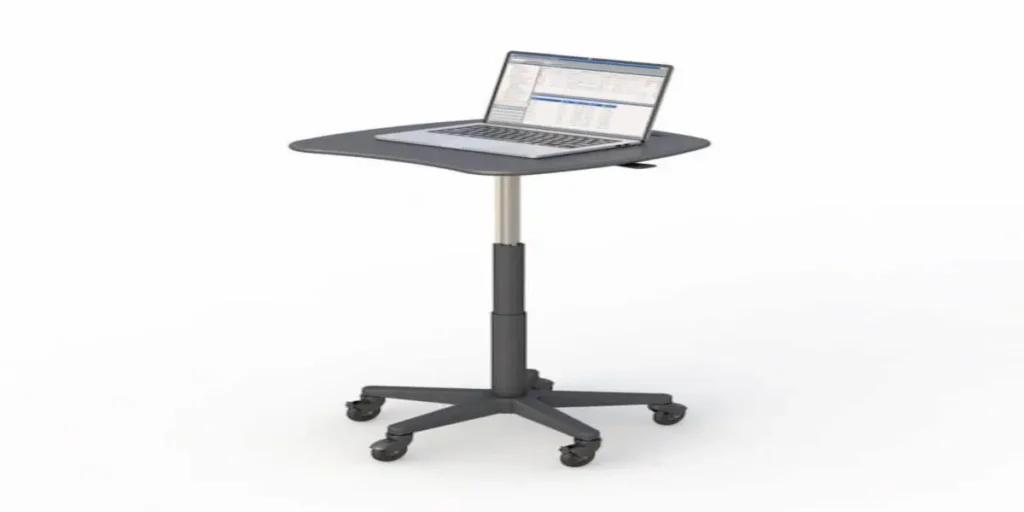
A cleanroom laptop cart is a mobile workstation built with materials and features that hold up in controlled environments while still giving your team a proper place to work from a laptop, not just a monitor.
If you’re comparing options for a lab, a testing floor, or a manufacturing cleanroom, the details below will help you know what actually matters before you request a quote.
What Should You Look For in a Cleanroom Laptop Workstation?
Does the Cart’s Material Actually Matter for Cleanroom Compliance?
Yes, and it’s usually the first thing worth checking. A true cleanroom cart uses stainless steel, typically SS316 grade, for the work surface, shelves, and keyboard tray. That’s not a marketing detail.
Stainless resists corrosion, wipes down easily during routine sanitation, and doesn’t shed particles the way painted or laminate surfaces can over time. Perforated surfaces take this a step further by allowing airflow through the shelf itself, which matters in spaces where particle control and ventilation are part of your daily protocol.
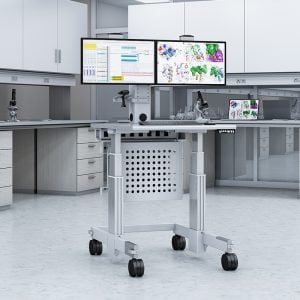
The frame is a different story. On most carts, including AFC’s perforated cleanroom computer workstation with a laptop tray, the frame is powder-coated steel rather than stainless. That’s normal and doesn’t compromise cleanroom suitability, since the frame isn’t the primary work surface.
What you want to confirm is that anything touching product, samples, or equipment is stainless, and anything structural is solid enough to keep the cart stable under daily use.
If you want the full technical backdrop here, the IEST publishes cleanroom standards that go deeper into surface and material requirements than any product page will.
Why Do Laptop Trays Need to Be Separate from Keyboard Trays?
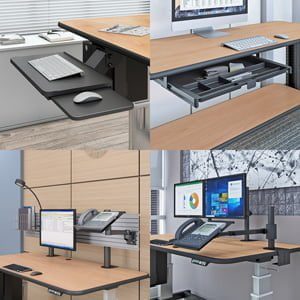
This trips people up more than you’d expect. A laptop tray and a keyboard tray sound like the same thing until you actually try to work at one. A laptop tray holds the laptop itself, usually at a fixed angle that keeps the screen visible without you hunching over.
A retractable keyboard tray is a separate slide out surface that tucks under the main worktop when it’s not needed.
Having both means you can run a laptop for diagnostics or documentation while still typing on a full-size external keyboard, which is far easier on your hands during long shifts. It also means the laptop stays put instead of getting pushed around every time someone reaches for the keyboard.
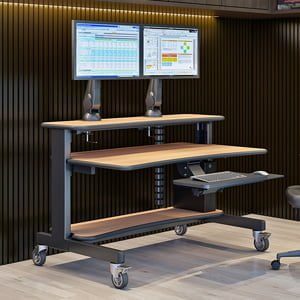
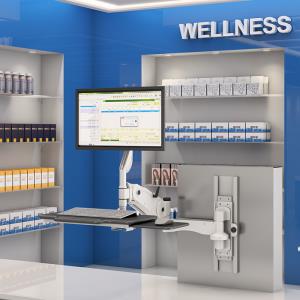
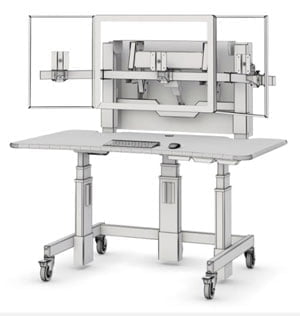
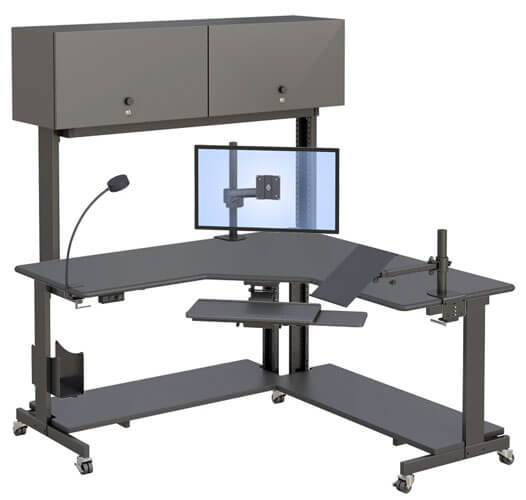
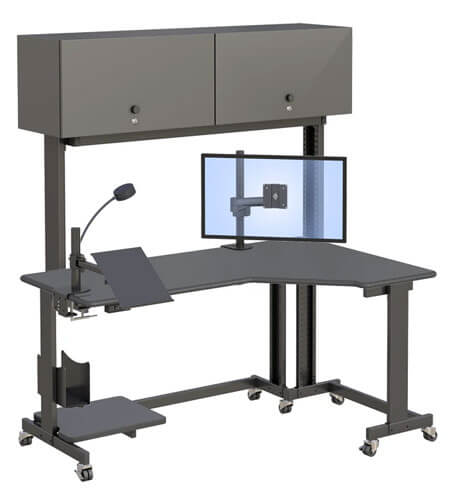
Our full range of cleanroom carts includes several configurations that combine this pairing with a VESA-compliant monitor holder, so you can run a laptop, an external display, and a keyboard all from one mobile setup.
Does Mobility Compromise Stability in a Controlled Environment?
Not if the base is built for it. Look for four non-conductive casters, with at least two of them equipped with locking brakes. Non-conductive casters matter in environments sensitive to static discharge, and locking brakes let you roll the cart to where you need it, then anchor it in place while your team works. That combination gives you mobility between stations without sacrificing the stability you need once the cart stops moving.
Is a Cleanroom Laptop Cart Right for Your Facility?
What’s the Difference Between a Cleanroom Laptop Cart and a Standard Cleanroom Workstation?
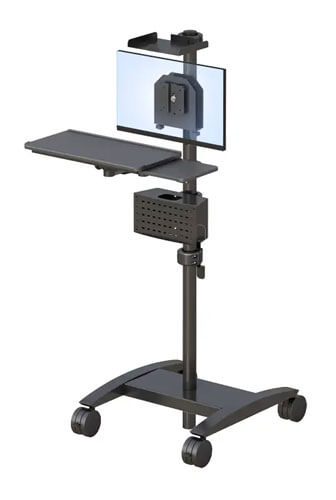
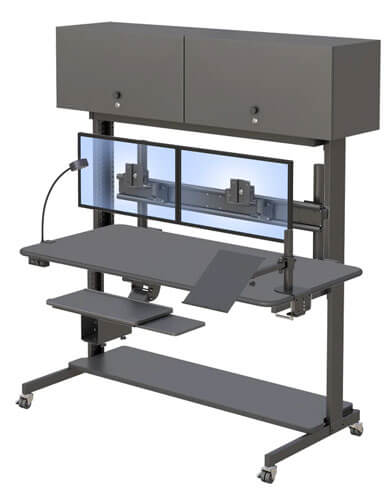
This is the question most product pages skip over. A lot of carts on the market are built around one job: either they hold a monitor, or they hold a laptop, but rarely both at once. A cleanroom laptop workstation is built specifically to support laptop based work such as testing software, inspection logs, or diagnostics, often alongside a VESA mounted monitor on a pole above the desk.
If your team splits time between a laptop and a fixed display, a cart designed for both will save you from juggling two separate pieces of equipment. Browse our cleanroom workstation solutions to see how different configurations handle this combination.
What Questions Should You Ask Before Requesting a Quote?
Before you reach out for pricing, it helps to walk through a short list: What surface material do you need for your classification level? How many shelves does your team actually use for equipment like a small printer or compact PC? Do you need dual casters with brakes, or is a single locking wheel enough for how the cart will be positioned?
Answering these ahead of time makes the conversation with sales faster and gets you a quote that actually fits your setup the first time. Since pricing on these workstations is quote based rather than listed publicly, talking to our team directly is the quickest way to get real numbers for your configuration.
How Do Teams Actually Use These Workstations Day to Day?
What Does a Typical Cleanroom Laptop Cart Setup Look Like in a Lab?
In practice, most teams roll the cart to wherever the work is happening that day, whether that’s a testing bay or an inspection line, then lock the front casters once it’s in position.
The laptop sits on its own tray at eye level, cable hooks on the sides keep cords off the floor, and the keyboard tray slides out only when someone’s actively typing. It’s a small setup, but it removes a lot of the friction that comes from working off a bare shelf.
Can the Same Cart Support Both Testing Equipment and a Laptop?
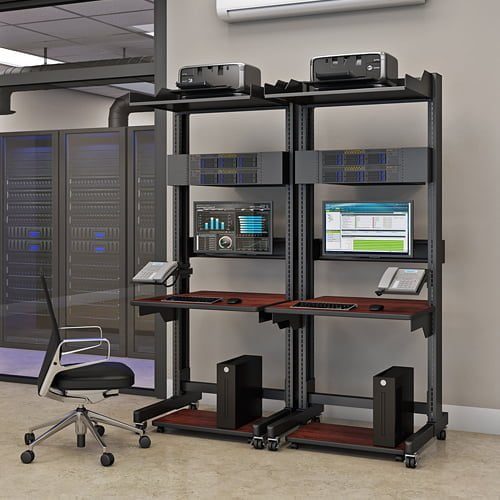
Often, yes. Carts with multiple perforated shelves can hold a compact computer, a small printer, or other devices below the main work surface, while the laptop and monitor stay up top where they’re easiest to use.
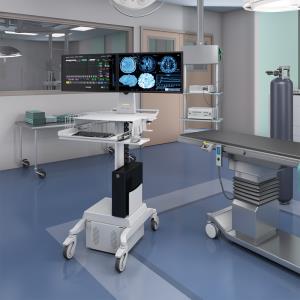
That means one cart can consolidate equipment that might otherwise be spread across a room, which is worth factoring in if your facility is tight on floor space. If your work touches radiology or imaging alongside general lab tasks, see how we support radiology workstations for a look at adjacent setups built around similar principles.
Frequently Asked Questions
Does the cart’s material actually matter for cleanroom compliance?
Yes. Stainless steel surfaces, usually SS316, resist corrosion and support the sanitation routines most cleanroom protocols require.
Why do laptop trays need to be separate from keyboard trays?
A laptop tray holds the laptop at a fixed viewing angle, while a retractable keyboard tray gives you a separate typing surface, so you can use both without one interfering with the other.
Does mobility compromise stability in a controlled environment?
Not when the base includes non-conductive casters with locking brakes, which let you move the cart freely and then anchor it securely once it’s in place.
What’s the difference between a cleanroom laptop cart and a standard cleanroom workstation?
A laptop specific cart is built to support laptop based work directly, often alongside a monitor, rather than being designed around a monitor alone.
Can the same cart support both testing equipment and a laptop?
Yes, carts with multiple shelves can hold devices like a compact computer or printer while keeping the laptop and monitor at the main work surface.