


As Offices Fill Up Again, Is Your Computer Desk Still Fit for Work?
More employees are spending at least part of the week back in the office, but many are not returning to the same desks they left years ago. Hybrid schedules, shared seating, new computer equipment, and changing team structures have altered what people need from a workstation.
A computer desk that once belonged to one employee may now serve several people. One person arrives with a laptop and one monitor. The next needs two displays, a computer tower, and space for printed documents. Each user may also prefer a different working height.
That makes the 2026 office reset more than a question of how many desks will fit on a floor. Facility managers must decide whether those desks can support the people and equipment that will use them.
The right computer desk should provide a suitable work surface, enough equipment space, manageable cable routes, and an adjustment range that fits its expected users. Appearance matters, but daily usability matters more.
What Should a Computer Desk Handle in the 2026 Office Reset?
A computer desk should accommodate its users, computer equipment, room layout, and normal workflow. Width, depth, height adjustment, storage, and mobility all affect whether the workstation remains practical after installation.
Which Measurements Matter Before You Choose a Desk?
Measuring an empty wall is not enough. A complete workstation also needs room for a chair, computer equipment, cables, storage, and the person using it.
Start with the equipment. Record the width and depth of the monitor bases, keyboard, mouse, laptop dock, telephone, and any documents that must stay on the work surface. If the desk will hold two displays, place their measurements side by side instead of estimating from the screen size alone.
Depth is especially important. OSHA’s computer workstation purchasing guide advises that a desk should provide enough space to position the monitor at least 20 inches from the user’s eyes. A shallow surface can make that difficult, particularly when a monitor uses a large desktop stand.
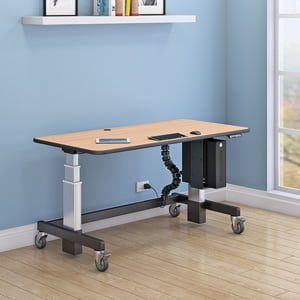
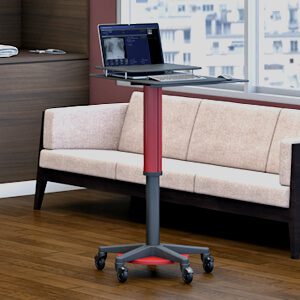
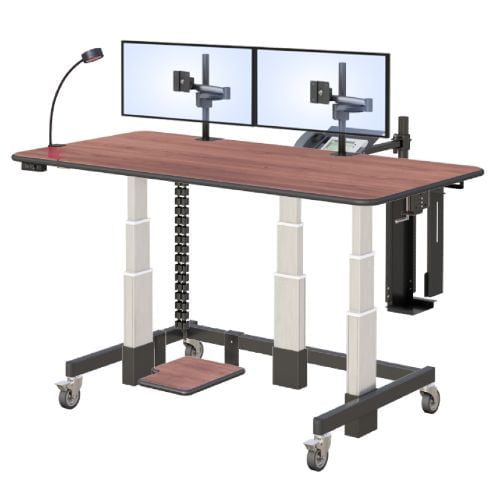
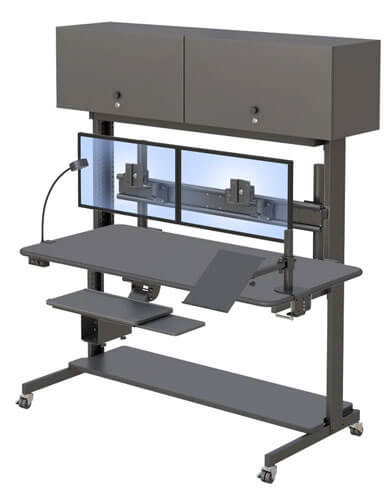
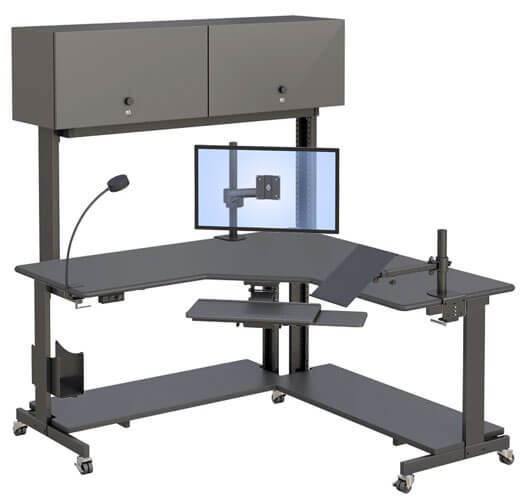
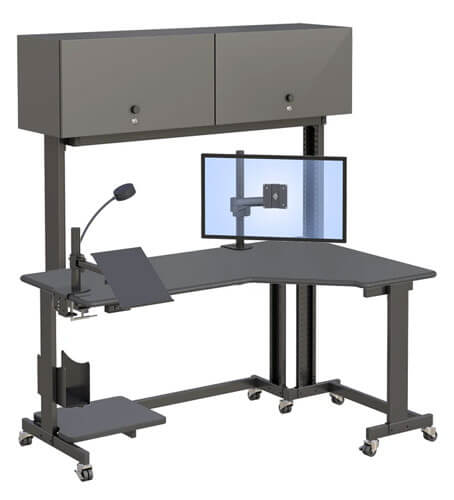
The AFC adjustable computer desk is listed in widths ranging from 36 to 96 inches and depths of 24, 30, or 36 inches. The featured product configuration is 48 inches wide and 30 inches deep.
The largest option is not automatically the best. A wide desk may provide useful equipment space, but it can also reduce walking clearance or place frequently used objects too far away. Measure nearby doors, cabinets, outlets, and aisles before selecting the final dimensions.
What Features Matter When Several People Share the Same Desk?
Shared desks need to be easy to understand and adjust. An employee should not need help from the facilities team each time the workstation changes users.
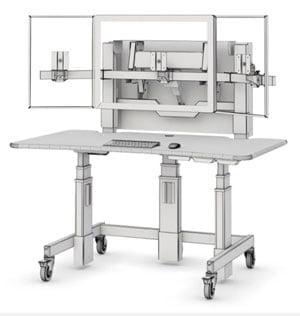
Electronic height adjustment can help people move the work surface to a suitable position. The AFC desk adjusts from 28 to 47 inches. Buyers should compare that range with the seated and standing requirements of the expected users instead of assuming it fits everyone.
Controls should remain easy to reach, and employees should know how to operate them. If the desk does not include saved height settings, each user may need to note a preferred position or adjust it manually at the start of a shift.
Shared workstations also need a reset routine. In plain language, this means leaving the desk clean and ready for the next person. Personal belongings should not take over the lower storage area, and shared cables should be labeled so employees can identify the correct connection.
An OSHA computer workstation evaluation can help a facilities or safety team check whether a workstation supports different users. The checklist is not a product certification. It is a practical way to spot potential setup problems.
How Do Storage, Cables, and Mobility Affect Everyday Use?
Storage, cables, and caster wheels may look like secondary features, but they shape how the workstation feels during actual use.
The AFC desk includes a lower storage area that can hold computer equipment or supplies. Before placing a computer tower there, check its dimensions, ventilation needs, and connector locations. The equipment should not block knee or foot space.
Cable routing should account for the desk’s full height range. A cable that has enough slack while the desk is lowered may pull tight when the surface rises. Test power, monitor, network, and accessory cables at the lowest and highest settings before regular use.
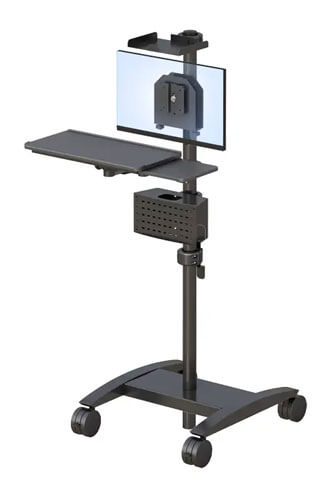
The mobile design allows the desk to be repositioned on caster wheels. This may be useful in project rooms, training areas, or offices that change layouts. Mobility is less useful when a workstation has several fixed data connections or equipment that should not be moved.
A desk should only be rolled after cables, nearby objects, and the planned route have been checked. Wheels make movement possible, but they do not remove the need for careful equipment handling.
Additional workplace planning ideas are available through AFC workplace insights.
Which Type of Computer Desk Fits Your Workday?
The best desk is the one that matches the work being performed. A fixed, mobile, or height-adjustable desk can each be appropriate in the right setting.
Do You Need a Fixed, Mobile, or Height-Adjustable Desk?
A fixed desk stays at one height and usually remains in one location. It may be appropriate for a dedicated user whose equipment and working position rarely change.
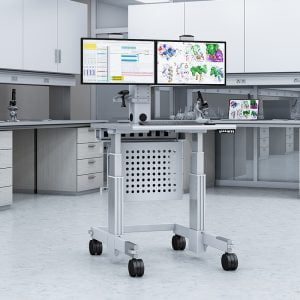
A mobile computer desk uses caster wheels so the workstation can move between areas. It may work well for temporary projects, training rooms, or flexible work zones. Buyers must still plan how power and data connections will be handled during movement.
A height-adjustable desk can accommodate different working positions or users. This may be valuable in a shared office where several employees use the same station during the week.
Some desks, including the AFC model, combine mobility with electronic height adjustment. That combination provides flexibility, but it should only be selected when both features solve a real problem.
Standing for the entire workday should not be the goal. The value of an adjustable workstation is the ability to change the setup when the user or task changes. OSHA notes that there is no single posture or computer arrangement that fits everyone.
Companies comparing configurations can learn more about AFC Industries and its approach to technical workplace furniture.
Is a Single-Tier Computer Desk Enough for Your Equipment?
A single-tier desk places the keyboard, monitor, and accessories on one main work surface. This straightforward arrangement can work well when the desk has enough width and depth.
A laptop user with one external display may need relatively little surface space. A desktop computer user with two monitors, a phone, paperwork, and input devices needs more careful planning.
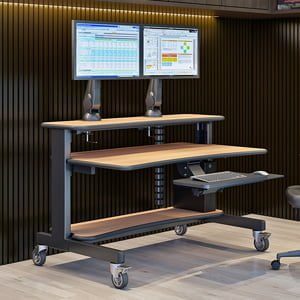
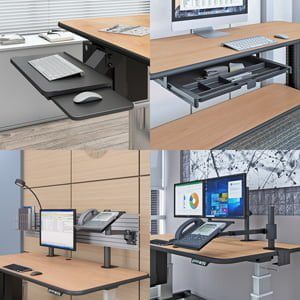
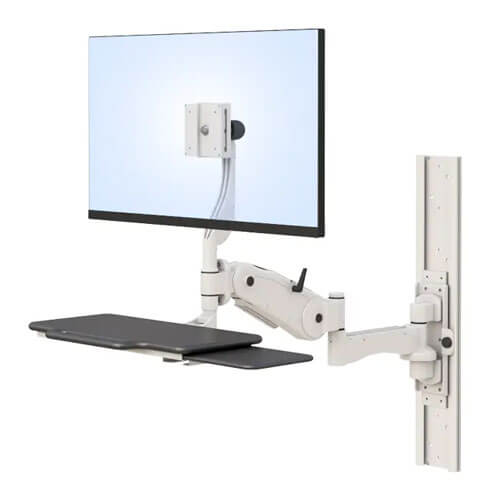
Monitor arms can free space that would otherwise be occupied by monitor bases. They can also allow screens to be positioned independently from the main surface, provided the desk and mount are compatible.
The keyboard and mouse should remain close enough that the user does not have to reach forward. OSHA’s keyboard positioning guidance recommends keeping the shoulders relaxed and placing the keyboard around elbow height.
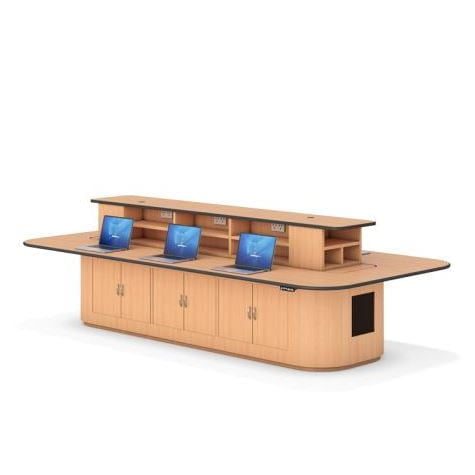
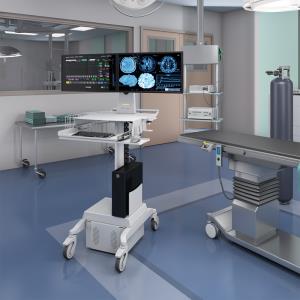
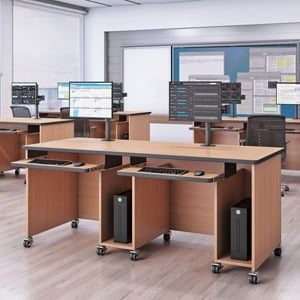
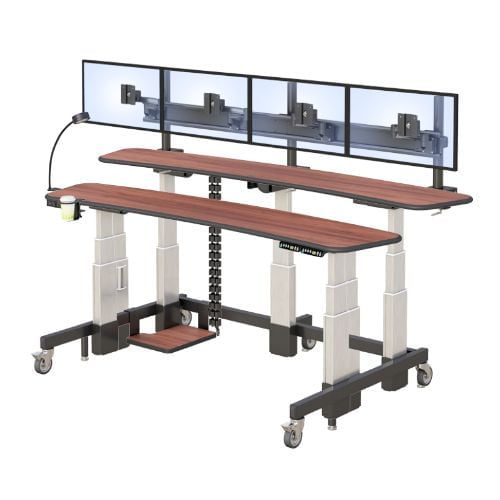
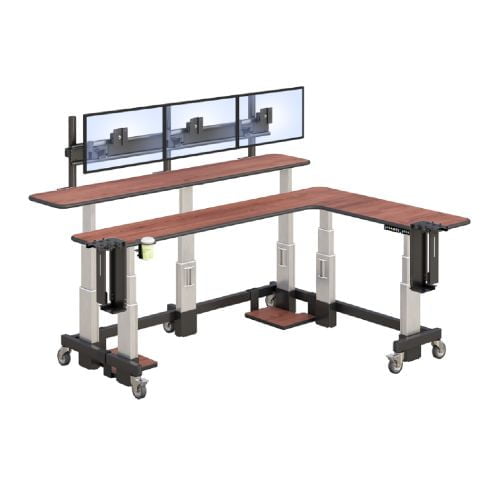
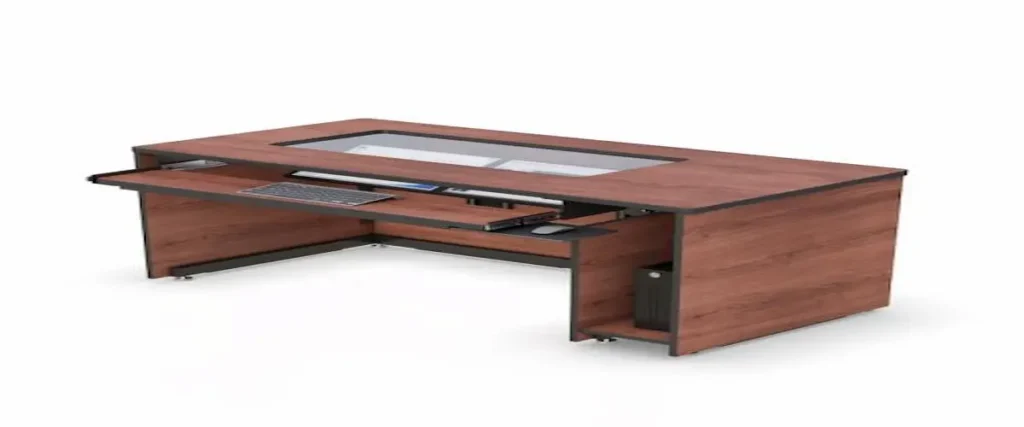
A more specialized workstation may be appropriate when several large displays or technical accessories must remain visible. AFC’s radiology office workstations show how equipment-heavy environments can require a different arrangement from a standard computer desk.
What Should You Confirm Before Requesting a Quote?
Complete these steps before discussing a desk configuration:
- Identify the users. Determine whether the desk belongs to one employee or will rotate among several people.
- List the equipment. Record every monitor, computer, dock, input device, phone, and accessory that must fit.
- Measure the work area. Include the wall, floor, chair, doorway, cabinet, and walking clearances.
- Plan storage and cables. Decide where the computer tower, power strip, adapters, and extra cable length will go.
- Decide whether mobility is needed. Consider how often the workstation will move and what must be disconnected first.
- Confirm the configuration. Verify the width, depth, height range, storage, controls, and included accessories with the manufacturer.
Bringing these details when you contact an AFC furniture specialist can make the discussion more productive and reduce the need to revise the configuration later.
How Can One Computer Desk Serve Different Workspaces?
The same desk may be used in a shared office, project room, training area, or professional home workspace. Each setting places a different priority on adjustment, mobility, storage, and equipment support.
How Would This Desk Work in a Shared Office?
Imagine an employee arriving at a shared workstation with a laptop. The desk has been cleared by the previous user, and the shared monitor, power cable, and docking connection are labeled.
The employee adjusts the surface height, connects the laptop, positions the monitor, and begins working. At the end of the day, personal items are removed and the desk is returned to an agreed starting position.
The furniture supports this routine, but it does not create the routine. Shared workstations also need clear storage rules, cleaning procedures, equipment standards, and booking practices.
The AFC adjustable ergonomic computer desk may fit this type of setup when its dimensions and height range match the users and equipment. The final decision should be based on measurements rather than the general idea of flexibility.
Where Else Could a Mobile Computer Desk Be Useful?
A training room may use mobile desks to change the arrangement for individual instruction, demonstrations, or group work. In this setting, caster movement and cable access may matter more than permanent storage.
A temporary project area may need computer stations for several weeks or months. A mobile desk can be moved when the project ends instead of becoming permanent furniture in the room.
A technical workspace may value the lower storage area and adjustable surface but prefer the desk to remain stationary after installation. This is a reminder that a mobile design does not have to be moved constantly.
A professional home office may prioritize surface size and height adjustment while having limited floor space. Professionals planning equipment-heavy home workstations can also review AFC’s radiology workstations for home use.
In every setting, the decision should start with the user, equipment, room, and task. The desk should support those four elements without making the workspace more complicated than necessary.
Frequently Asked Questions
What Size Computer Desk Do I Need?
Choose a desk that accommodates your monitor, keyboard, mouse, computer, documents, and accessories without blocking nearby walkways or storage. Measure the complete equipment arrangement rather than relying only on the available wall width.
Is a 30-Inch-Deep Computer Desk Enough?
A 30-inch depth may be enough for many computer setups, but the answer depends on the monitor stand, screen size, keyboard placement, and preferred viewing distance. Test the full arrangement before confirming the desk depth.
What Height Should a Computer Desk Be?
The surface should allow the user to work with relaxed shoulders and wrists in a neutral position. Because people have different body proportions, an adjustable desk should be evaluated by its full height range rather than one standard setting.
Is a Mobile Computer Desk Practical?
A mobile desk can be practical in training rooms, shared spaces, and temporary project areas. It may be less suitable when equipment depends on several fixed power and data connections.
What Should I Measure Before Buying a Computer Desk?
Measure the available room width and depth, seated and standing requirements, monitor placement, chair clearance, cable routes, storage needs, and nearby walking paths. Include every item that will remain on or under the desk.