

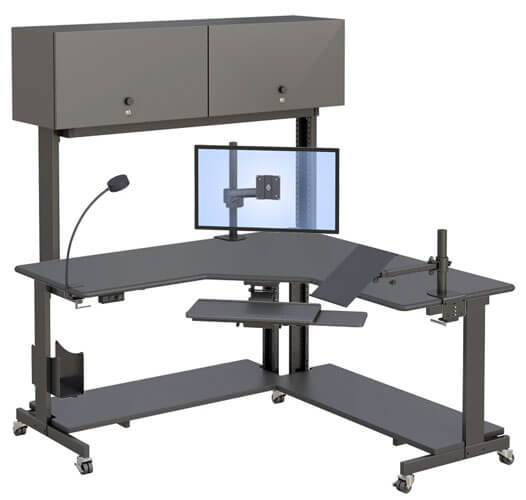
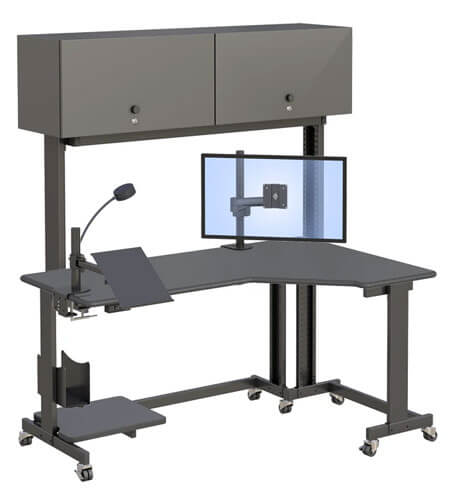
Radiology Workstation Desks in New York: Ergonomic Solutions for Modern Radiology Offices
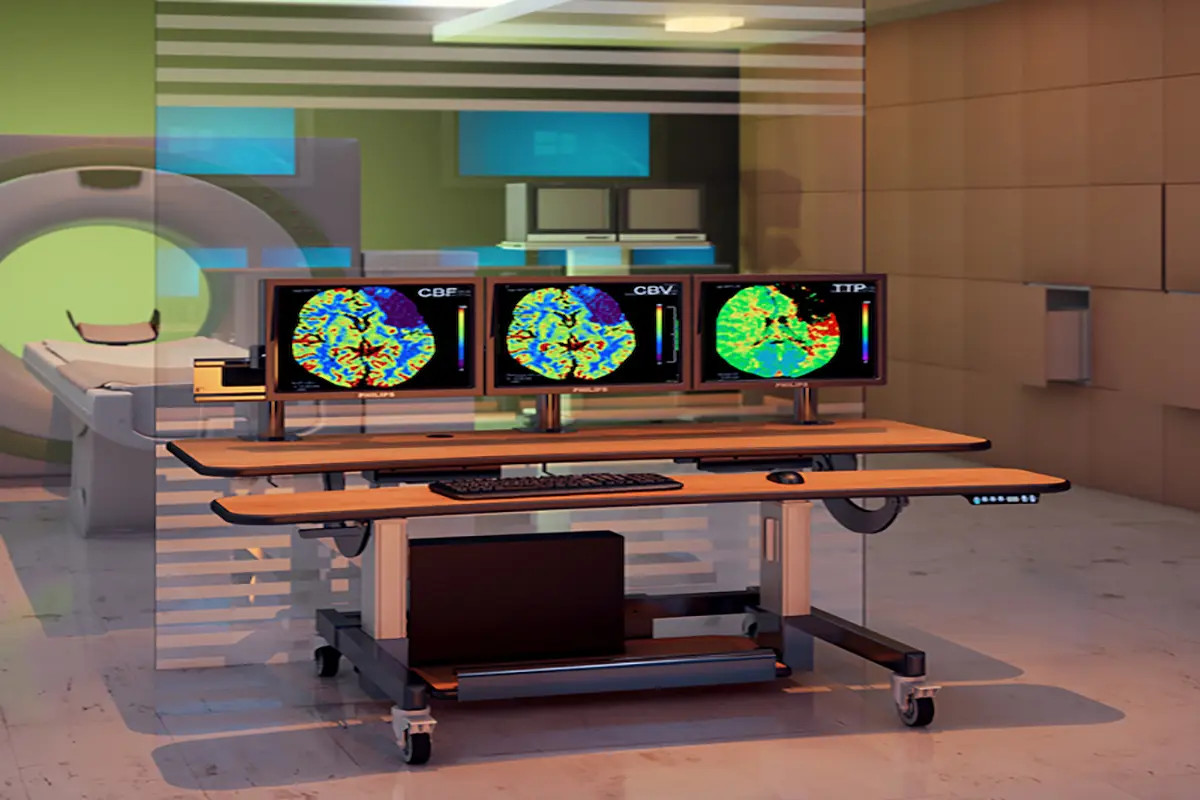
Height-adjustable radiology workstation desks for radiology imaging workstations
Radiology workstation desks are specialized ergonomic furniture designed specifically for medical imaging professionals who spend long reading sessions analyzing diagnostic images. For healthcare facilities across New York, choosing the right radiology furniture can significantly impact both productivity and the well-being of radiologists and imaging technicians.
This guide covers ergonomic features, PACS integration, and workspace optimization tailored to the unique demands of New York radiology offices. Whether you’re a radiologist experiencing eye fatigue, an imaging technician seeking greater flexibility, or a healthcare administrator planning a reading room renovation, this content addresses your specific needs.
Direct Answer: Radiology workstation desks are height-adjustable, ergonomic furniture systems engineered for medical imaging workflows. They support multiple monitors, accommodate sitting and standing positions, and integrate seamlessly with diagnostic equipment.
By reading forward, you’ll understand:
- How ergonomic design reduces repetitive strain injuries
- Key features supporting PACS and multiple displays
- Space optimization strategies for New York healthcare environments
- Selection criteria for different radiology office setups
- Solutions to common implementation challenges
Understanding Radiology Workstation Desks
Radiology workstation desks combine ergonomic design with medical imaging workflow requirements. Unlike standard office furniture, these specialized radiology desks support heavy monitor arrays, offer precise desk height adjustments, and create an environment where radiologists can focus during extended diagnostic sessions.
Modern radiology workspaces demand furniture that adapts to both the equipment and the professionals using it. This is why healthcare facilities increasingly explore radiology-specific furniture solutions that address these challenges comprehensively.
Core Components
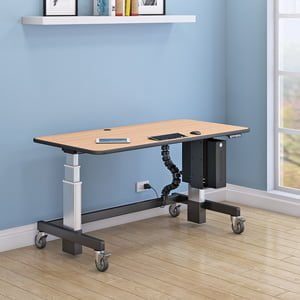
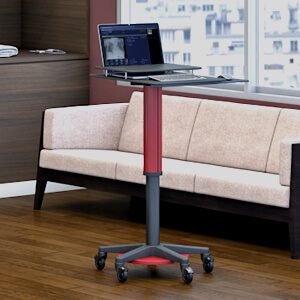
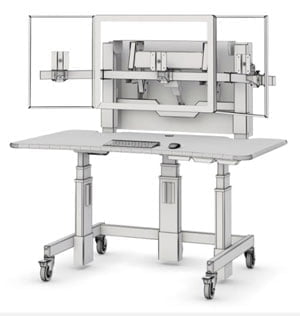
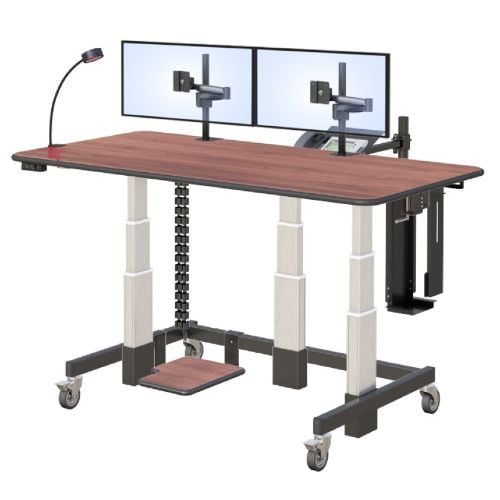
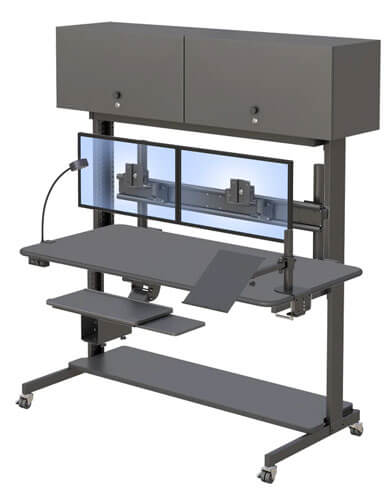
Height-adjustable desk surfaces enable seamless transitions between sitting and standing positions. Most quality radiology desks feature electric monitor control systems that allow adjustments with a simple push of a button.
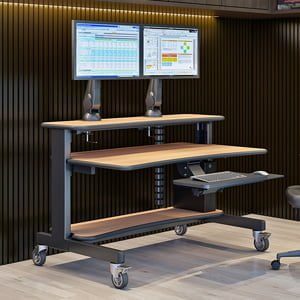
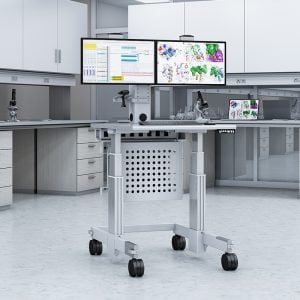
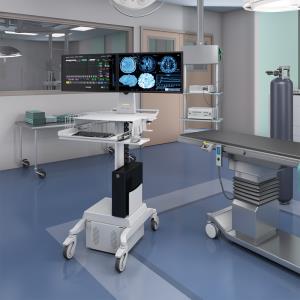
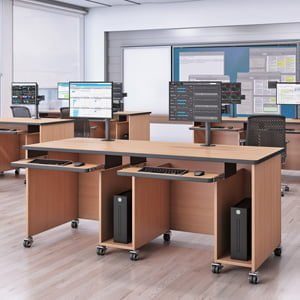
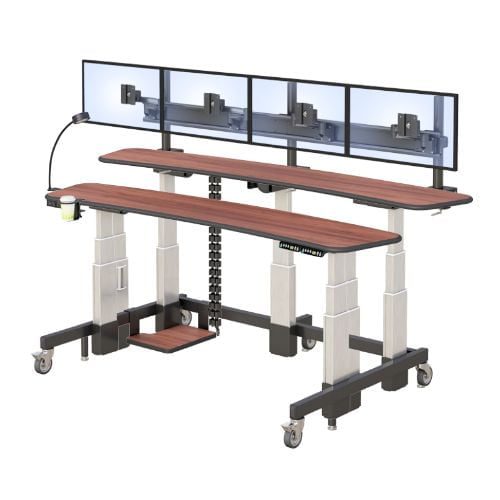
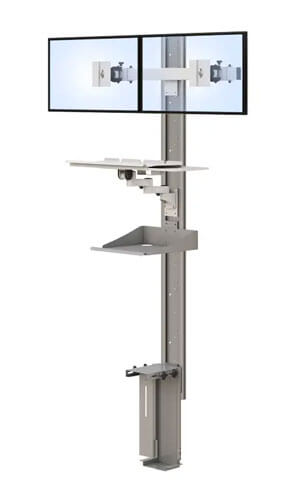
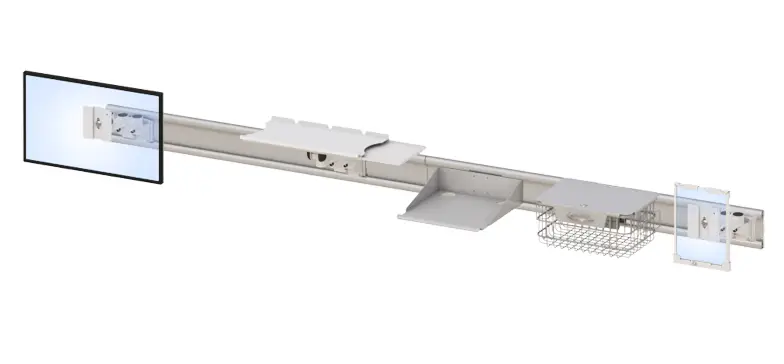
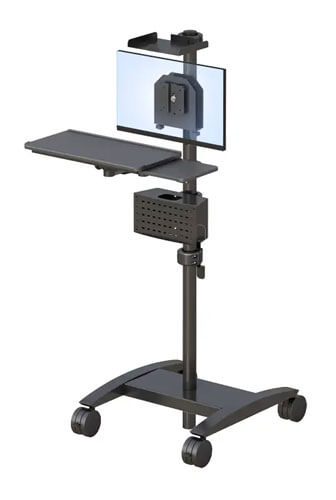
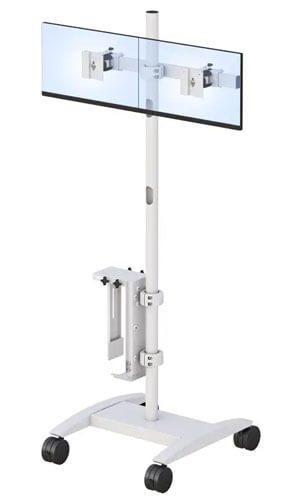
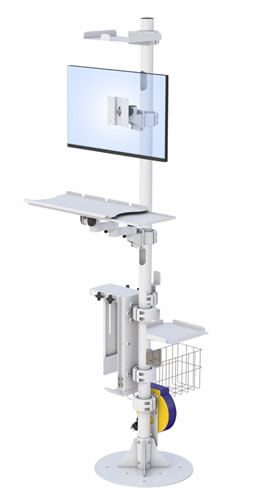
Monitor mounting systems accommodate multiple displays—typically four to eight screens—essential for the diagnostic process. These arms provide tilt, swivel, and height adjustments to position monitors at optimal viewing angles.
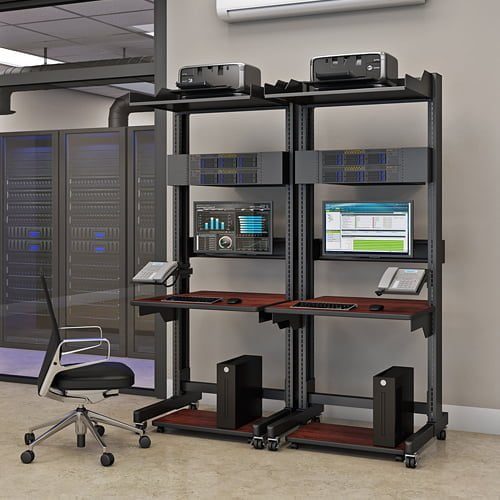
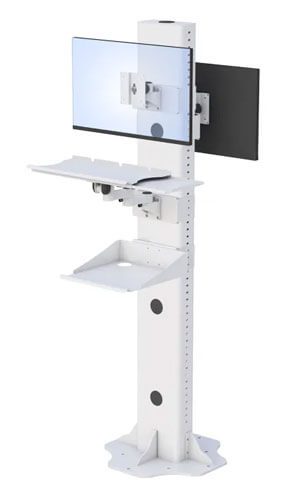
Cable management solutions keep workspaces organized, preventing tangled wires from interfering with workflow or equipment adjustments. Additionally, CPU storage compartments and equipment shelving house other equipment like dictation microphones and reference materials.
Ergonomic Design Principles
Spine-neutral positioning remains critical for medical professionals working 8-12 hour shifts. Ergonomic workstations maintain proper posture by aligning monitors at eye level and keyboards at elbow height.
Adjustable features accommodate different body types, ensuring each radiologist achieves their ideal position. This adaptability proves especially valuable in shared reading room environments where multiple users operate the same workstation.
Movement integration combats sedentary work habits. Height adjustable desks that transition between sitting and standing positions encourage micro-movements throughout the day, reducing the risk of repetitive stress injuries common among radiologists.
Key Features for Radiology Workflows
Building on ergonomic foundations, let’s examine features specifically tailored to radiology applications and the unique demands they present.
PACS Integration Capabilities
Multi-monitor support handles the large, high-resolution displays required for accurate diagnoses. Quality radiology furniture accommodates various monitor sizes, from 24-inch workstation screens to 32-inch diagnostic displays.
Adjustable monitor arms position screens precisely, reducing eye strain during long reading sessions. These arms support the weight of specialized medical imaging monitors while allowing quick repositioning based on the diagnostic task.
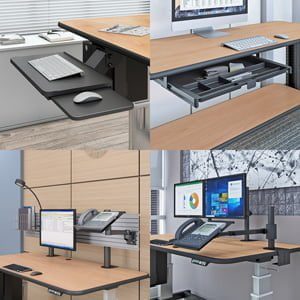
Equipment mounting extends to keyboards, mice, and specialty input devices. Proper keyboard placement at elbow height prevents wrist strain and supports the control needed for precise image manipulation.
Space Optimization
Compact footprints suit New York healthcare facilities where space comes at a premium. Well-designed radiology desks maximize workspace efficiency without sacrificing functionality.
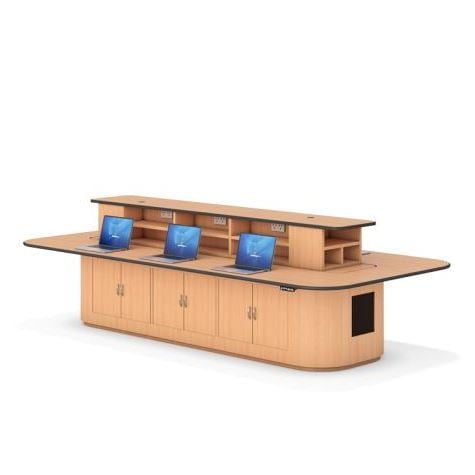
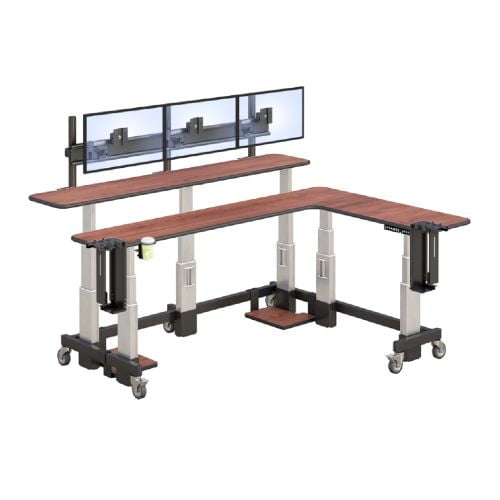
Modular designs allow customization based on department size and workflow requirements. A solo radiologist’s needs differ from a multi-user reading room, and quality furniture adapts accordingly.
Storage solutions keep reference materials and personal items accessible yet organized, supporting an efficient workspace environment.
Durability and Healthcare Standards
Medical-grade materials resist frequent cleaning with hospital-approved agents. Steel frames and laminate surfaces withstand daily use while maintaining professional appearance.
Compliance with healthcare facility regulations ensures radiology room furniture requirements are met for safety and accessibility standards.
Choosing the Right Radiology Workstation Desk
Selecting appropriate radiology office furniture requires systematic evaluation of your facility’s specific needs and constraints.
Assessment Process
Before making decisions, evaluate your current workspace setup thoroughly:
- Measure available space and determine footprint requirements for your New York facility
- Assess monitor configuration needs, including the number and size of displays your workflow demands
- Evaluate user height ranges and ergonomic preferences among your radiology team
- Consider equipment storage and cable management needs for all tools and peripherals
For personalized guidance, requesting a catalog provides valuable information on available configurations.
Comparison Factors
| Factor | Fixed-Height Desks | Height Adjustable Desks | Standing Desk Converters |
| Cost | Lower initial investment | Higher but comprehensive | Moderate |
| Ergonomic Benefits | Limited flexibility | Full sit-stand range | Partial adjustment |
| Space Requirements | Minimal | Moderate clearance needed | Desktop space required |
| Customization | Basic | Extensive | Limited |
Your radiology office environment, budget, and team preferences should guide this decision. Facilities with multiple users typically benefit most from fully adjustable radiology workstations.
Common Challenges and Solutions
Implementation of ergonomic radiology furniture often faces practical obstacles. Here are proven solutions.
Limited Space in Reading Rooms
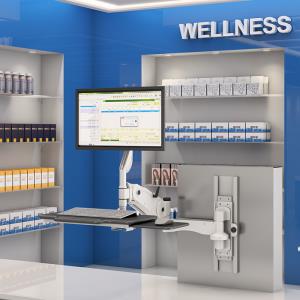
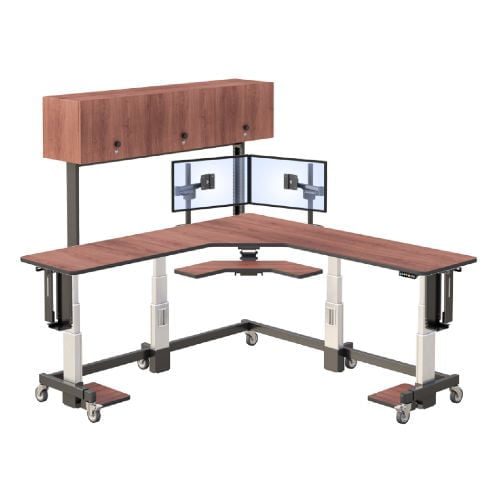
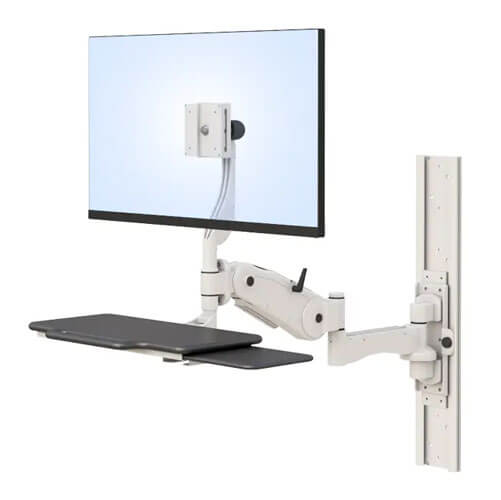
Wall-mounted or corner desk configurations maximize every square foot. Many New York radiology offices find that thoughtful furniture placement actually creates more usable workspace than traditional arrangements.
Budget Constraints
Phased implementation allows facilities to prioritize essential features first. Starting with height adjustable desks and adding accessories over time spreads costs while immediately improving efficiency and comfort.
User Resistance to Change
Staff training and gradual transition approaches ease adoption. When radiologists experience reduced eye fatigue and improved comfort, resistance typically transforms into enthusiasm.
Conclusion and Next Steps
Radiology workstation desks directly impact diagnostic quality, radiologist health, and overall productivity. The right ergonomic radiology workstation desks reduce repetitive strain injuries while supporting the demanding workflow of modern medical imaging.
Take action now:
- Assess your current workspace for ergonomic deficiencies
- Measure your reading room dimensions and document requirements
- Research options matching your specific needs
- Contact qualified suppliers for demonstrations
Consider exploring related topics like comprehensive radiology furniture solutions and staying current with industry news on ergonomic trends.
Frequently Asked Questions
What is the best height for a radiology desk?
The optimal desk height ranges from 28-30 inches for seated work and 40-48 inches for standing positions. Height adjustable desks accommodate this full range, allowing radiologists to maintain proper elbow angles (approximately 90 degrees) regardless of their body height or preferred position.
How do ergonomic workstations reduce repetitive strain injuries for radiologists?
Ergonomic radiology workstations position monitors at eye level, keyboards at elbow height, and allow regular transitions between sitting and standing. This variety of movement, combined with proper posture support, significantly reduces the neck, back, and wrist strain that causes repetitive stress injuries during long reading sessions.
What monitor configuration works best for radiology reading rooms?
Most radiology workflows require four to eight monitors arranged to minimize head turning. Adjustable monitor arms supporting multiple displays allow radiologists to position screens at consistent eye level with appropriate tilt angles (10-20 degrees) for reduced eye strain and improved diagnostic accuracy.
Are standing desks practical for radiology work?
Yes, sit-stand radiology desks improve well being by encouraging movement throughout extended shifts. Research indicates radiologists who alternate between sitting and standing positions experience less fatigue and maintain better focus during the diagnostic process. Electric height adjustment makes transitions seamless during busy workdays.
What should New York healthcare facilities consider when selecting radiology furniture?
Space constraints, multi-user requirements, PACS integration needs, and budget all influence selection. New York radiology offices often benefit from compact, modular designs that maximize limited square footage while meeting ergonomic standards and healthcare regulations.