
Why Modern Radiology Rooms Are Becoming a Bigger Healthcare Investment
Radiology rooms are evolving rapidly as healthcare systems adopt AI-assisted diagnostics, hybrid reading environments, and cloud-based imaging workflows. Today’s radiologists spend long hours reviewing highly detailed imaging studies across multiple displays with minimal movement throughout the day. As imaging volumes continue increasing, workstation comfort and workflow efficiency have become major priorities for hospitals, imaging centers, and remote diagnostic teams.
Traditional reading room setups with fixed-height desks and limited ergonomic flexibility can contribute to neck strain, eye fatigue, posture discomfort, and workflow inefficiencies over time. Modern radiology rooms now prioritize ergonomic workstation systems, sit-stand flexibility, monitor positioning, workflow organization, and scalable imaging environments that support both operational performance and long-term radiologist wellbeing.
Healthcare organizations are increasingly investing in radiology workspace solutions that improve workflow efficiency while helping imaging professionals work more comfortably and sustainably. Modern radiology room planning now focuses on creating flexible environments that support productivity, future technology integration, and healthier imaging workflows.
Table of Contents
- What Makes a Radiology Room More Efficient and Comfortable?
- How Should Imaging Centers Choose the Right Radiology Workstation Setup?
- How Are AI and Hybrid Imaging Workflows Reshaping Radiology Rooms?
- Frequently Asked Questions
What Makes a Radiology Room More Efficient and Comfortable?
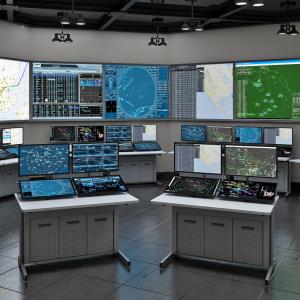
Modern radiology room design focuses on creating imaging environments that improve both productivity and radiologist comfort. Long reading sessions across multiple high-resolution monitors require workstation systems designed to support movement, visibility, and workflow organization throughout the day.
Efficient radiology rooms often include:
- Ergonomic workstation positioning
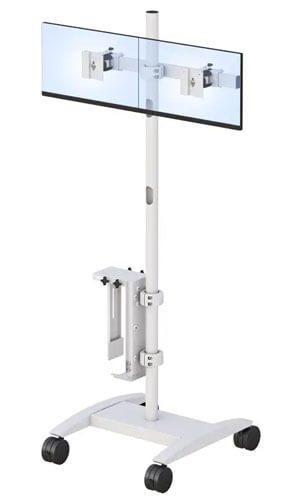
- Multi-monitor flexibility
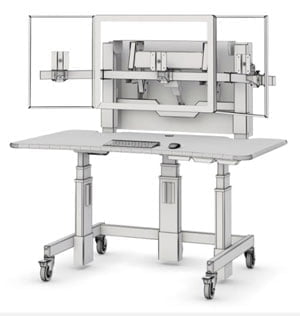
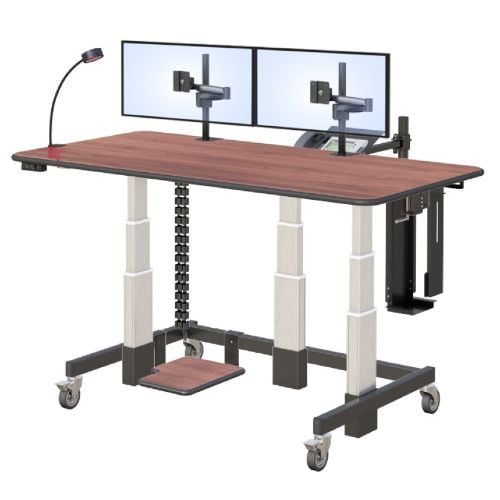
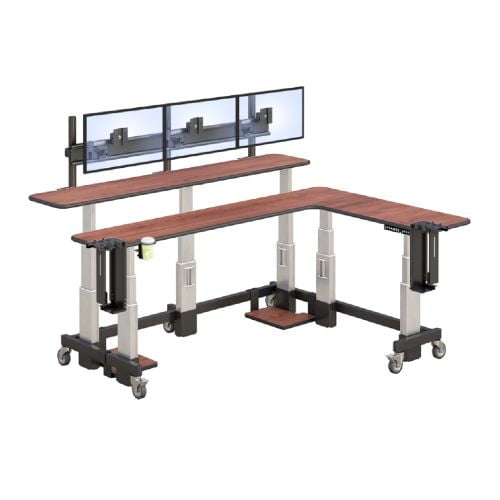
- Sit-stand workstation support
- Organized workflow layouts
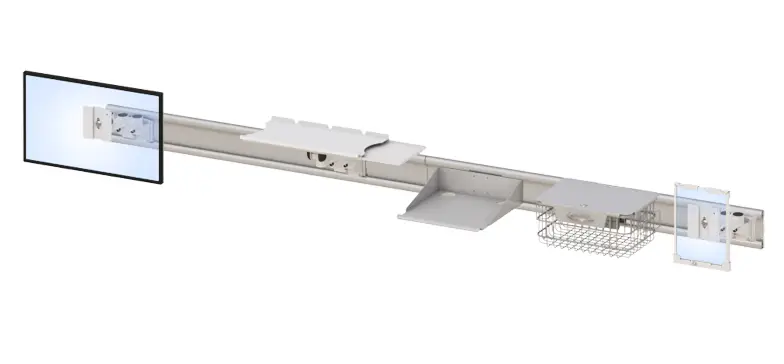
- Better cable management
- Adjustable monitor systems
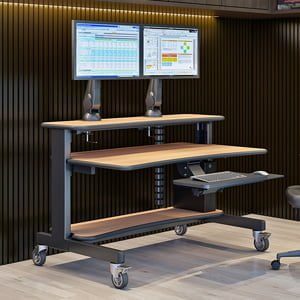
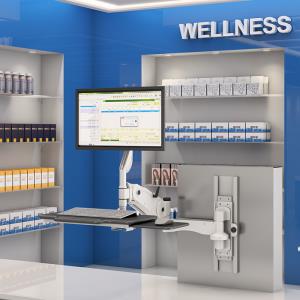
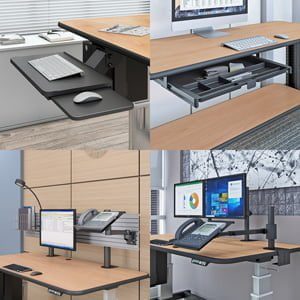
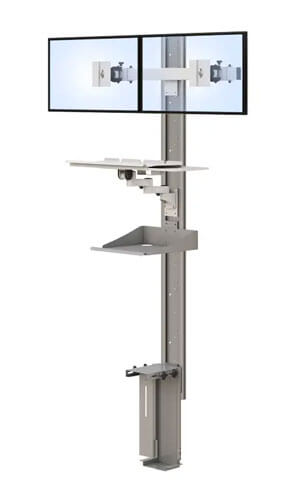
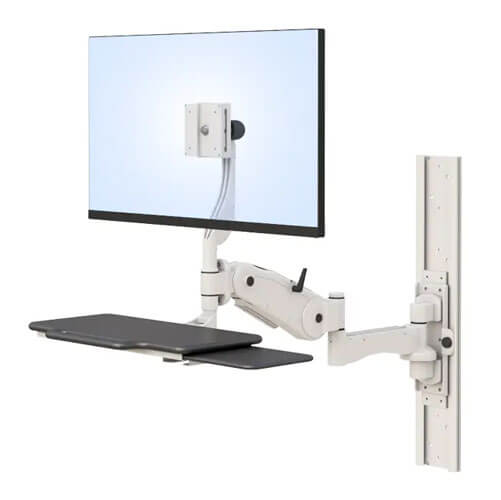
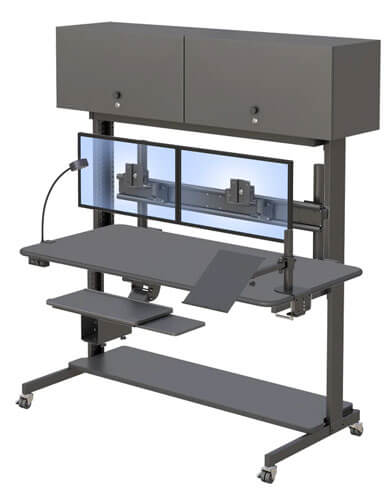
Healthcare facilities are increasingly implementing ergonomic monitor mounts that allow radiologists to customize monitor positioning for better visibility and reduced physical strain during long diagnostic sessions.
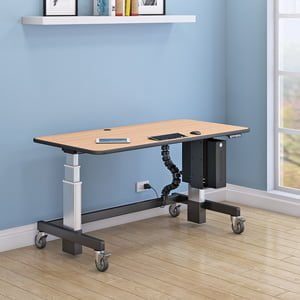
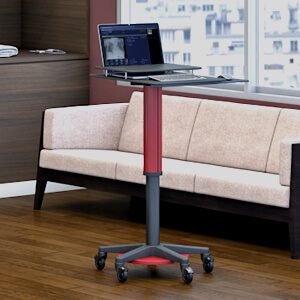
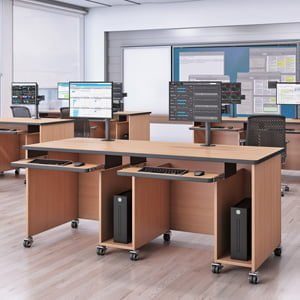
Many imaging centers are also adopting standing workstation solutions and adjustable radiology desks that support healthier movement and greater workstation flexibility throughout the workday.
These ergonomic workstation improvements help create more sustainable imaging environments while supporting workflow efficiency and long-term comfort.
Why Is Multi-Monitor Positioning Important in Radiology Rooms?
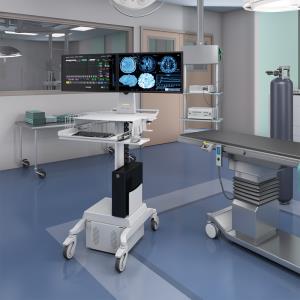
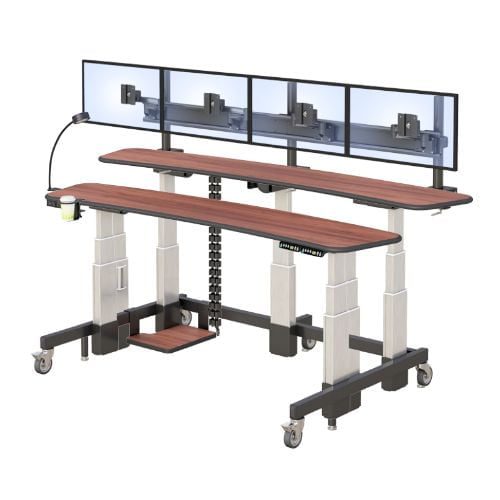
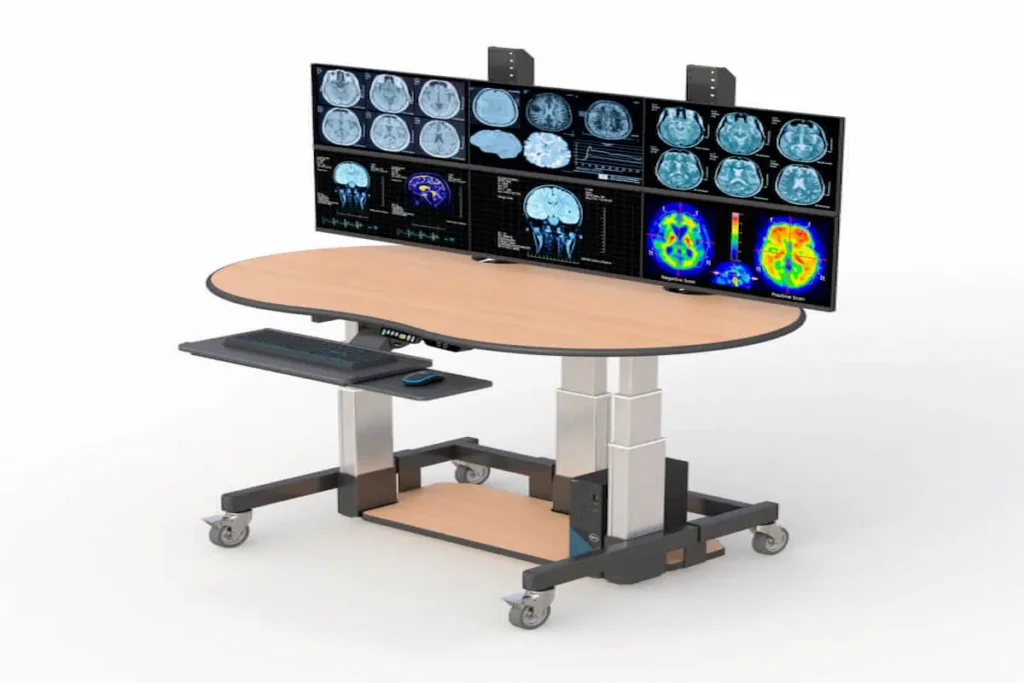
Radiologists frequently work across multiple displays simultaneously for PACS imaging, reporting systems, and communication tools. Poor monitor positioning can create workflow inefficiencies and uncomfortable viewing angles that contribute to neck strain and eye fatigue.
Optimized multi-monitor workstation layouts help:
- Improve workflow visibility
- Reduce repetitive movement
- Support diagnostic focus
- Improve reading efficiency
- Minimize physical discomfort
Flexible workstation systems allow imaging professionals to personalize monitor positioning based on workflow preferences and ergonomic needs.
How Do Sit-Stand Workstations Improve Reading Room Comfort?
Sit-stand workstation systems allow radiologists to alternate between sitting and standing positions throughout long reading sessions. This added flexibility may help reduce prolonged sitting and support more movement during the workday.
Modern sit-stand workstation environments increasingly support:
- Better posture flexibility
- Reduced physical fatigue
- Improved comfort during long shifts
- More adaptable workstation movement
Healthcare organizations are increasingly recognizing ergonomic flexibility as part of broader radiologist wellness and burnout prevention strategies.
Why Does Workspace Organization Matter in Imaging Environments?
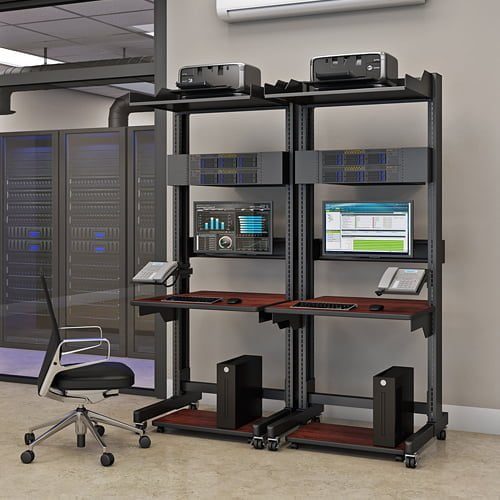
Radiology rooms often involve multiple monitors, imaging systems, dictation hardware, and connected devices. Without organized workstation layouts, workspaces can become cluttered and distracting.
Integrated cable management and organized workstation systems help:
- Improve workflow clarity
- Reduce visual distractions
- Improve equipment accessibility
- Support cleaner imaging environments
- Improve operational efficiency
Well-organized workspaces often contribute to smoother and more productive imaging workflows.
How Should Imaging Centers Choose the Right Radiology Workstation Setup?
Choosing the right radiology workstation setup requires balancing workflow efficiency, ergonomic comfort, future scalability, and department-specific operational needs.
Modern imaging departments increasingly prioritize:
- Ergonomic workstation flexibility
- Multi-monitor compatibility
- Workflow adaptability
- Sit-stand functionality
- Long-term usability
- Scalable imaging infrastructure
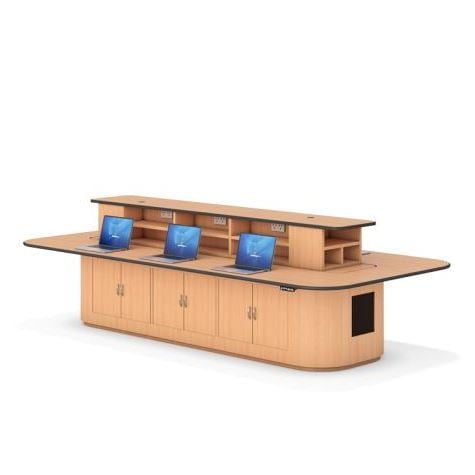
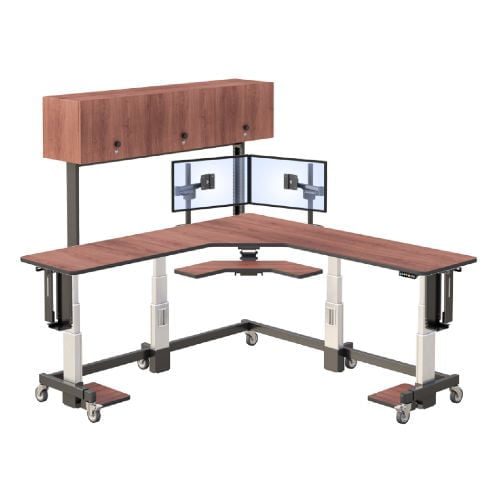
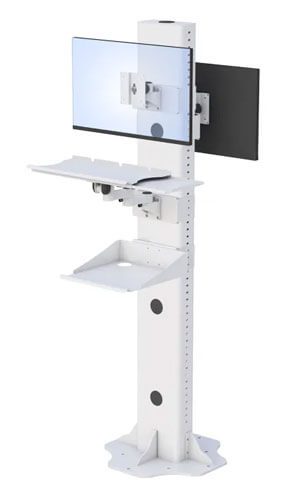
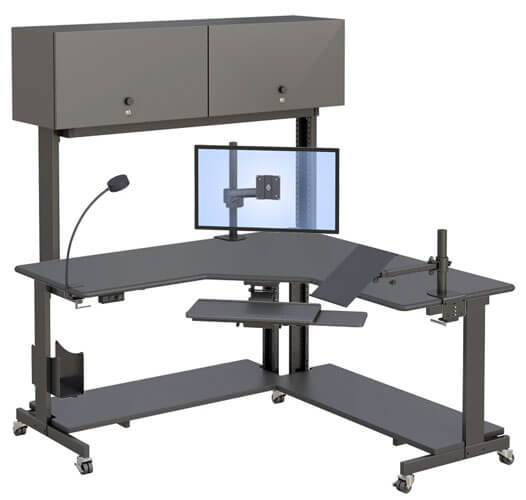
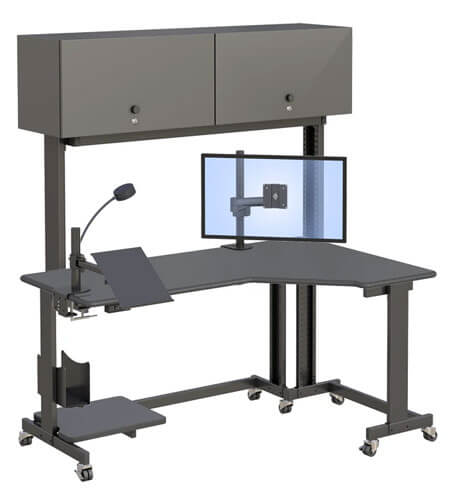
Healthcare organizations are increasingly exploring custom healthcare workstations designed around specialized imaging workflows and department-specific requirements.
These workstation systems help support:
- Personalized workstation layouts
- Flexible workflow environments
- Better long-term comfort
- Improved operational adaptability
As remote diagnostics and hybrid imaging workflows continue expanding, scalable workstation systems are becoming increasingly important for modern healthcare environments.
What Features Should a Modern Radiology Workstation Include?
A modern radiology workstation should support both imaging performance and ergonomic usability. Important workstation features often include:
- Adjustable monitor systems
- Multi-monitor support
- Sit-stand desk flexibility
- Cable management systems
- Ergonomic positioning options
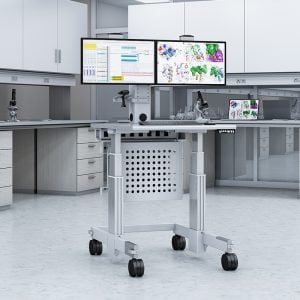
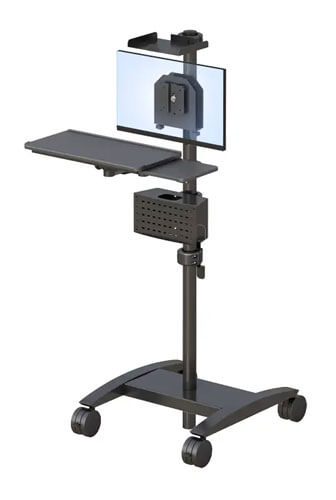
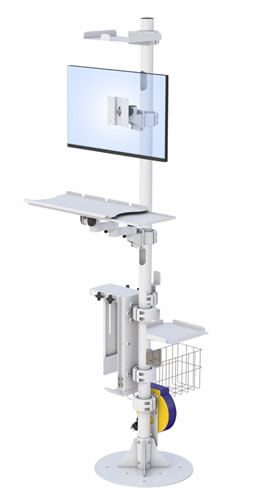
Healthcare facilities managing complex imaging workflows may also integrate medical carts for imaging teams and telemedicine equipment solutions to improve workflow flexibility and remote collaboration capabilities.
Why Are Personalized Workstation Layouts Becoming More Common?
Every radiologist has different workflow habits, reading styles, and ergonomic preferences. Personalized workstation layouts help create more comfortable and efficient reading environments tailored to individual needs.
Modern imaging departments increasingly recognize that workstation customization may help improve:
- Workflow consistency
- Long-term comfort
- Reading efficiency
- Operational flexibility
Personalized workstation environments are becoming increasingly important as imaging workflows continue evolving.
How Can Imaging Centers Future-Proof Their Reading Rooms?
Healthcare technology continues changing rapidly as AI-assisted diagnostics and cloud-based imaging systems become more common.
Imaging centers can improve long-term adaptability through:
- Flexible workstation systems
- Ergonomic infrastructure planning
- Scalable imaging environments
- Hybrid workflow support
- AI-ready workstation configurations
Organizations investing in scalable workstation environments are better positioned to support future workflow and technology demands.
How Are AI and Hybrid Imaging Workflows Reshaping Radiology Rooms?
AI-assisted diagnostics and hybrid healthcare workflows are reshaping how radiologists interact with imaging systems and reading room environments. Modern radiology rooms now support more digital tools, collaborative platforms, and remote imaging workflows than ever before.
Today’s imaging environments increasingly require:
- Flexible workstation systems
- Remote collaboration support
- Cloud-based imaging integration
- Multi-monitor workflow adaptability
- Scalable infrastructure planning
Professional-grade radiology home workstation solutions are becoming increasingly important as remote diagnostics and hybrid reading environments continue growing across healthcare systems.
Healthcare organizations are moving toward workstation systems designed to evolve alongside rapidly changing healthcare technologies and operational demands.
Companies like AFC Industries continue helping healthcare organizations create adaptable imaging environments optimized for modern radiology workflows.
Healthcare professionals can also explore additional imaging workspace insights through the AFC Industries blog.
Frequently Asked Questions
What is a radiology room?
A radiology room is a specialized imaging environment where radiologists review and manage diagnostic imaging studies.
What is a PACS workstation?
A PACS workstation is a computer system radiologists use to access and interpret medical imaging studies.
Why are ergonomic workstations important in radiology?
Ergonomic workstations help reduce physical strain and improve comfort during long imaging sessions.
What makes a good radiology workstation?
A good radiology workstation supports ergonomic comfort, workflow organization, multi-monitor flexibility, and long-term productivity.
Why are sit-stand desks becoming more common in radiology?
Sit-stand workstation systems help radiologists alternate between sitting and standing positions, which may improve comfort during long reading sessions.
How can radiologists reduce fatigue during long reading sessions?
Radiologists can reduce fatigue through ergonomic workstation positioning, movement-friendly workstation setups, organized workspaces, and flexible monitor positioning.