

Ergonomic Furniture Solutions for Industrial & Office Workspaces
Ergonomic Furniture Solutions for Industrial & Office Workspaces
Ergonomic furniture is purpose-built equipment designed to support proper posture, reduce physical strain, and enhance comfort during extended work periods. Unlike standard office chairs or basic industrial workstations, ergonomic solutions incorporate adjustable features, lumbar support, and biomechanical principles that align with how the human body naturally moves and rests.
This guide speaks directly to facility managers, safety coordinators, and decision-makers responsible for creating healthier work environments. Whether you’re upgrading a corporate office or outfitting an industrial floor, the challenges remain similar: workers spend long hours at their stations, and poorly designed furniture contributes to pain, fatigue, and decreased productivity.
Here’s the direct answer you need: Ergonomic furniture reduces musculoskeletal disorders by up to 64%, according to the Journal of Occupational Rehabilitation. Additionally, proper ergonomic support can cut lumbar pain by 27% while boosting productivity by 15%. These aren’t marginal gains—they represent transformative improvements for any workplace.
By reading this article, you’ll gain:
- Clear understanding of ergonomic design principles and why they matter
- Knowledge of essential furniture types for both office and industrial settings
- Practical implementation strategies tailored to your space
- ROI considerations to justify your investment
- Solutions for common challenges during the transition process
Understanding Ergonomic Design Principles
Before selecting any ergonomic office furniture or industrial workstation, you need to understand the science behind effective design. These principles form the foundation for every purchasing decision you’ll make.
Human-Centered Design Fundamentals
Anthropometry—the measurement of human body dimensions—drives ergonomic furniture design. Simply put, furniture must accommodate varying body sizes and shapes. A 5’2” team member and a 6’4” colleague shouldn’t use identical, non-adjustable chairs.
Adjustability is therefore essential. The best desk and chair combinations offer multiple adjustment points: seat height, seat depth, armrests, and lumbar support positioning. This flexibility ensures each person can sit comfortably while maintaining proper body alignment.
Furthermore, OSHA compliance standards increasingly recognize ergonomic considerations. Workplace safety isn’t just about hard hats and safety glasses anymore. It extends to how workers interact with their furniture throughout the day. Organizations that ignore this connection face higher injury claims and workers’ compensation costs.
Biomechanical Support Features
Your spine naturally curves in an S-shape. Ergonomic chairs maintain this curvature through contoured lumbar support that prevents slouching. When lumbar support is properly positioned, it distributes body weight more evenly. In fact, well-designed seating reduces disc pressure and transfers up to 40% less weight to your feet.
Proper seat height matters equally. When your feet rest flat on the floor with thighs parallel to the ground, you minimize pressure on the back of your legs. Armrests should position your arms at roughly 90-100 degrees, preventing shoulder strain during typing or assembly tasks.
These biomechanical principles directly reduce musculoskeletal disorders—conditions that account for 32% of all workplace injuries. Understanding this connection helps justify every ergonomic purchase to stakeholders who need to see clear health benefits.
Essential Types of Ergonomic Furniture for Modern Workspaces
Now that you understand the principles, let’s examine specific furniture categories. Each serves distinct needs, though all share the commitment to supporting physical health and well being.
Ergonomic Office Furniture for Administrative Areas
Ergonomic office chairs represent the most recognized category. Quality options from manufacturers like Herman Miller feature pneumatic height adjustment, synchro-tilt mechanisms, and breathable mesh backs. These features let workers customize their seating position throughout the day.
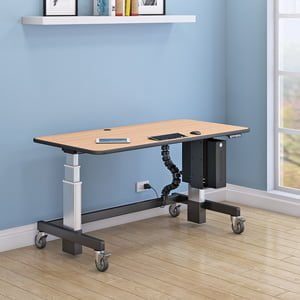
Standing desks have gained tremendous popularity, especially in home office environments. Electric height-adjustable models transition seamlessly between sitting and standing positions. Research shows employees who alternate between positions report improved circulation and fewer afternoon energy slumps.
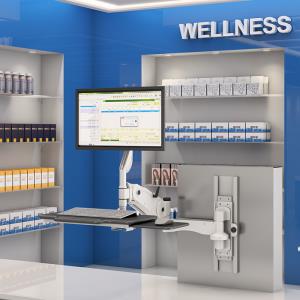
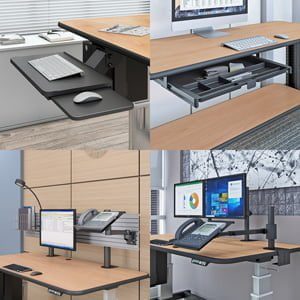
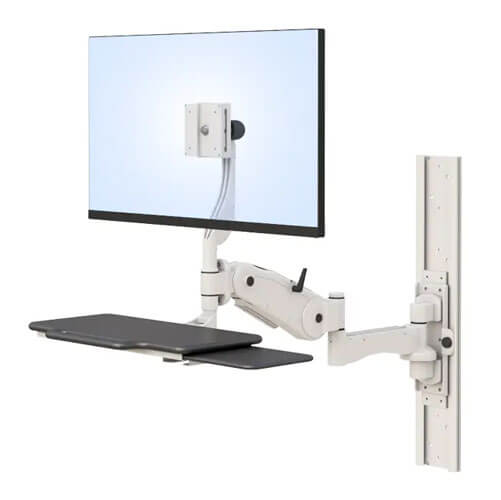
However, desks alone aren’t enough. Monitor arms position screens at proper eye level, preventing neck strain. Keyboard trays ensure wrists stay neutral, reducing carpal tunnel risk. Even a quality seat cushion with additional padding can improve comfort level for those who can’t immediately replace their current office chair.
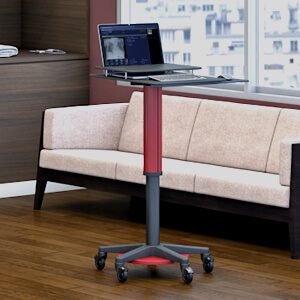
Desk converters offer a middle-ground solution when full standing desks aren’t feasible. They transform existing workspaces into sit-stand stations without complete furniture replacement. This affordability makes them popular choices for businesses transitioning gradually.
Industrial Mobile Workstations
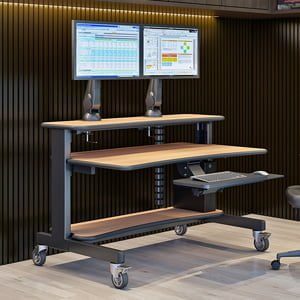
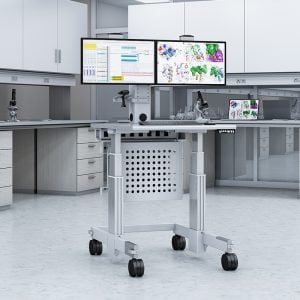
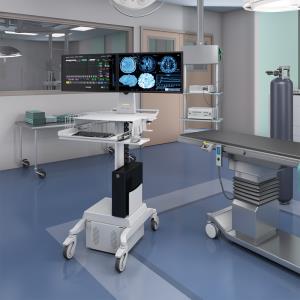
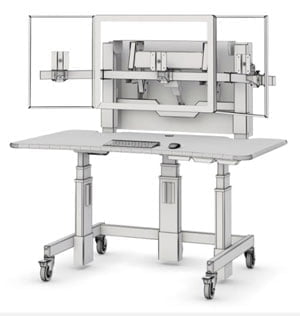
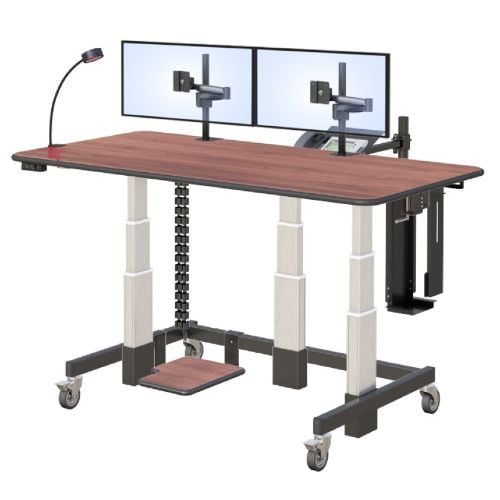
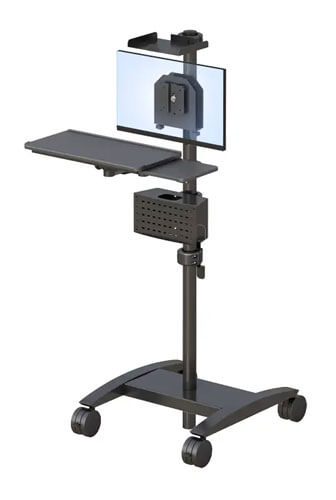
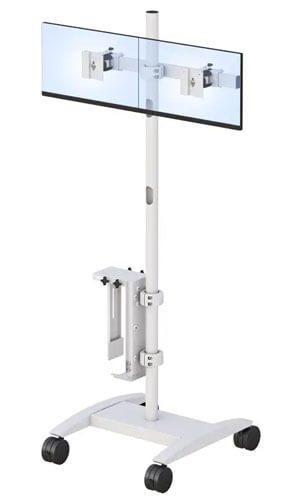
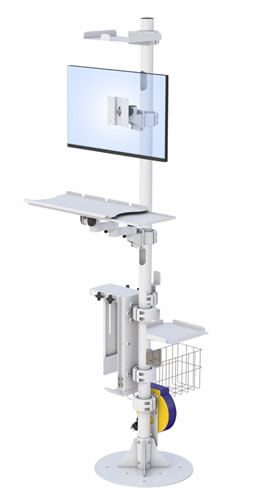
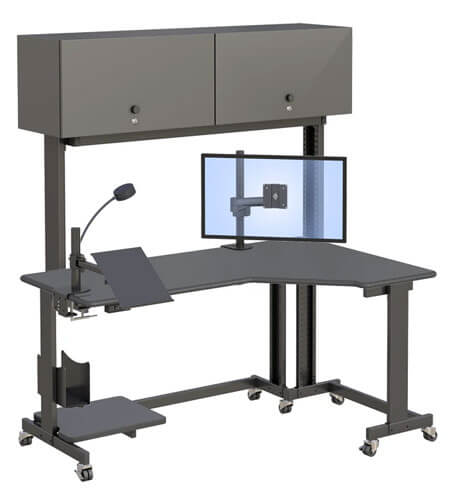
An industrial mobile workstation serves manufacturing, warehouse, and healthcare environments where workers need flexibility. These durable carts feature heavy-duty casters—typically 5 inches in diameter—that allow repositioning without strain.
Height-adjustable work surfaces accommodate both standing and seated tasks. Unlike office furniture, industrial mobile workstations handle heavier loads, often supporting 300-500 pounds of equipment and materials. Robust steel frames with powder-coated finishes withstand demanding conditions.
Cable management systems prevent tripping hazards while modular components like pull-out keyboard trays support various tools. For assembly line workers who previously twisted and reached awkwardly, these mobile solutions represent transformative change—reducing over-exertion injuries by 30-50% in documented case studies.
Ergonomic Industrial Workstation Solutions
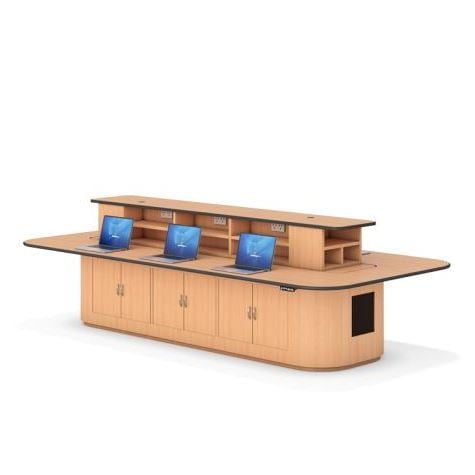
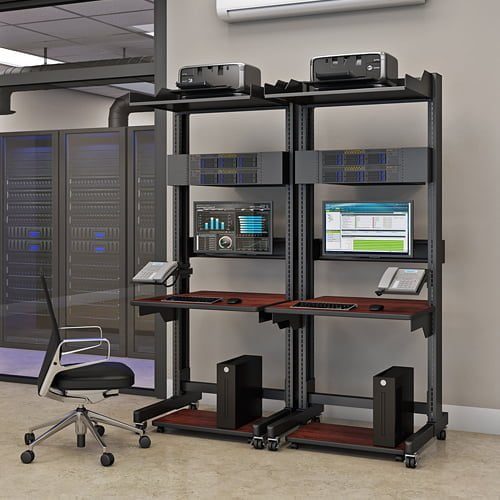
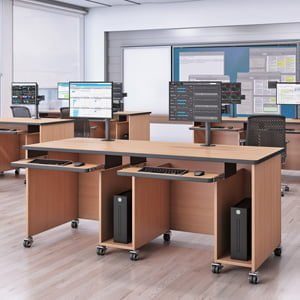
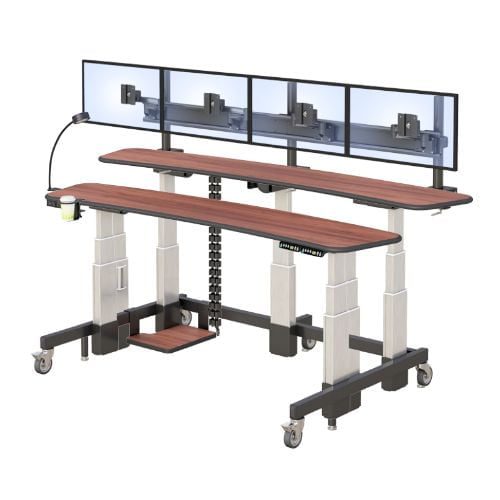
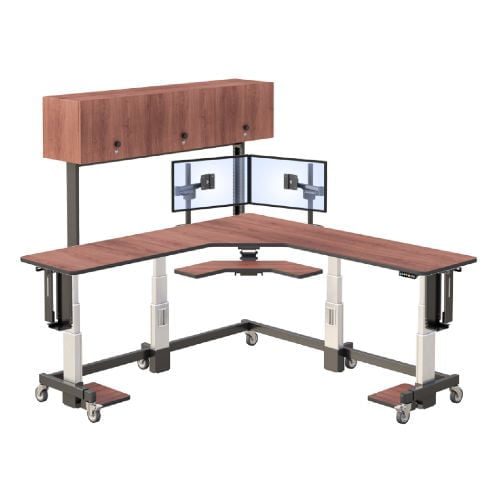
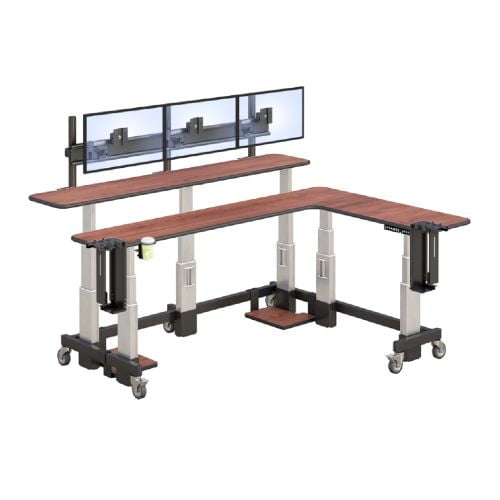
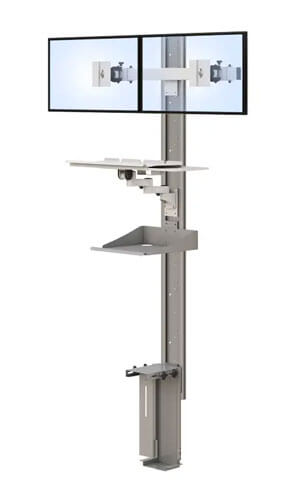
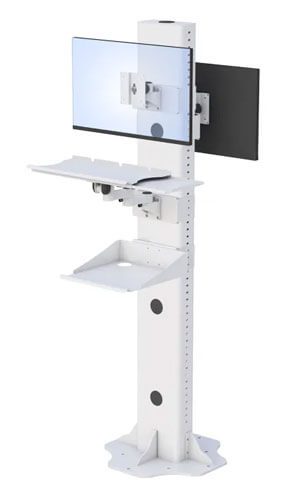
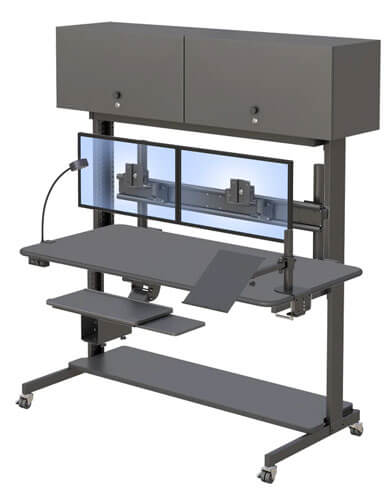
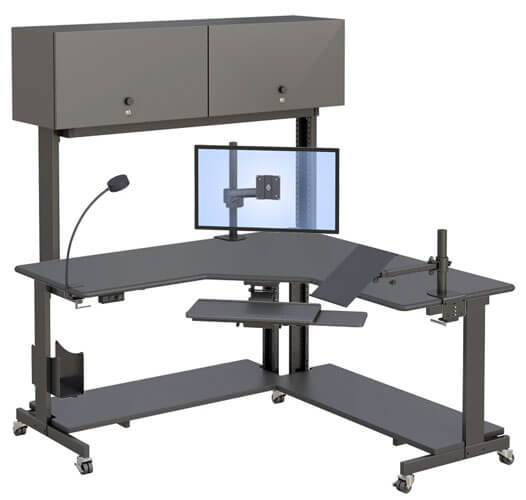
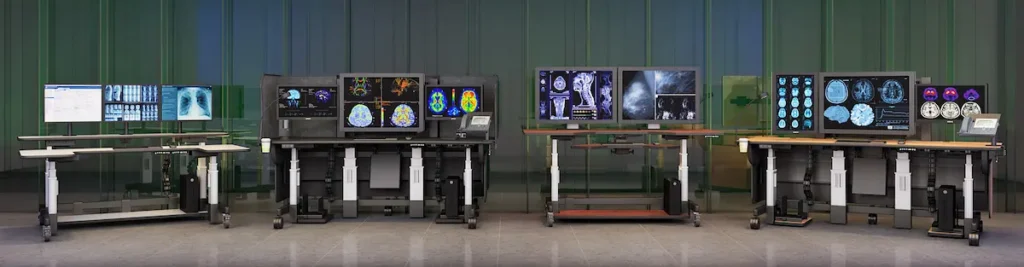
Fixed ergonomic industrial workstations serve control rooms, command centers, and technical facilities where workers monitor multiple screens during long hours. Console designs accommodate extensive equipment while maintaining proper ergonomic positioning.
Specialized seating for 24/7 operations incorporates durable materials and supportive foam that withstands continuous shift rotations. These chairs often feature polished aluminum bases and crafted components designed for years of heavy use.
For quality control stations and inspection areas, adjustable-height benches let workers customize their workspace without compromising functionality. Anti-fatigue mats paired with these workstations further reduce strain on feet and legs.
Implementing Ergonomic Furniture in Industrial Settings
Selecting great furniture means little without proper implementation. Industrial environments present unique challenges that require thoughtful planning.
Assessment and Planning Process
Start by understanding where problems exist:
- Conduct ergonomic risk assessments – Identify workstations where injuries occur or discomfort is reported frequently.
- Analyze current furniture – Document what’s working, what’s failing, and why workers experience pain.
- Define user requirements – Consider body sizes, task types, and space constraints specific to your facility.
- Establish timeline and budget – Determine whether phased implementation suits your business better than complete replacement.
AFC Industries offers comprehensive solutions for organizations navigating this assessment process, providing expertise that helps prioritize high-impact changes.
Selection Criteria Comparison
| Criterion | Standard Options | Ergonomic Solutions |
| Initial Cost | $100-300 | $500-1,500+ |
| Durability | 2-5 years typical | 10+ years common |
| Adjustability | Limited or none | Multiple adjustment points |
| Injury Reduction | No measurable impact | Up to 64% MSD reduction |
| Productivity Impact | Neutral | 15% average improvement |
Note that higher upfront costs typically yield substantial long-term savings through reduced injury claims, lower absenteeism, and sustained productivity gains.
Common Challenges and Practical Solutions
Every organization faces obstacles when implementing ergonomic changes. Here’s how to address the most frequent concerns.
Budget Constraints and Cost Justification
Calculate ROI by factoring injury-related costs. OSHA estimates work-related musculoskeletal disorders cost U.S. businesses $15-20 billion annually. Even modest reductions translate to significant savings for your team.
Phased implementation helps distribute costs. Prioritize highest-risk areas first, then expand as budget allows. This approach demonstrates value before requiring additional investment.
Space Limitations in Existing Facilities
Compact, modular ergonomic solutions exist specifically for tight spaces. Multi-functional furniture—like mobile workstations that serve multiple purposes—maximizes limited floor area.
Consider vertical adjustability over horizontal footprint. Standing desks and adjustable-height industrial workstations transform existing space rather than demanding more.
User Resistance to Change
Employee education matters tremendously. When workers understand why changes benefit their health, resistance typically fades. Training programs showing proper adjustment techniques ensure customers—your employees—actually use ergonomic features correctly.
Gradual transitions with feedback collection let teams adapt naturally. Learning more about implementation approaches helps organizations develop strategies that suit their unique culture.
Conclusion and Next Steps
Ergonomic furniture isn’t a luxury—it’s a strategic investment in workplace health and productivity. Whether you’re outfitting a home office, corporate workspace, or industrial facility, the principles remain consistent: support the body properly, and everything else improves.
Take these immediate steps:
- Conduct an ergonomic assessment of your highest-risk workstations
- Prioritize areas where injuries or complaints occur most frequently
- Research solutions that match your specific environment and budget
- Connect with ergonomic specialists who understand industrial requirements
Related considerations include broader workplace safety programs, employee wellness initiatives, and facility upgrades that complement furniture improvements.
Frequently Asked Questions
What industry-specific requirements should I consider?
Manufacturing environments need durable, easy assembly options that withstand heavy use. Control rooms require console designs supporting multiple monitors. Offices prioritize style alongside functionality. Each sector has distinct requirements worth noting during selection.
How do I maintain ergonomic furniture for maximum lifespan?
Regular inspection of adjustment mechanisms, periodic cleaning of upholstery and mesh materials, and prompt replacement of worn components extend furniture life. Quality ergonomic pieces, when properly maintained, often last 10+ years.
What future trends should I watch?
Smart furniture with sensors providing posture feedback represents the next frontier. AI-driven adjustments and sustainable materials like recycled plastics are gaining recognition. Post-pandemic demand for flexible, mobile industrial workstations has surged 25%, reflecting ongoing changes in how workspaces function.