
Why Modern Radiology Equipment Furniture Matters More Than Ever
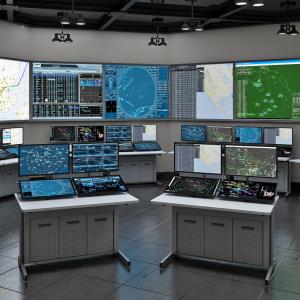
Healthcare imaging environments are evolving rapidly. Between increasing imaging volumes, hybrid reading environments, AI-assisted diagnostics, and remote radiology adoption, today’s radiologists need more than a standard office desk setup.
Modern radiology equipment furniture now plays a major role in workflow efficiency, radiologist wellness, diagnostic accuracy, and long-term productivity. Whether inside a hospital imaging department or a home reading office, the right workstation setup helps support better posture, smoother workflows, and improved concentration during long reading sessions.
As imaging technology advances, radiology workspaces are becoming more ergonomic, adaptable, and technology-driven. Healthcare organizations are increasingly investing in radiology workspace solutions that improve both operational efficiency and user comfort.
Table of Contents
- What Features Matter Most in a Modern Radiology Workstation?
- How Do Adjustable Radiology Desks Improve Workflow Efficiency?
- How Do You Choose the Right Radiology Equipment Furniture?
- Why Are Home Radiology Workstations Growing in Popularity?
- How Is Technology Reshaping Radiology Workspace Design?
- Frequently Asked Questions
What Features Matter Most in a Modern Radiology Workstation?
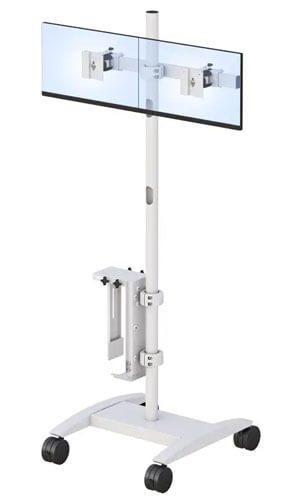
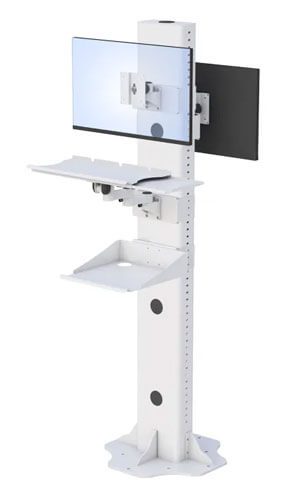
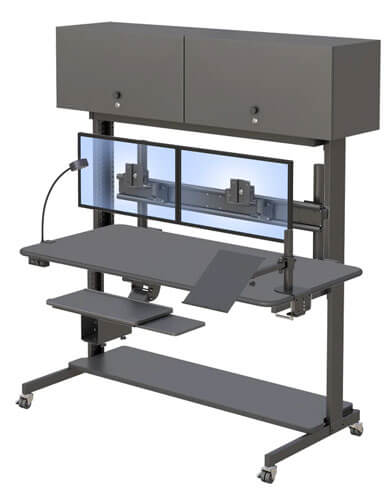
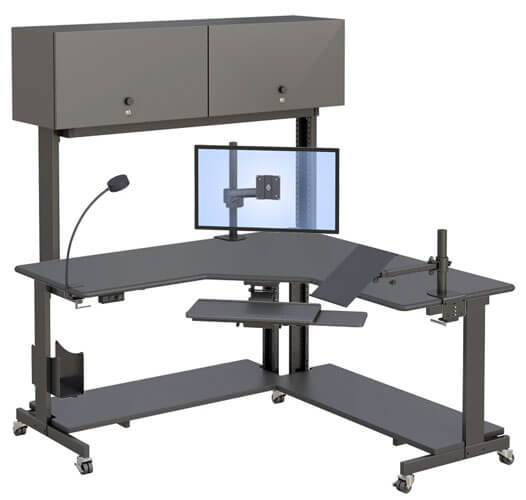
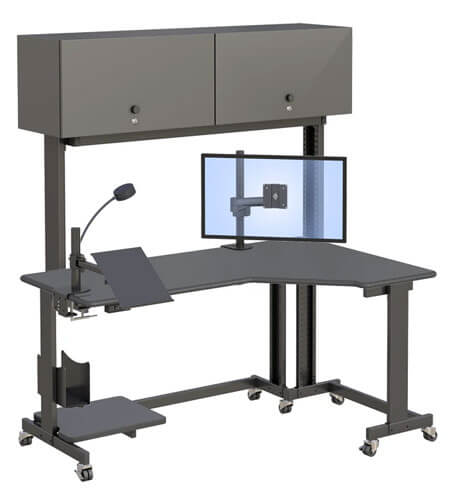
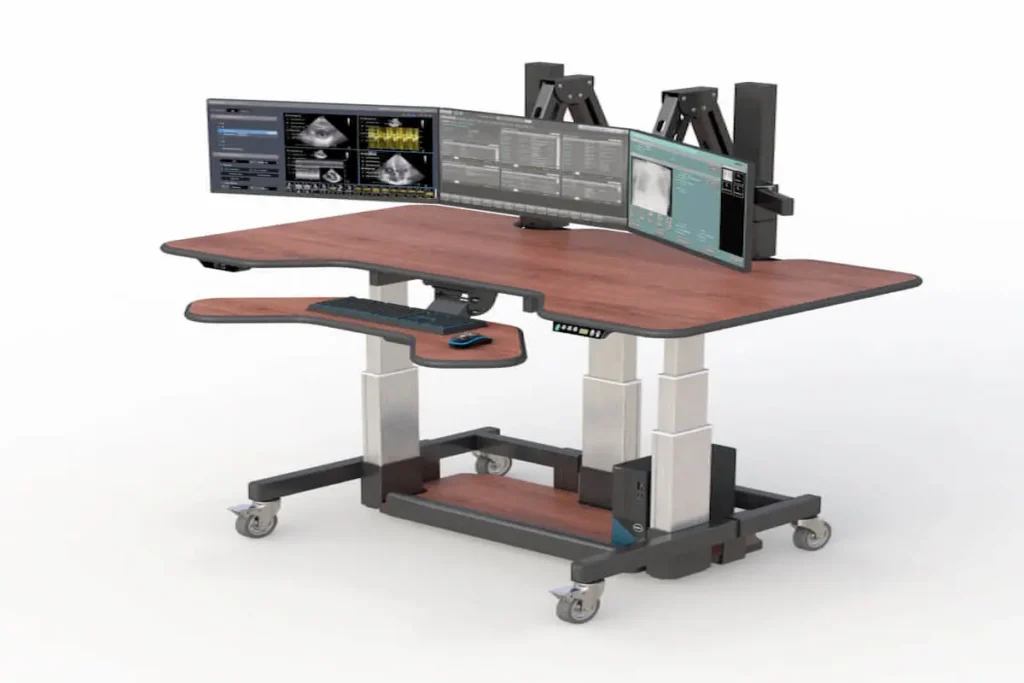
Radiologists spend extended hours reviewing imaging studies across multiple monitors, making workstation design more important than ever. A modern radiology workstation should support ergonomic comfort, monitor flexibility, efficient cable organization, and adaptable workflow configurations.
Poor workstation design can contribute to neck strain, back pain, eye fatigue, and reduced productivity over time. That is why healthcare organizations are prioritizing ergonomic radiology furniture that supports both comfort and operational efficiency.
Modern radiology equipment furniture should include:
- Adjustable workstation configurations
- Multi-monitor support
- Ergonomic monitor positioning
- Cable management systems
- Scalable workspace layouts
- Flexible sitting and standing functionality
These features help imaging professionals maintain focus and reduce physical strain during long diagnostic reading sessions.
Why Does Monitor Placement Matter in Radiology?
Monitor positioning has a direct impact on radiologist comfort and reading efficiency. Improper monitor height or viewing angles can create unnecessary strain on the neck, shoulders, and eyes.
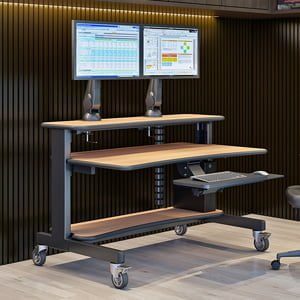
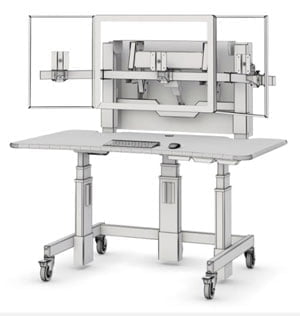
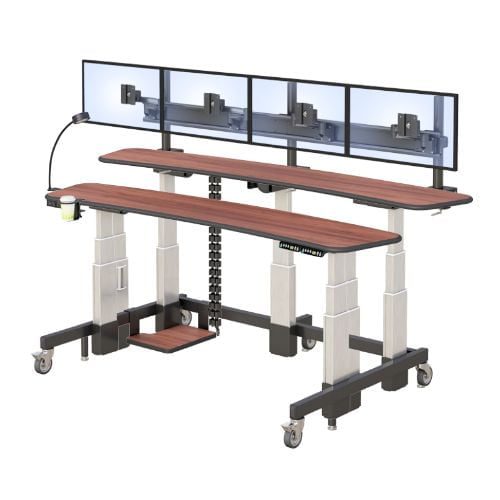
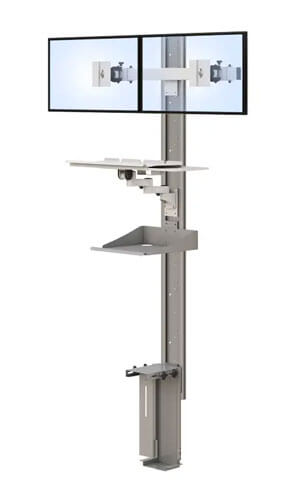
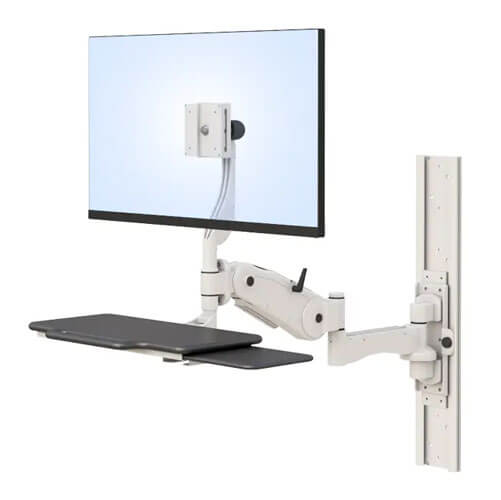
Radiology environments typically rely on multiple high-resolution displays for PACS imaging, reporting software, and communication platforms. Adjustable monitor arms help radiologists customize monitor positioning based on workflow preferences and ergonomic needs.
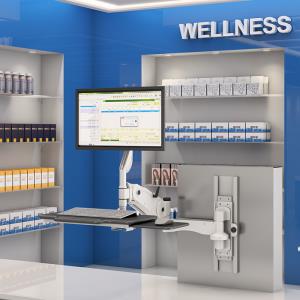
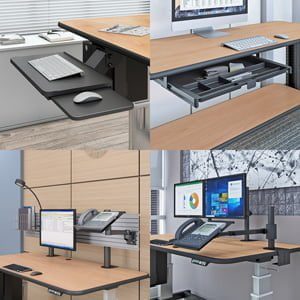
Solutions like ergonomic monitor mounts allow imaging teams to create more flexible and comfortable workstation setups while improving viewing accessibility.
Industry workstation setup recommendations also continue emphasizing the importance of ergonomic monitor positioning in reducing workplace fatigue and improving long-term productivity.
How Do Adjustable Radiology Desks Improve Workflow Efficiency?
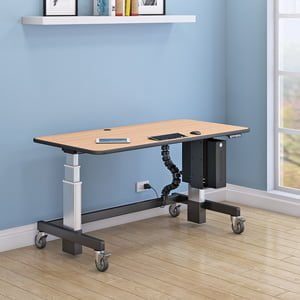
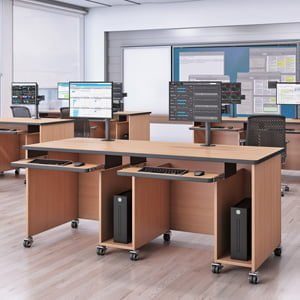
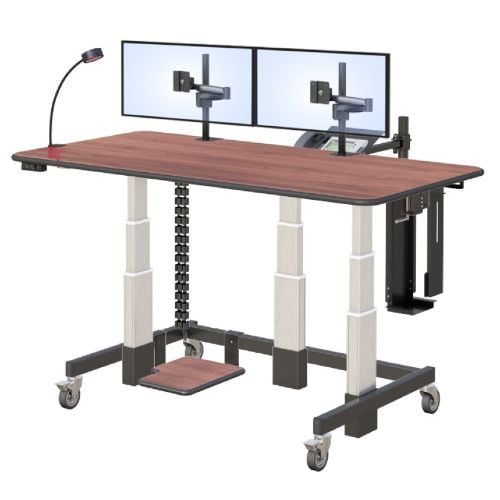
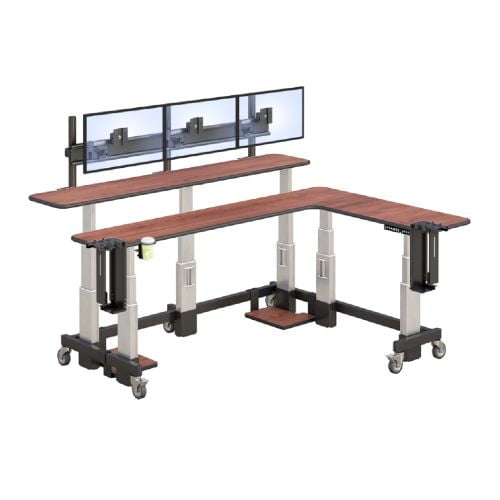
Traditional fixed-height desks often limit flexibility in imaging environments. Adjustable radiology desks allow users to alternate between sitting and standing positions throughout the workday, helping improve circulation and reduce fatigue.
As radiology professionals increasingly work in hybrid or remote environments, flexible workstation configurations have become a growing priority for healthcare organizations.
Modern standing workstation solutions(https://afcindustries.com/standing-desk/) and adjustable radiology desks(https://afcindustries.com/desk-table/) support:
- Better ergonomic positioning
- Greater workflow adaptability
- Reduced physical discomfort
- Improved long-term comfort
- More dynamic reading environments
Adjustable workstations also help future-proof imaging departments by allowing healthcare teams to adapt workspace configurations as technology and workflow demands evolve.
Why Is Cable Management Important in Imaging Environments?
Radiology workstations often include multiple monitors, imaging systems, dictation tools, and connected hardware. Without proper cable organization, workspaces can quickly become cluttered and difficult to manage.
Integrated cable management systems help:
- Reduce workstation clutter
- Improve workspace organization
- Support easier equipment access
- Enhance workplace safety
- Create a cleaner professional environment
An organized workstation not only improves operational efficiency but also contributes to a more focused and productive imaging experience.
How Do You Choose the Right Radiology Equipment Furniture?
The best radiology workstation depends on the specific needs of the imaging environment. Hospitals, outpatient imaging centers, telehealth providers, and home radiology offices all require different workstation configurations.
Choosing the right radiology furniture involves evaluating:
- Available workspace
- Monitor requirements
- Workflow demands
- Mobility needs
- Long-term scalability
- User comfort preferences
Rather than focusing only on desk size or aesthetics, healthcare organizations should prioritize how the workstation supports daily workflow efficiency and ergonomic comfort.
What’s the Difference Between Clinical and Home Radiology Workstations?
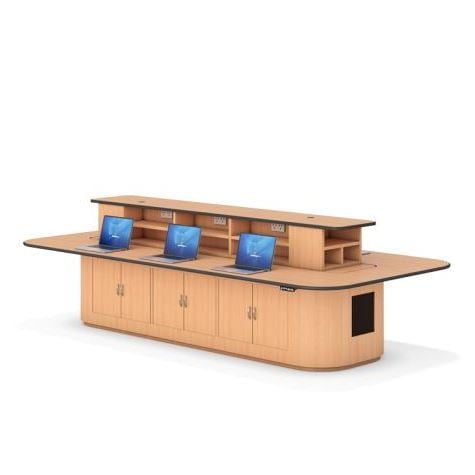
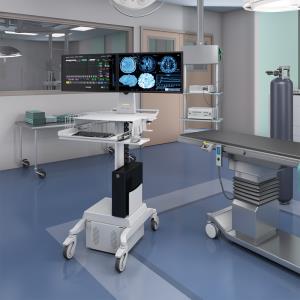
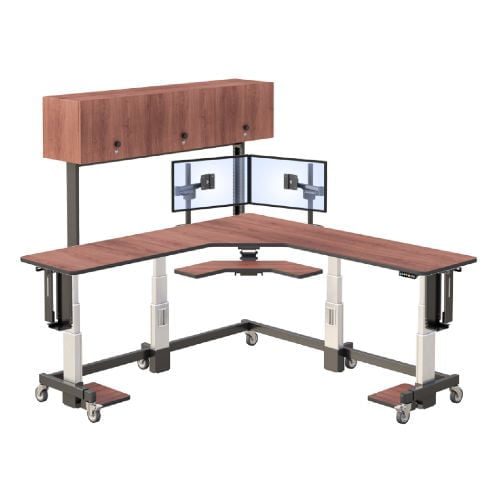
Clinical imaging environments often require collaborative workstations with advanced monitor arrays and larger workspace footprints. Home radiology workstations, however, are typically designed for flexibility and compact ergonomic functionality.
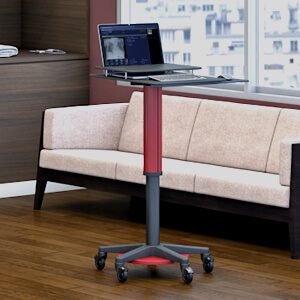
As remote diagnostics continue growing, more radiologists are investing in radiology home workstation solutionsthat support professional-grade imaging workflows within residential office environments.
A properly designed home radiology workstation should still provide:
- Ergonomic monitor positioning
- Adjustable desk functionality
- Multi-monitor support
- Comfortable seating arrangements
- Efficient workflow organization
Remote imaging professionals are increasingly prioritizing comfort and wellness as part of long-term productivity strategies.
Should Healthcare Teams Invest in Custom Workstations?
Custom workstation solutions can help healthcare organizations address specialized workflow challenges that standard office furniture cannot support.
Imaging centers and hospitals often require custom workstation configurations for:
- Specialized imaging workflows
- Collaborative diagnostic environments
- Telehealth integration
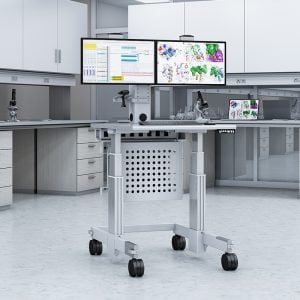
- Mobile imaging support
- Scalable technology upgrades
Organizations exploring advanced imaging workspace solutions often utilize custom healthcare workstations, telemedicine equipment solutions, and medical carts for imaging teams to support evolving operational needs.
Custom radiology furniture also helps organizations future-proof their workspace investments as healthcare technology continues advancing.
Why Are Home Radiology Workstations Growing in Popularity?
The shift toward remote diagnostics and hybrid healthcare delivery has significantly increased demand for home radiology workstation setups.
Modern radiologists increasingly work outside traditional hospital reading rooms, making ergonomic home office design essential for productivity and long-term wellness.
Unlike standard home office furniture, radiology home workstations must support:
- Extended imaging sessions
- Diagnostic accuracy
- Multiple monitors
- Advanced imaging software
- Comfortable long-duration use
As burnout prevention becomes a larger industry focus, ergonomic workstation design is becoming an important part of radiologist wellness initiatives.
Healthcare organizations are also recognizing that flexible remote work environments can improve recruitment, retention, and operational adaptability.
How Is Technology Reshaping Radiology Workspace Design?
Technology is rapidly changing how imaging professionals work. AI-assisted diagnostics, cloud-based PACS systems, hybrid workflows, and remote collaboration tools are all influencing modern workstation design.
Today’s radiology workstations must support:
- AI-enabled workflow integration
- Flexible monitor configurations
- Remote collaboration
- Cloud-based imaging access
- Future technology scalability
Healthcare organizations are moving away from static office setups and investing in adaptable ergonomic workspaces designed for long-term flexibility.
Companies like AFC Industries continue helping healthcare facilities create scalable imaging environments that align with modern diagnostic workflow demands.
Healthcare professionals can also explore additional workspace optimization resources through the AFC Industries blog.
Frequently Asked Questions
What is radiology equipment furniture?
Radiology equipment furniture includes ergonomic desks, monitor mounts, workstation systems, and imaging-focused workspace solutions designed for radiologists and healthcare imaging environments.
What makes a good radiology workstation?
A good radiology workstation supports ergonomic comfort, workflow efficiency, multi-monitor configurations, and long-term productivity during diagnostic imaging tasks.
Are standing desks good for radiologists?
Yes. Adjustable standing desks help reduce fatigue and improve comfort by allowing radiologists to alternate between sitting and standing positions during long reading sessions.
How many monitors should a radiology workstation support?
The ideal number depends on workflow needs, but many imaging environments use two to six monitors for PACS imaging, reporting software, and communication platforms.
Why is ergonomic furniture important in radiology?
Radiologists often spend extended hours reviewing diagnostic images. Ergonomic furniture helps reduce physical strain, improve posture, and support long-term comfort and efficiency.
How Do Workstation Accessories Improve Productivity and Comfort?
Workstation accessories improve productivity and comfort by optimizing ergonomics, organization, and accessibility.
Many workspaces look functional at first glance, but over time, small inefficiencies start to add up. Poor monitor positioning, tangled cables, and lack of proper support can lead to discomfort and slower workflows. The right accessories solve these problems by creating a more organized and ergonomic environment, helping users stay focused and efficient throughout the day.
What Workstation Accessories Do You Actually Need?
Which Accessories Make the Biggest Impact on Daily Work?
The most impactful workstation accessories are those that improve ergonomics, reduce clutter, and enhance accessibility.
Not every accessory is necessary, and adding too many can create more complexity than value. Instead, focusing on high-impact solutions ensures that your workspace remains efficient and easy to manage. Choosing the right combination of accessories can transform a basic workstation into a highly functional and comfortable setup.
1. Monitor Arms and Mounts
Monitor arms help position screens at the correct height and angle, reducing neck and eye strain.
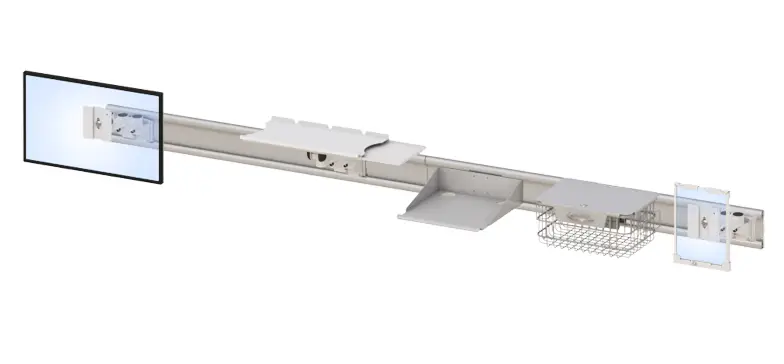
They are essential for maintaining proper posture and improving visibility, especially in multi-screen setups. Solutions like ergonomic mounts provide flexibility and precision for better screen positioning.
2. Cable Management Accessories
Cable management solutions keep wires organized and prevent clutter.
A clean workspace not only looks better but also improves efficiency by making it easier to access and maintain equipment. Organized cables reduce distractions and create a safer working environment.
3. CPU Holders and Mounting Solutions
CPU holders free up desk space and improve airflow around your equipment.
By mounting CPUs off the floor or desk, users can create more room for work while also protecting equipment from dust and damage.
4. Keyboard Trays and Ergonomic Add-ons
Keyboard trays and ergonomic accessories support proper wrist positioning and reduce strain.
These solutions are especially important for users who spend long hours typing, as they help prevent discomfort and repetitive stress injuries.
5. Storage and Utility Accessories
Storage accessories help keep essential tools and supplies organized and within reach.
An organized workspace reduces time spent searching for items and improves overall productivity.
6. Integrated Workstation Add-ons
Integrated add-ons combine multiple accessories into one cohesive system.
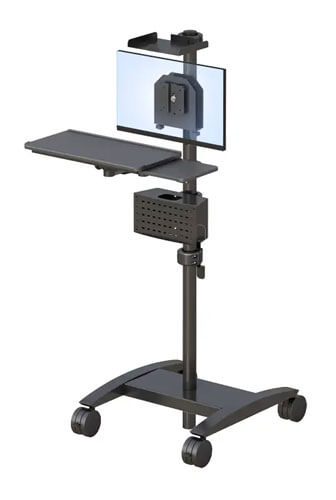
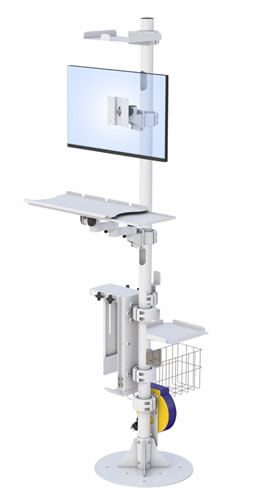
Pairing solutions like computer carts and medical carts allows users to create a fully functional and mobile workstation.
How Do You Choose the Right Workstation Accessories?
What Factors Should You Consider Before Buying Accessories?
Choosing the right workstation accessories requires evaluating compatibility, ergonomics, workspace layout, and workflow needs.
Start by assessing your current setup and identifying pain points. Consider the size of your desk, the number of devices you use, and how you interact with your workspace daily. Selecting accessories that align with these factors ensures that your setup remains efficient and easy to use.
How Do Accessories Work Together as a System?
Workstation accessories are most effective when they function as a connected system rather than individual add-ons.
For example, combining monitor mounts with cable management solutions creates a cleaner and more organized workspace. Thinking in terms of bundles or “frequently used together” setups helps ensure compatibility and maximizes the benefits of each component. Exploring custom products can further enhance integration and performance.
How Do Workstation Accessories Improve Efficiency and ROI?
Workstation accessories improve efficiency by reducing physical strain, improving organization, and streamlining workflows.
When users are comfortable and have easy access to tools, they can complete tasks more quickly and accurately. This leads to improved productivity and fewer interruptions. Over time, these benefits translate into a stronger return on investment.
Where Are Workstation Accessories Most Valuable?
What Real-World Use Cases Show Their Importance?
Workstation accessories are valuable across offices, healthcare environments, IT operations, and industrial workspaces.
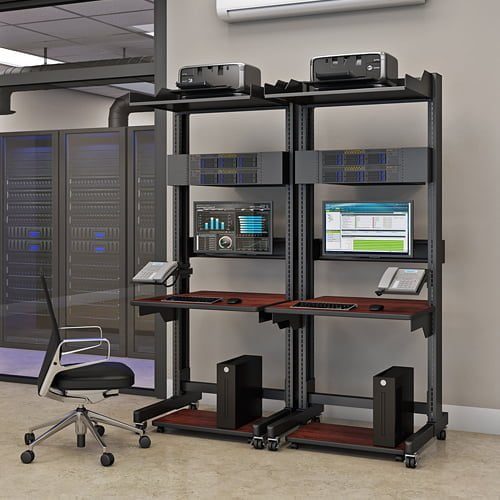
In offices, they improve organization and comfort. In healthcare, they support efficient workflows and hygiene standards. In IT environments, they help manage equipment and cables. Their versatility makes them essential in any workspace where productivity and efficiency are priorities.
How Do Accessories Support Scalable Workspaces?
Workstation accessories support scalability by allowing setups to adapt to changing needs.
As teams grow or workflows evolve, accessories can be added or reconfigured without replacing the entire workstation. This flexibility makes it easier to scale operations and maintain efficiency over time.
Conclusion: Building a Smarter Workspace with the Right Accessories
Workstation accessories are more than just add-ons—they are essential tools for improving comfort, organization, and productivity. The right combination of accessories creates a workspace that supports both efficiency and long-term performance.
If you’re ready to upgrade your setup, explore workstation accessories or connect through the contact page to find the right solution for your needs.