
Why Modern Radiology Equipment Lists Look Very Different Today
Radiology departments are evolving rapidly as healthcare systems adopt AI-assisted diagnostics, hybrid reading environments, cloud-based imaging workflows, and remote radiology operations. Today’s imaging professionals need more than scanners and monitors alone. They need workstation environments designed to support diagnostic accuracy, workflow efficiency, radiologist wellness, and long-term operational flexibility.
Modern radiology equipment lists planning now includes ergonomic workstation systems, multi-monitor configurations, PACS workflow integration, standing desk flexibility, and scalable imaging environments that support both in-office and remote diagnostic workflows.
Healthcare facilities are increasingly investing in radiology workspace solutions that improve productivity while helping radiologists work more comfortably during long imaging sessions. As imaging technology continues advancing, radiology equipment lists now focus just as heavily on workflow optimization and ergonomic performance as they do on imaging hardware itself.
Table of Contents
- What Equipment Is Essential in a Modern Radiology Department?
- How Can Better Radiology Workstations Improve Workflow and Comfort?
- What Should Imaging Centers Look for When Choosing Radiology Equipment?
- How Is AI Changing Modern Radiology Equipment Planning?
- Frequently Asked Questions
What Equipment Is Essential in a Modern Radiology Department?
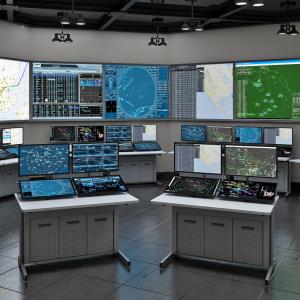
Modern radiology departments depend on much more than imaging machines alone. Today’s imaging environments require workstation systems designed around efficiency, visibility, ergonomic comfort, and workflow organization.
A complete radiology equipment list often includes:
- PACS workstation systems
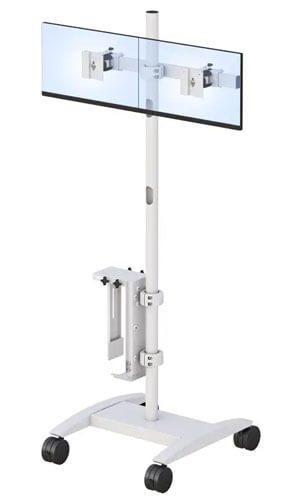
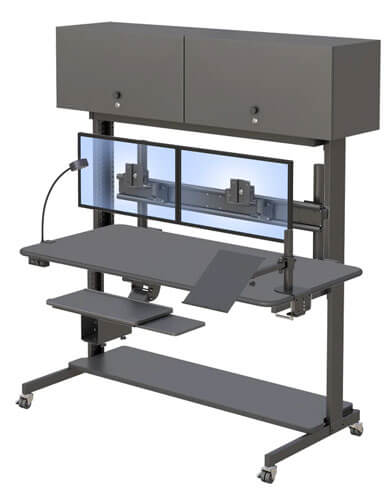
- Multi-monitor imaging displays
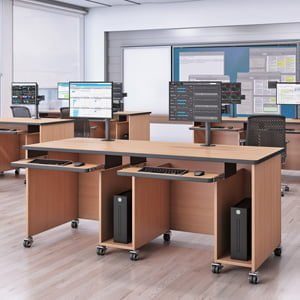
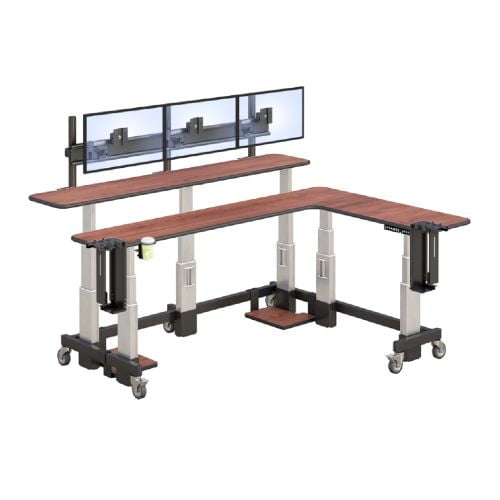
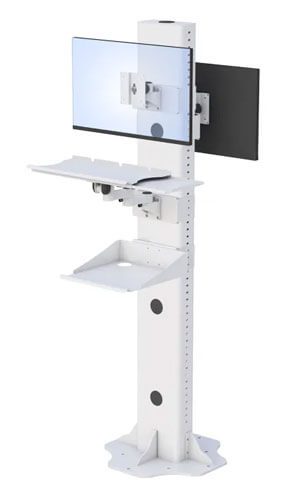
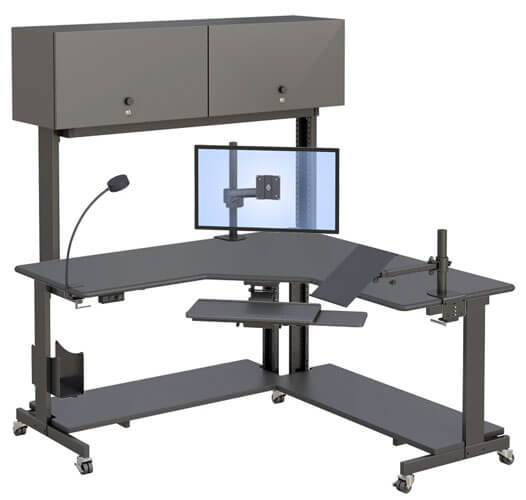
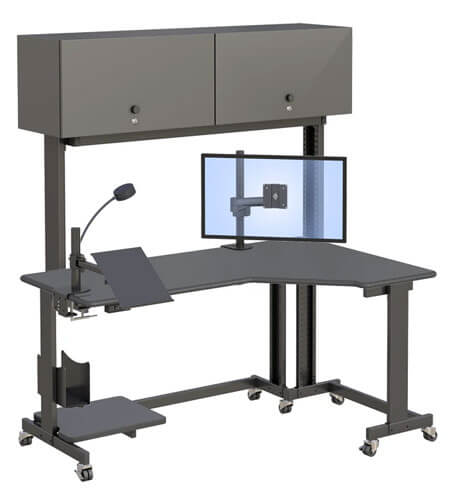
- Ergonomic workstation desks
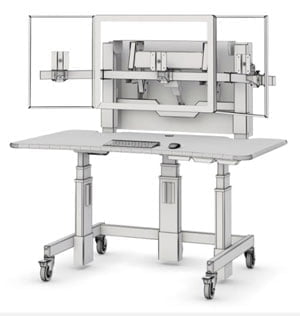
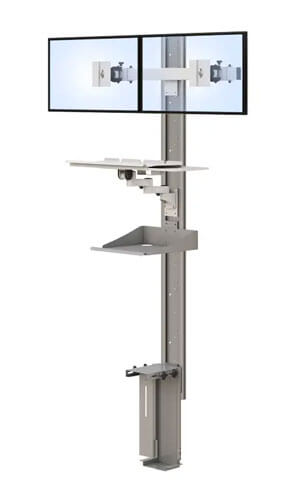
- Adjustable monitor mounts
- Dictation and communication systems
- Workflow accessories
- Cable management solutions
- Remote radiology workstation setups
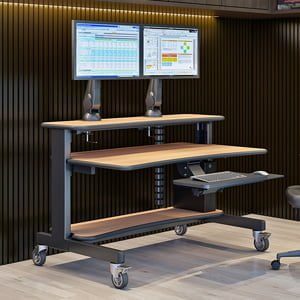
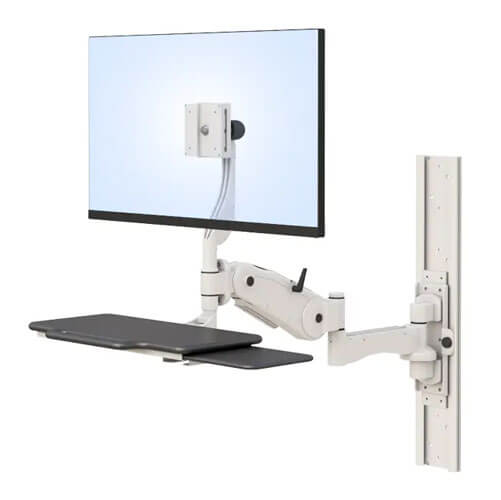
Healthcare organizations are increasingly implementing ergonomic monitor mounts that allow radiologists to customize monitor positioning for better visibility and reduced physical strain during long diagnostic sessions.
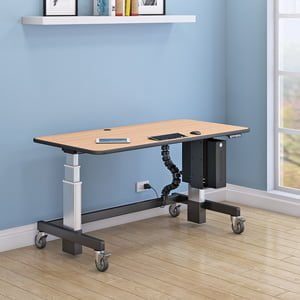
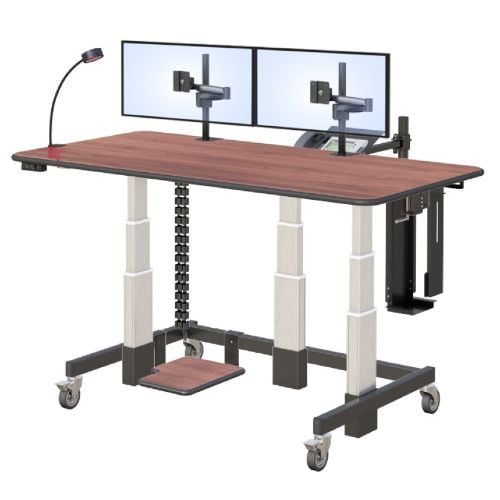
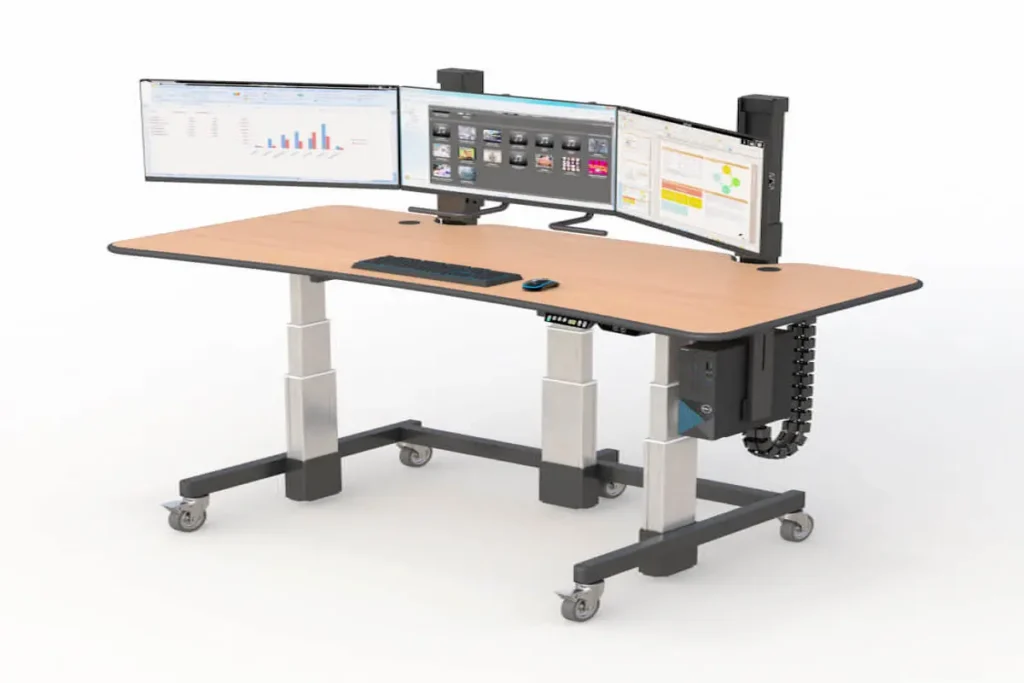
Many imaging centers are also investing in standing workstation solutions and adjustable radiology desks that help support healthier movement and workstation flexibility throughout the workday.
Modern radiology environments now prioritize workstation adaptability just as much as imaging performance.
Why Are Multi-Monitor Workstations So Important in Radiology?
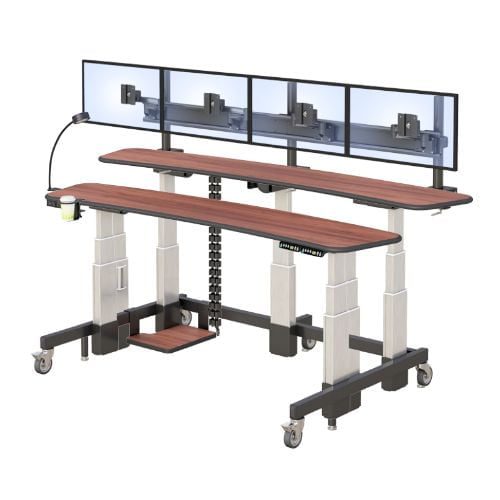
Radiologists frequently work across multiple high-resolution displays simultaneously for PACS imaging, reporting systems, and communication tools. Poor monitor positioning can contribute to workflow inefficiencies, neck strain, and eye fatigue over time.
Optimized multi-monitor workstation layouts help:
- Improve image visibility
- Reduce repetitive movement
- Improve workflow navigation
- Support diagnostic focus
- Minimize posture-related discomfort
Flexible workstation systems allow radiologists to personalize monitor positioning based on individual workflow preferences and comfort needs.
What Accessories Help Improve Radiology Workflow Efficiency?
Small workstation improvements often make a significant difference in imaging workflow performance. Accessories that support organization and ergonomic flexibility help reduce distractions while improving workspace functionality.
Common workflow-enhancing accessories include:
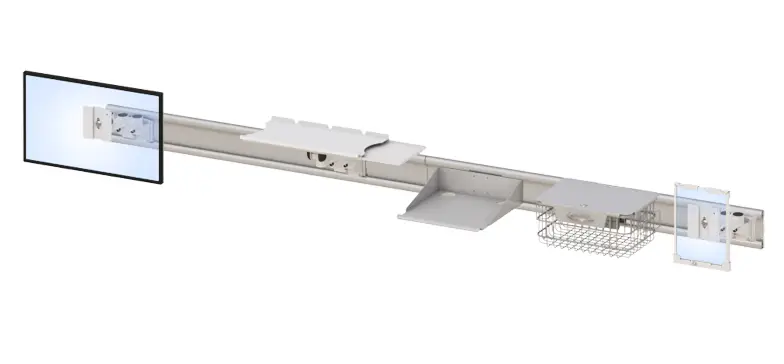
- Adjustable monitor arms
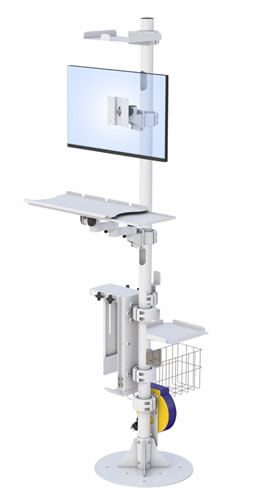
- Cable management systems
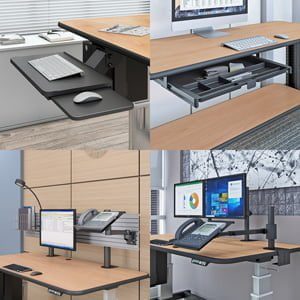
- Ergonomic keyboard positioning
- Workspace lighting optimization
- Flexible workstation attachments
Well-organized workstation environments often contribute to more focused and productive diagnostic reading sessions.
How Can Better Radiology Workstations Improve Workflow and Comfort?
Radiologists often spend long periods reviewing highly detailed diagnostic scans with minimal movement throughout the day. Poor workstation ergonomics can contribute to fatigue, posture discomfort, eye strain, and reduced concentration during extended reading sessions.
Modern radiology workstations now prioritize:
- Ergonomic monitor positioning
- Flexible workstation layouts
- Standing workstation adaptability
- Better workflow organization
- Long-term comfort and usability
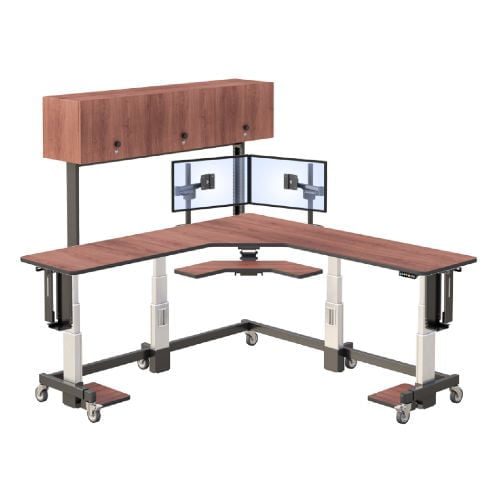
Healthcare facilities are increasingly exploring custom healthcare workstations that can be configured around department-specific workflow requirements and imaging environments.
These personalized workstation systems help support:
- Better reading efficiency
- Reduced physical strain
- Improved workspace organization
- More adaptable workflow environments
- Greater long-term productivity
Why Are Standing Workstations Becoming More Common in Radiology?
Traditional fixed-height desks can limit movement during long imaging sessions. Adjustable standing workstation systems allow radiologists to alternate between sitting and standing positions throughout the day, which may help reduce fatigue and discomfort.
Modern standing workstation environments increasingly support:
- Better posture flexibility
- Reduced prolonged sitting
- Improved movement throughout shifts
- More adaptable workstation configurations
Healthcare organizations are increasingly recognizing workstation ergonomics as part of larger radiologist wellness and burnout prevention strategies.
How Does Workspace Organization Affect Productivity?
Radiology workstations often involve multiple monitors, imaging systems, dictation hardware, and connected devices. Without organized workstation layouts, workspaces can quickly become cluttered and distracting.
Integrated cable management and organized workstation systems help:
- Improve workflow clarity
- Reduce visual distractions
- Improve equipment accessibility
- Support cleaner imaging environments
- Improve operational efficiency
Well-organized workstations often contribute to smoother and more sustainable imaging workflows.
What Should Imaging Centers Look for When Choosing Radiology Equipment?
Choosing radiology equipment today involves much more than selecting imaging hardware alone. Imaging departments now need workstation systems capable of supporting hybrid workflows, AI-assisted diagnostics, and future technology scalability.
Modern radiology workstation environments should prioritize:
- Multi-monitor compatibility
- Ergonomic workstation flexibility
- Workflow adaptability
- Future technology scalability
- Long-term radiologist comfort
As remote diagnostics continue growing, many healthcare organizations are also investing in radiology home workstation solutions that support professional-grade imaging environments outside traditional hospital reading rooms.
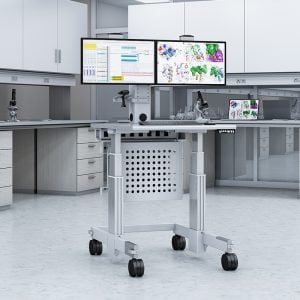
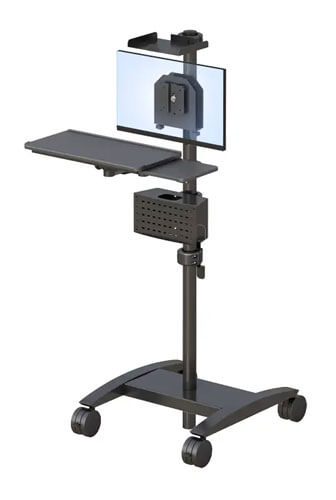
Healthcare teams managing evolving imaging workflows may also integrate medical carts for imaging teams and telemedicine equipment solutions to improve workflow flexibility across departments.
Scalable workstation systems help imaging centers remain adaptable as healthcare technology and workflow demands continue evolving.
How Is AI Changing Modern Radiology Equipment Lists Planning?
AI-assisted diagnostics and cloud-based imaging technologies are reshaping how radiologists interact with imaging workflows. Modern radiology environments now support more collaborative tools, digital systems, and imaging platforms than ever before.
Today’s radiology equipment planning increasingly focuses on:
- AI-assisted workflow integration
- Flexible workstation systems
- Cloud-based imaging environments
- Remote collaboration support
- Scalable technology infrastructure
Healthcare organizations are moving toward ergonomic workstation environments designed to evolve alongside rapidly changing healthcare technology.
Companies like AFC Industries continue helping healthcare organizations create scalable imaging environments designed for modern diagnostic workflows.
Healthcare professionals can also explore additional imaging workspace insights through the AFC Industries blog.
Frequently Asked Questions
What is included in a radiology equipment lists?
A radiology equipment lists may include PACS workstations, monitors, ergonomic desks, imaging software systems, dictation tools, and workflow accessories.
What is a PACS workstation?
A PACS workstation is a specialized imaging setup radiologists use to access, organize, and interpret medical imaging studies.
Why are ergonomic workstations important in radiology?
Ergonomic workstations help reduce physical strain, improve comfort, and support long diagnostic reading sessions through better workstation positioning and flexibility.
What makes a good radiology workstation?
A good radiology workstation supports ergonomic comfort, workflow organization, multi-monitor flexibility, and long-term productivity.
AEO-Optimized Structured Data